

Deploying with Docker Compose
A typical Docker Compose file encapsulates all container configuration details. Imagine a scenario with multiple servers: using Docker run or Docker Compose manages containers on a single host by default. While you can replicate the Compose file on each server, this method only launches independent instances of your application. There is no inherent coordination among the different server deployments.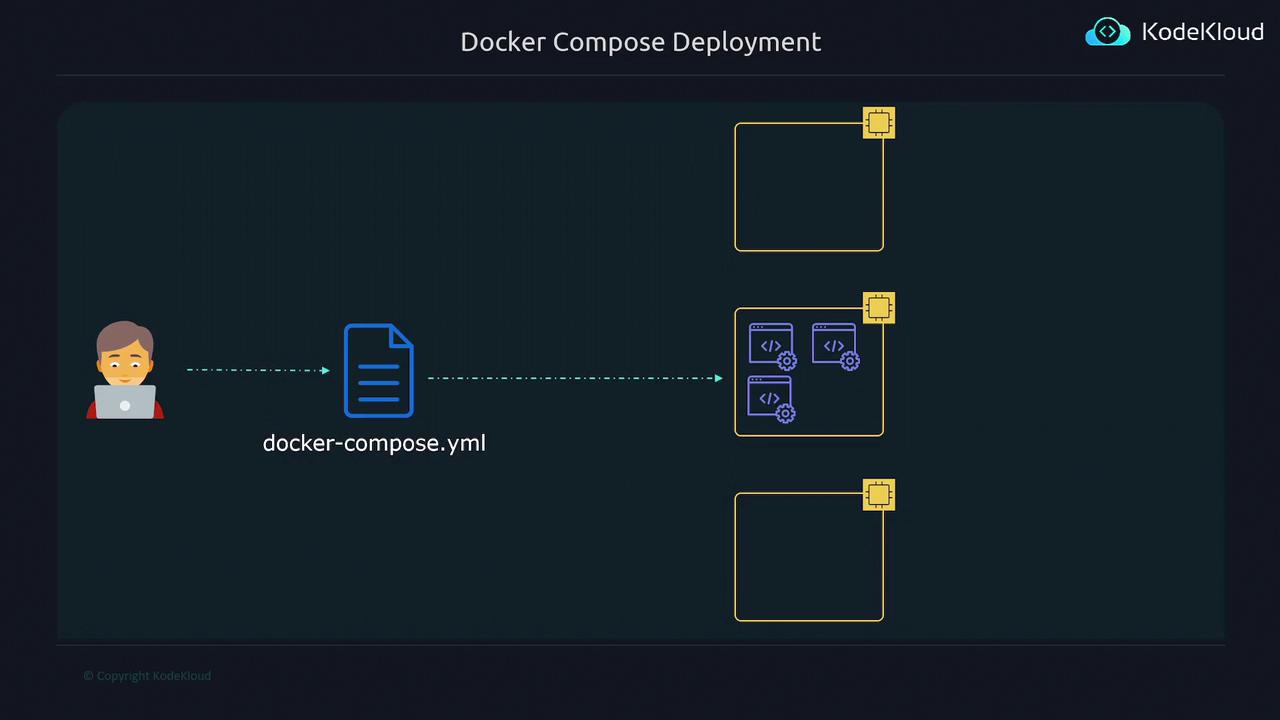
Docker Compose is excellent for local development and single-host deployments but lacks cross-host orchestration capabilities.
Scaling Challenges and Continuous Updates
Scaling your application to handle increased traffic in a Docker Compose environment is not seamless. You may need to manually scale up or down, and orchestrated scaling is not automated. Moreover, rolling out updates without causing downtime or disrupting end-user traffic remains a significant challenge with non-orchestrated environments.Traditional Orchestrators
Traditional container orchestrators such as Kubernetes, Hashicorp Nomad, and Apache Mesos offer robust solutions to these challenges. They provide intelligent scaling, coordinated deployments, and smooth updates. However, these solutions can be complex to set up and maintain, especially for users who need a simpler, streamlined approach.AWS Elastic Container Service (ECS)
AWS introduced Elastic Container Service (ECS) as a simpler alternative. ECS offers an intuitive graphical interface for specifying application configurations, while AWS manages deployment, scaling, and overall container management behind the scenes.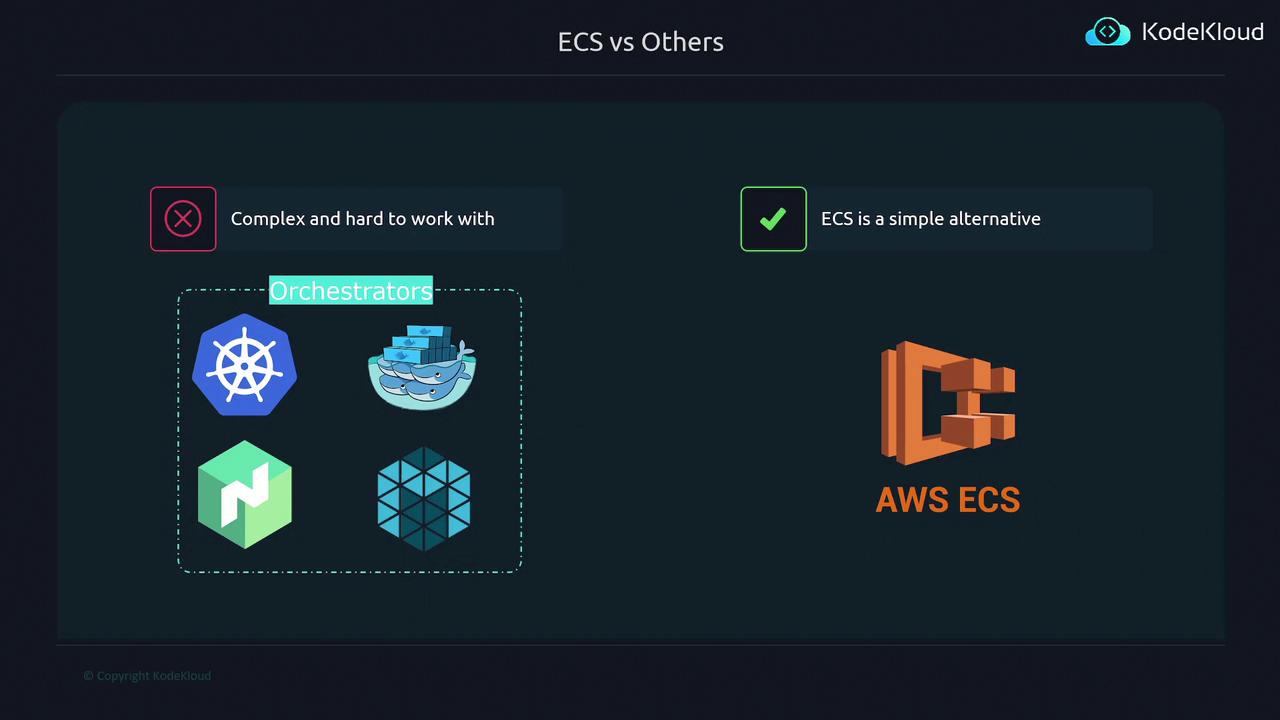
ECS simplifies container orchestration by abstracting the heavy lifting of deployment, scaling, and management. This makes it an ideal choice for users looking to avoid the complexities of traditional orchestrators.