

Pandas is the go-to library for tabular data processing (CSV, Excel, etc.). Use it to read, validate, and write CSV files in ingestion pipelines. See the official docs: https://pandas.pydata.org/.
products and customers. You drop these into a Jupyter project and build a simple, robust ingestion pipeline.
The orders file contains these fields: order_id, customer_id, product_id, quantity, and order_date. The customer_id and product_id keys link across files, so when RoastFlow (our example company) updates a product price, they update the products table once and references remain consistent.
Pipeline design principles:
- Idempotency — prevent double-ingestion.
- Schema awareness — validate the presence and expected order of columns.
- Observability — log what was ingested and when.
- Import libraries and configure paths.
- Create project folders (
data,archive,insights,logs). - Locate the latest orders file in the
datafolder. - Check the ingest log to avoid duplicates (idempotency).
- Load and validate the schema.
- Save a processed copy into
insightspartitioned by month. - Archive the raw file.
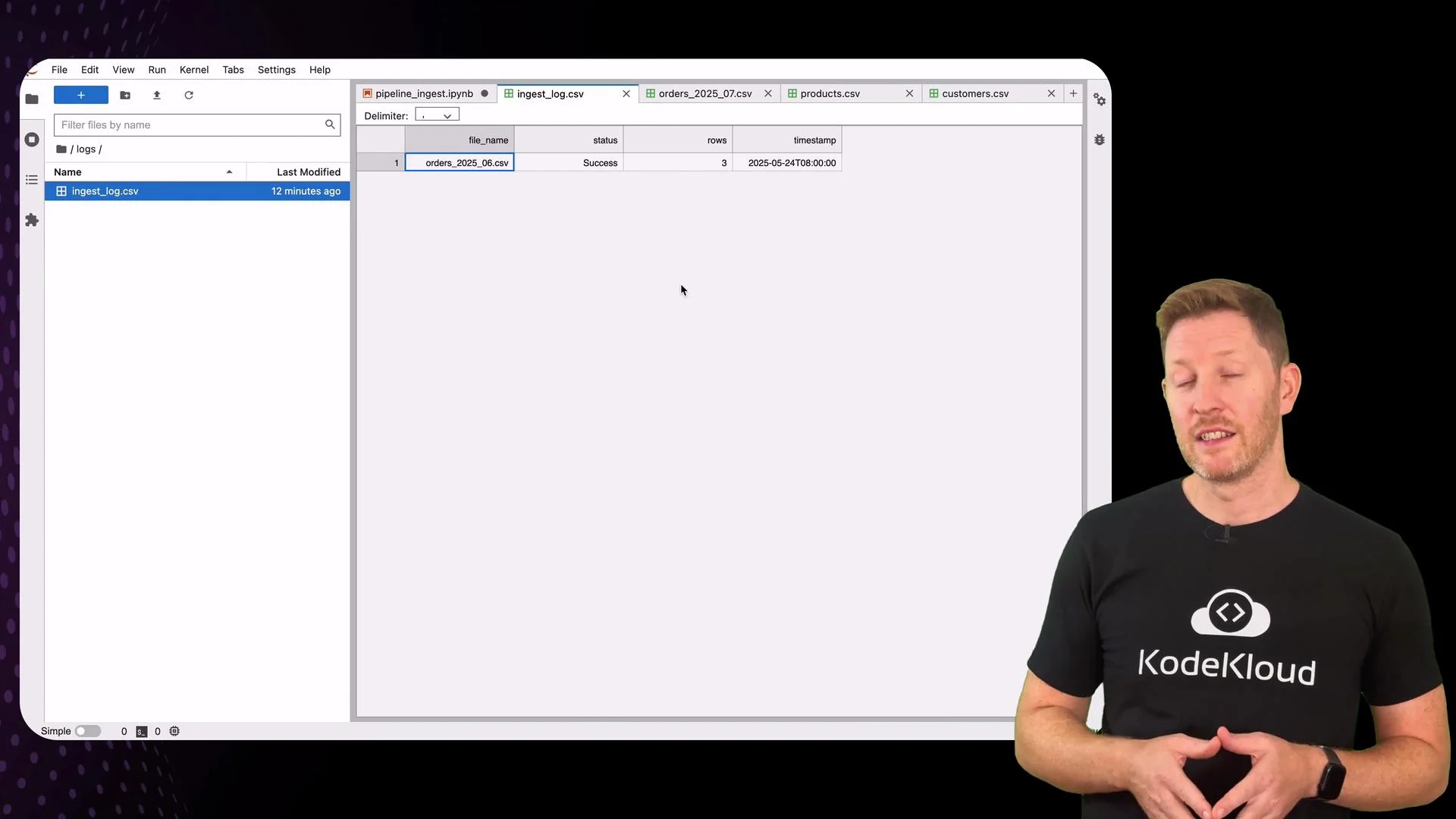
- Append an entry to the ingest log (observability).
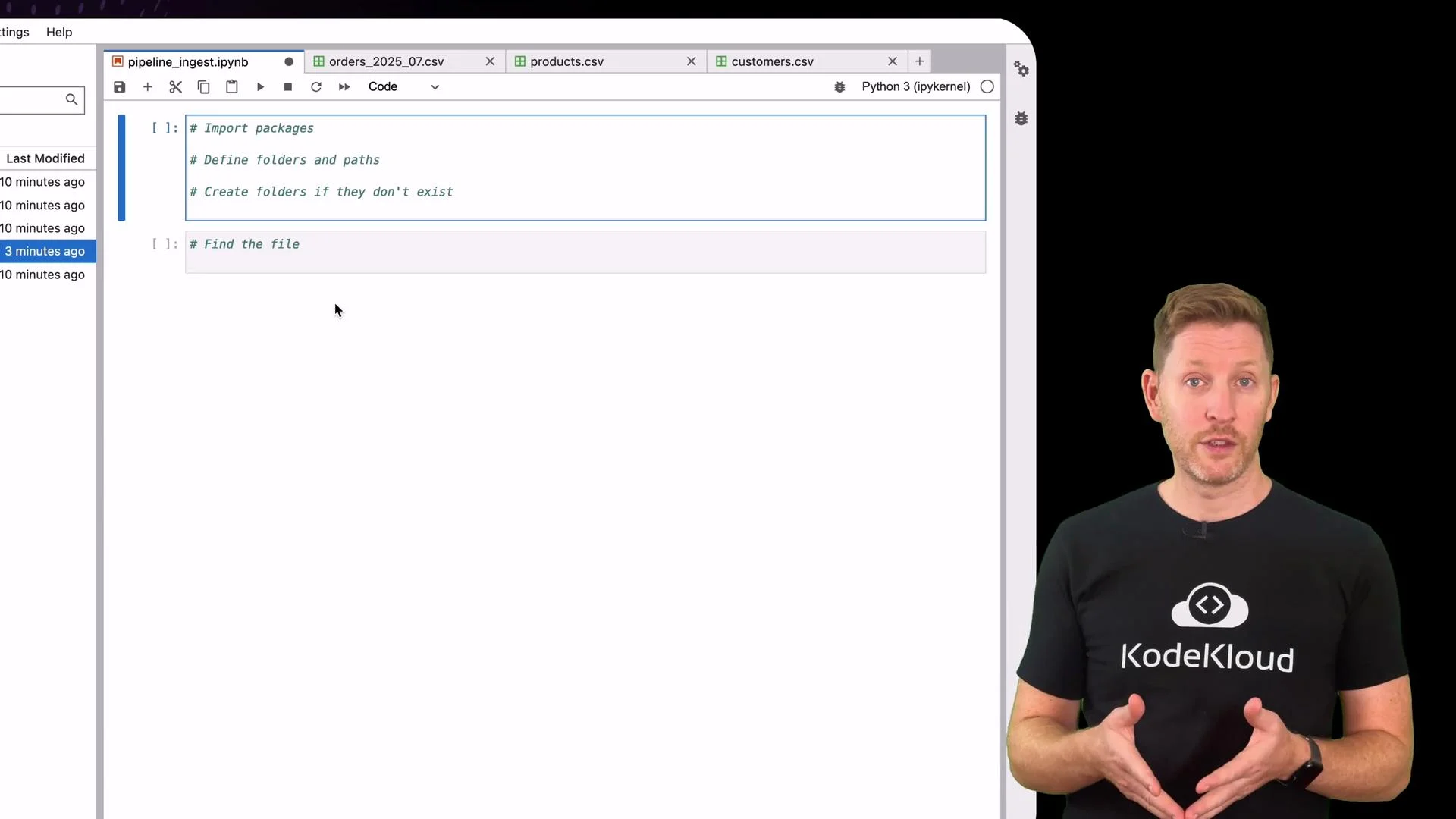
1) Imports, configuration, and folder setup
2) Locate the orders file
This example looks for any filename indata/ containing the substring orders.
3) Idempotency check — consult the ingest log
Before proceeding, confirm the file hasn’t been processed already by checkinglogs/ingest_log.csv.
4) Load and validate schema
This pipeline requires a specific column order to detect accidental format changes early.5) Partition, save, archive, and log
If the schema validation passes, save a processed copy partitioned by month, move the raw file toarchive/, and append an entry to the ingest log for observability.
insights/contains the processed file partitioned by month (e.g.,insights/2023_07/orders.csv).archive/contains the original raw file.logs/ingest_log.csvrecordsfile_name,status,rows, andtimestamp.
Try a schema failure simulation
To demonstrate the schema checks, temporarily removecustomer_id from expected_cols and rerun the schema-check section. The pipeline will report what’s missing and prevent ingestion — giving you a chance to fix the source file before the data is promoted.
Altering
expected_cols simulates schema drift. In a production pipeline, implement more granular validation (types, null checks, referential integrity) and automated alerts rather than manual schema edits.Why this pattern works
This simple ingestion pipeline enforces three core guarantees:- Idempotency: the ingest log prevents duplicate ingestion runs.
- Schema awareness: explicit column checks catch accidental format drift early.
- Observability: each run is recorded with status, row count, and timestamp.
- Row-level checks (nulls, data types).
- Referential checks against
customersandproducts. - Duplicate detection and deduplication strategies.
- Error handling and retry logic.
- Metrics export to monitoring systems.
Quick reference table
Links and references
- Pandas documentation
- Jupyter Project
- For production ingestion patterns and best practices, consult blog posts and docs on data pipelines, schema registries, and observability tooling.