

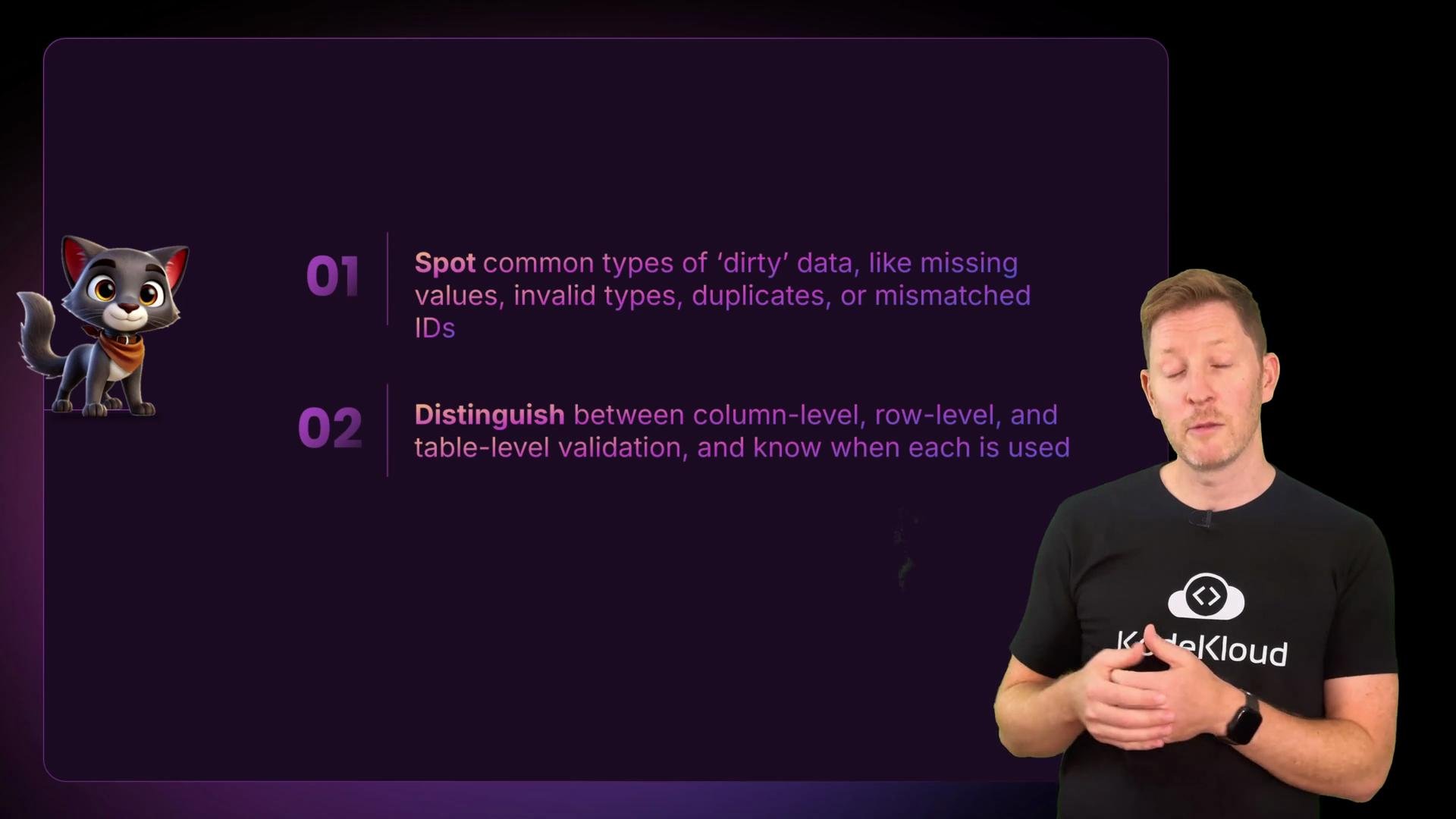
High-level plan
- Load orders, customers, and products tables.
- Keep a raw copy of the orders data for auditing and possible re-ingestion.
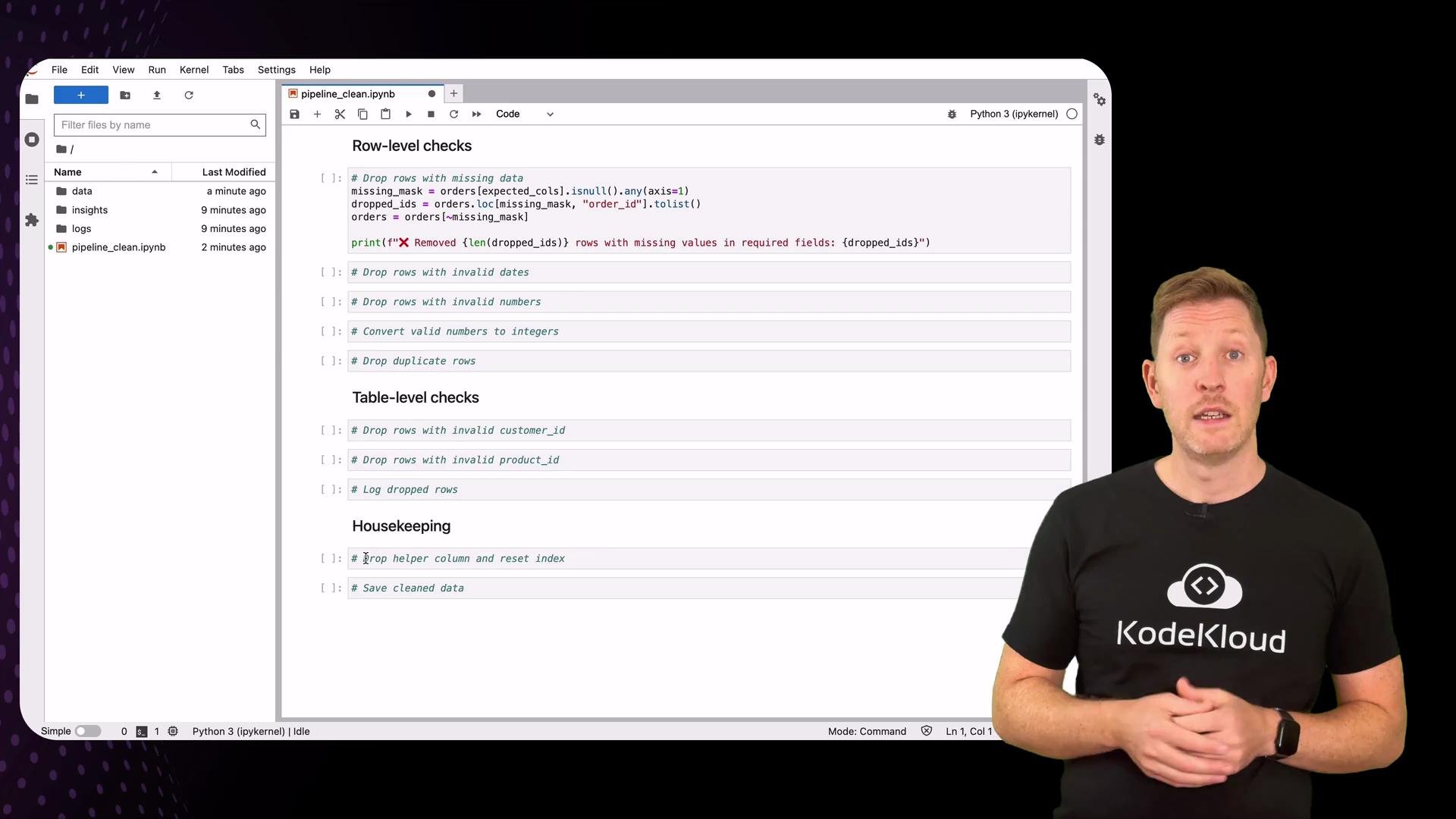
- Row-level checks: missing required fields, invalid dates, invalid numeric values, duplicates.
- Table-level checks: foreign keys (customer_id, product_id) must exist in lookup tables.
- Log and save dropped rows for auditing.
- Save cleaned dataset and update ingestion logs.
Before you start, activate your environment and ensure pandas is installed. This process is repeatable and should be run as part of your ETL pipeline. Use the raw copy of the incoming file for traceability and audits.
Initial setup — prepare folders and find the orders file
Create required folders, locate the orders CSV (any filename containingorders), and load an ingest log if present.
Pipeline policy: drop-and-log
For this lesson the pipeline policy is to drop rows that fail validation and log them. Dropping is acceptable when only a small fraction of rows are bad and when you retain the dropped rows for later review or repair.Dropping rows can bias downstream analytics if many rows are removed. Always log discarded rows and their reasons so the data owner can correct the source or you can implement targeted fixes later.
Load the datasets and save a raw copy
Row-level checks — what to validate
Below is a concise summary of common checks and the typical remediation action.1) Missing required columns / missing values
Decide which columns are mandatory. If a required column is missing from the file entirely, you should either raise an error or log and skip processing (depending on your pipeline policy). Here we assume the columns exist and drop rows with nulls in required fields.2) Invalid dates
Use pandas to parse dates.errors='coerce' converts unparsable values to NaT, which you can then drop. If you require strict formats, pass a format= argument.
"10:45", either validate the parsed timestamp’s date components (year/month/day) or use a strict format parameter. See pandas docs: https://pandas.pydata.org/pandas-docs/stable/reference/api/pandas.to_datetime.html
3) Numeric fields: customer_id, product_id, quantity
Coerce numeric fields and drop rows that fail numeric validation. Forquantity, enforce strictly positive values (> 0). For IDs, require non-negative integers. Use temporary checked columns during validation and remove them afterwards.
astype(int) will silently truncate floats.
4) Duplicates
Remove exact duplicate rows (or duplicates byorder_id if that’s your unique key). Make sure any helper columns that could affect duplicate detection are dropped before running this check.
Table-level checks — foreign keys
Verify thatcustomer_id and product_id exist in their respective lookup tables. Make sure lookup key dtypes match (both int or both string) to avoid false negatives.
Cross-checks and saving dropped rows for audit
Compare the raw copy to the cleaned dataframe to extract and save exactly what was removed during cleaning. This creates an auditable CSV that the data owner can inspect and use to fix source issues.Final tidy-up, save cleaned data, archive raw file, update log
Remove any temporary helper columns, reset the index, save the cleaned file toinsights/, archive the original raw file, and append an entry to the ingest log.
Example observations (illustrative)
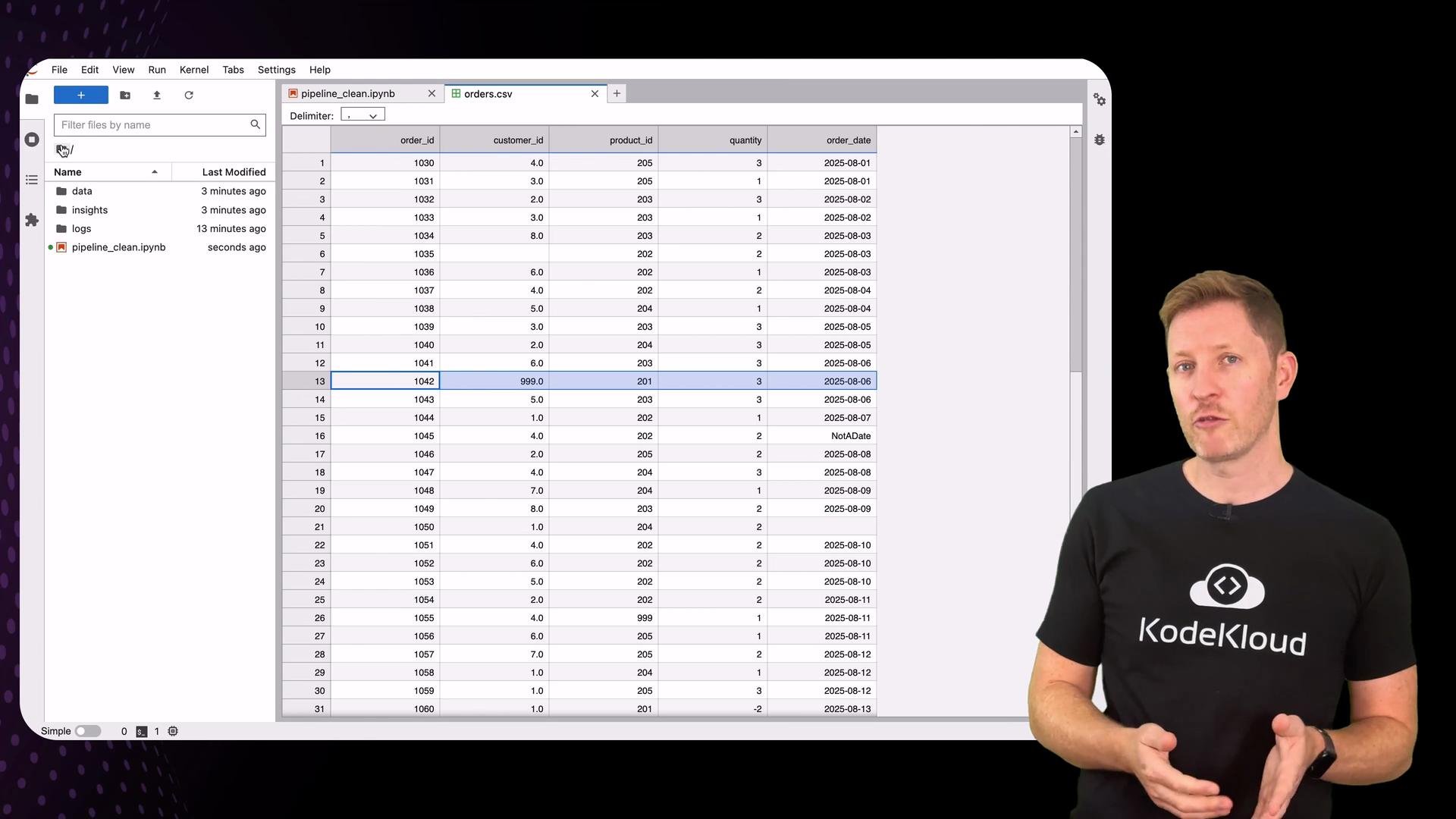
- Missing data: rows with IDs 1035 and 1050 were dropped.
- Invalid dates: entries like “10:45” (time-only) were dropped.
- Invalid numbers: negative quantity or fractional IDs were removed.
- Duplicate rows: order ID 1072 appeared twice; one duplicate was removed.
- Missing foreign keys: orders referencing
customer_id = 999orproduct_id = 999were dropped because those IDs don’t exist in the lookup tables.
Recap — three levels of validation
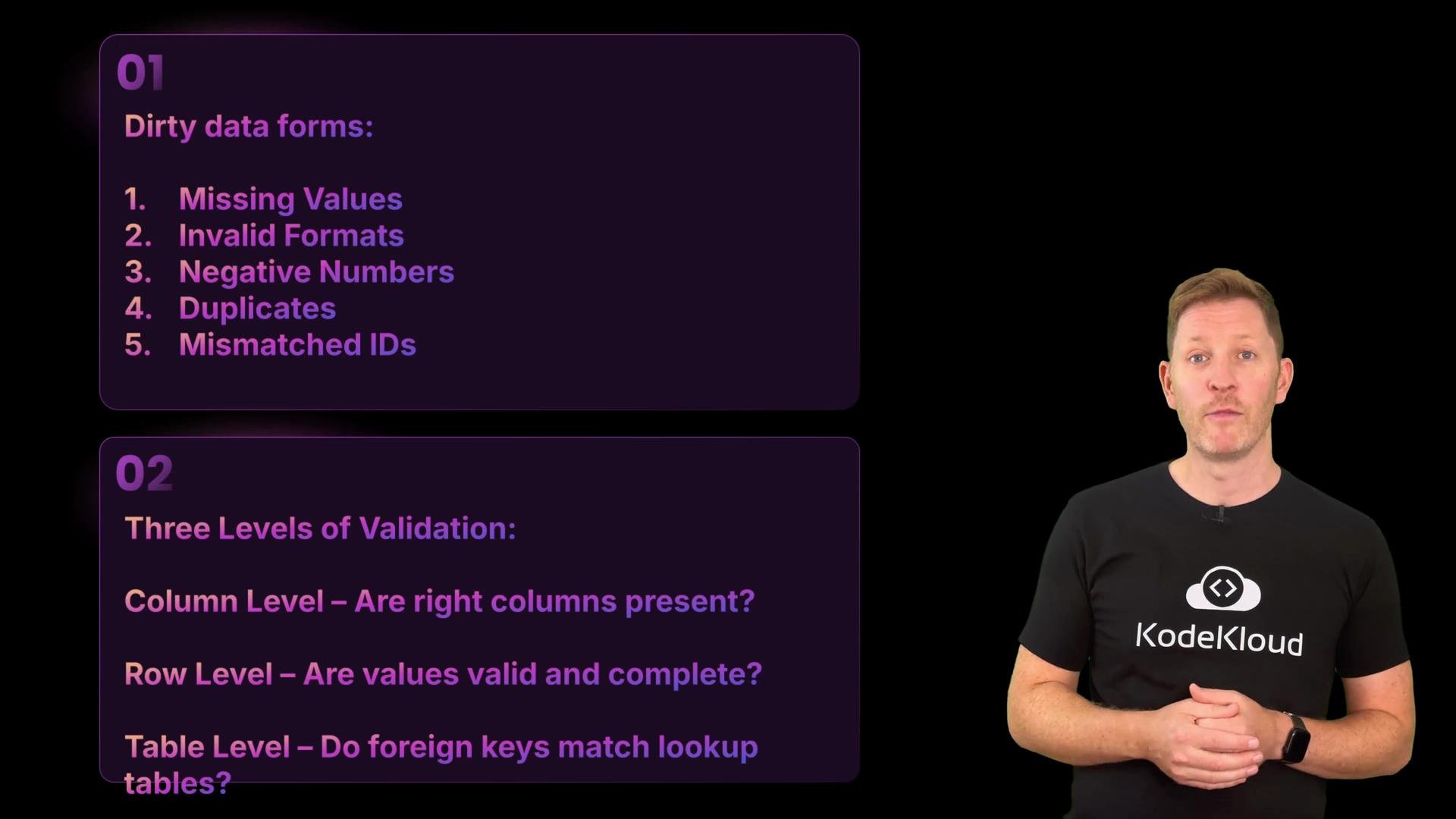
Dirty data comes in many shapes: missing values, invalid formats (dates), negative or non-integer numbers, duplicates, or mismatched foreign keys. Apply validation at these three levels:- Column-level: Are required columns present, and are their dtypes sensible?
- Row-level: Are the values in each row complete and valid?
- Table-level: Do foreign keys match values in lookup tables?
Next steps and practice
Apply these techniques on sample files and iterate on rules that reflect your business requirements. Consider the following improvements over time:- Soft-fail: flag and route suspicious rows for manual review instead of immediate deletion.
- Auto-repair: implement deterministic fixes (e.g., common date format corrections) with confidence scoring.
- Schema enforcement: use tools like Great Expectations, Apache Deequ, or declarative schemas to codify checks.
- Monitoring: track dropped-row counts over time to detect upstream regressions.
- pandas to_datetime: https://pandas.pydata.org/pandas-docs/stable/reference/api/pandas.to_datetime.html
- pandas read_csv / to_csv: https://pandas.pydata.org/pandas-docs/stable/reference/api/pandas.read_csv.html
- Great Expectations: https://greatexpectations.io/