Task Types
-
Exploratory Tasks
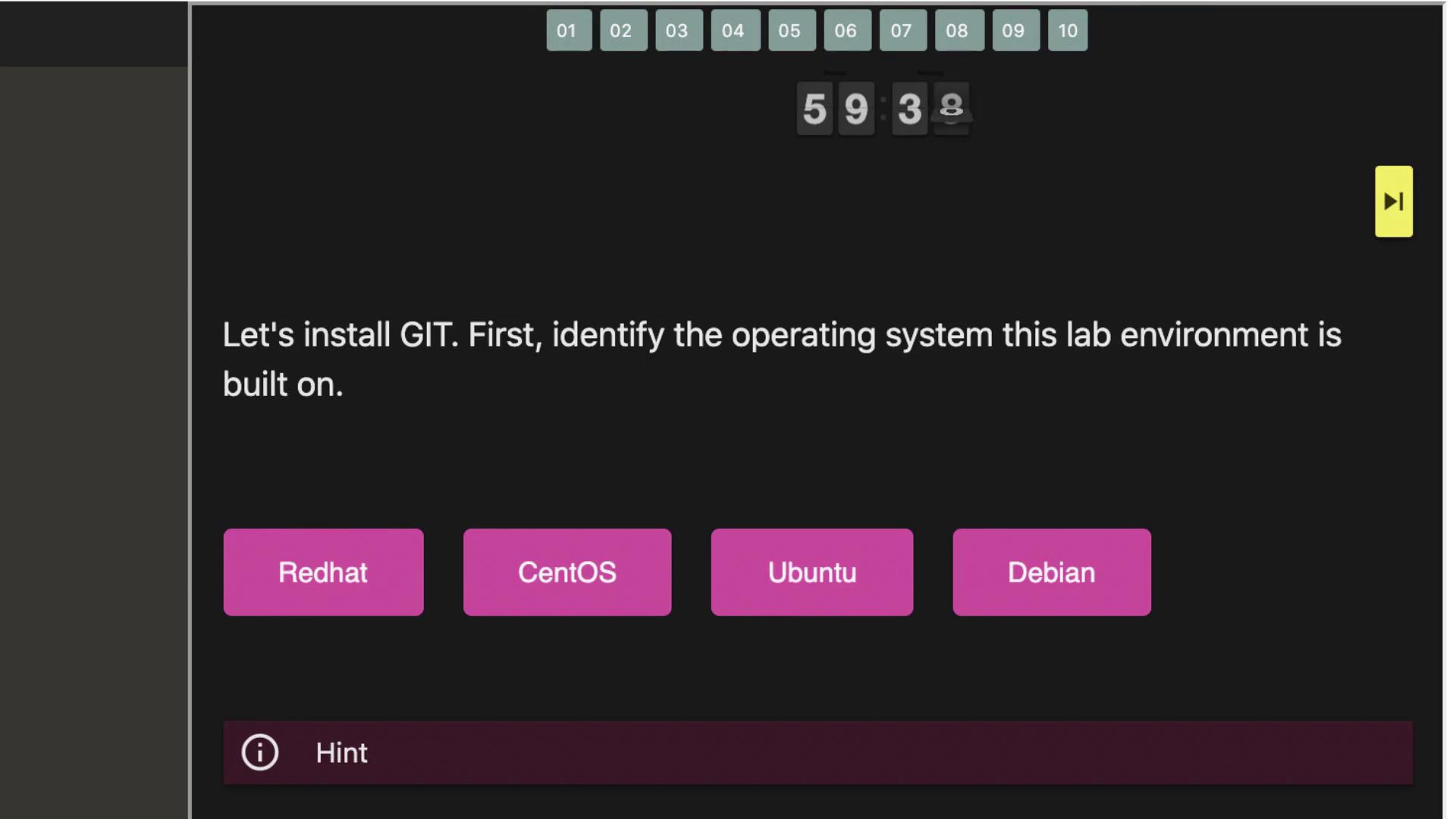
These tasks require you to explore the environment and gather information using standard Linux or Git commands combined with your problem-solving skills. For example, you could run a command like:to help determine the correct answer. Once you identify the right solution, you move on to the next question. -
Simulated Real-World Tasks
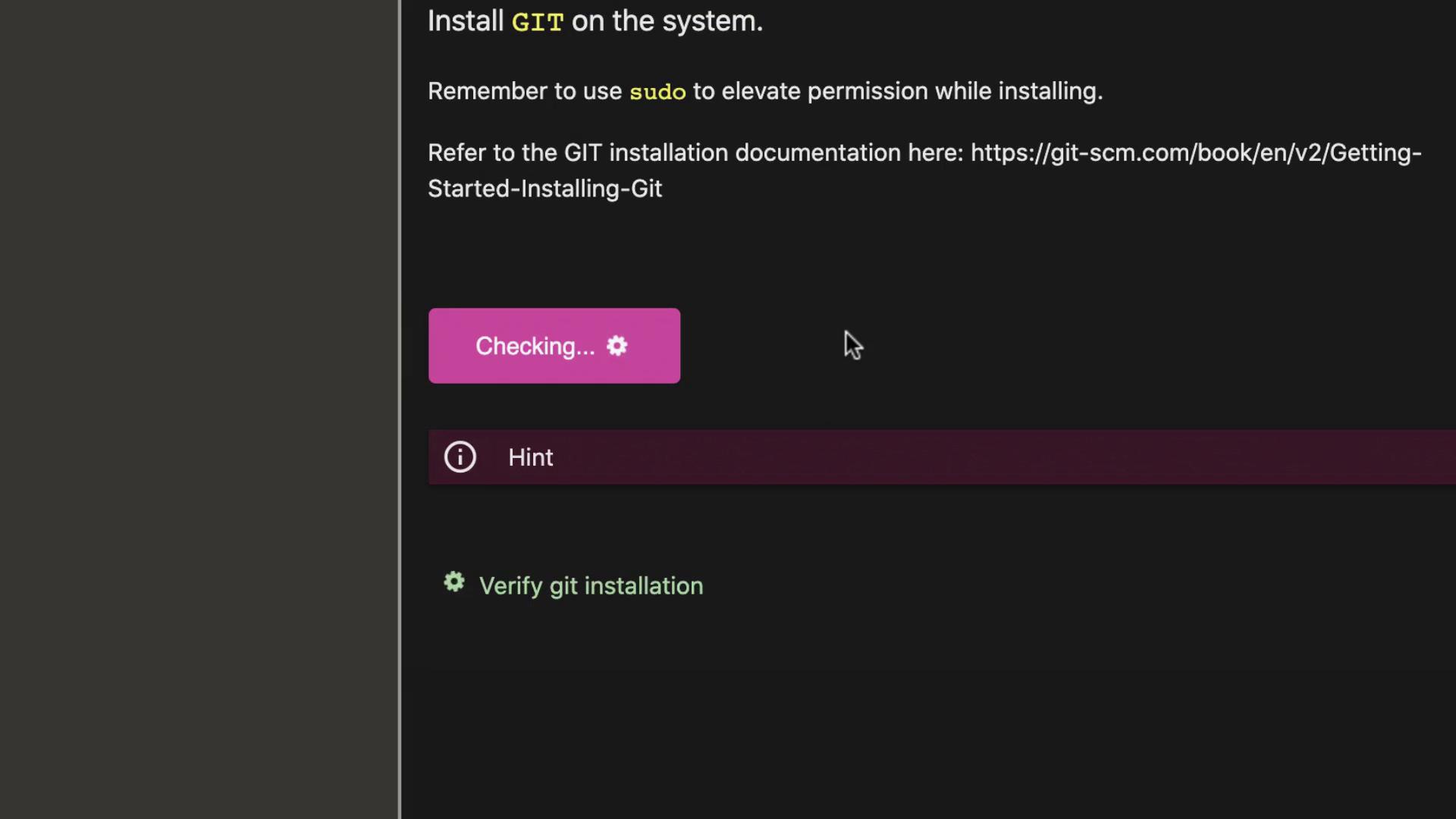
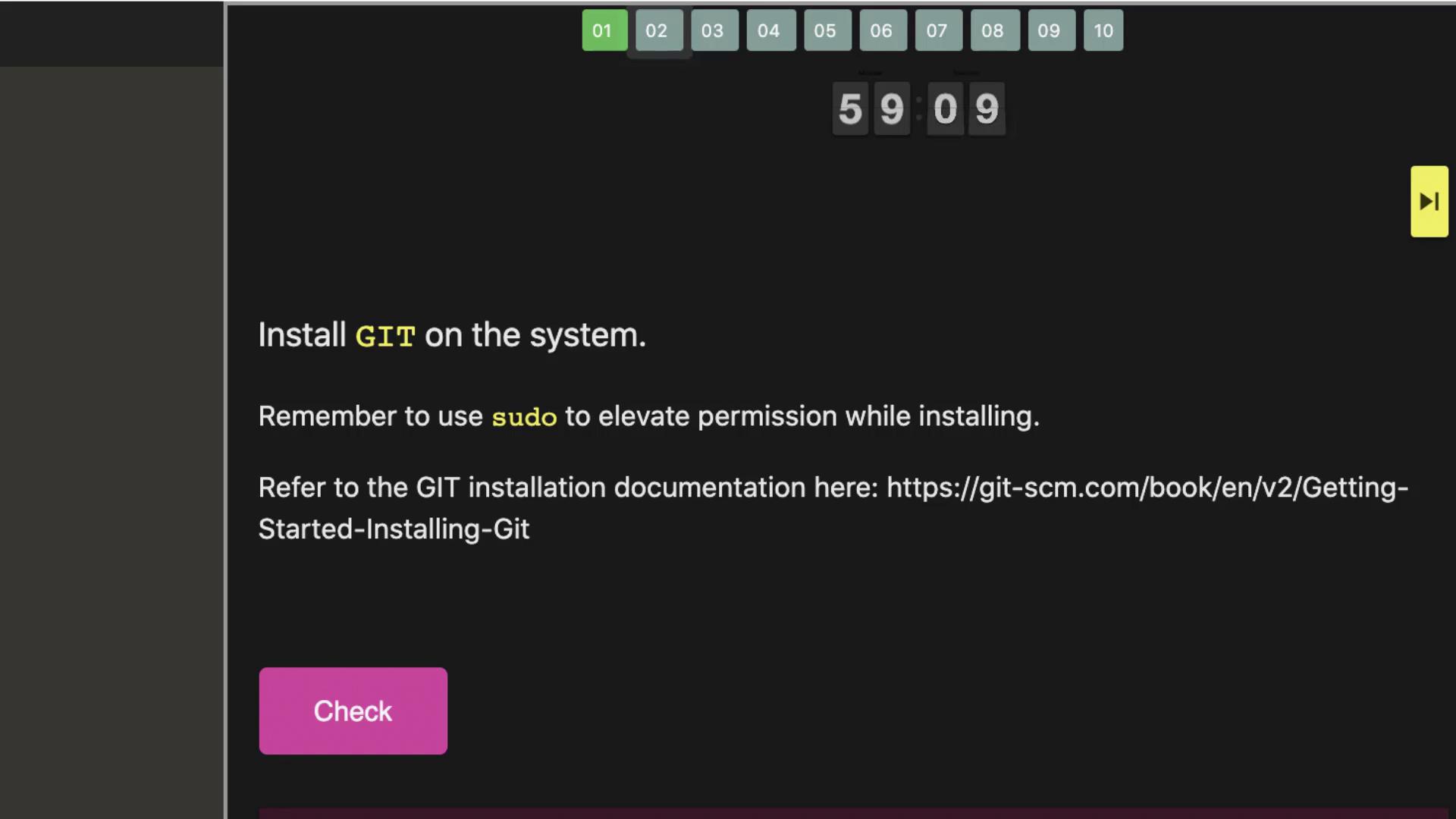
These scenarios mimic typical operations such as installing Git, initializing repositories, committing changes, branching, pushing and pulling code from remote repositories, and managing pull requests. After you complete a task, click the “check” button to validate your work. Your submission will be tested immediately. In case of an error, you will receive precise feedback to help you correct the issue as many times as needed.
If a task error occurs, such as:please refer to the hints section, which provides detailed commands and steps to resolve the issue. Once you correct the problem, click the “check” button again to confirm the task is successfully completed.
Git Integration and Collaboration
Our labs feature a lightweight version of GitHub, known as Git, as the hosted Git service. You can access this service by clicking the button at the top of your terminal. This integration offers you a real-world team collaboration experience by allowing you to push your code to a remote repository accessible by your teammates. Note that this remote Git integration is introduced only after the initial labs when the focus shifts towards remote repositories.