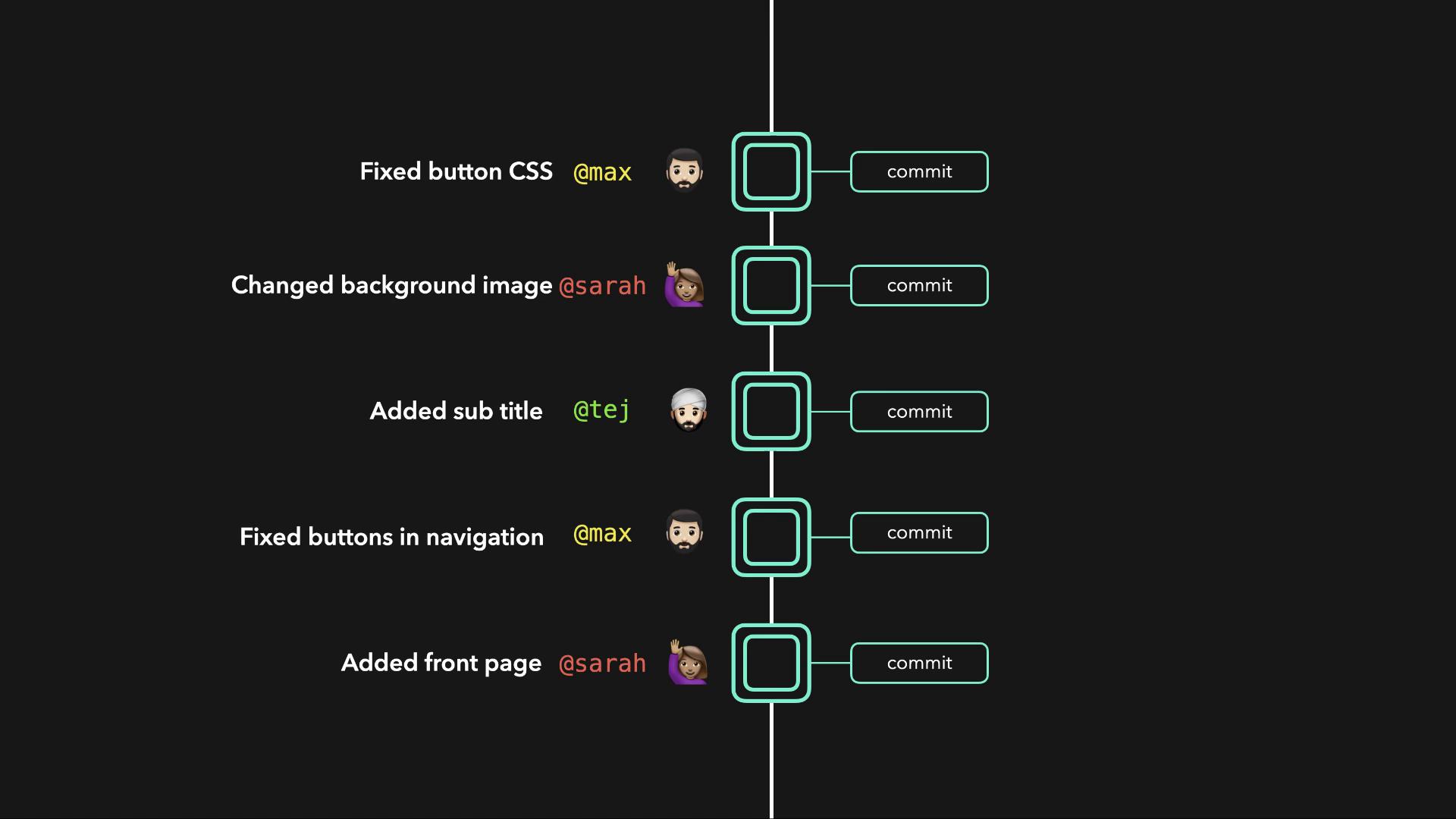
A remote repository not only acts as a secure backup in case of hardware failure but also enables seamless collaboration among team members.
Repository Types
-
Local Repository:
Stored on your machine, it gives you direct control over your project files and facilitates rapid development. This repository is where you perform your day-to-day work. -
Remote Repository:
Hosted on a centralized server, it serves as a backup and a shared workspace for the team. Teammates can clone the remote repository, work on their own local copies, and then push their changes back. Additionally, pulling updates from the remote repository ensures all local copies remain synchronized.
Example: Simple HTML File
Below is an example of a basic HTML file that might be part of your project:Local Repository Structure
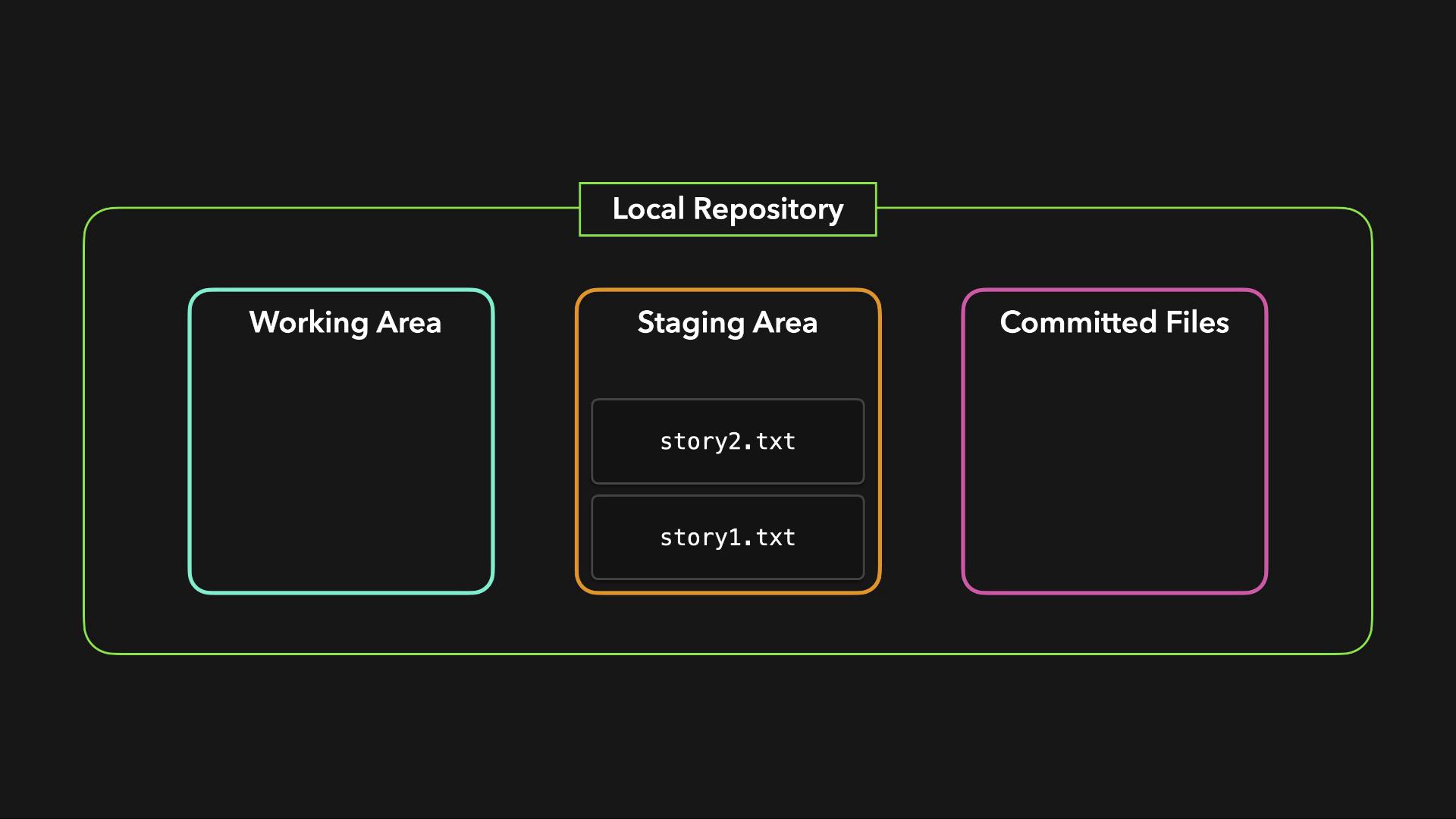
A typical local repository in Git is composed of three primary areas:
Files intended for a commit are first added to the staging area. After reviewing these staged changes, a commit is created to record the current state of the project. This practice not only preserves the history of your changes but also makes version control efficient and reliable.