

The Challenge
Imagine you have these two resource definitions:- Add a shared label:
org: KodeKloud - Append
-devto every resource name
Common Transformers Overview
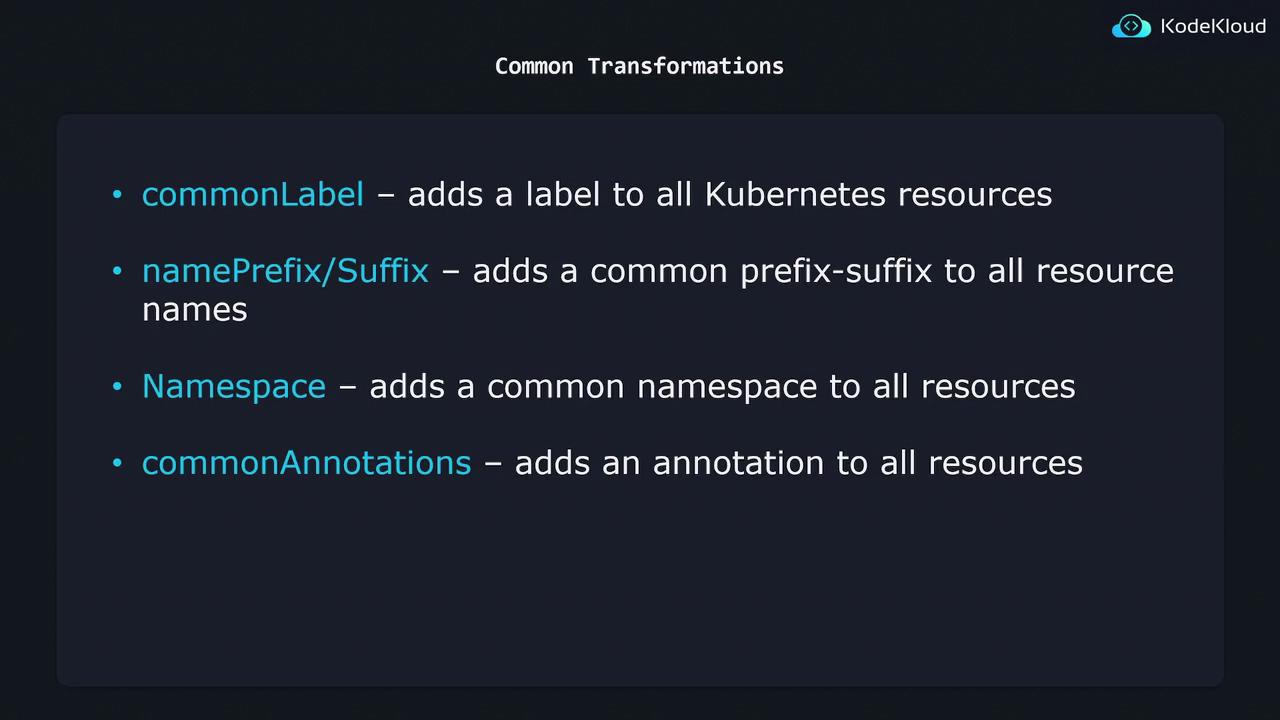
1. Apply Common Labels
Add thecommonLabels block to your kustomization.yaml:
When you run
kustomize build, these labels will be merged into every resource’s metadata.labels.2. Set a Namespace
To place all resources into a specific namespace:3. Add Name Prefix & Suffix
Prepend and append text to every resource name:Choosing very long prefixes or suffixes can push resource names over Kubernetes’ max-length limit (63 characters). Always verify final name lengths.
4. Inject Common Annotations
Include the following to add annotations across all manifests:By combining these four settings in a single
kustomization.yaml, you can transform your base manifests consistently and safely—no manual edits required.
Links and References
- Kustomize Official Documentation
- Kubernetes Resource Configuration
- Managing Kubernetes with Kustomize