

Deployment is best handled via a dedicated patch.
Key Parameters of a Patch
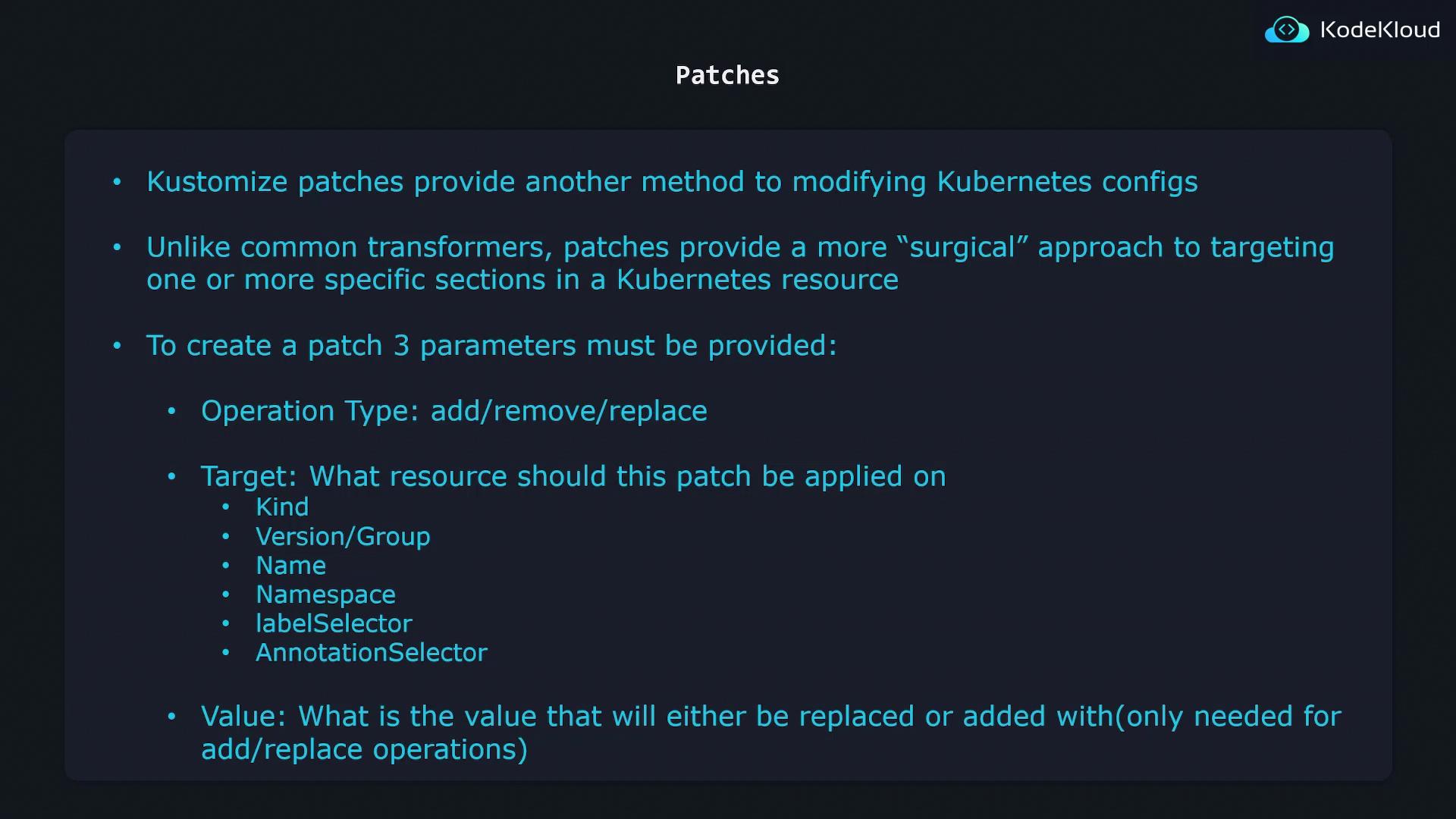
Every patch in Kustomize requires three core parameters:- Operation type:
add→ append a new field or itemremove→ delete an existing field or itemreplace→ swap an existing value for a new one
- Target: selection criteria to identify the resource(s) you want to patch
- Value: the data to add or replace (not needed for
remove)
Use patches for fine-grained updates that shouldn’t apply globally. For bulk changes—like adding a common label—stick to transformers.
Defining the Target
Specify one or more match criteria undertarget to pinpoint resources:
kind, apiVersion, name, namespace, labelSelector, or annotationSelector for exact control.
JSON 6902 Patch Example
Below is a basicDeployment manifest:
kustomization.yaml to rename the Deployment:
kustomize build, the output changes metadata.name to web-deployment:
JSON 6902 patches consist of an array of operations (
op, path, value). Refer to the RFC 6902 for full details.Updating Replicas
To adjust the replica count, update thepath to /spec/replicas and set the desired value:
kustomize build, you’ll see replicas: 5 in the generated manifest.
Strategic Merge Patch
Strategic merge patches let you describe only the fields to modify, using standard Kubernetes YAML:Deployment by apiVersion, kind, and metadata.name, then merges spec.replicas: 5 into the base resource.
You can combine JSON 6902 and strategic merge patches in the same
kustomization.yaml. Use whichever format fits your use case.