

- The drawbacks of maintaining separate manifests for each environment
- Core Kustomize concepts: Bases and Overlays
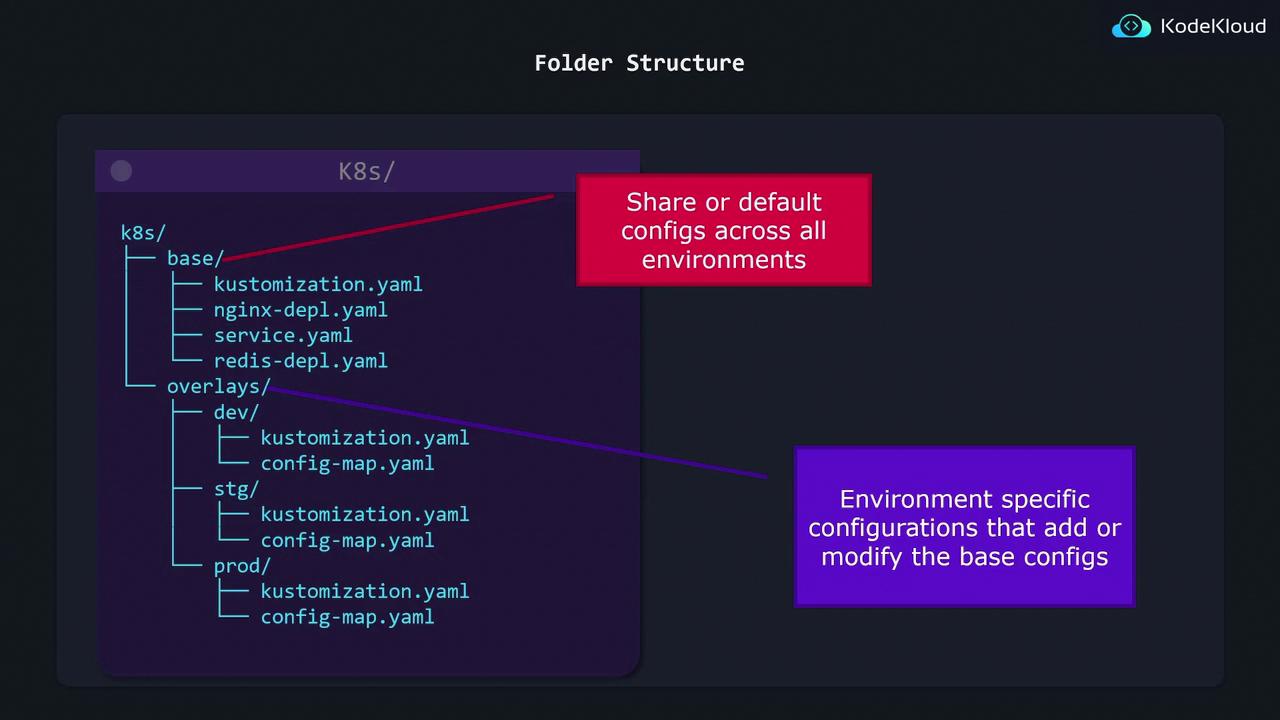
- Folder structure best practices
- How to apply Kustomize with
kubectl
The Pain of Duplicated Manifests
Imagine you have a simple NGINX Deployment that you want to run in dev, stg, and prod, varying only thereplicas count:
replicas value:
kubectl apply -f stg/
kubectl apply -f prod/
Any update to the base spec—like adding an annotation—must be repeated in each folder. This quickly leads to configuration drift and inconsistent deployments.
Introducing Kustomize: Base + Overlays
Kustomize solves duplication by splitting your manifests into two layers:How It Works
- Base: Contains common resources (Deployments, Services, ConfigMaps).
- Overlay: References the base and applies patches (e.g., change replica count).
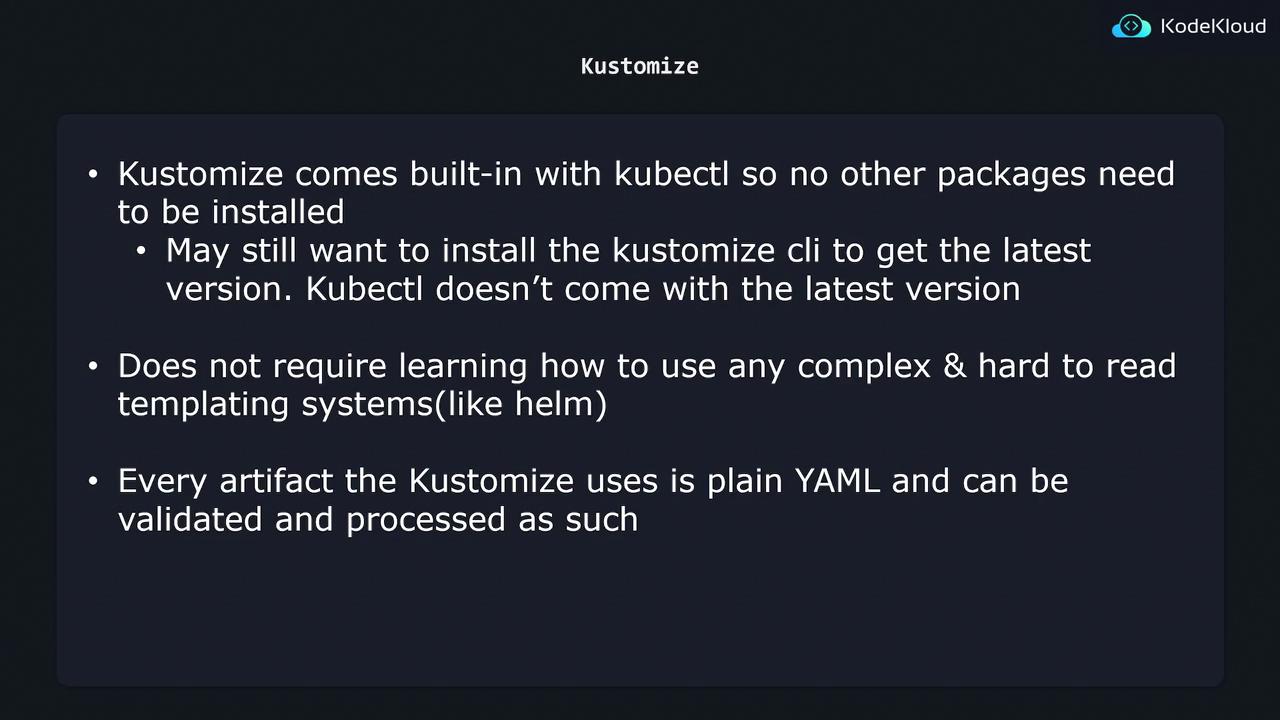
You can use
kubectl kustomize (or kubectl apply -k) without installing any extra tools. Everything remains plain YAML—no templating language to learn!Defining Your Base
Create abase/ folder with a kustomization.yaml that lists all shared resources:
Creating Overlays
Each environment overlay only needs to patch what’s different. For example, staging increases the replica count:Building and Applying Final Manifests
When you run Kustomize, it merges the base plus your overlay to produce the final manifest: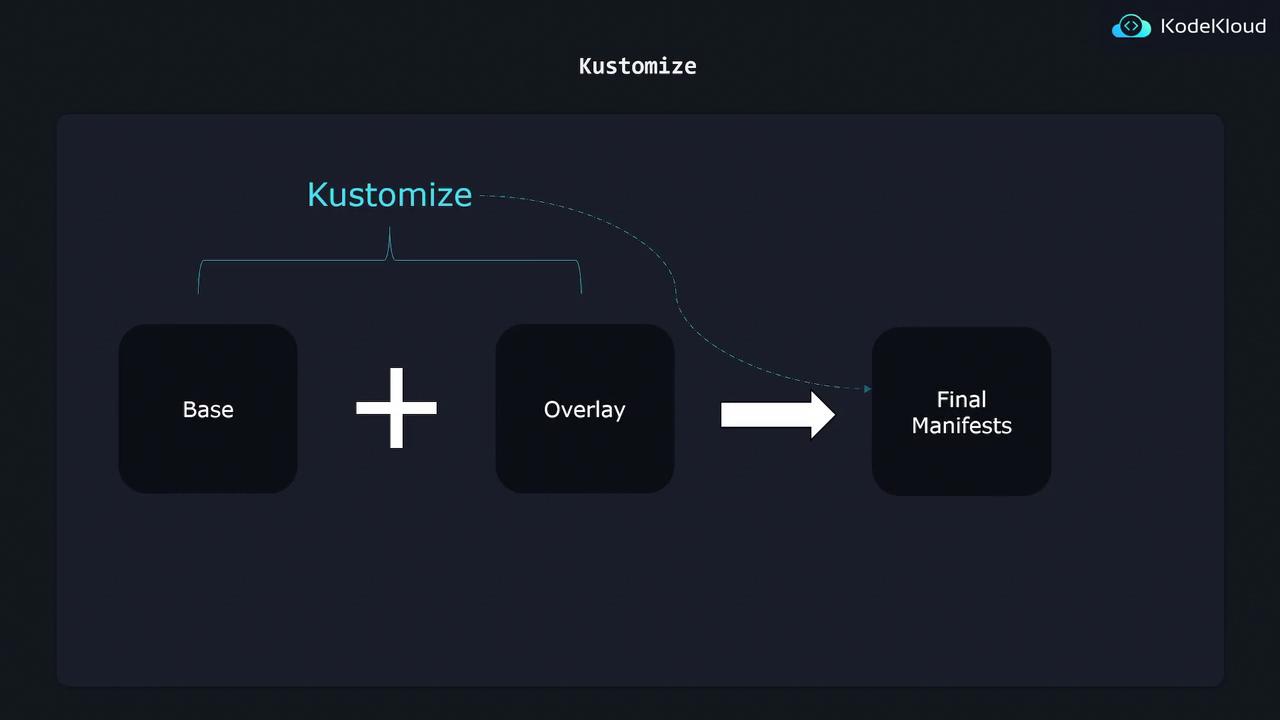
kubectl + Kustomize Integration
Kustomize is bundled withkubectl, so you can work with it immediately:
Summary
By separating Bases and Overlays, Kustomize lets you:- Maintain one source of truth for shared configurations
- Apply minimal patches per environment
- Eliminate manifest duplication and drift
- Use plain YAML—no templating