

base/ directory and then customize or extend them for dev, stg, prod, or any other environment.
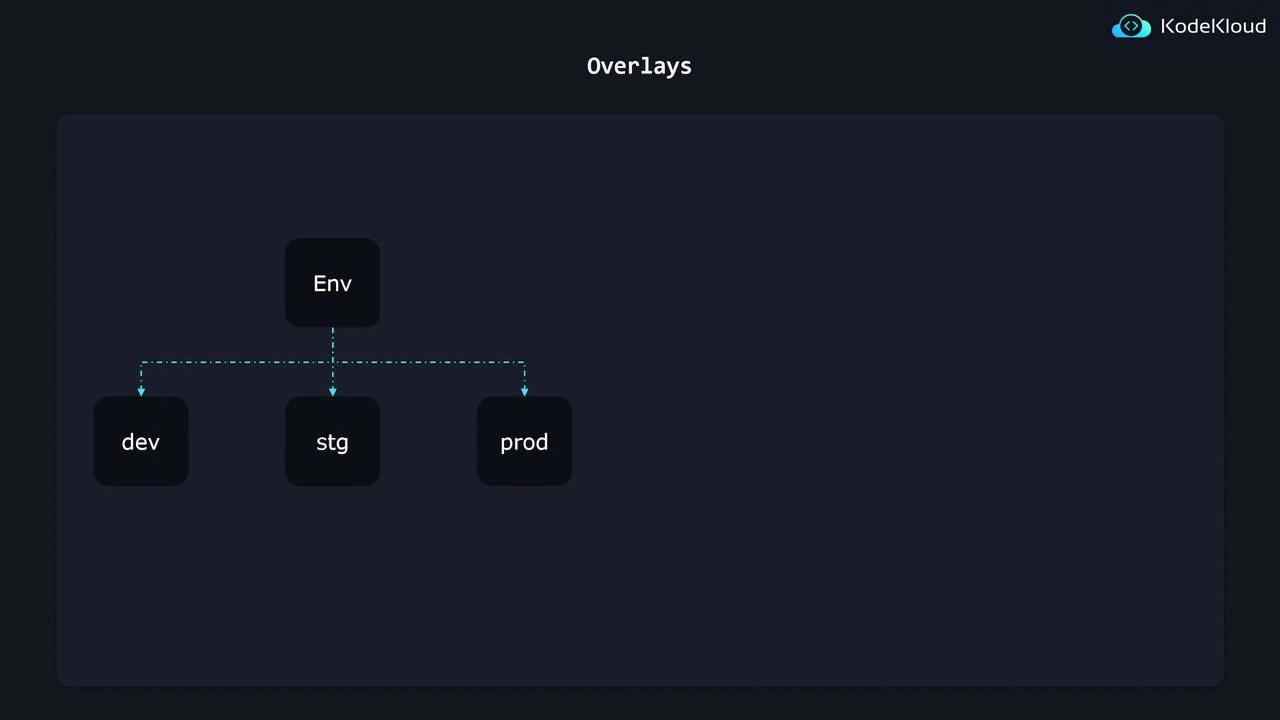
1. Base kustomization
The base holds all common Kubernetes manifests.Make sure each file listed under
resources: has a valid manifest. You can validate your YAML with kubectl apply --dry-run=client -f.2. Dev Overlay
The Dev overlay references the base and patches the replica count using JSON 6902.3. Production Overlay
For production, you can both patch existing resources and add new ones (e.g., a Grafana deployment).Ensure new resources like
grafana-depl.yaml are listed under resources: in the overlay’s kustomization.yaml. Otherwise, they won’t be rendered.4. Flexible Directory Structures
Kustomize supports organizing both base and overlays in nested feature folders. For example:- Feature-based grouping: Split
base/intodb/andapi/with individualkustomization.yaml. - Overlay mirroring: Maintain a similar hierarchy under each overlay for targeted patches.
- Cross-references: Each overlay’s kustomization file imports the correct child resources and patches.