

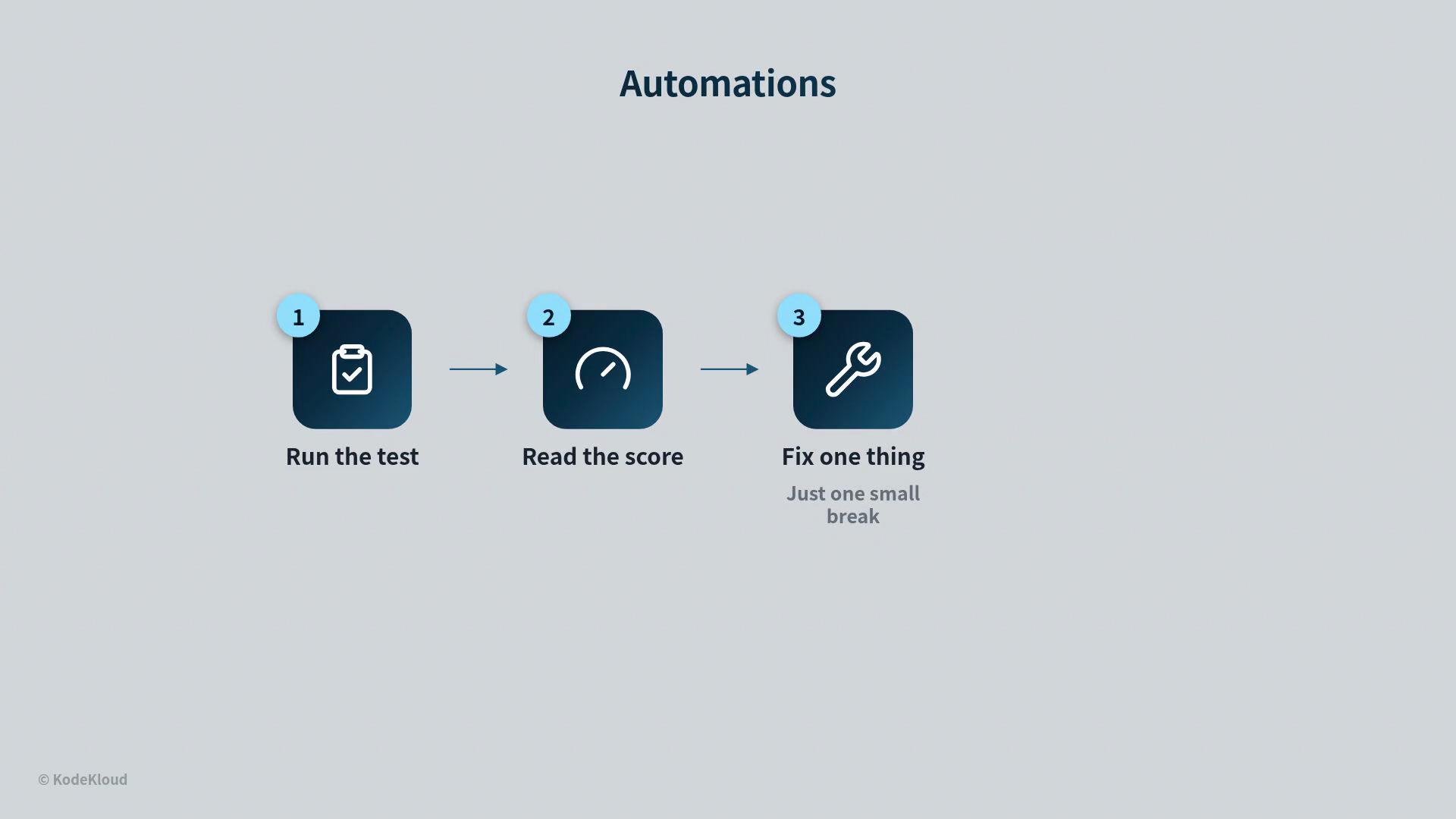
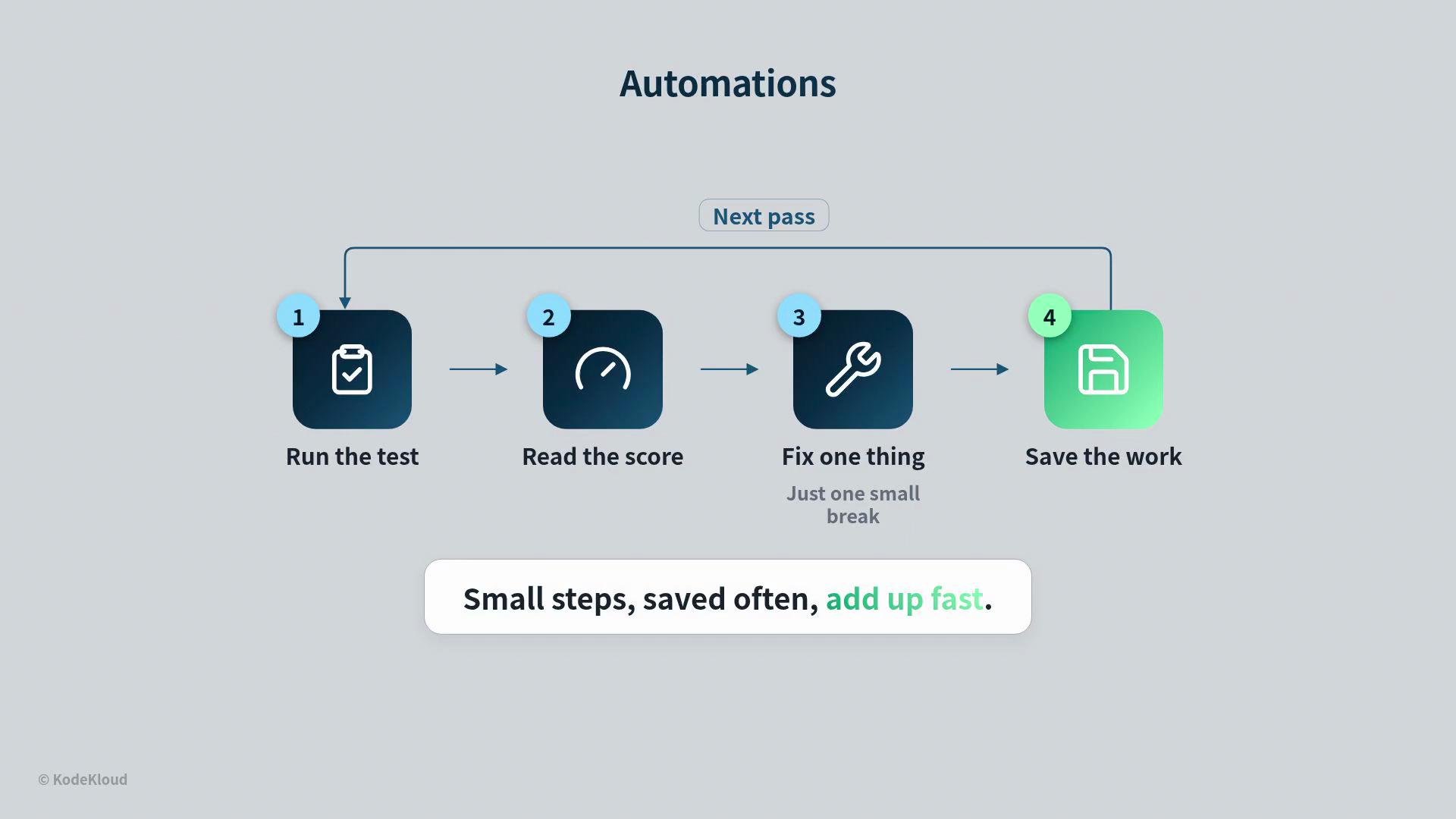
- Run the test (or produce an output).
- Read the score (evaluate the result against a metric).
- Fix one small failing thing — not everything at once. Focused, incremental fixes are key.
- Save the good work (commit or persist the improvement). Then start the next pass. Small steps, saved frequently, compound into rapid, reliable progress.
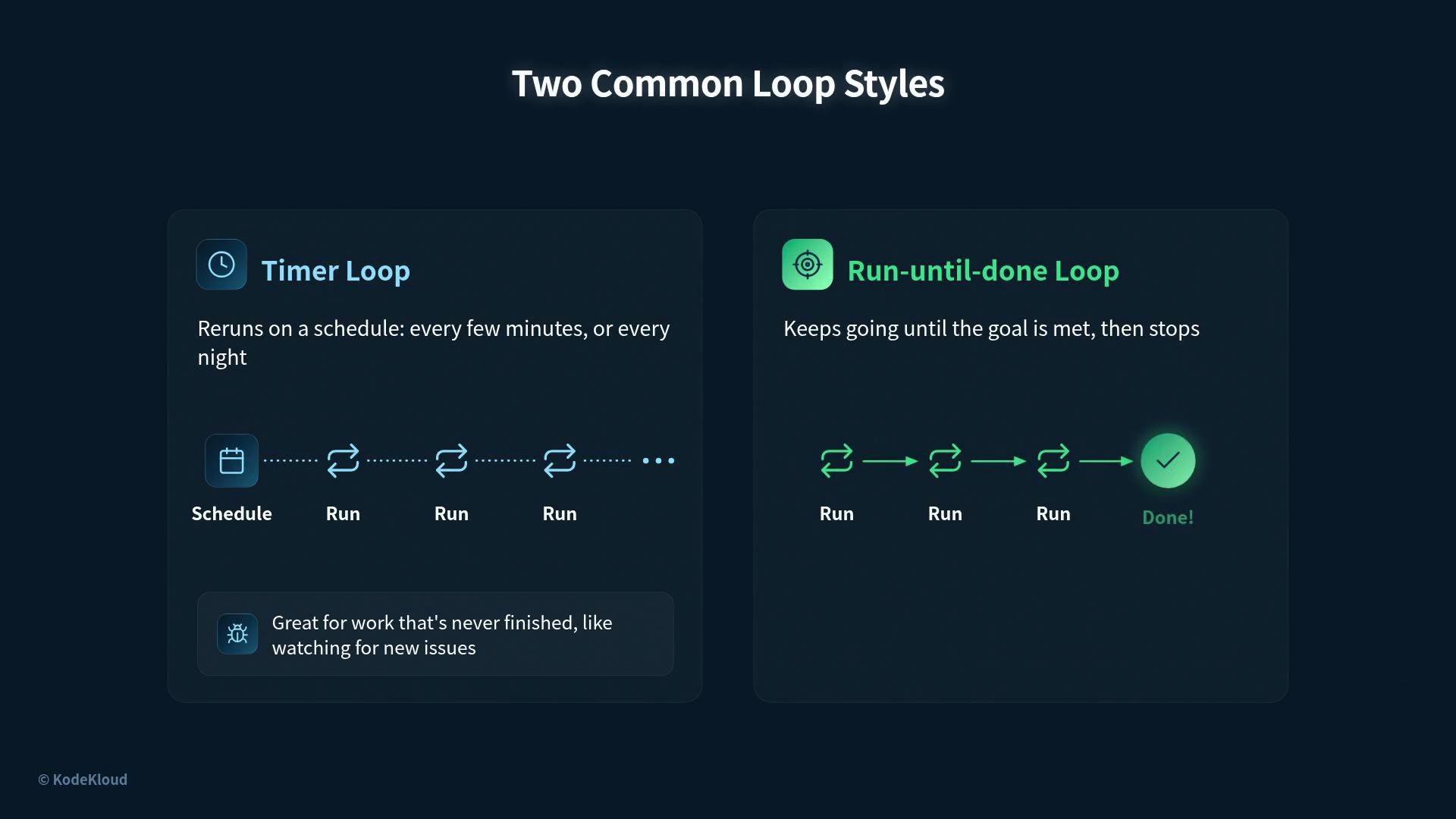
- Timer loop: runs on a schedule (every few minutes, hourly, nightly). Acts like a cron job and is best for continuous monitoring (e.g., watching for new issues and acting on them).
- Run-until-done loop: repeats immediately as needed until a finish signal appears, then stops. Requires a precise definition of “done” (for example, “all checks pass”).
Choose a timer loop for ongoing monitoring and maintenance. Choose a run-until-done loop when you have a concrete goal and a reliable finish signal (for example, all checks pass).
Guardrails for a repeating engine
A repeating engine can be extremely effective — and potentially destructive — so add guardrails. Two rules matter most:
- The score must only go up, never down. If a change reduces the score, the loop should undo that change automatically. Progress only counts when it holds.
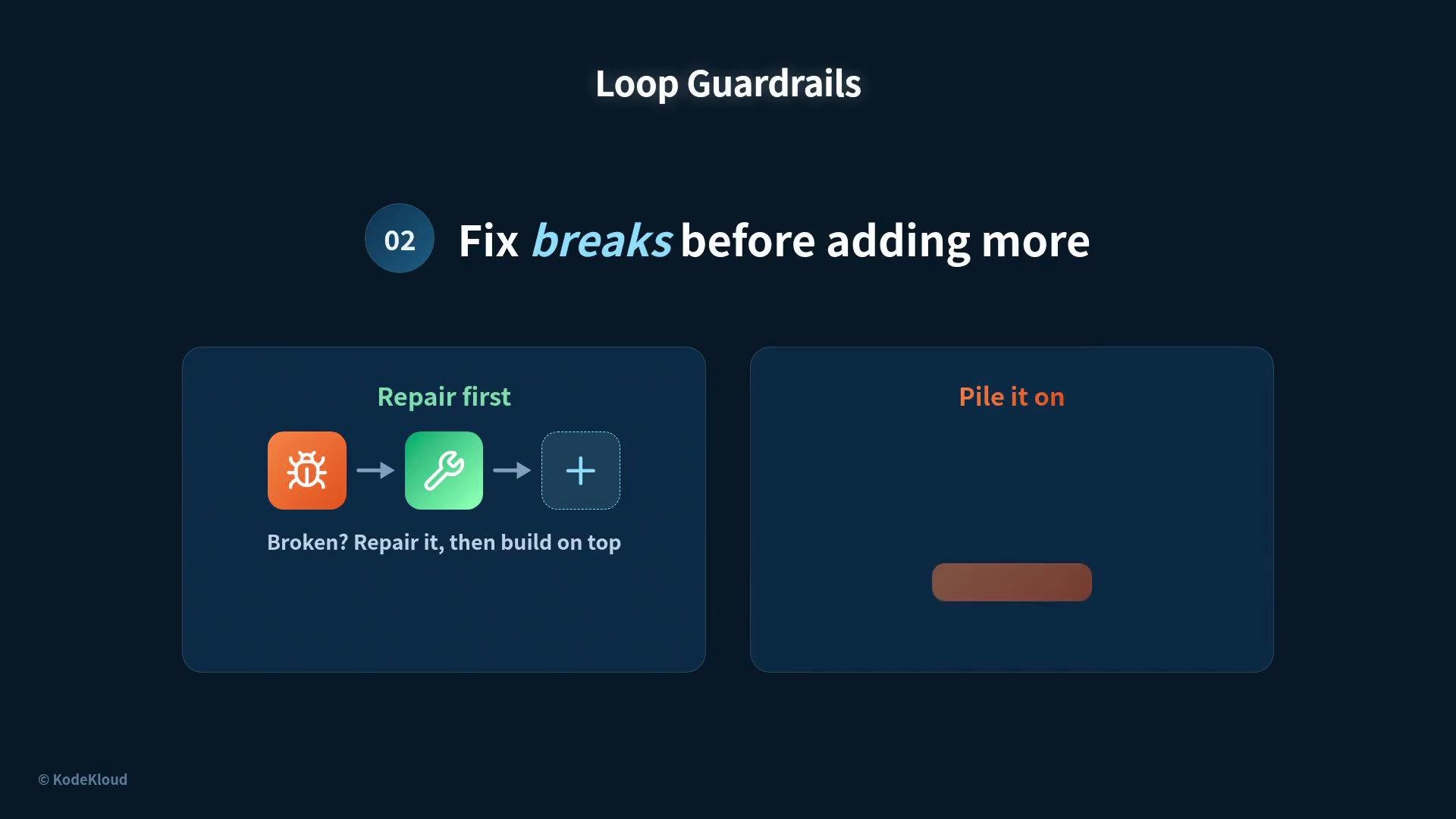
- Fix breaks before adding more. If something is broken, repair it first; layering new work on a broken base compounds risk.
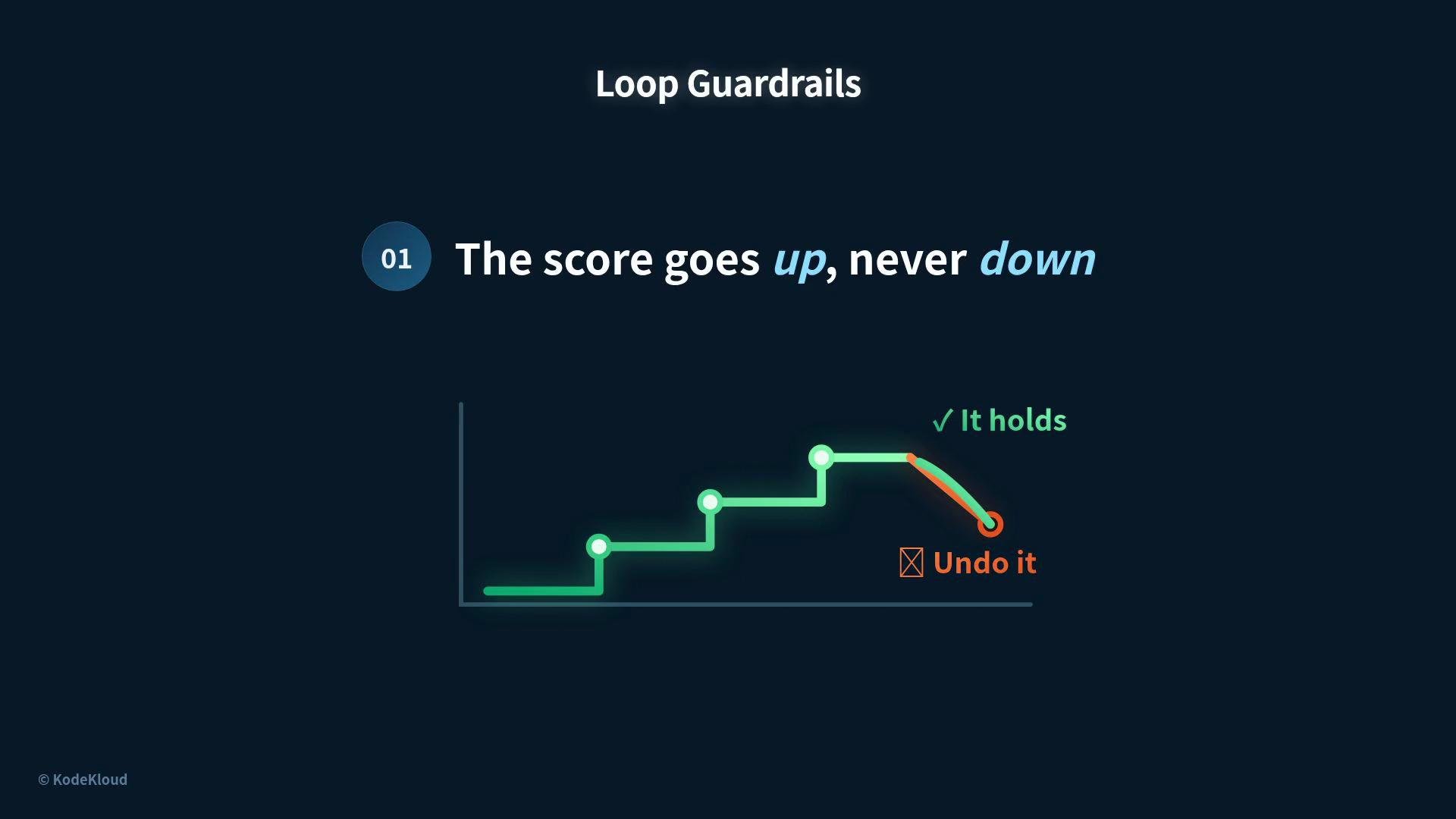
If an automated step decreases the score, ensure the loop can roll back that change automatically. Never accept regressions as forward progress.
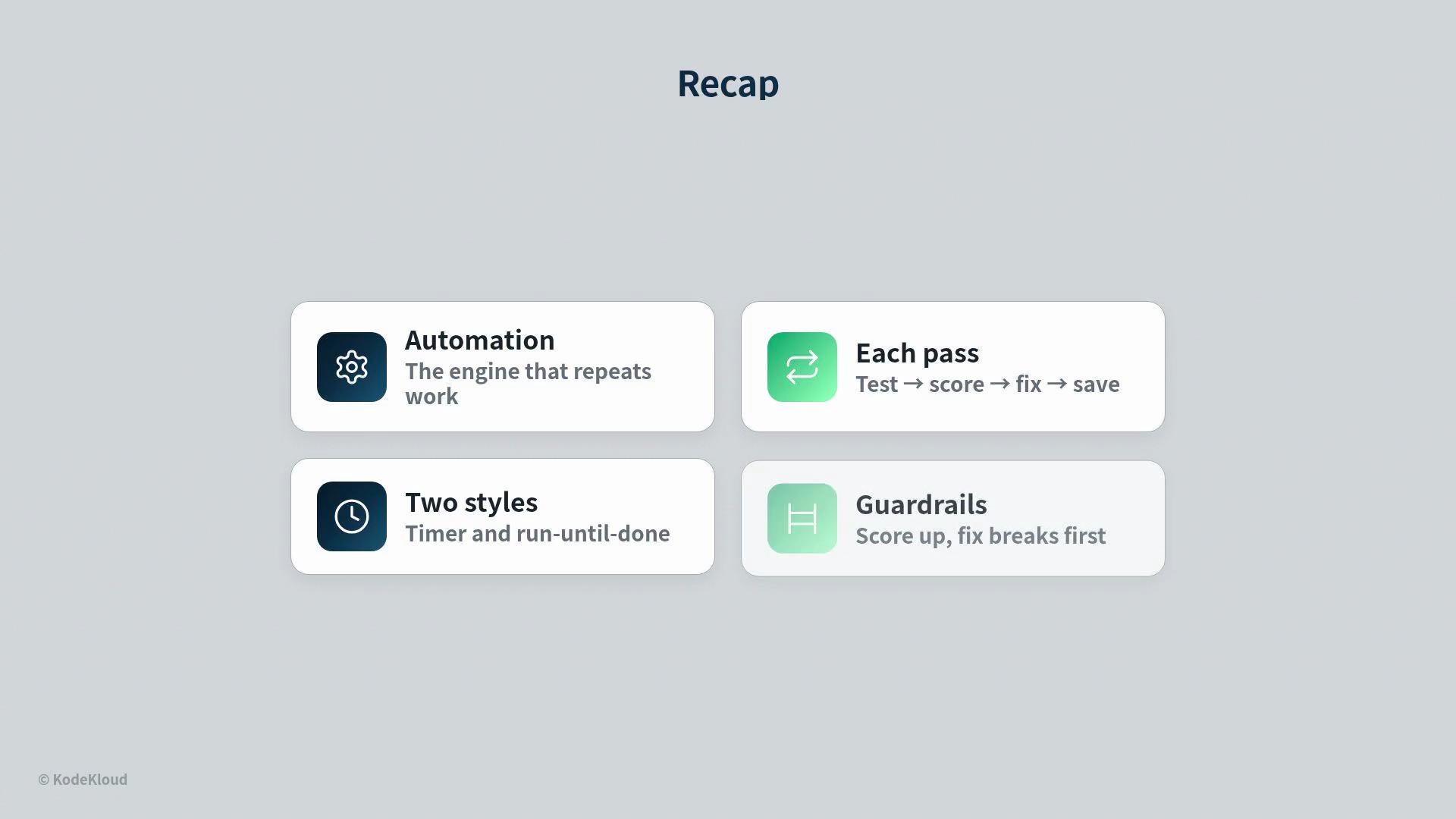
- Automation is the engine that repeats work and evaluates outcomes.
- Each pass: run the test, read the score, fix one small break, and save.
- Timer loops repeat on a schedule; run-until-done loops stop when the goal is met.
- Guardrails ensure the score never regresses and that fixes come before new additions.
- Cron (scheduling): https://en.wikipedia.org/wiki/Cron
- Continuous integration concepts: https://en.wikipedia.org/wiki/Continuous_integration