

- What a network is and how devices connect.
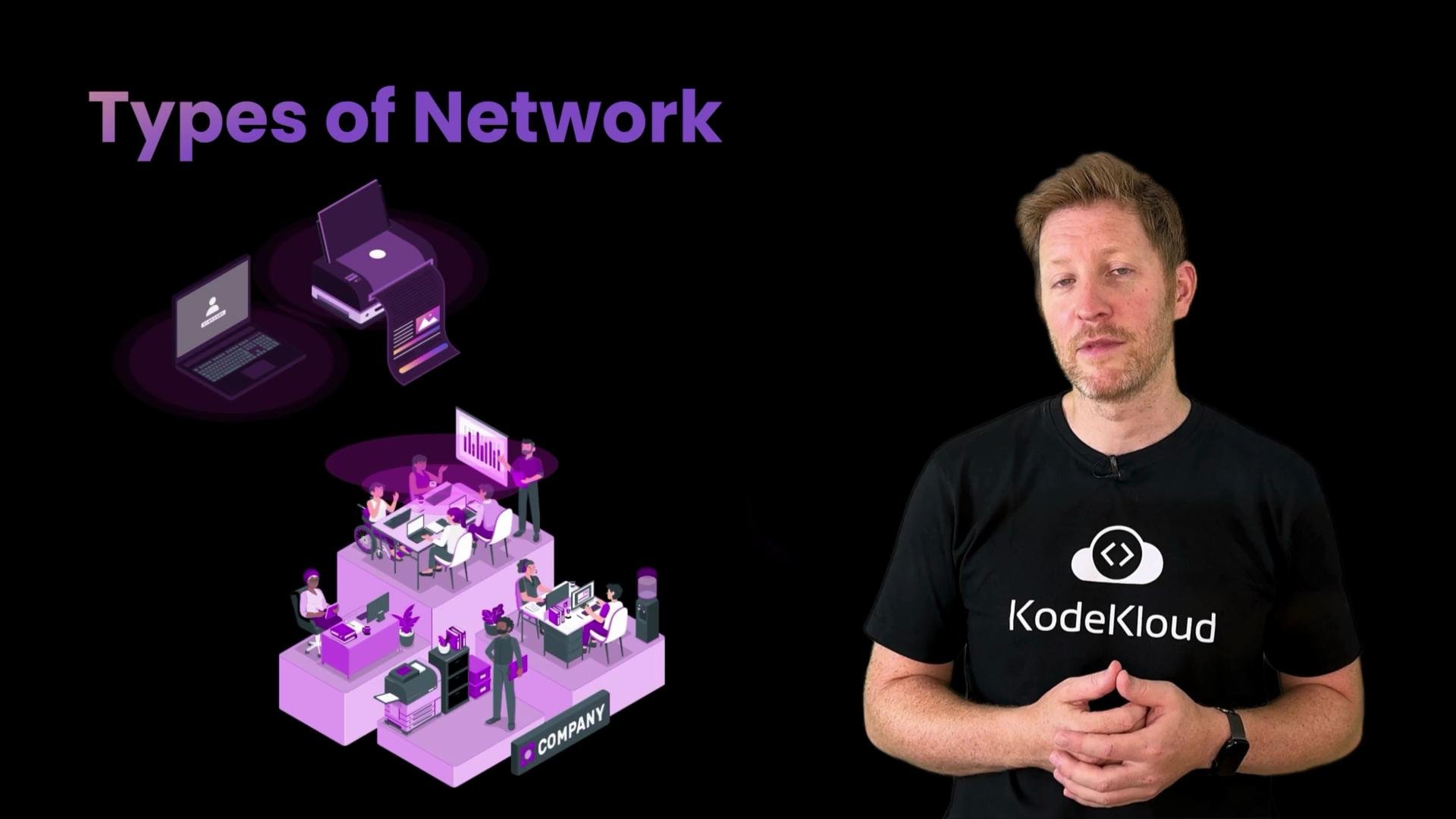
- Types of networks, from home Wi-Fi to global backbone networks.
- Roles of routers, switches, and other hardware.
- How protocols like TCP, IP, and HTTP structure communication.
- Addressing: IP vs MAC, public vs private addresses.
- Basic troubleshooting tools and techniques.
- We’ll define what a network is and explain how it enables devices to exchange data.
- We’ll compare network scales and architectures — home, enterprise, and global — and contrast peer-to-peer with client-server models.
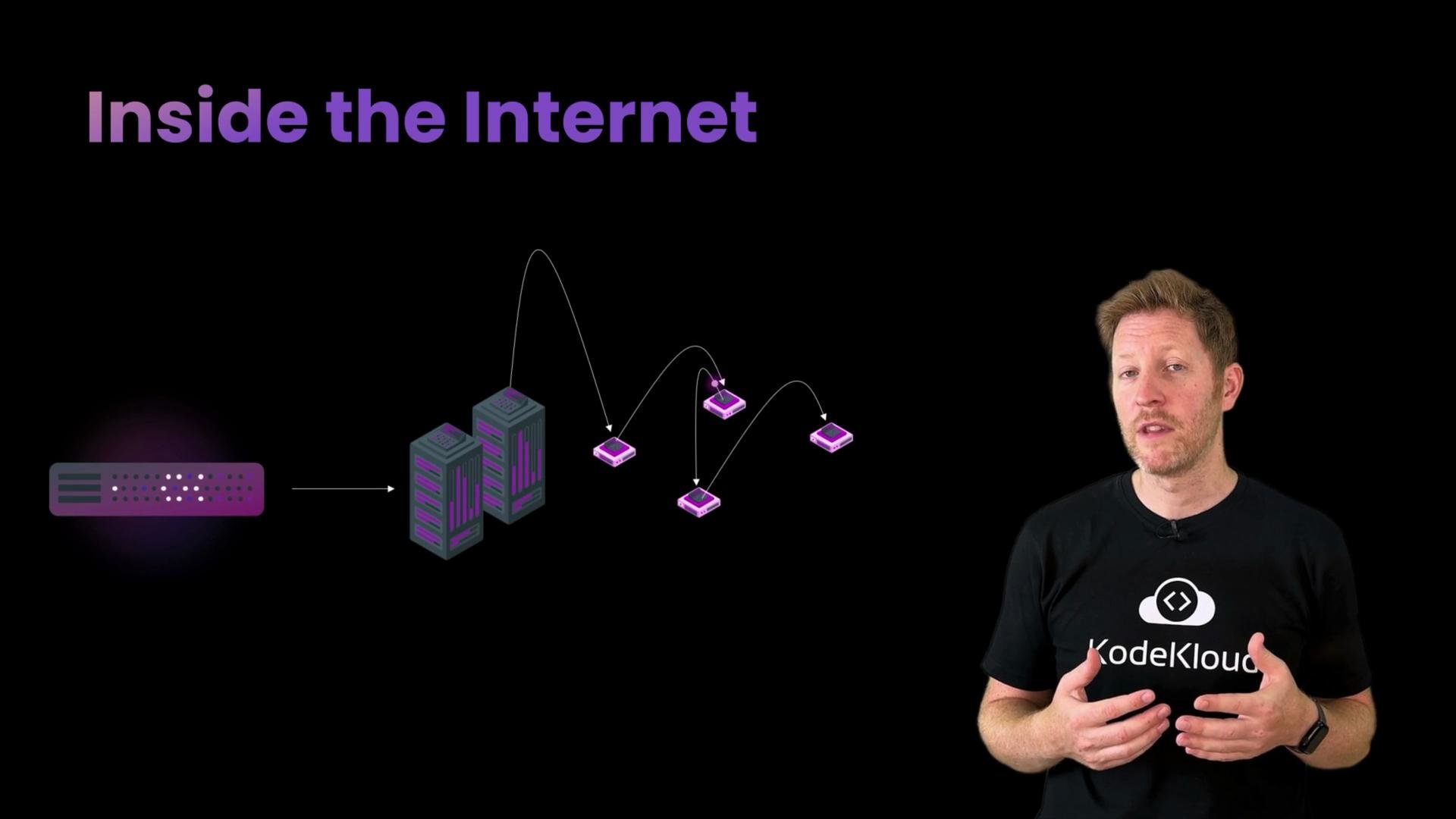
- Learn how the internet prepares your data for transit by breaking it into packets, how packets are forwarded across routers, and how routing finds efficient paths across a congested network.
- We’ll clarify how autonomous systems (AS) and routing protocols like BGP shape the global path selection.
- Understand the essential hardware: routers, switches, modems, and wireless access points.
- See how physical and logical topology (star, mesh, bus, ring) affects latency, redundancy, and performance.
- Compare the trade-offs between wired and wireless connections for throughput and reliability.
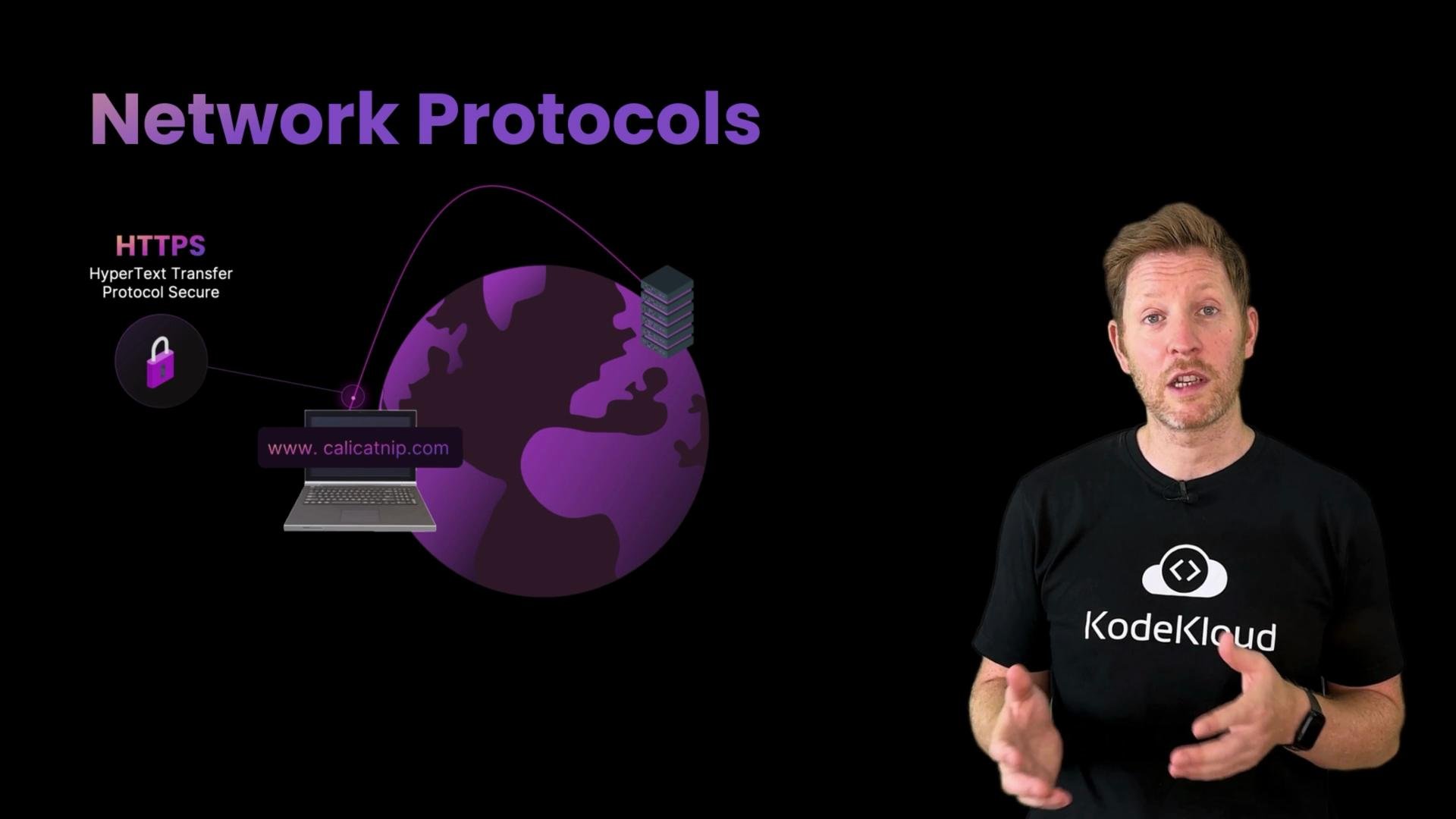
- Protocols define the rules, formats, and sequencing required for reliable communication. We’ll cover protocols including:
- IP (Internet Protocol) — addressing and routing between networks
- TCP (Transmission Control Protocol) — reliable, ordered delivery
- UDP (User Datagram Protocol) — low-latency, connectionless transport
- HTTP/HTTPS — application-layer protocols for the web
- Learn how IP addresses are used to route traffic across networks, MAC addresses are used to deliver frames within a local network, and how NAT and public/private addressing work.
- We’ll introduce lightweight diagnostic tools you can use to find and diagnose common connectivity problems:
ping— test reachability and measure basic latencyipconfig(Windows) /ifconfig(macOS) orip(Linux) — view interface and IP configurationtraceroute/tracert— trace the path packets take to a destination
- Knowing when to use each tool and how to interpret its output helps you quickly isolate issues (local, upstream, or remote).
Example traceroute output:
On Windows, the equivalent command to
traceroute is tracert.
- A clear mental model of how networks carry data end-to-end.
- Confidence using basic diagnostics to locate connectivity problems.
- Familiarity with the most important networking hardware and protocols.
- What is the Internet? — Internet Society
- TCP/IP Overview — MDN Web Docs
- How routers work — Cloudflare Learning Center
tracerouteman page: https://linux.die.net/man/8/traceroute