

no syncing, no cloud, no updates. For some, that’s bliss. For others, digital isolation. This lesson explains how networks break that isolation — how your phone talks to your watch, how a laptop finds a printer, and how a movie travels from a server across the world to your screen. We’ll define what a network is, compare the main network types (from personal to global), contrast wired and wireless links, and review two common data‑sharing models: peer‑to‑peer and client‑server.
- A network is a group of connected devices that can share resources (files, printers, messages, or Internet access).
- Think of it like a group chat for devices: they send, receive, and coordinate information.
- Streaming music from your phone to a speaker at home.
- Hundreds of computers at a company accessing shared storage.
- Local networks that operate entirely without Internet access — devices can communicate directly.
Local networks (for example, PANs or LANs) can let devices communicate even when the Internet is unavailable. The Internet is one possible extension, not a requirement.
- Wired (Ethernet): uses physical cables; common where speed, stability and low latency matter.
- Wireless (Wi‑Fi, Bluetooth): trades some reliability and range for mobility and convenience.
- The core idea remains connection and collaboration — without networks, devices are isolated.
- Scope: very short range (typically ~10 meters / 30 feet).
- Use: device-to-device links for a single user — earbuds, smartwatch pairing, phone tethering.
- Typical tech: Bluetooth, USB‑based direct links.
- Scope: devices across a single location (home, office, classroom).
- LAN can be wired or wireless; WLAN specifically means a Wi‑Fi based LAN.
- Use: high‑speed sharing of files, printers, and local servers within a building.
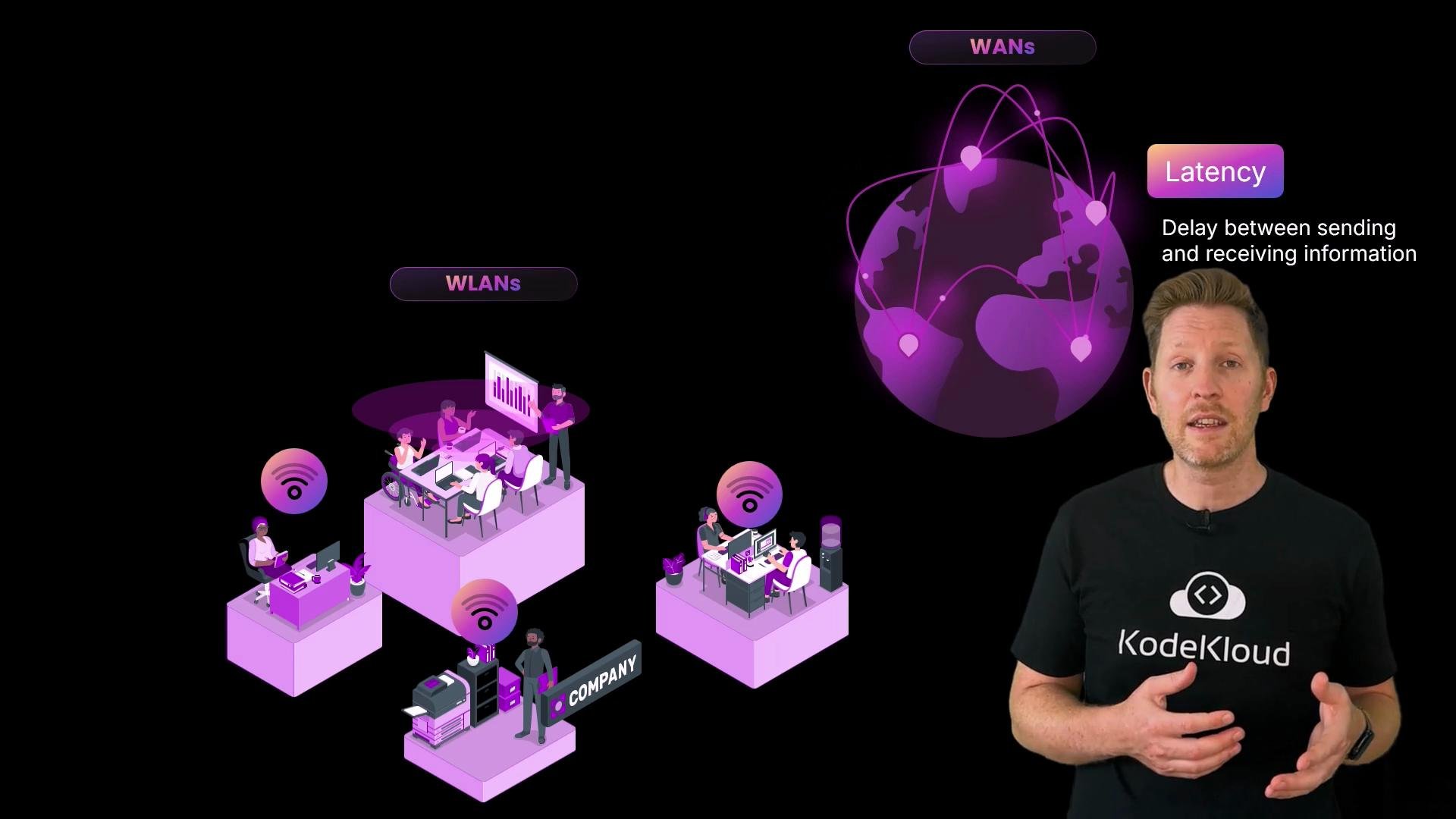
- Scope: connects LANs across cities, regions, or countries.
- Use: linking branch offices, data center interconnects, or distributed corporate networks.
- WAN infrastructure often involves ISPs, leased lines, or dedicated circuits and is more costly than local networks.
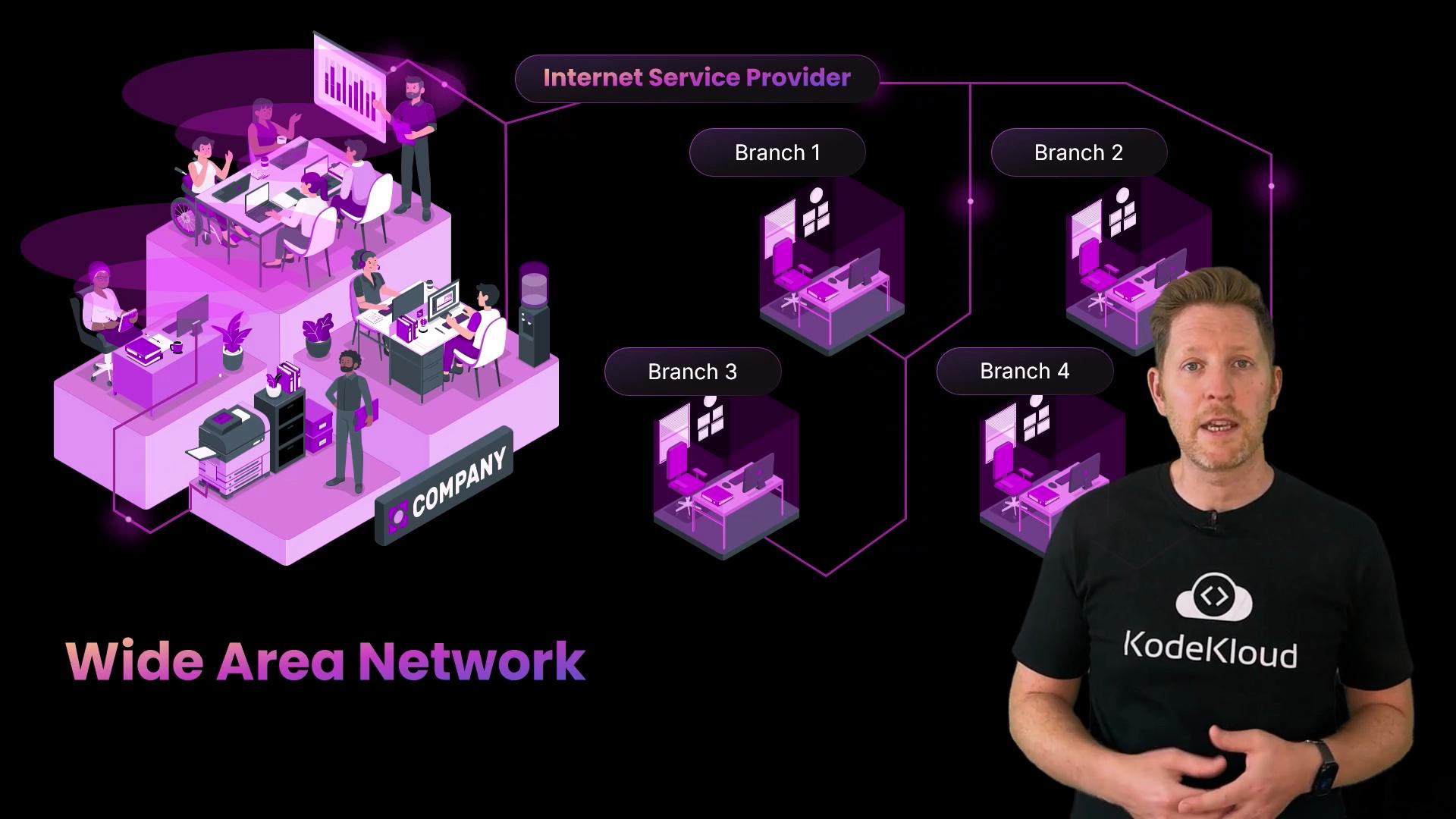
- PANs: perfect for personal device sync (earbuds, wearable). Short range and easily disrupted.
- LANs: ideal for high‑speed sharing inside a building. Limited geographic scope.
- WLANs: provide mobility within a LAN’s footprint, but can suffer reduced signal through walls and at distance.
- WANs: connect distant locations at scale, but introduce higher latency, cost, and operational complexity.
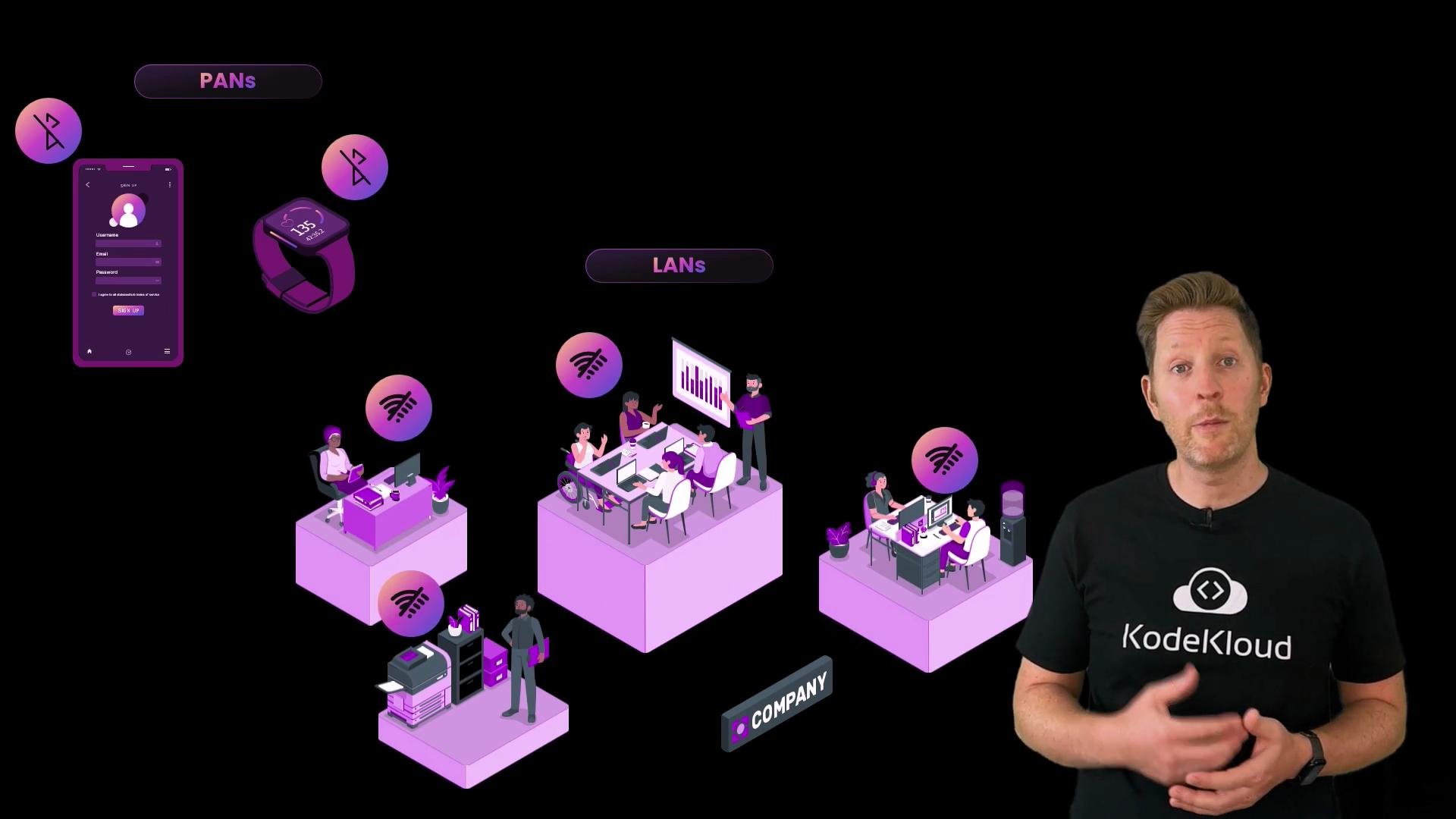
- Latency is the delay between sending and receiving data.
- As distance grows (WANs, the Internet), latency typically increases because packets traverse more routers and physical links.
- The Internet is the world’s largest WAN: it connects millions of LANs and WANs and carries services like web pages, email, streaming and gaming — each using the same underlying infrastructure in different ways.
Larger, more connected networks require stronger security controls (segmentation, authentication, monitoring). An open or poorly managed WAN can expose many systems at once.
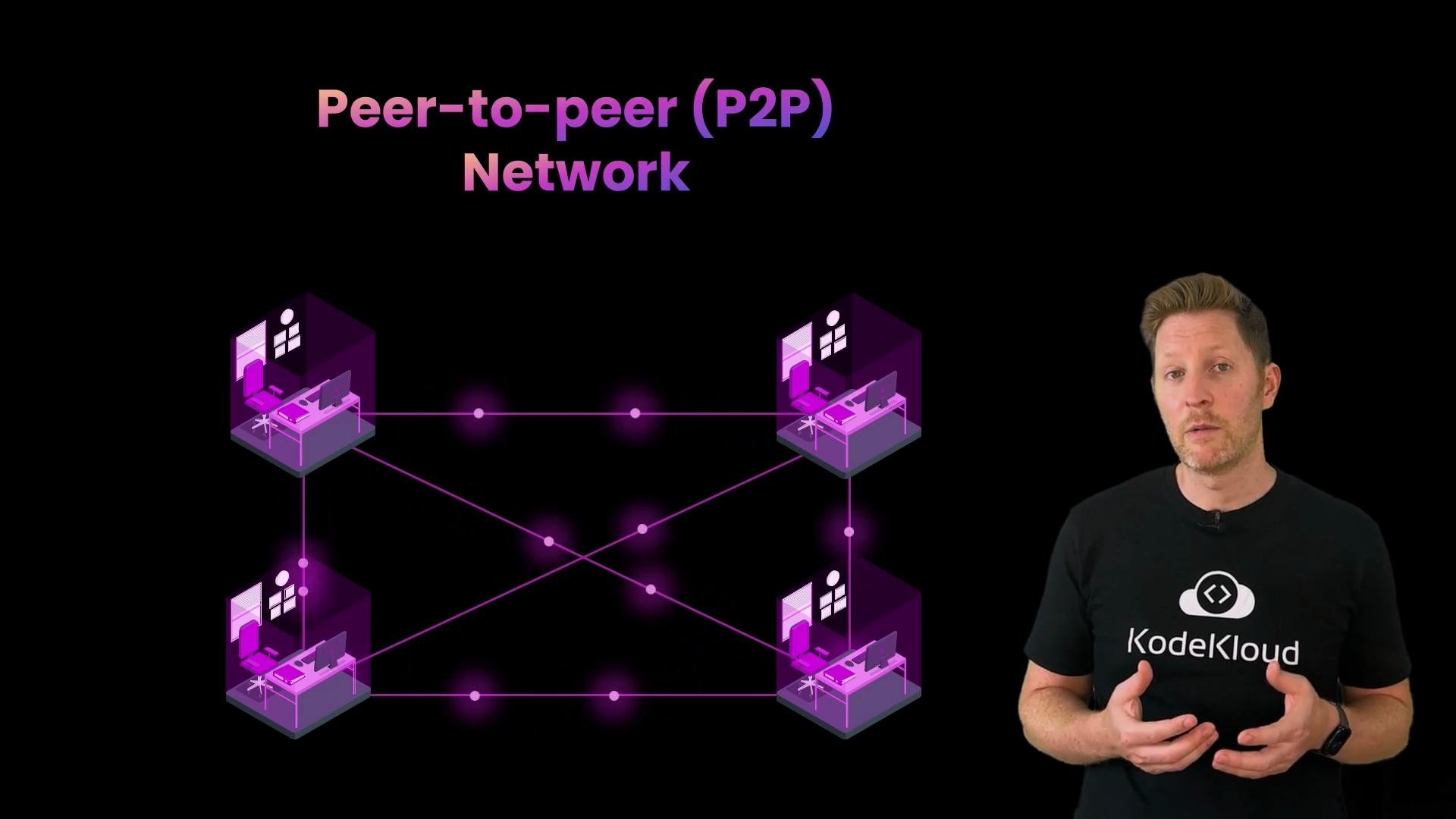
- In P2P, devices communicate directly without a central server.
- Useful for small-scale or ad‑hoc sharing: Bluetooth file transfer, LAN gaming, or local document sharing.
- Limitation: distributing the same data to many recipients can be inefficient unless specialized P2P protocols or multicast techniques are used.
- A central server stores data and provides services; clients (desktops, phones, smart TVs) request those services.
- Efficient at scale: upload once, many clients download.
- Trade‑off: potential single point of failure — mitigated with redundancy, load balancing, and failover strategies.
- Streaming platforms (Netflix, YouTube) store content on central servers and CDNs for millions of users.
- Video conferencing services (Zoom) often route or mix streams through servers rather than relying entirely on direct client connections.
B. WLANs are wireless versions of LANs.
C. WANs are always faster than LANs.
D. Peer‑to‑peer networks don’t need a central server. Answers:
Recap
- A network connects devices so they can share data, services, and resources. Internet connectivity is optional — it’s an additional layer, not a requirement.
- Networks scale: PAN → LAN/WLAN → WAN → Internet, each adding reach and complexity.
- WLANs are wireless LANs, trading some reliability and range for mobility.
- Smaller networks are generally faster, simpler, and easier to secure; larger networks introduce latency, cost, and management overhead.
- Peer‑to‑peer suits small, informal setups; client‑server supports centralized control and scalability, but depends on server availability.
- What is a LAN (Local Area Network)? — Cloudflare Learning
- Wide Area Network (WAN) — Cisco
- Peer-to-peer — Wikipedia
- Client–server model — Wikipedia