What Is Docker Compose?
Docker Compose is an open source tool for defining and running multi-container Docker applications. You describe your services in adocker-compose.yml file and start everything with a single command. It simplifies development workflows by coordinating multiple containers with minimal configuration.
If you’re new to Docker or Compose, no worries—this demo focuses on accessing the project’s codebase rather than using it.
1. Explore Docker’s Open Source Page
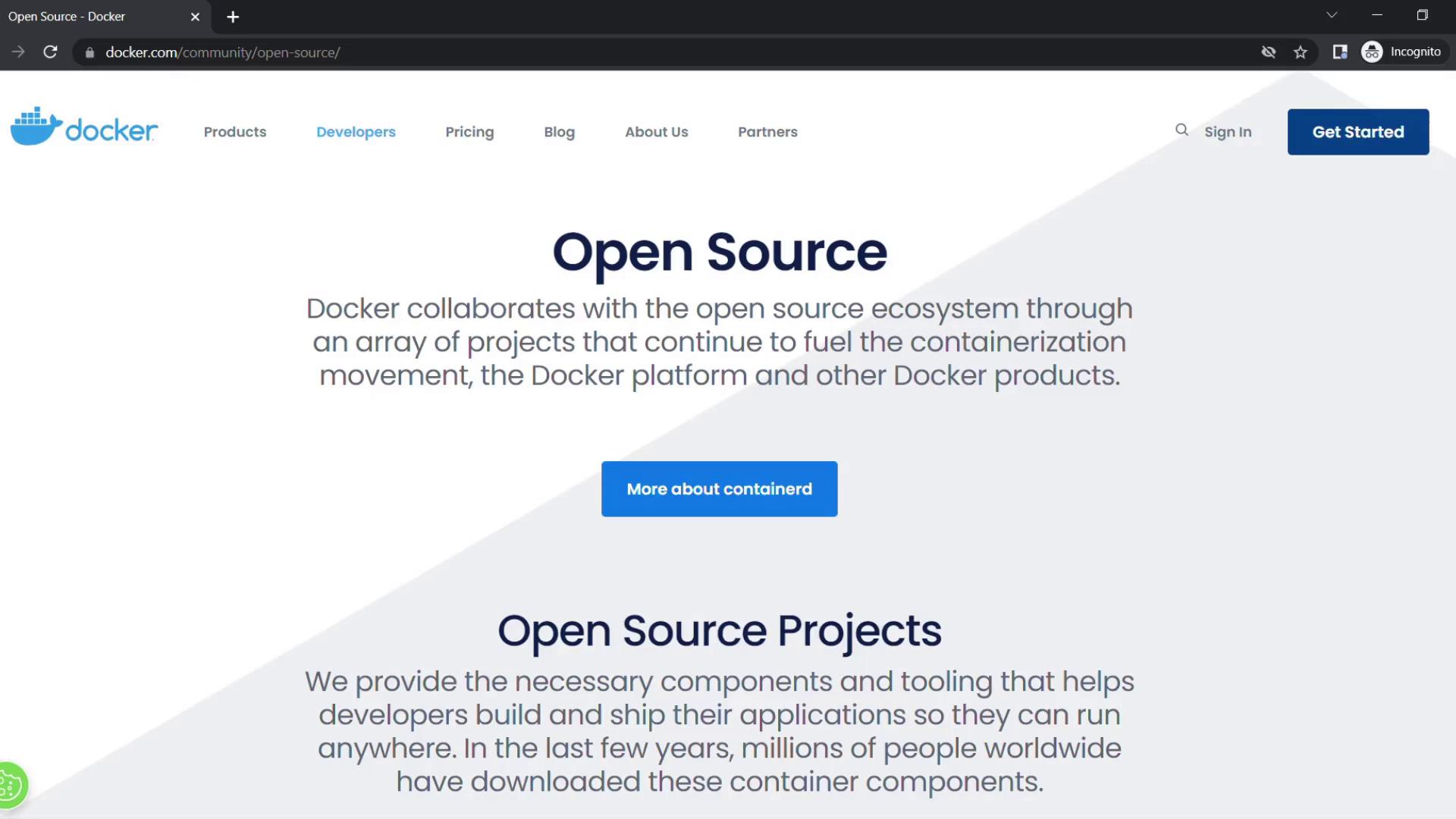
First, visit Docker’s official open source portal to see all the projects they maintain.
2. Navigate to the GitHub Repository
Click the Docker Compose link to jump to its GitHub repository. If you don’t have a GitHub account, sign up at github.com.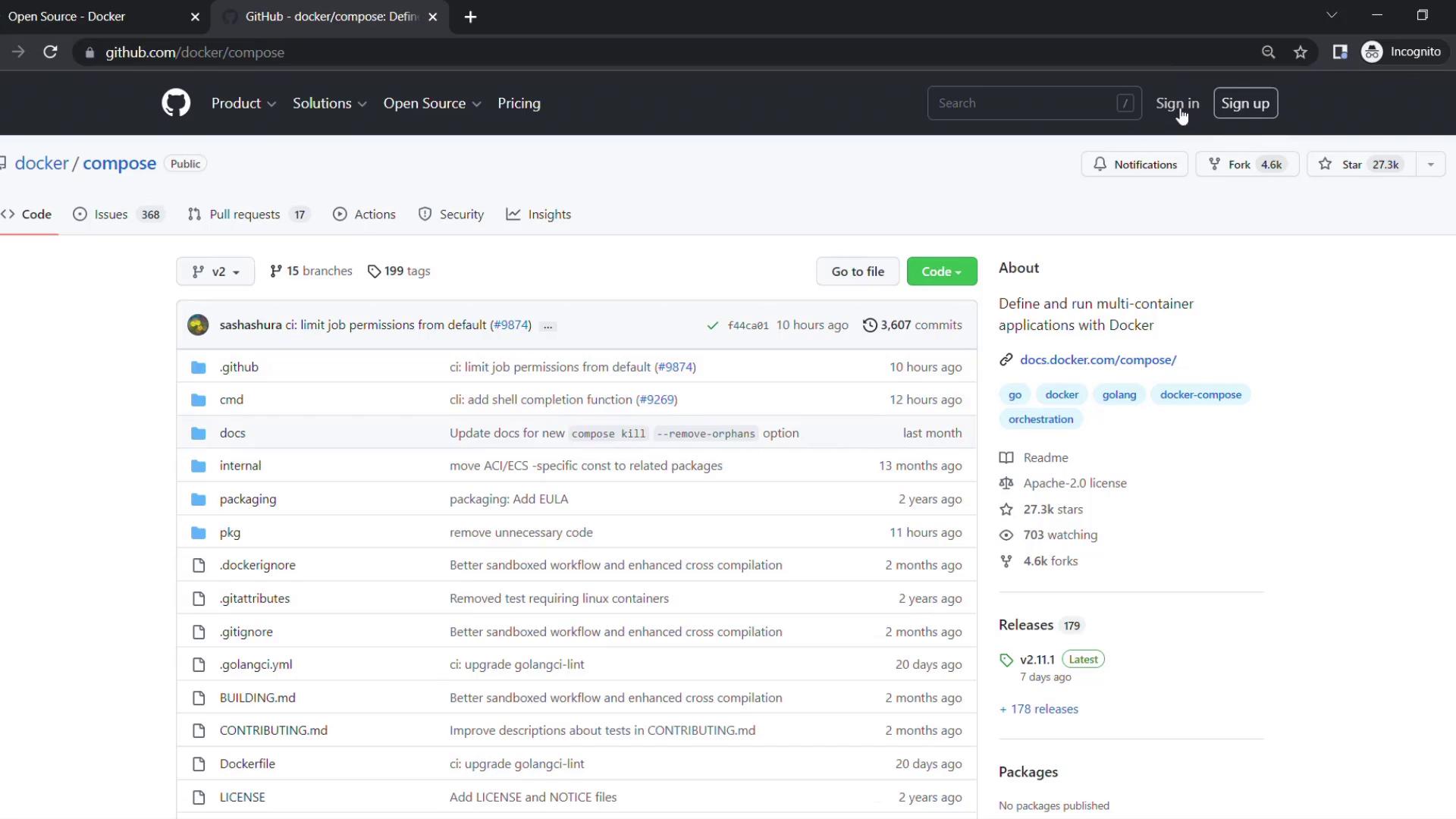
About the Repository
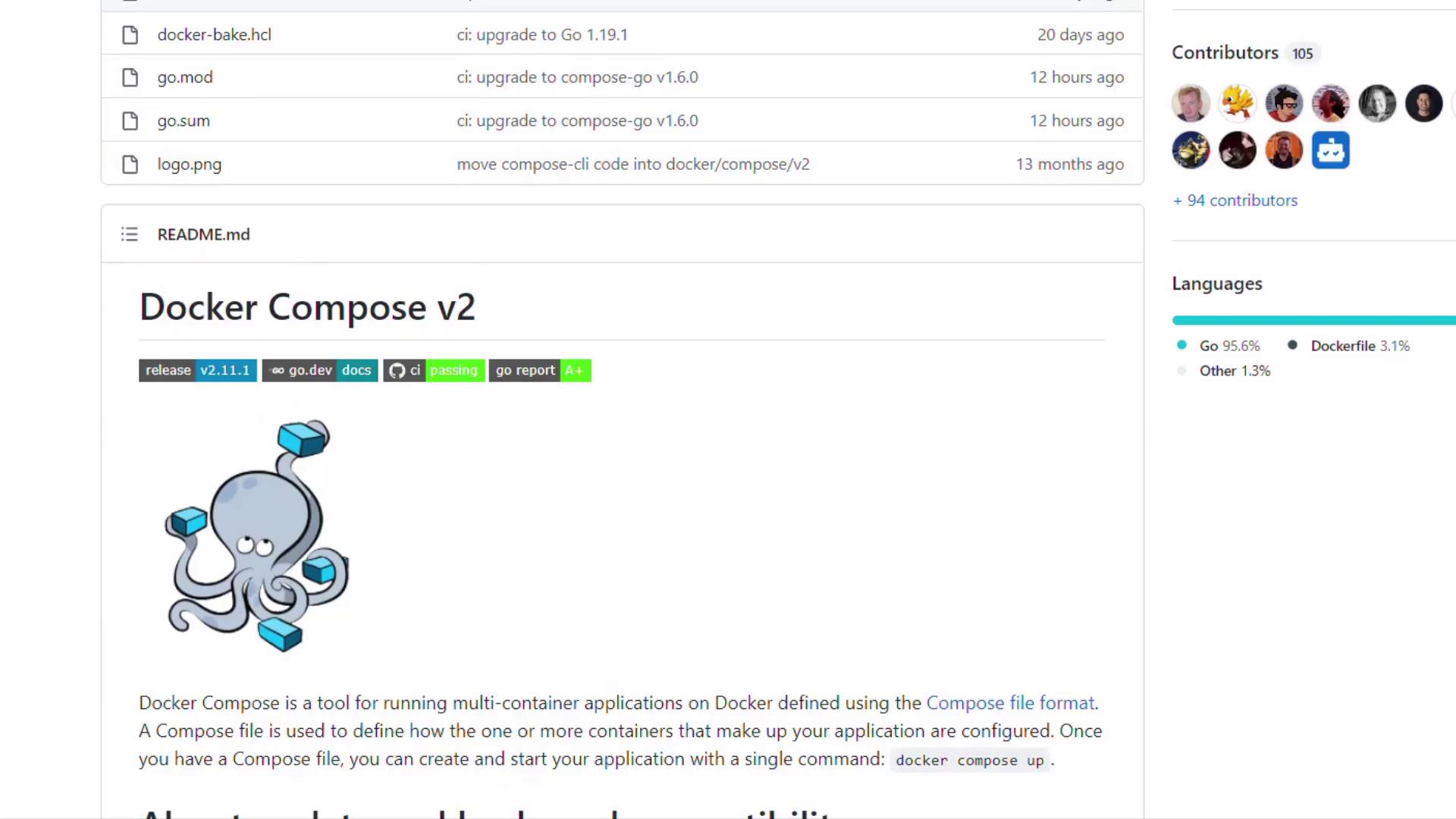
Below the About section you’ll find:
- Tags: Keywords that describe the project
- Releases: Version history and changelogs
- Contributors: Who has committed to the codebase
- README Preview: A quick overview of the project’s goals and usage
Always check the LICENSE file before using or modifying open source code to ensure compliance with its terms.
3. Download the Source Code
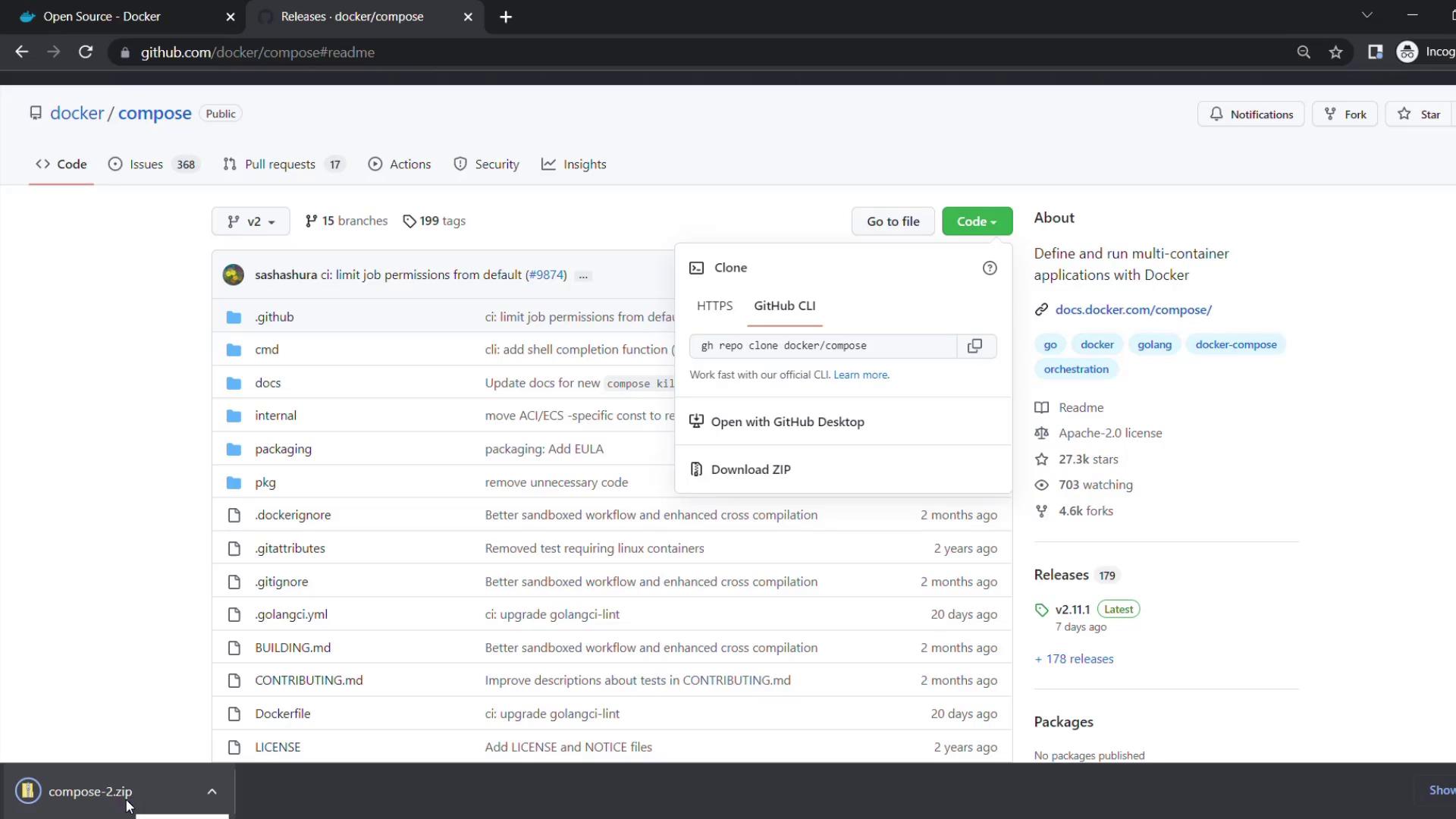
To grab the entire codebase:- Click the green Code button in the top-right of the repo.
- Select Download ZIP.
- Unzip the downloaded file to your desired directory.