

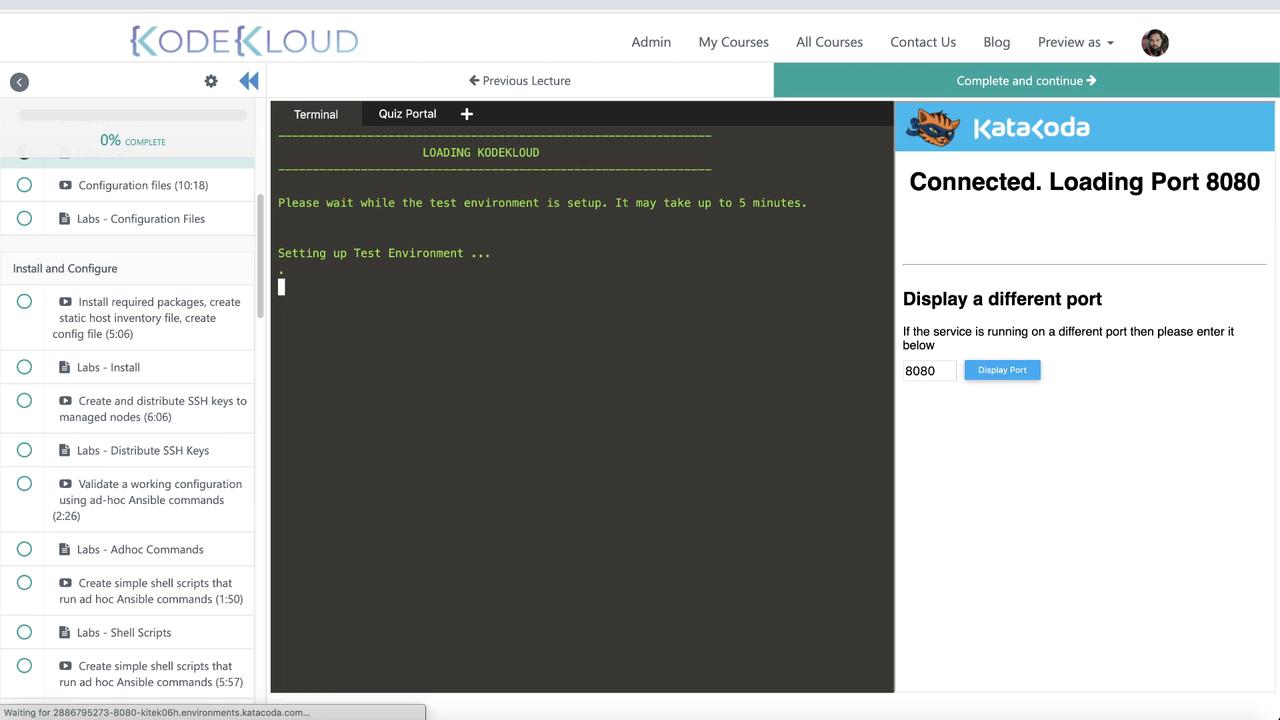
Lab Interface Overview
The lab interface is divided into two sections:- Left Panel: A terminal connected to an Ansible control node. This live environment allows you to run commands, create files, and experiment freely.
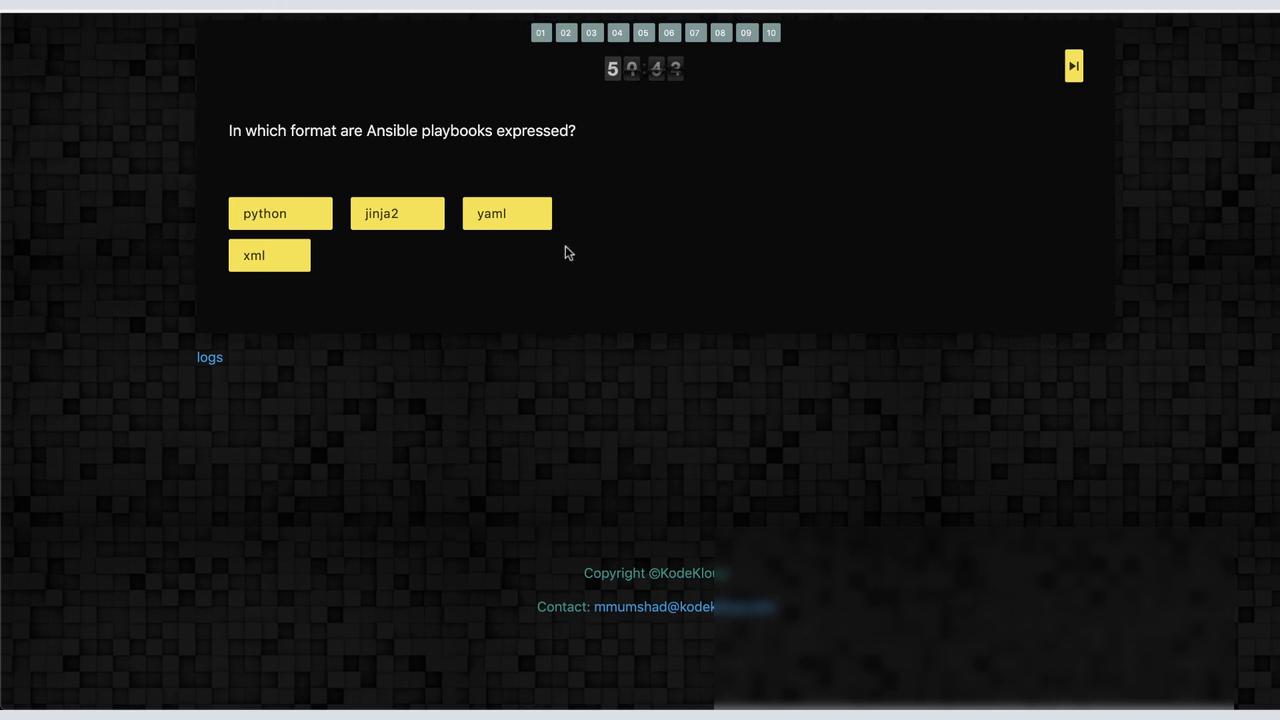
- Right Panel: A quiz portal that displays questions along with a timer and the total question count. For a larger terminal view, simply click the quiz portal button at the top to open it in a separate window. In this demonstration, we are using the split interface.
Each lab typically begins with multiple-choice questions to gauge your existing knowledge, followed by more challenging hands-on tasks. In this demo, we introduce the fundamentals of Ansible Playbooks.
Lab Questions and Tasks
1. Playbook Format Question
The first question asks: In what format are Ansible playbooks typically expressed?The available choices are Python, Jinja2, YAML, or XML. The correct answer is YAML.
2. Understanding a Playbook
Next, you are asked to define what a playbook is. A playbook is a file containing plays and tasks that specify operations to be executed on managed nodes.3. Multiple Plays in a Playbook
Another query confirms that a playbook can include multiple plays. For example, a playbook might target different groups of hosts using separate plays. Consider the following example from the filefile.yml:
web1 and another targeting web2.
4. Hands-On Task – Creating a Playbook
Your task is to create a playbook namedweb1.yml that creates a blank file called myfile.txt in the root home directory on the web1 node. If you need help, click the hint button in the lab interface.
A sample playbook might look like this:
web1 node:
web1 node, confirm that /root/myfile.txt now exists.
Once you run your playbook, the quiz portal will re-run it after resetting the environment to ensure that your solution is both correct and repeatable.
5. Fixing a Faulty Playbook – httpd.yml
Another lab task involves troubleshooting a playbook namedhttpd.yml, which initially contains errors. When you open and run this playbook, you might encounter the following error:
host instead of hosts. Correct that mistake (and ensure proper indentation), and the playbook should run successfully. A similar error may occur if the YAML indentation isn’t correct:
6. Important Reminder
Avoid refreshing your browser tab during the lab session. Refreshing will cause the lab environment to expire after one hour. If the quiz portal appears stuck, refresh only that window. Remember, this action will restart the particular lab you are working on.
Final Steps and Feedback
After completing all tasks and questions, be sure to provide feedback using the designated form. For example, when testing the playbookweb2.yml, you might encounter an error like this: