

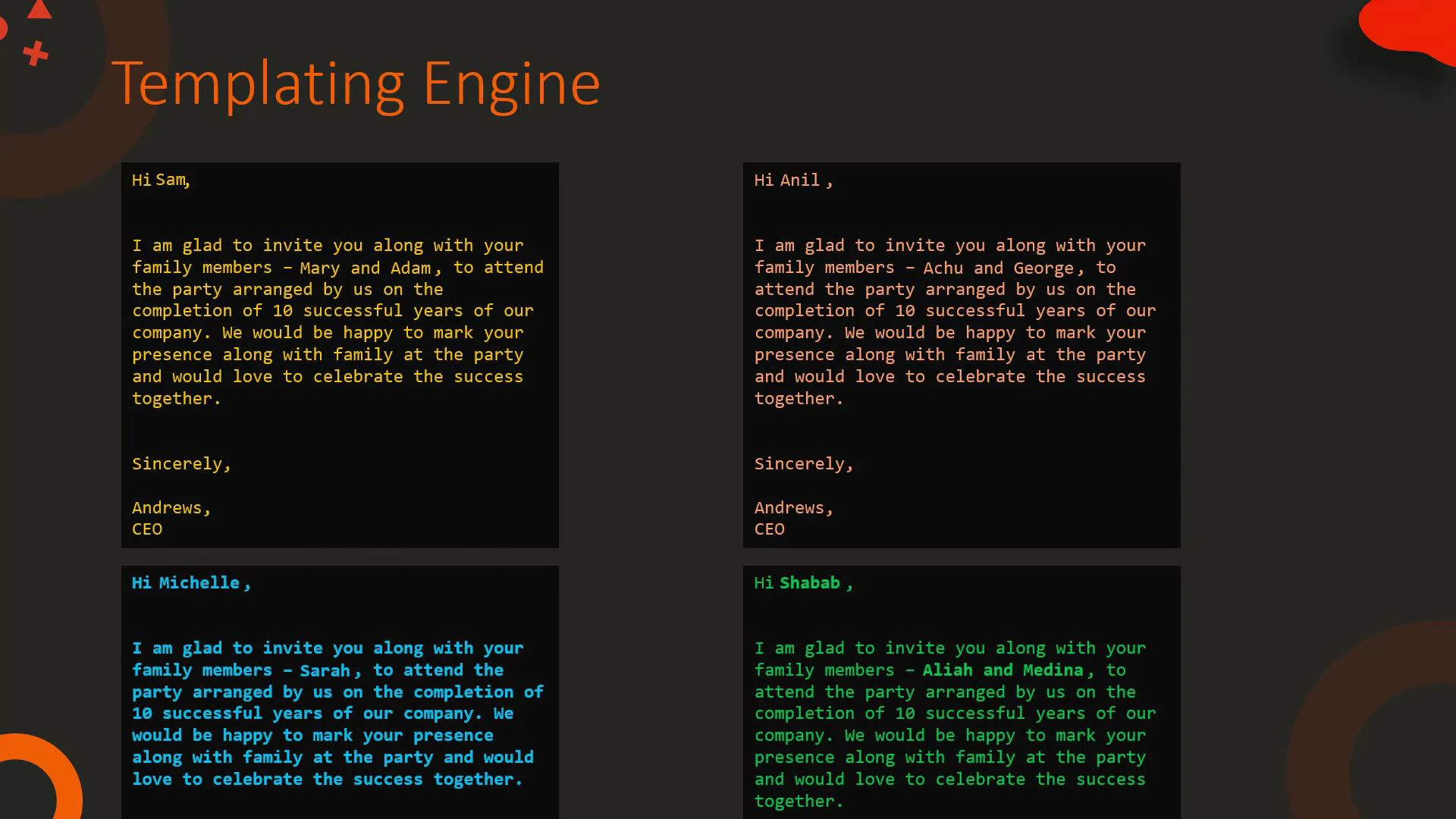
Simple HTML templating example
Template:Using Jinja2 in Ansible
Ansible uses Jinja2 templating everywhere: playbooks, task parameters, templates, and inventory. Example: using a variable for a file path in a task. Template playbook:What is Jinja2?
Jinja2 is a full-featured, powerful templating engine for Python. It provides a compact syntax for:- Expressions that output values
- Control structures (loops, conditionals)
- Template inheritance (blocks)
- Filters to transform values
- Tests to check values (defined, none, etc.)
Common Jinja2 constructs
- Expressions:
{{ ... }}— evaluate and output a value. - Statements:
{% ... %}— control structures like for/if or block definitions. - Comments:
{# ... #}— template comments not rendered in output.
Blocks and template inheritance
Blocks let a base template define placeholders that child templates can override. Example:Filters: transform values inline
Filters use the pipe (|) syntax and let you transform a variable before rendering.- Strings: upper, lower, title, replace, default
- Sequences: min, max, unique, union, intersect, random, join
Use filters to transform values inline. The default filter prevents
undefined-variable errors by providing a fallback.
{{ name | upper }} -> “BOND” |
| replace | Replace substrings | {{ text | replace("a","b") }} |
| default | Fallback when undefined | {{ value | default("N/A") }} |
| join | Join list elements into a string | {{ words | join(" ") }} -> “The name is Bond” |
| unique | Remove duplicates from a sequence | {{ [1,2,2] | unique }} -> [1,2] |
| union, intersect | Combine or intersect sequences | {{ [1,2] | union([2,3]) }} -> [1,2,3] |
| random | Pick a random element | {{ range(1,201) | random }} -> random 1–200 |
Selected examples (sequence filters):
Blocks vs expressions
- Use
{{ ... }}when you want to output a value or the result of an expression. - Use
{% ... %}for control flow, including loops, conditionals, and block definitions.
Loops and conditionals
Example template that prints a message for numbers 0–4 and highlights when the number equals 2:When to use Jinja2 templates
Next steps and references
Jinja2 provides many more filters, tests, and extension points. Combine filters, tests, template inheritance, and macros to build clean, maintainable templates for web apps, automation, and infrastructure. Links and references:- Jinja2 documentation: https://jinja.palletsprojects.com/
- Ansible templating: https://docs.ansible.com/ansible/latest/user_guide/playbooks_templating.html
- Ansible Advanced Course: https://learn.kodekloud.com/user/courses/ansible-advanced-course