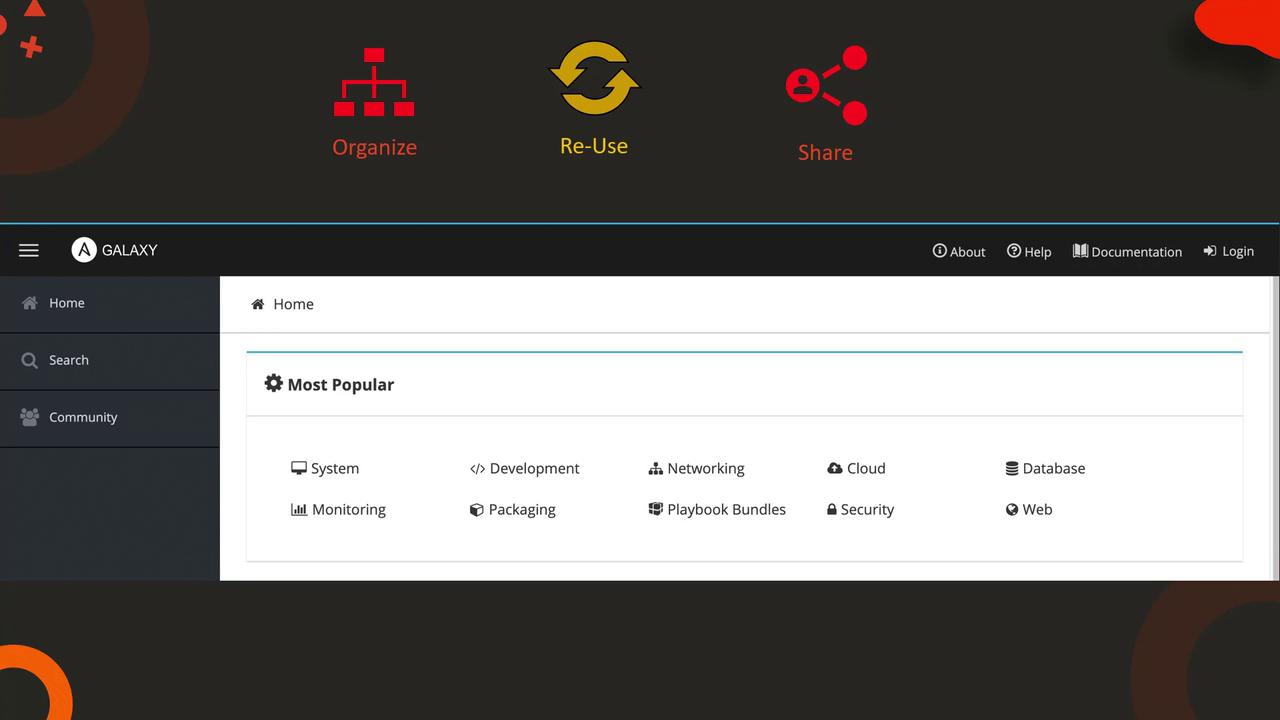
This article explains Ansible roles, their organization, reusability, and how to create and manage them for automation tasks.
In this article, we explain the concept of roles in Ansible and how they help organize your automation code. Roles allow you to structure and reuse sets of tasks, variables, handlers, and templates. Much like how a person follows a series of steps to become a doctor, engineer, or chef, a server can be transformed into a database server, web server, or messaging server by executing a series of defined tasks.For example, to convert a blank server into a MySQL database server, you would install prerequisite packages, install the MySQL packages, start the MySQL service, and then configure databases or users. Similarly, setting up a web server involves installing prerequisites, setting up Nginx, configuring its service, and preparing custom web pages.
Up to this point, you could have accomplished these tasks using a regular Ansible playbook. Consider the following simple playbook that installs and configures MySQL on a database server:
- name: Install and Configure MySQL
  hosts: db-server
  tasks:
    - name: Install Pre-Requisites
      yum:
        name: pre-req-packages
        state: present

    - name: Install MySQL Packages
      yum:
        name: mysql
        state: present

    - name: Start MySQL Service
      service:
        name: mysql
        state: started

    - name: Configure Database
      mysql_db:
        name: db1
        state: present
Since these tasks are common and may be used across multiple projects, encapsulating them into a role avoids repetition of code. Once you package the MySQL configuration tasks into a role—let’s call it “mysql”—you can easily assign this role in your playbook for one server or many:
- name: Install and Configure MySQL
  hosts: db-server1,db-server2,db-server3  # or a range like db-server1...db-server100
  roles:
    - mysql
Roles not only increase reusability across projects (both internally and in the community) but also impose a standardized directory layout. A typical role, such as “MySQL-Role”, might be organized as follows:
MySQL-Role: tasks: - name: Install Pre-Requisites yum: name: pre-req-packages state: present - name: Install MySQL Packages yum: name: mysql state: present - name: Start MySQL Service service: name: mysql state: started - name: Configure Database mysql_db: name: db1 state: presentvars: mysql_packages: - mysql - mysql-server db_config: db_name: db1defaults: mysql_user_name: root mysql_user_password: root
Within this structure:
The tasks directory contains all the playbook tasks.
The vars directory holds variable definitions used by these tasks.
The defaults directory contains default values.
Additional directories such as handlers and templates can be used as required.
Organizing your code with roles not only improves maintainability but also eases collaboration and reusability across different projects.
Roles simplify sharing your work with the broader Ansible community. Ansible Galaxy is an excellent resource to discover thousands of roles covering a broad spectrum of tasks—from deploying web servers to managing databases.
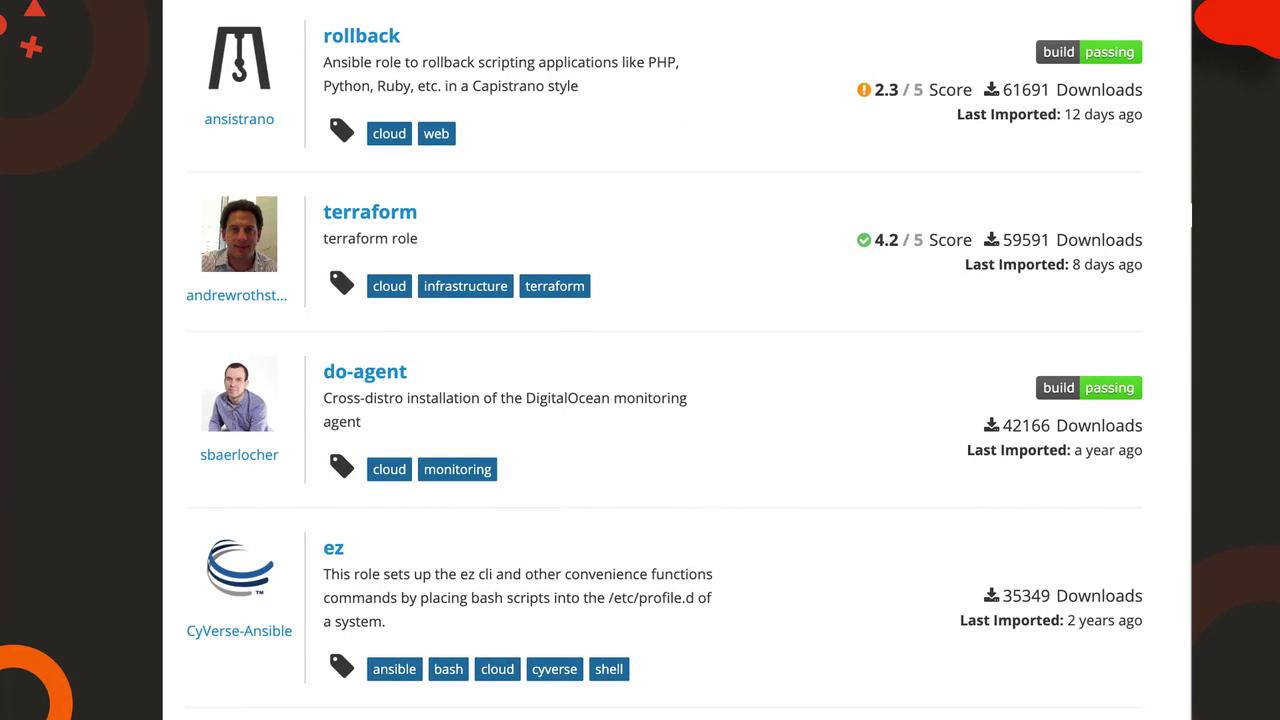
Before diving into new playbooks, it’s worth checking Ansible Galaxy to see if a role already exists that meets your requirements. The following image presents a list of available Ansible roles:
Getting started with creating your own Ansible role is straightforward. Use Ansible Galaxy’s initialization command to generate the necessary directory structure automatically. For example, to create a MySQL role, run:
$ ansible-galaxy init mysql
After initialization, move your custom code into the appropriate directories (tasks, vars, defaults, etc.). To use this role in your playbook, make sure it is stored in a path that Ansible can locate. Typically, roles should be placed in a “roles” directory within your playbook folder or in a global path like /etc/ansible/roles. You can define a custom default location in the Ansible configuration file using the roles_path setting.Here’s an updated playbook example after creating and placing your custom MySQL role:
- name: Install and Configure MySQL
  hosts: db-server
  roles:
    - mysql
And an excerpt from your Ansible configuration file (/etc/ansible/ansible.cfg):
If you prefer to leverage an existing role, you can search for one via the command line or the Ansible Galaxy UI. For instance, to search for a MySQL role, you can use:
$ ansible-galaxy search mysql
Once you find a role that meets your needs, install it (for example, using geerlingguy’s MySQL role):
$ ansible-galaxy install geerlingguy.mysql
During installation, you might see output similar to:
- downloading role 'mysql', owned by geerlingguy- downloading role from https://github.com/geerlingguy/ansible-role-mysql/archive/2.9.5.tar.gz- extracting geerlingguy.mysql to /etc/ansible/roles/geerlingguy.mysql- geerlingguy.mysql (2.9.5) was installed successfully
After installation, reference the role in your playbook like so:
- name: Install and Configure MySQL
  hosts: db-server
  roles:
    - geerlingguy.mysql
Roles can also be configured as an array of dictionaries if additional options, such as privilege escalation or extra parameters, need to be specified.
Roles in Ansible are a powerful mechanism for promoting reusability, standardizing organization, and simplifying the management of your automation code. Whether you are setting up a single server or managing multiple servers with diverse roles, the structure provided by roles streamlines your workflow. Additionally, sharing roles on platforms like Ansible Galaxy enables collaboration and faster deployments across the community.That’s it for this article. Reinforce your understanding by practicing with hands-on exercises and exploring the vast array of roles available on Ansible Galaxy.