

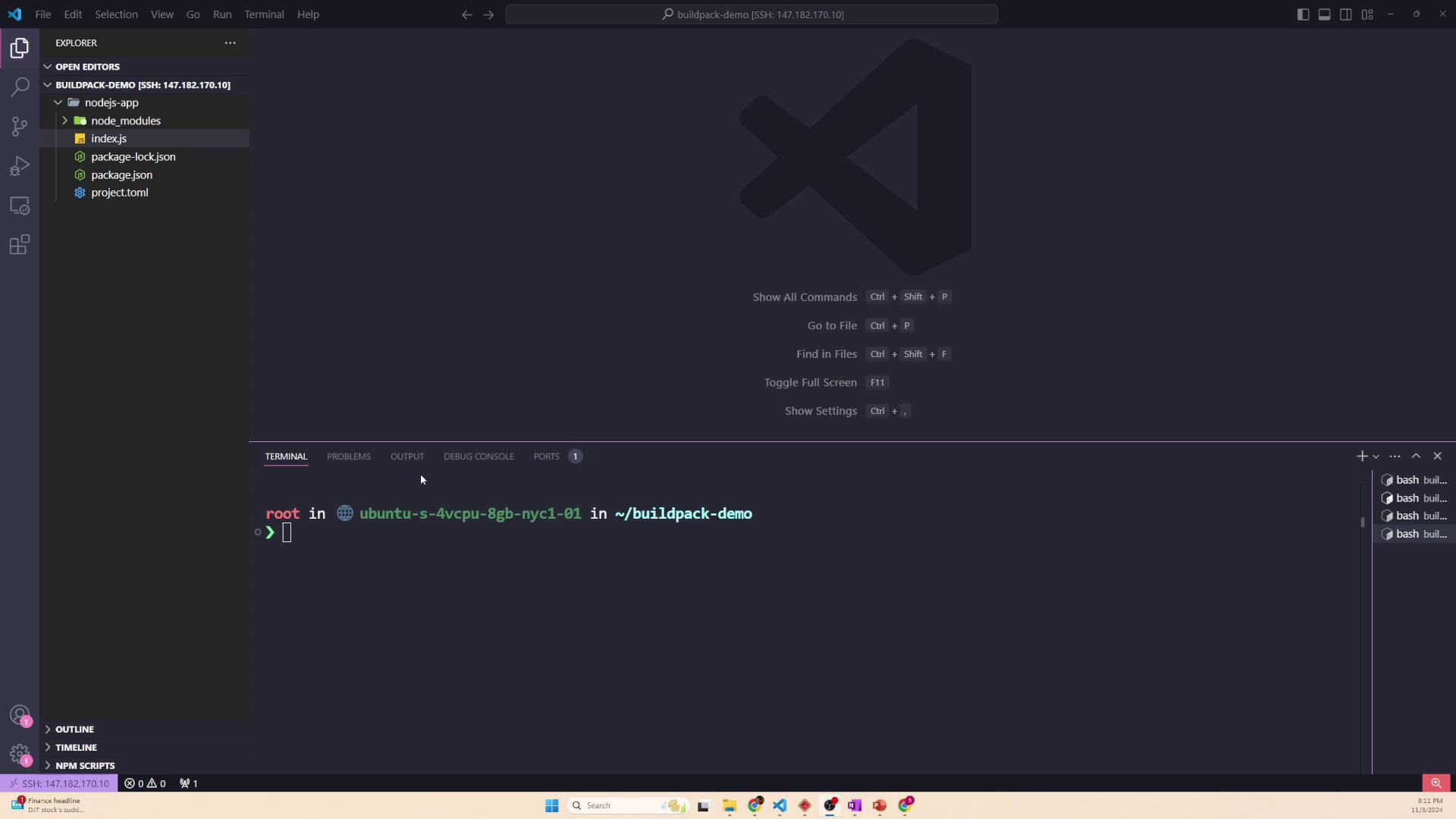
The Application Entry Point (index.js)
The index.js file is the heart of the application and acts as its entry point. It contains all the necessary code to start a simple web server, which listens on port 8080 by default (or on a port specified in the environment). To run the application, simply execute:
Attempting to start the application without installing all the necessary packages will result in errors, such as the missing
express module.index.js:
Project Dependencies (package.json)
The package.json file holds vital metadata about the project, including a list of dependencies required by the application. In this example, our Node.js app depends on the Express framework for building web applications and UUID for generating unique identifiers. This file is analogous to Python’s requirements.txt and is essential for managing third-party libraries.
Below is a typical package.json file:
npm install <package-name>, it is automatically added to the "dependencies" list. The actual package files are then stored within the node_modules folder.
Locking Dependency Versions (package-lock.json)
In addition to package.json, the package-lock.json file is created to record the exact versions of every installed dependency, including nested dependencies. This file ensures consistent installation across different environments (development, production, CI/CD pipelines) and avoids version discrepancies.
Here’s an excerpt from a package-lock.json file that demonstrates its structure:
Installing Dependencies
Before running the application, you need to install all the necessary dependencies listed in thepackage.json file. If you skip this step, Node.js will not be able to locate modules such as Express.
To install all dependencies, navigate to your project directory and run:
node_modules folder is created that contains Express, UUID, and all other required modules.
In certain environments, you might want to perform a clean installation based on the exact versions recorded in
package-lock.json. In that case, use the npm ci command.node_modules folder is often excluded (typically via a .gitignore file) because the dependencies can be installed on demand.
Buildpack Configuration
When creating a container image for this Node.js application using a buildpack, you generally copy over the source code and dependency descriptions, but exclude thenode_modules folder. Below is an example project.toml file that specifies which files and directories should be excluded:
npm ci, the console output might appear as follows:
Summary
This article provided an overview of the basic structure of a Node.js application:- The
index.jsfile acts as the entry point that launches the web server. - The
package.jsonfile contains project metadata and dependency details (similar to Python’srequirements.txt). - The
package-lock.jsonfile ensures consistent dependency installations by locking down exact package versions. - Dependencies are installed locally in the
node_modulesfolder using commands such asnpm installornpm ci.