

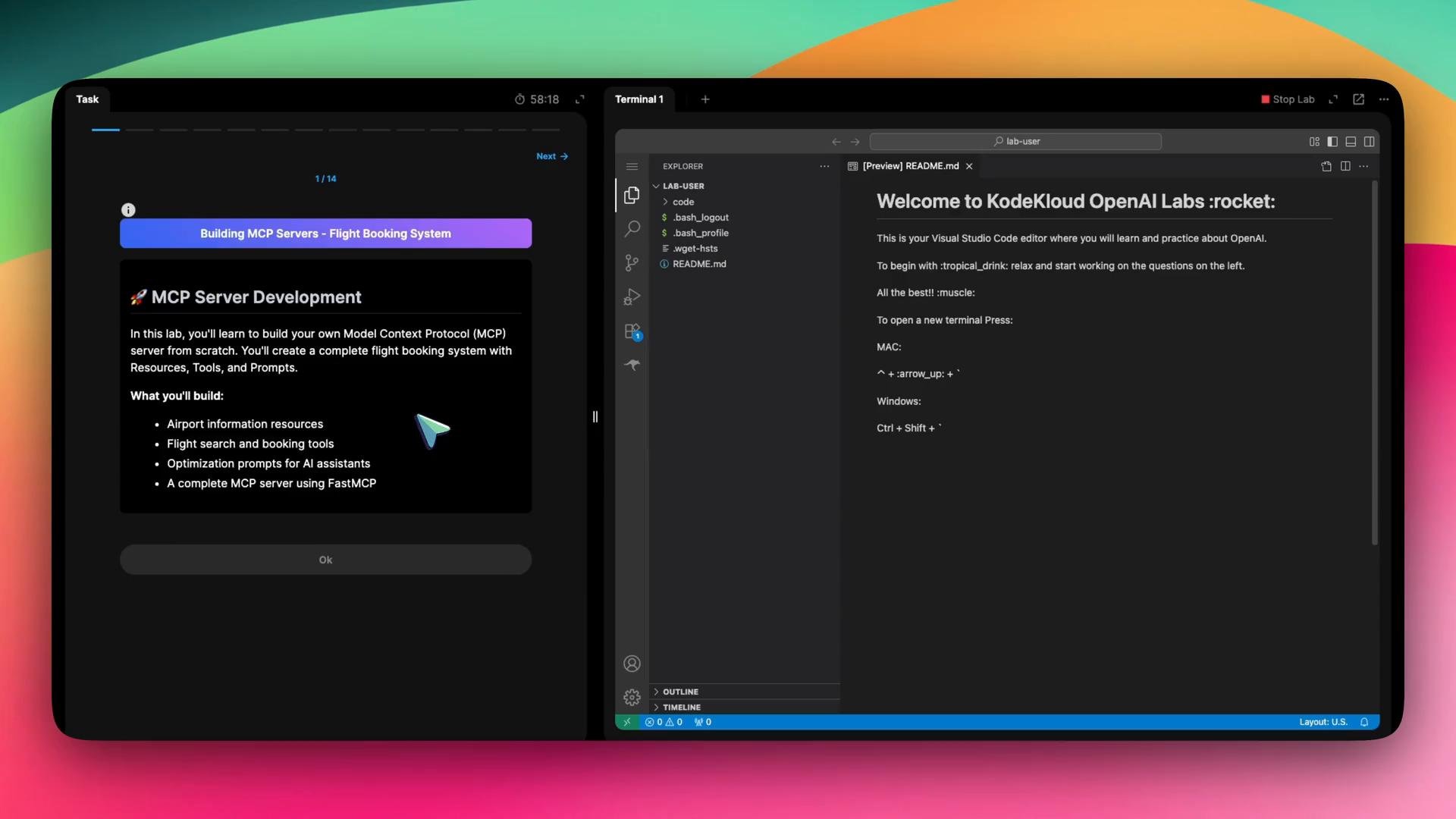
- The lab starts with a quick knowledge-check on MCP concepts (transport protocols, resources, tools, prompts).
- The hands-on tasks walk you through:
- Initializing a Python project
- Implementing an MCP server
- Registering resources and tools (functions exposed to agents)
- Configuring Roo Code to run and use the MCP server
uv runner tool):
/home/lab-user/flight-booking-server and install the MCP CLI dependency required to run an MCP server.
Step 2 — Review the initial server.py
Open server.py in your project. The scaffolded file includes a minimal MCP server and a helper that returns airport data. A simple starting file may look like:
get_airports function as an MCP resource and register callable functions (like search_flights and create_booking) as tools so agents can invoke them.
Step 3 — Register resources and tools
Annotate functions with MCP decorators to expose them to agents:
- Use
@mcp.resource("<uri>")to expose data as a resource (file-like or other URI). - Use
@mcp.tool()to register callable tools that agents can invoke with arguments.
server.py in your project to register a file resource and two tools:
@mcp.resource("file://airports")exposes the airports list under theairportsfile URI. Adjust the URI scheme or name to fit your environment.@mcp.tool()registers each function as an agent-callable tool.- Keep
if __name__ == "__main__": mcp.run()to start the server when the file is executed.
add, greet). Register prompt handlers with whatever decorator or API your MCP library requires. Check your project’s example code or the MCP library documentation for the exact prompt registration syntax.
Step 5 — Configure Roo Code (Project-level MCP)
To allow Roo Code to run your MCP server, add a project-level mcp.json entry describing how to start it. In Roo Code Project MCP settings, paste this configuration:
After saving:
- In Roo Code, click Refresh MCP Servers.
- Confirm the
flight-bookingserver appears and shows a running (green) indicator.
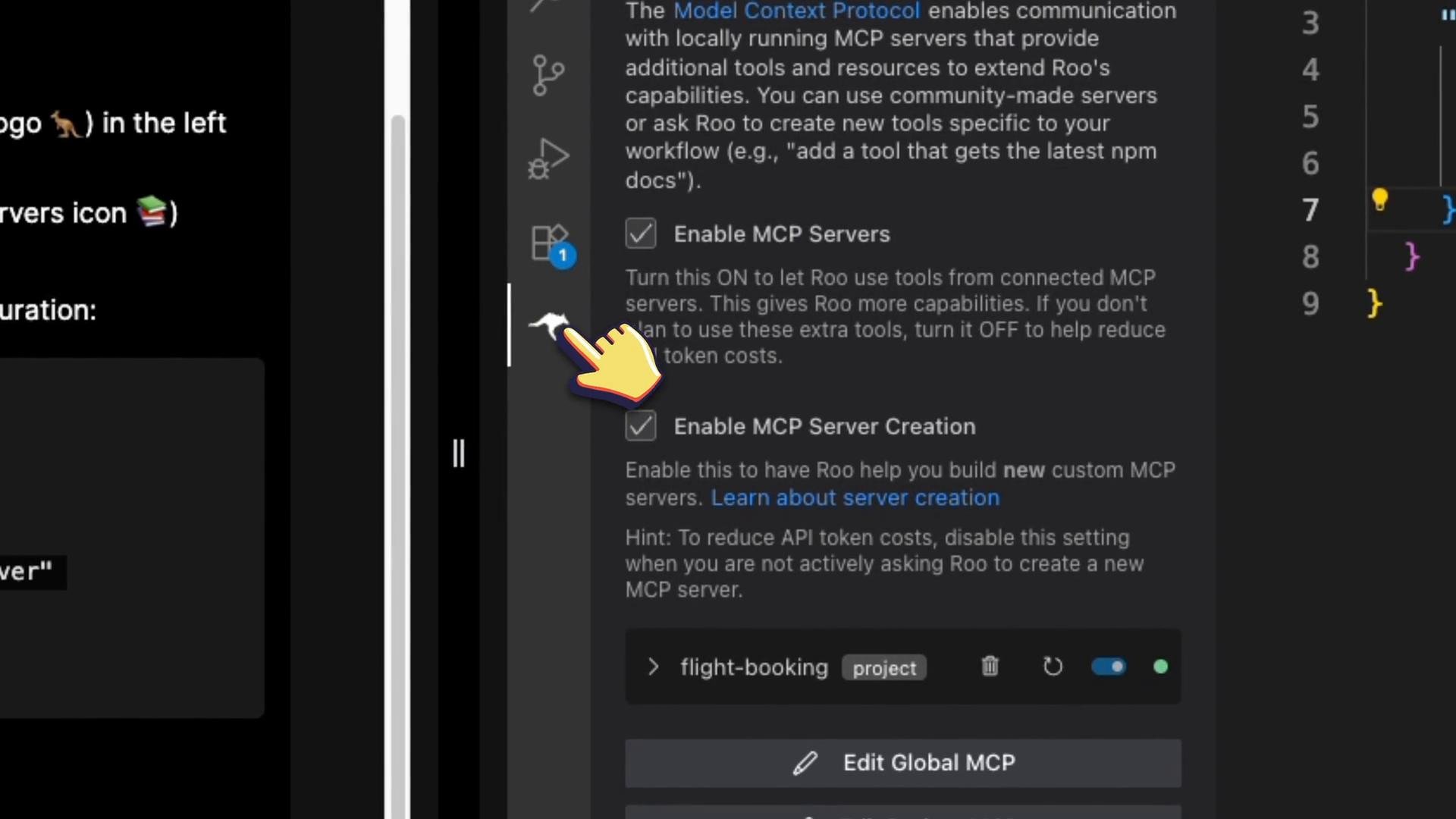
airports resource and the search_flights and create_booking tools.
Test search_flights with a JSON payload like:
search_flights might be:
- Found 2 flights from LAX to JFK:
- Flight FL123 — $299
- Flight FL456 — $349
Make sure the
cwd path in your project-level MCP configuration exactly matches your project directory (/home/lab-user/flight-booking-server). If the working directory is incorrect, Roo Code cannot start the server.- You initialized a Python project, created a minimal MCP server, and exposed a resource and tools.
- You configured Roo Code to run your local MCP server and verified tools and resources are discoverable.
- Next steps: add more prompts, expand tool logic, and experiment with agent interactions to learn how MCP exposes functions and resources to agents.
- Python documentation: https://docs.python.org/3/
- Consult your MCP library documentation or project examples for decorator usage and prompt registration details.