

- Why MCPs are needed
- What MCPs are
- The MCP architecture
- How to use an existing MCP server
- How to build a simple MCP server and client
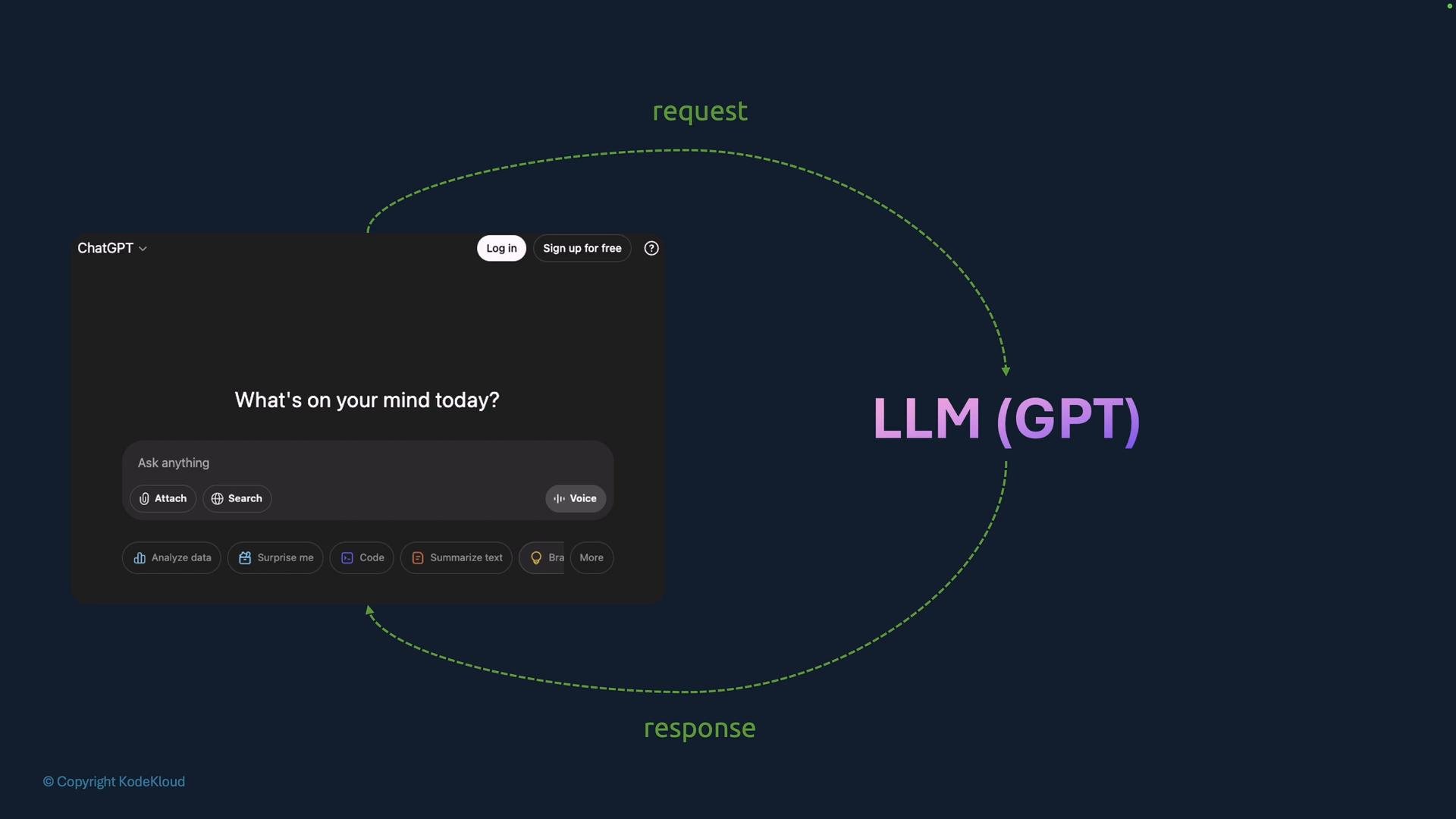
- LLMs are excellent at reasoning, summarizing, and extracting structure from text.
- LLMs cannot directly call third-party APIs, maintain durable state, or perform actions on external systems by themselves.
- For practical applications (e.g., “Book a flight to New London”), you need components that can call APIs, fetch and store preferences, and execute transactions.
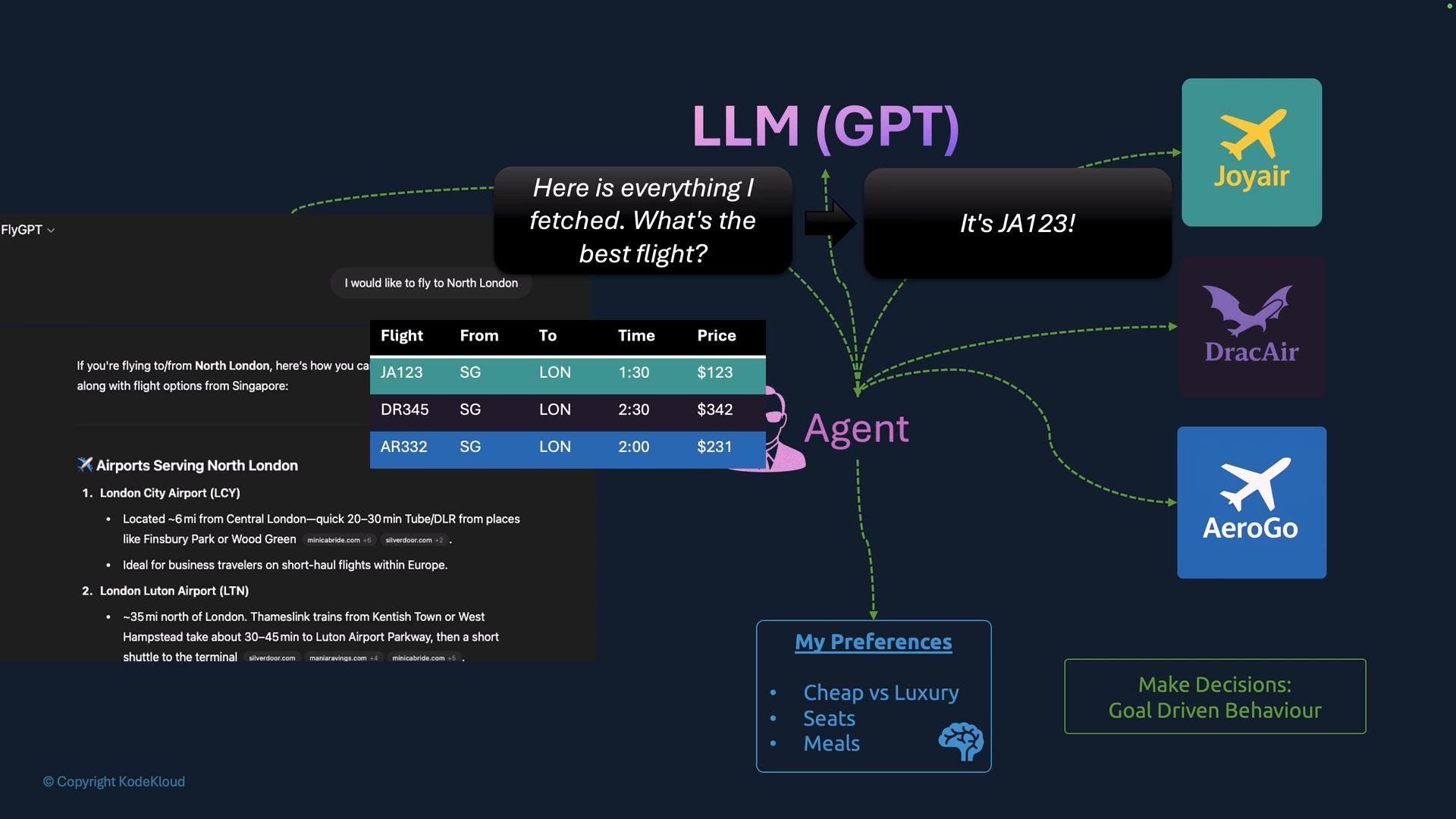
- AI agents are software components that orchestrate actions: they call LLMs to interpret intent, choose steps, interact with tools/APIs, and iterate until a goal is reached.
- Tools are adapters or connectors that translate the agent’s requests into service-specific API calls (normalizing different vendor APIs into a consistent schema).
- User sends a natural-language request.
- Agent calls the LLM to extract structured details (origin, destination, dates).
- Agent decides which third-party tools/APIs to call (often with LLM assistance).
- Agent calls those APIs (airlines, hotels, cars).
- Agent retrieves user preferences from memory or DB.
- Agent asks the LLM to evaluate options and choose.
- Agent performs booking and returns results to the user.
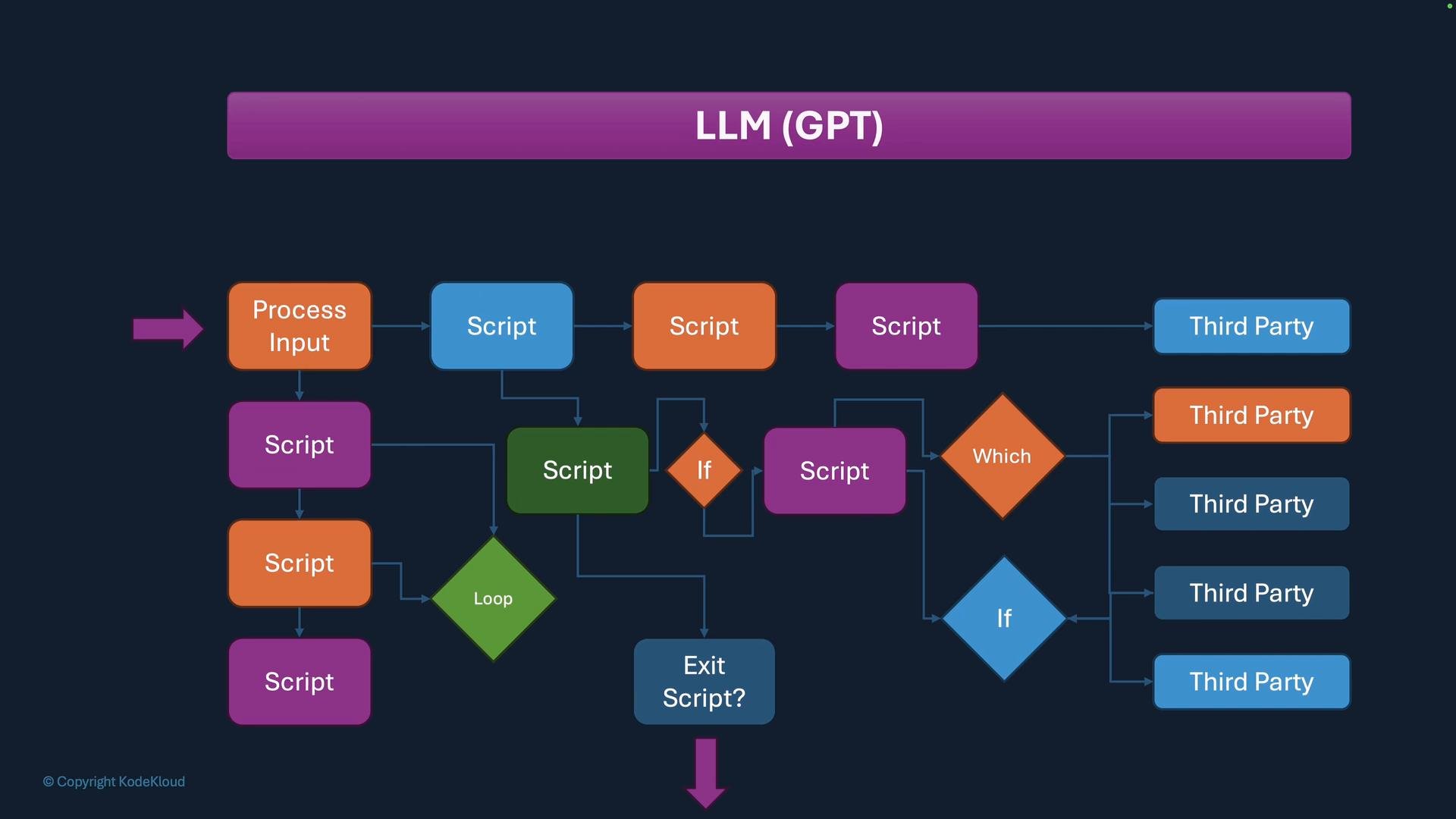
- The LLM can be asked to choose between candidate flights (e.g., “Pick JA123 based on user preference: cheap, aisle seat”).
- The agent enforces booking once the LLM chooses an option.
The code below is illustrative pseudocode. It omits production concerns (authentication, retries, error handling, streaming responses, secret management). Treat it as conceptual guidance, not a drop-in implementation.
- LangChain: https://learn.kodekloud.com/user/courses/langchain
- LangGraph: https://learn.kodekloud.com/user/courses/langgraph
- MCP (Model Context Protocol) is a protocol/specification that describes how a service exposes:
- Which APIs and integrations are available
- API endpoints, parameters, and authentication
- Response schemas and example payloads
- Prompts and helper instructions the model should use
How MCP client-server architecture works
- MCP Server: hosted by a service owner or community contributor; publishes tools, prompts, schemas, and examples.
- MCP Client: embedded in agents, IDE assistants, or developer tools; queries the MCP server to discover how to call a service and which prompts to use.
- Agents combine MCP metadata with LLM outputs to choose and call the right tool adapter.
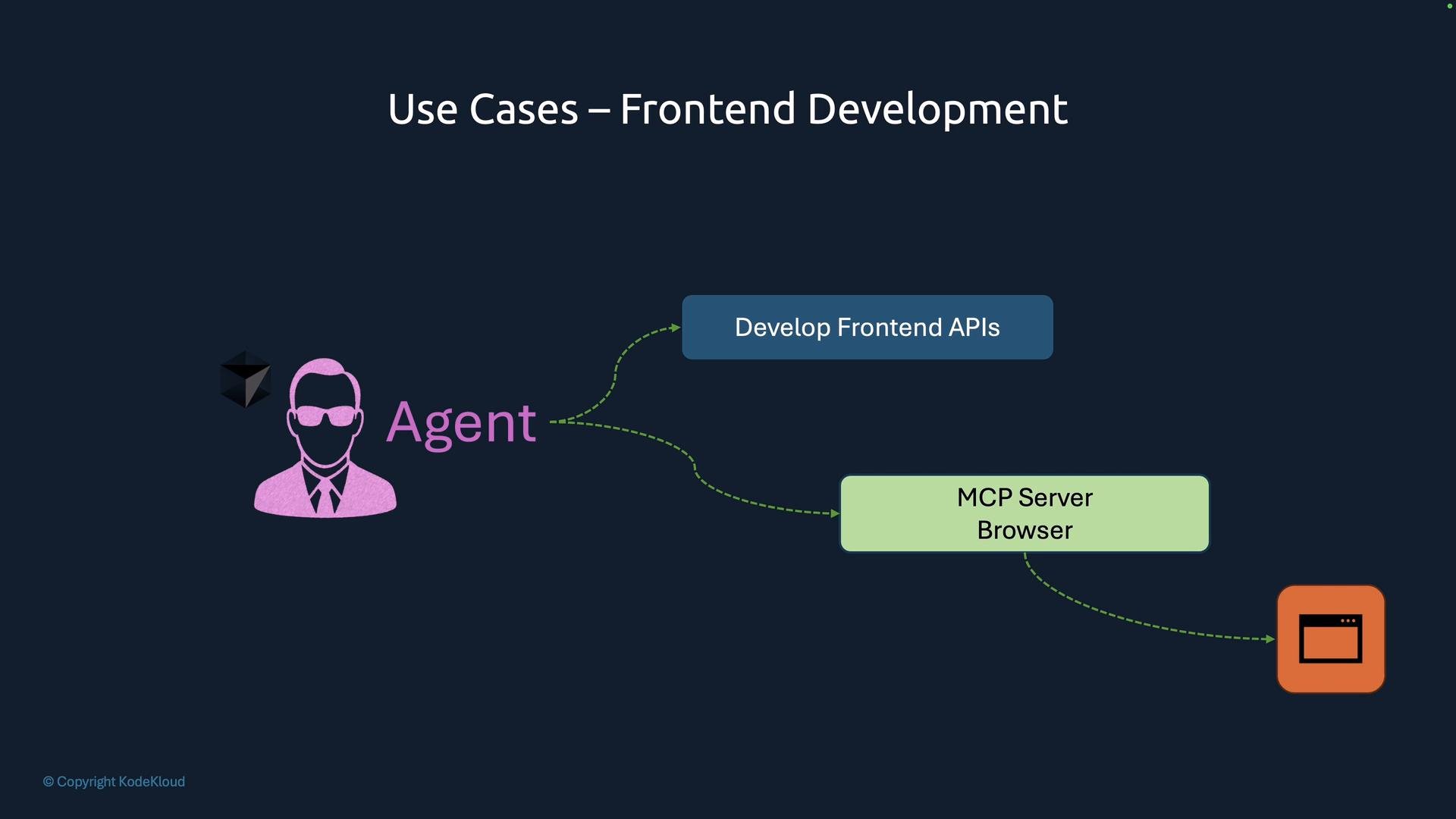
- Frontend development: an MCP server can expose browser console logs, DOM structure, and runtime context so an agent can diagnose UI issues and suggest fixes quickly.
- Data engineering: read-only MCP access to SQLite, BigQuery, or dbt Studio lets agents combine datasets, reason about missing data, and surface root causes.
- Anyone who owns a service can publish an MCP server for that service.
- Vendors are publishing official MCP servers for their platforms; community contributors publish unofficial integrations.
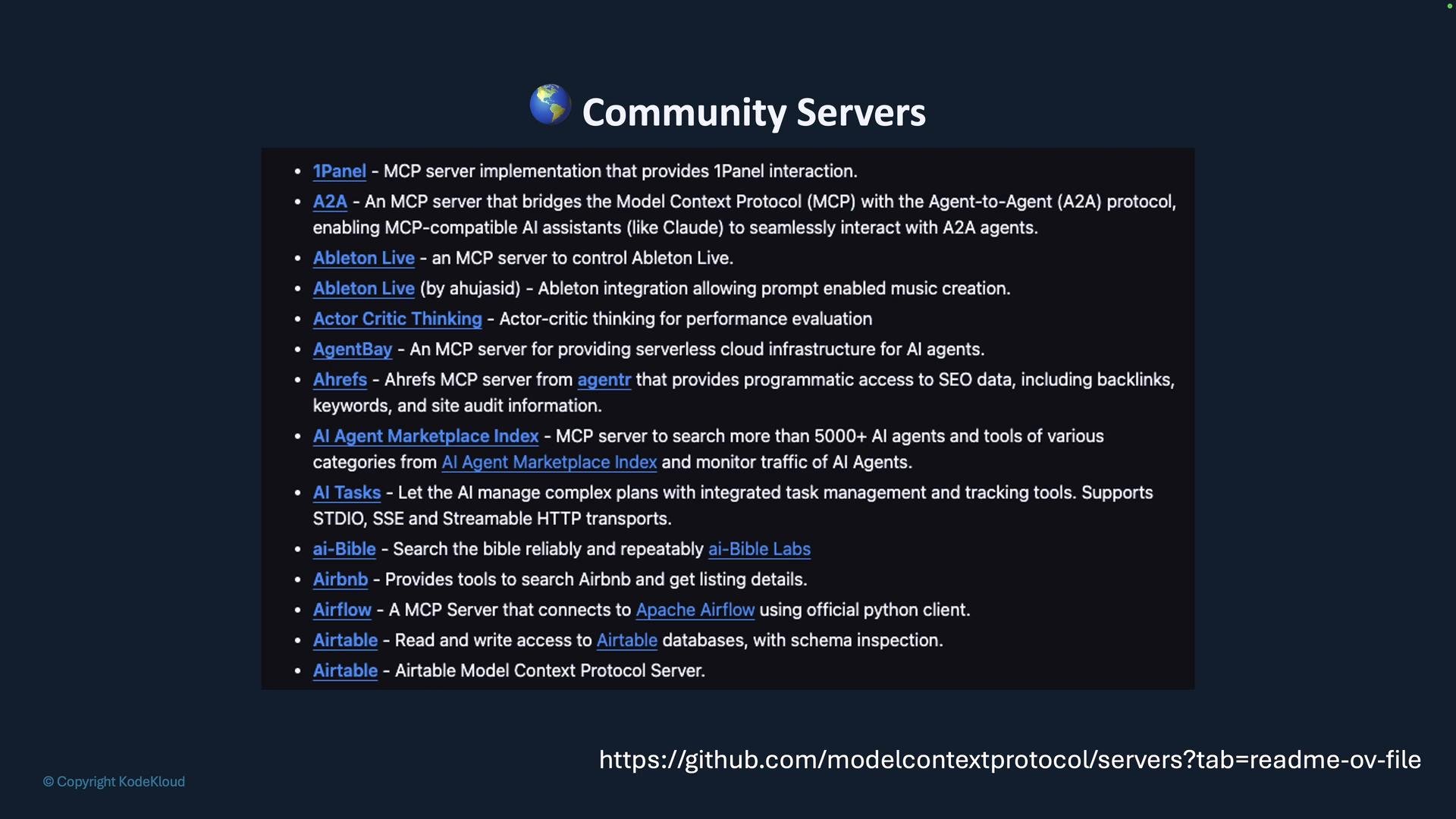
Community MCP servers can be extremely helpful for prototyping, but treat untrusted servers with caution. Verify sources, inspect schemas and endpoints before calling production systems, and never send secrets to an untrusted MCP server.
- MCPs provide a structured, discoverable layer that tells agents how to interact with services, tools, and APIs.
- By combining MCP metadata with LLM reasoning, agents can discover integrations at runtime, normalize vendor APIs, and safely orchestrate complex workflows (booking, debugging, data exploration).
- Next: we’ll dive into the MCP specification, architecture details, and step-by-step examples for using and building simple MCP servers and clients.