

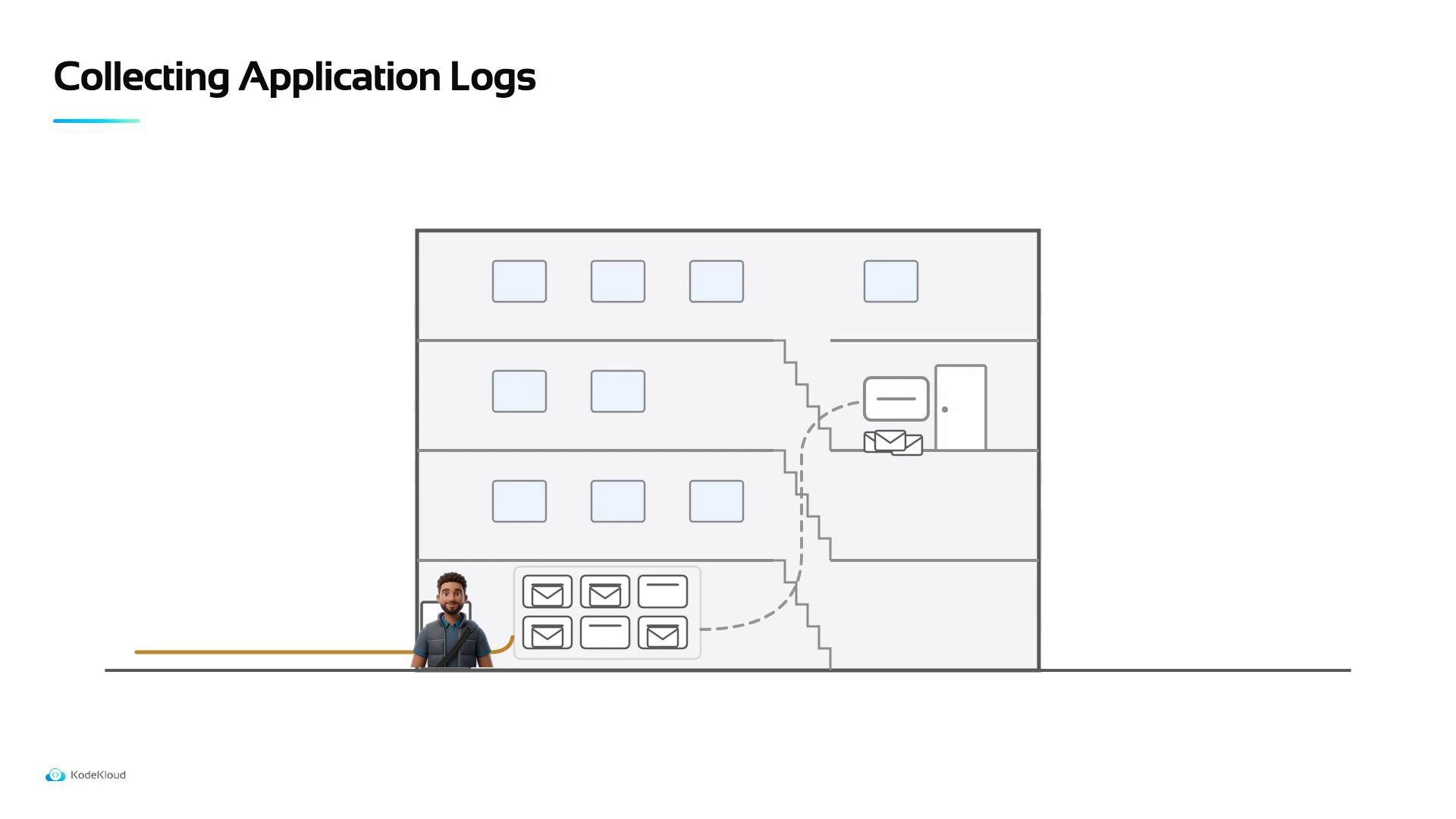
/var/log. Your application, however, typically writes its logs to its own file and directory. For example:
- A file match — a pattern or path that tells Alloy which files to watch.
- A tailing source — reads newly appended lines from the file and forwards them to the existing log writer/pipeline.
A file match tells the agent which files to watch. A tailing source reads new lines as they are appended and forwards them to the existing log pipeline so application logs arrive in Loki alongside system logs.
- The example below shows a minimal, generic Alloy-style configuration to watch and tail an application log file and use the existing
lokiwriter. Adapt keys and paths to match your Alloy agent configuration format and the user account that runs the process.
- Add the file match and tailing source to the Alloy configuration file (adapt paths and keys to your environment).
- Ensure the agent process has read permission for the application’s log file (see warning below).
- Restart the Alloy agent so it picks up the new configuration.
- Verify new application log entries appear in Loki/Grafana using the same labels/timestamps as your system logs.
Make sure the Alloy agent user has permission to read your application’s log file (common issues: files owned by a different user, or logs under protected directories). After updating config, restart the agent and check the agent logs for errors referencing the configured
path or file_matches.