

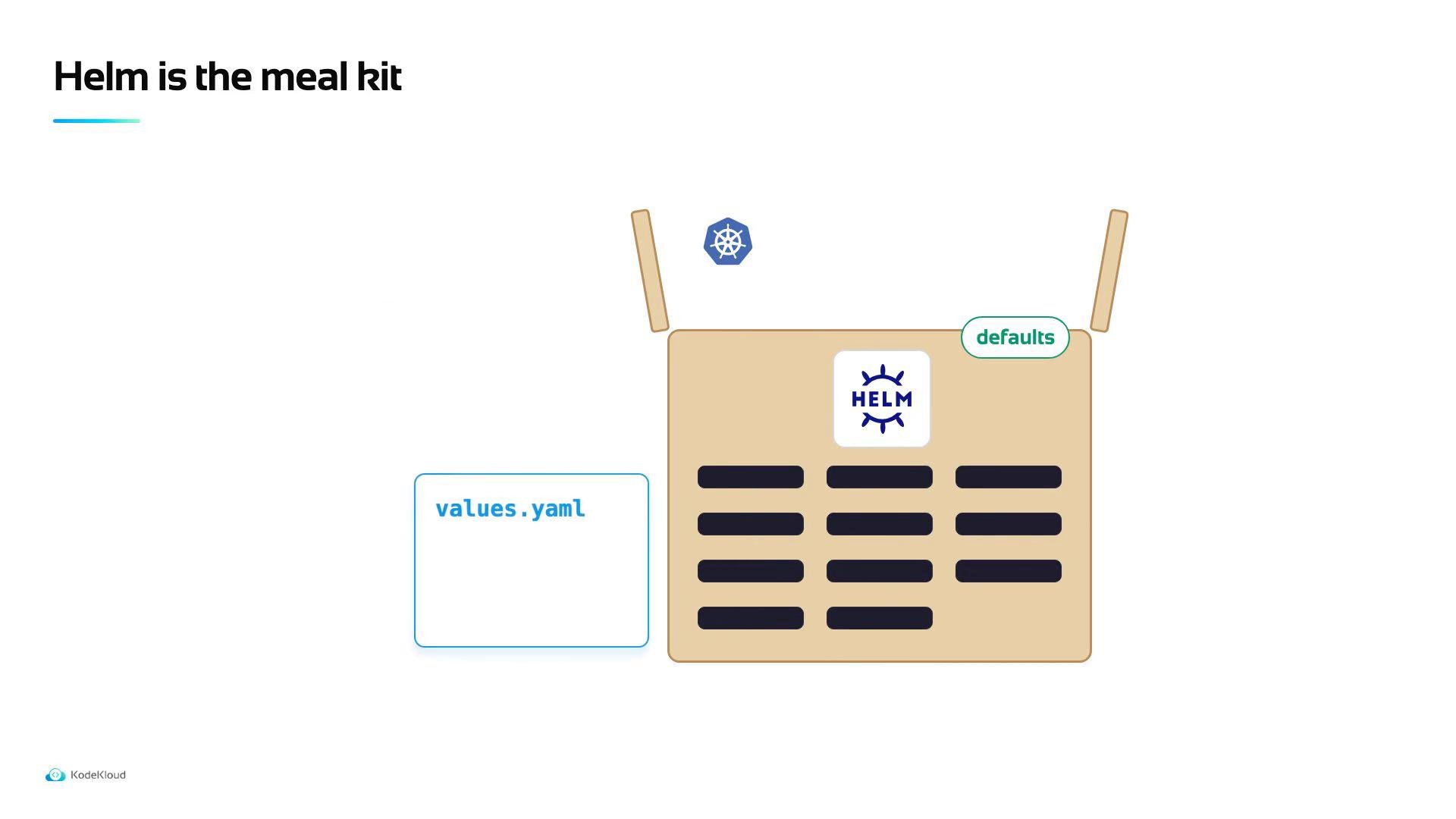
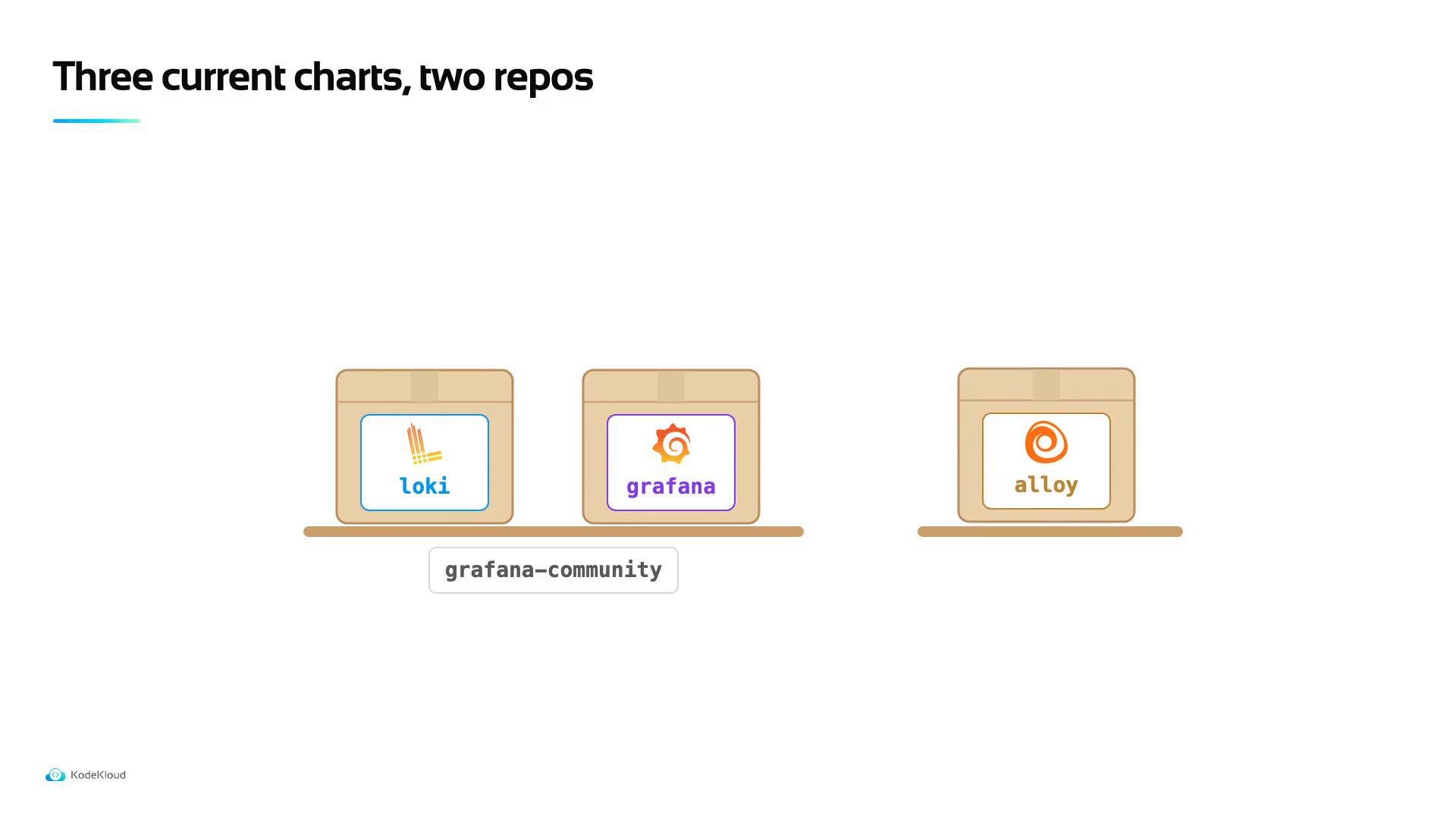
values.yaml file where you override defaults such as image tags, resource requests/limits, and storage backend settings. Historically, there was an loki-stack all-in-one chart that bundled Loki, Promtail, and related components; that chart is now deprecated. The community maintains separate charts so each component can be managed independently. Today you’ll find Loki, Grafana, and Alloy charts published across the Grafana and grafana-community Helm repositories.
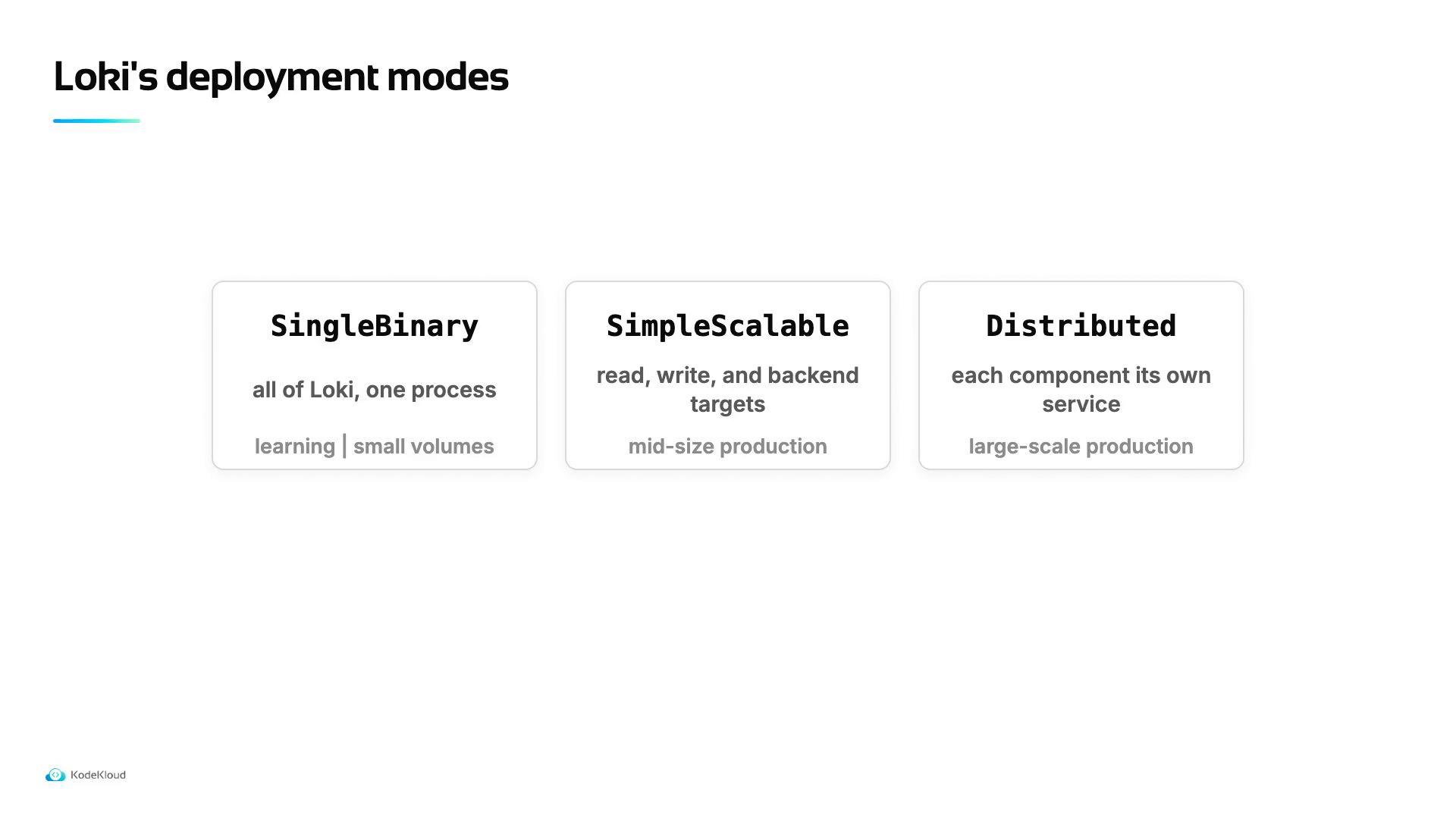
Loki’s Helm chart supports multiple deployment topologies to match scale and operational needs:
Loki requires durable storage for chunks and indexes. In a lab or on-prem cluster, an S3-compatible store such as MinIO works well; in cloud environments use the managed S3 (or GCS/Azure Blob) backend. The storage backend, endpoint, bucket, credentials, and the deployment mode are all configured in the chart’s
values.yaml.
For this lesson we will use the Single Binary mode. It’s the simplest to get started with and sufficient for demos and low-volume clusters.
- Edit a local
values.yamlto setloki.mode: singlebinary, configure thestoragesection, and tune resource requests. - Install Loki with
helm install loki grafana/loki -f values.yaml(replacelokiwith a release name you prefer). - Install Promtail or another log shipper to push logs into Loki and add Grafana to visualize logs.
- Helm: https://helm.sh/docs/
- Loki (Helm chart): https://github.com/grafana/helm-charts
- Grafana Helm charts: https://github.com/grafana/helm-charts
- MinIO: https://min.io/