

- A running Kubernetes cluster with access via
kubectl. - Helm installed and configured to talk to the cluster.
- SeaweedFS (S3-compatible) available in the
loggingnamespace in this lab.
- Grafana — Visualization UI and data source configuration.
- Loki — Log storage and query engine, backed by SeaweedFS (S3-compatible).
- Alloy — Agent/DaemonSet to collect pod logs, relabel, and forward to Loki.
Deploy Grafana
Add the Grafana Helm repository and refresh chart indexes:logging namespace:
Persistence is disabled by default in this example. You will lose Grafana dashboards and settings if the Grafana pod is deleted or rescheduled unless you enable persistence.
Find the Loki Helm chart
Locate the Loki chart within the grafana-community repo:grafana-community/loki. Note that older charts included Promtail (a now-deprecated agent in some repos). For current Promtail documentation see: https://grafana.com/docs/loki/latest/clients/promtail/
Install Loki
Create a values file to configure Loki for this lab. It sets:- Single binary deployment mode.
- SeaweedFS as an S3-compatible object store.
- Authentication disabled for lab convenience.
logging namespace (pin a chart version if desired):
logging namespace to identify the loki-gateway service:
Connecting Grafana to Loki
Retrieve Grafana admin credentials stored as Kubernetes secrets: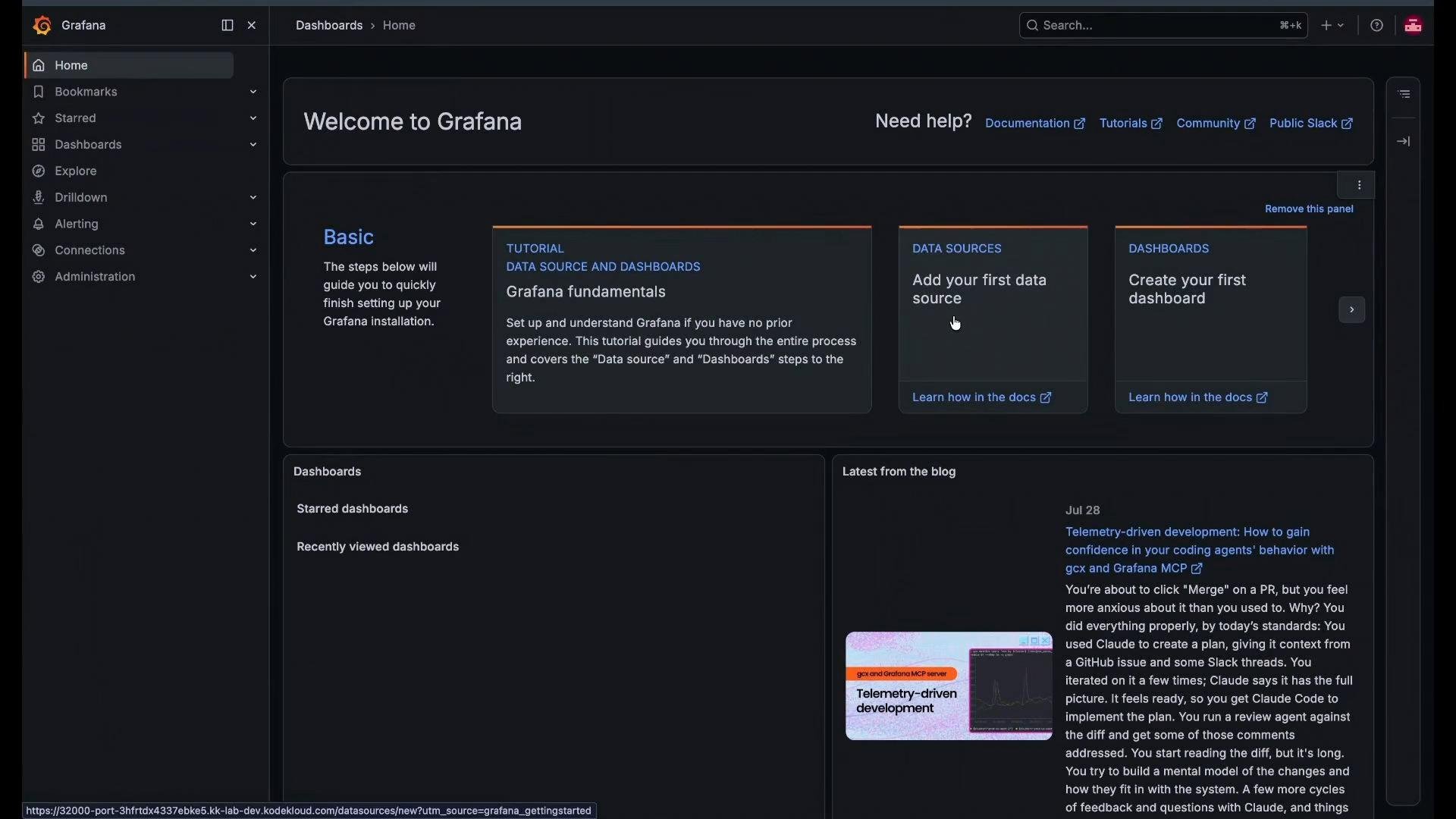
- Click Add data source.
- Select “Loki”.
-
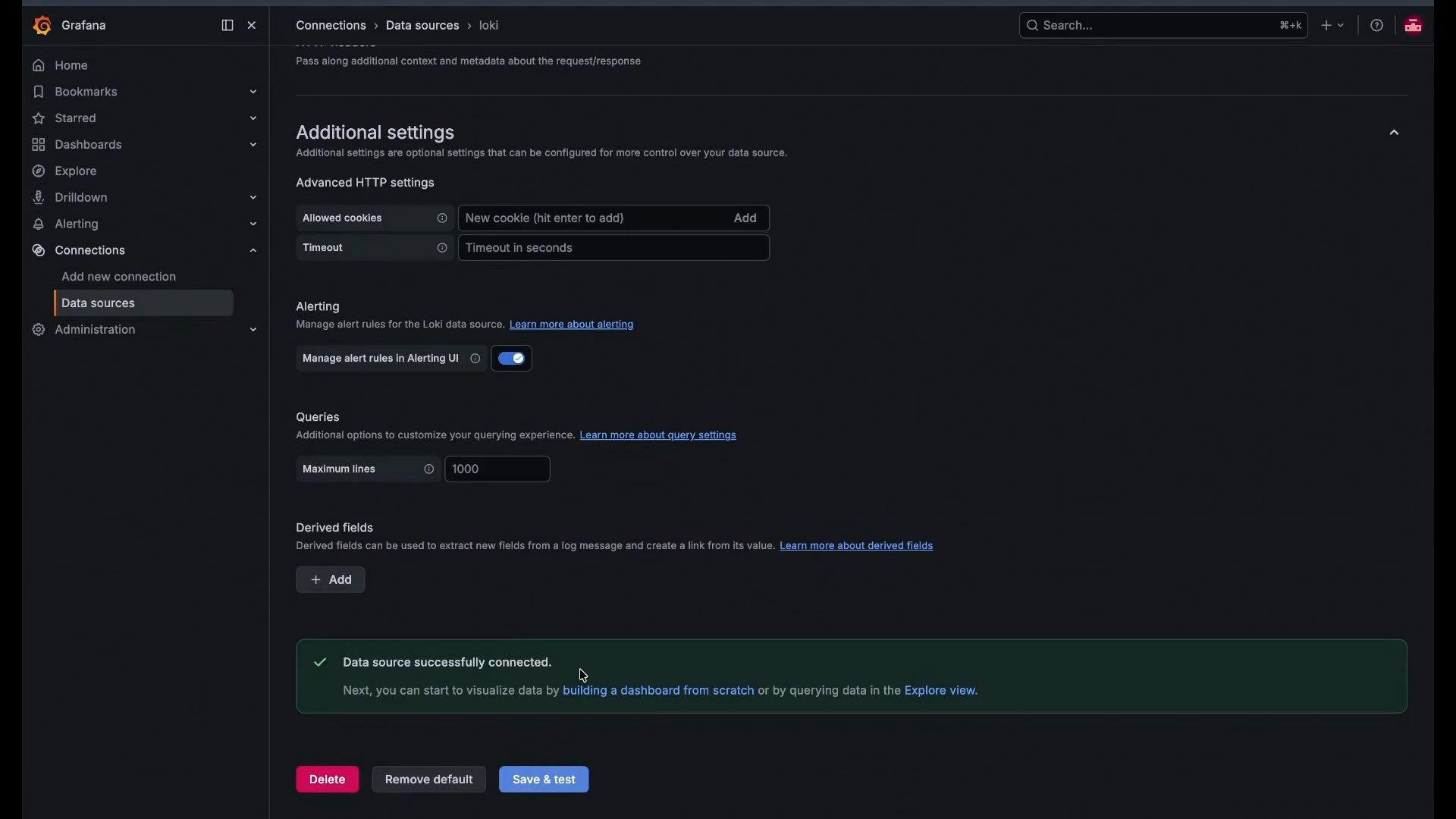
Set the URL to the cluster-local Loki gateway:
http://loki-gateway.logging.svc.cluster.local/ - Click Save & test — Grafana should show a successful connection.
Deploy Alloy as a DaemonSet (log collector)
Alloy discovers pod logs, applies relabeling rules, and forwards logs to Loki. Deploy Alloy as a DaemonSet so an instance runs on every node. Create an Alloy Helm values file that configures it as a DaemonSet and provides the Alloy configuration (applied as a ConfigMap):logging namespace:
- Discover pods via the Kubernetes API.
- Apply the relabel rules to produce human-friendly labels:
namespace,pod,container,app. - Forward logs to
http://loki-gateway.logging.svc.cluster.local/loki/api/v1/push.
Explore logs in Grafana
- Open Grafana and go to the Explore tab.
- Select the Loki data source you created.
- Use label selectors (for example
pod=) and the relabeled fields (namespace,pod,container,app) to filter logs. - You should see logs streaming from system and application pods.
Troubleshooting tips
- Watch pods and deployments as they start:
kubectl get pods -n logging -w. - If pods remain in
PendingorContainerCreating, inspect node resources, taints/tolerations, node selectors, and PVCs. - If Loki clients cannot push logs, validate service reachability from the client namespace:
kubectl exec -n logging <pod> -- curl -sS http://loki-gateway.logging.svc.cluster.local/loki/api/v1/health.
Summary
You have deployed:- Grafana for UI and dashboards.
- Loki for log ingestion and querying, backed by SeaweedFS as an S3-compatible store in this lab.
- Alloy as a DaemonSet to collect, relabel, and forward pod logs to Loki.
- Enable persistence for Grafana (PVCs).
- Split Loki into multiple components (ingesters, distributor, querier, ruler) with HA and scaling.
- Use a managed S3/GCS object store for durability.
- Harden access: enable authentication and secure communication between components.
- Grafana: https://grafana.com/
- Loki documentation: https://grafana.com/oss/loki/
- Promtail docs: https://grafana.com/docs/loki/latest/clients/promtail/
- SeaweedFS (S3-compatible): https://github.com/chrislusf/seaweedfs
- Helm charts — grafana-community: https://grafana-community.github.io/helm-charts/