

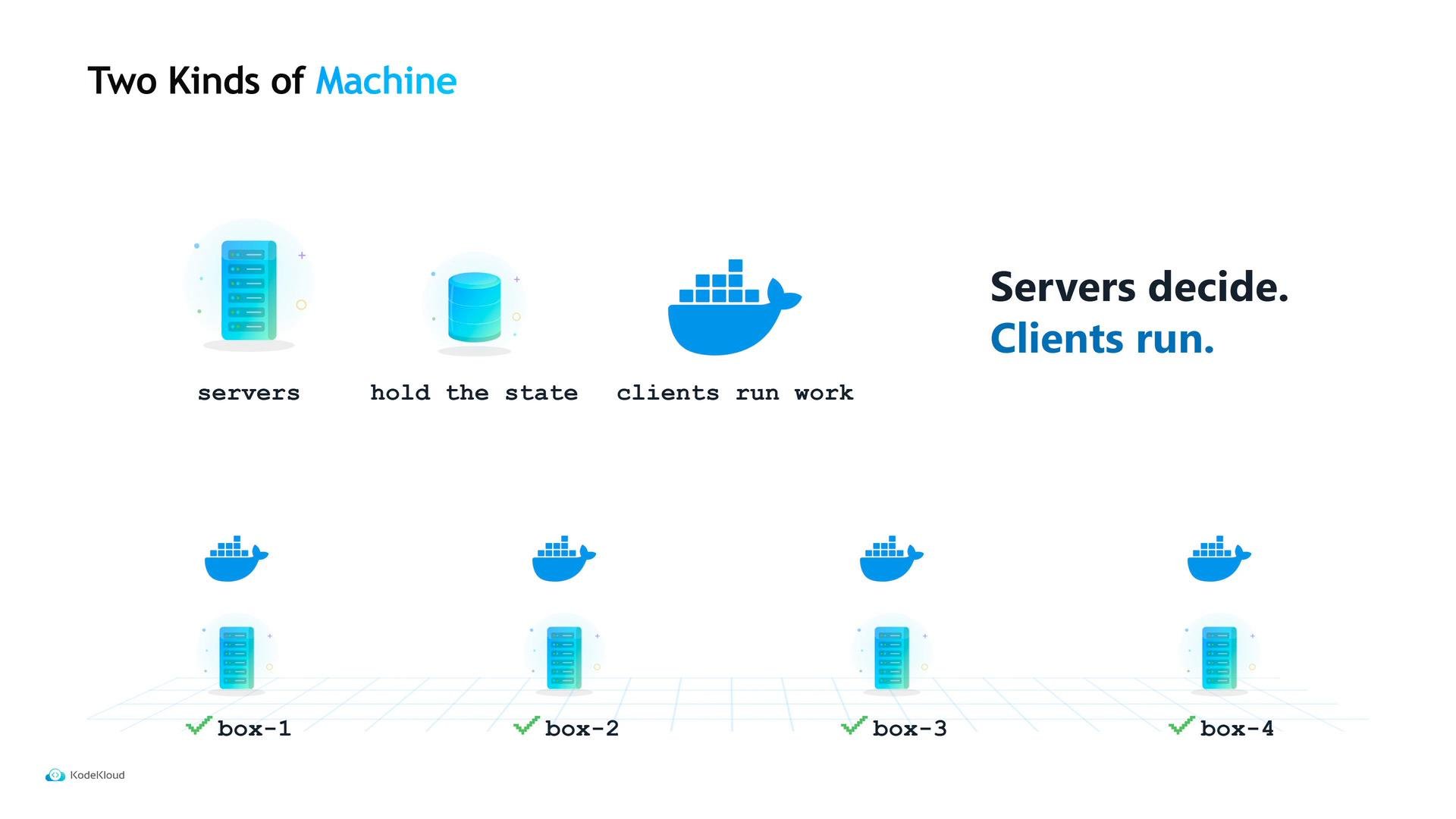
- Servers — hold cluster state and make scheduling decisions; they do not run user workloads.
- Clients — run containers and tasks; they report availability to the servers.
Server configuration
Start by provisioning three small server machines. Createserver.hcl on each server and set the persistent data directory, the bind address, and the server block that enables server mode and declares the expected number of servers.
data_dir— where Nomad writes persistent state on disk. Use a stable path outside temp folders so state survives reboots and cleanup.bind_addr = "0.0.0.0"— listen on all network interfaces (not just localhost).bootstrap_expect— how many server nodes should form the cluster before electing a leader.
Set
bootstrap_expect to the total number of server nodes you intend to run. For production use an odd number (3 or 5) so servers can form a quorum if one node fails. If bootstrap_expect = 3, Nomad will wait until it can see 3 servers before electing a leader — starting fewer than this will leave the cluster inactive.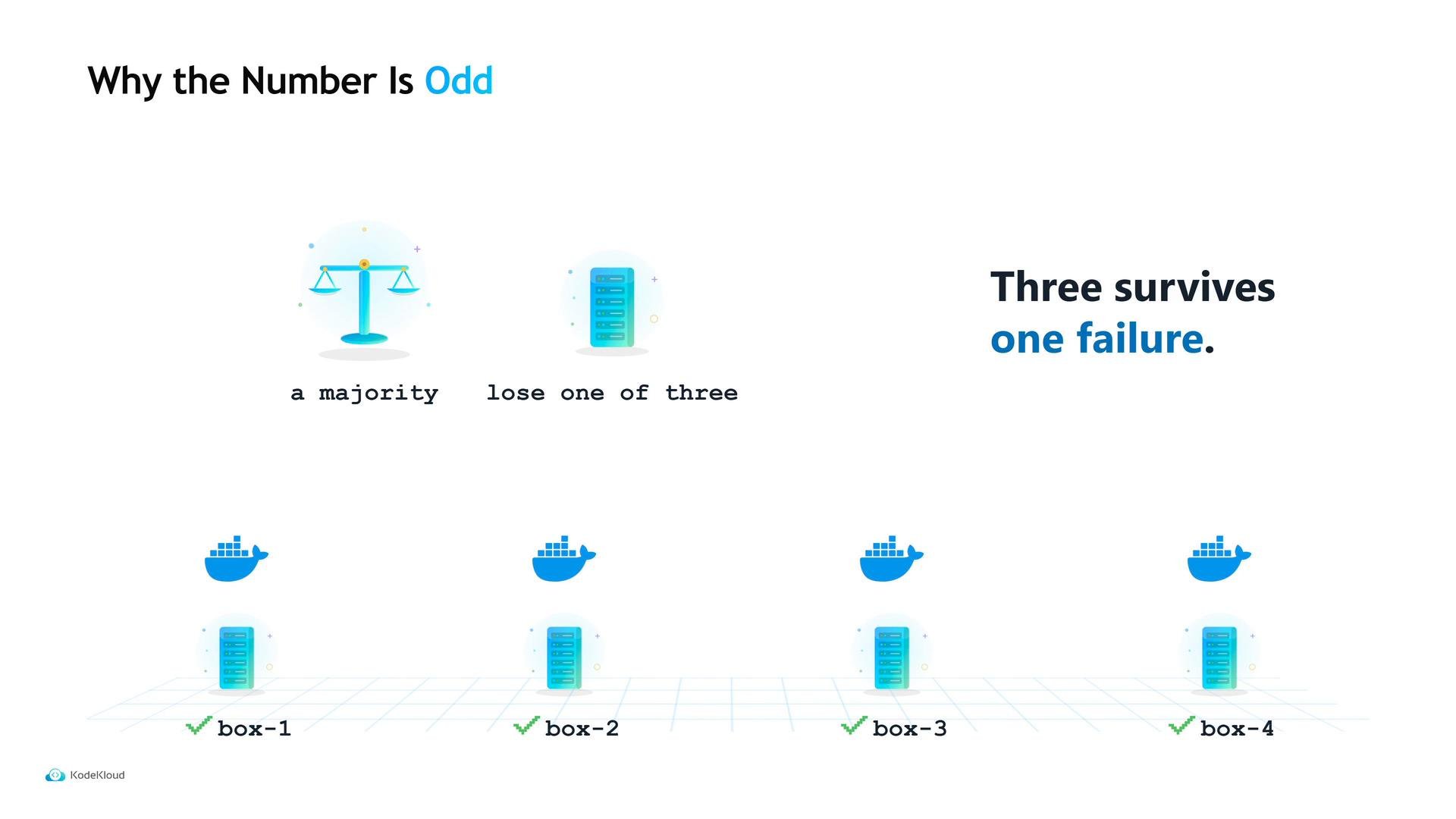
Client configuration
On your application machines, enable client mode. Createclient.hcl and add a server_join block so clients will continuously retry connecting to the server addresses. This removes strict boot ordering: clients will keep trying until the servers are reachable.
retry_joinshould list server IPs or hostnames. Clients will retry these addresses until they join a server.
Important network ports
Ensure the machines can reach each other on the Nomad ports below. A misconfigured firewall blocking these ports (especially server-to-server gossip) is a common cause of failed clusters.Open ports
4646, 4647, and 4648 as required. Clients need 4646 and 4647 to talk to servers; they do not need 4648. Blocked or filtered 4647/4648 between servers is the most frequent networking cause of cluster formation failures.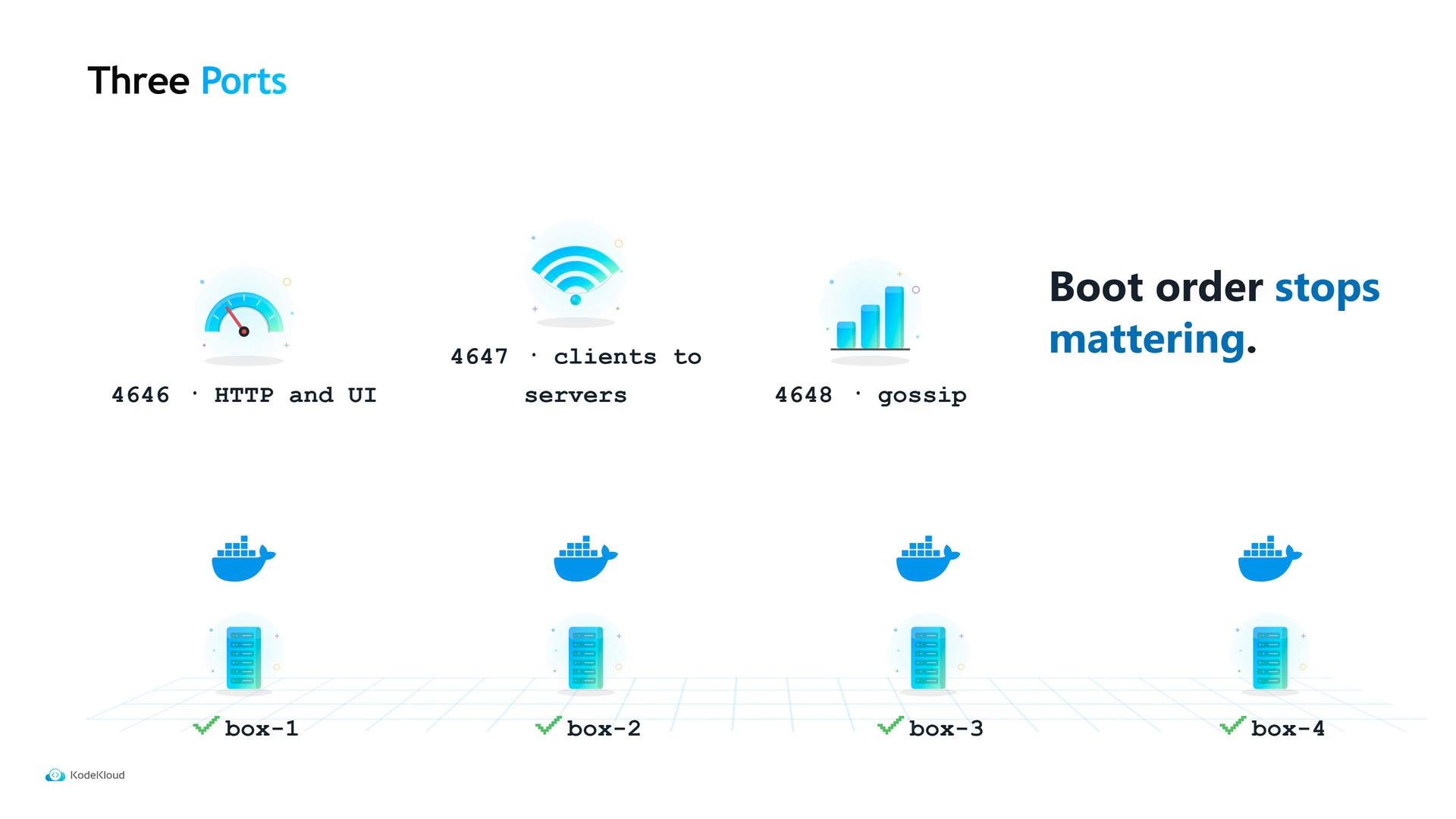
Start the agents and verify the cluster
Start the Nomad agent on each machine using the appropriate config file. Example commands to check cluster status:nomad server members— shows known servers and which one is leader.nomad node status— lists registered client nodes and their readiness.
ready, your cluster can accept jobs. Note that no physical changes were made to Maya’s machines — the cluster exists because Nomad servers now hold state and schedule work across the client machines.
Next step: running workloads
A newly formed cluster is empty: it knows about machines but has nothing to run. Submit a Nomad job specification (.nomad HCL file or equivalent) to tell Nomad what to schedule, how many instances to run, which resources to reserve, and which containers or tasks to launch.
Quick reference
Links and references
- Nomad Documentation — Installing and configuring Nomad
- Serf — HashiCorp gossip & membership
- Nomad Job Specification