

to value of 8080 inside the network block. That to value is the port inside the task (the container), not the host port. She named the port but left the host port unspecified, allowing Nomad to choose it.
Separate the two concepts:
- The
tovalue is the port inside the task — the port the application listens on (for Tidepool’s API this is8080and is baked into the image). - The host port is what the machine exposes. If you omit it, Nomad assigns a free host port from a default range (20000–30000).
8080, but Nomad maps different host ports to those internal ports.
How the mapping works depends on the network mode in the group block — the two common modes are:
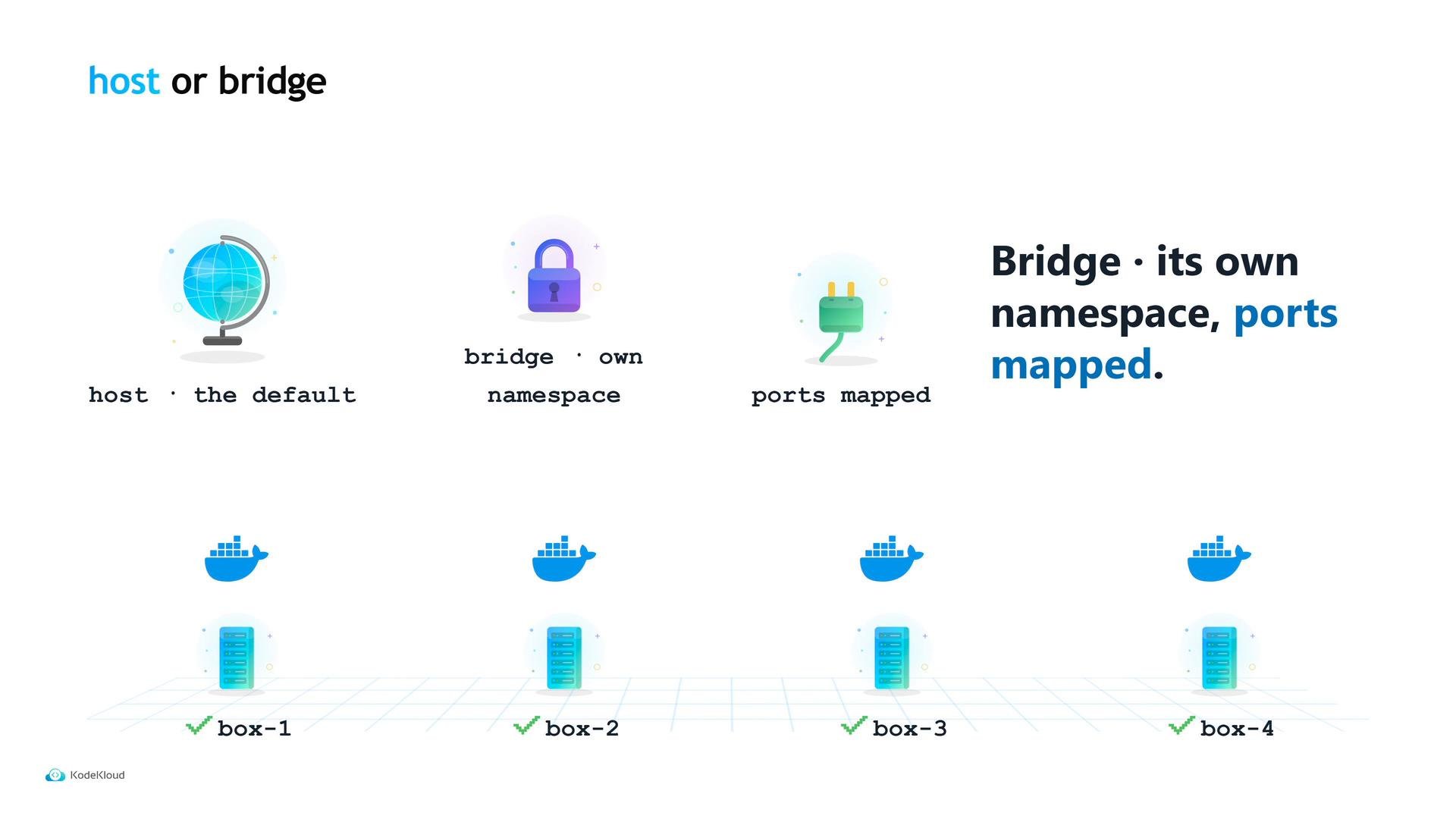
- host mode (the default): the task shares the machine’s network stack. No port translation occurs; two allocations that both request the same host port will collide.
- bridge mode: the group gets an isolated network namespace with its own IP. Nomad maps a host port it chose into the container port specified by
to.
If Nomad chooses the host port, how does the application know which port it got? Nomad exposes environment variables for every port label you declare. For a label named
HTTP, Nomad provides variables like:
NOMAD_PORT_http— the host port number Nomad choseNOMAD_IP_http— the host’s IP address (as seen from the allocation)NOMAD_ADDR_http— the host IP and port combined
service block so Nomad registers the actual host port under the service name. Do not hard-code numeric host ports in the service stanza — let Nomad wire things together from the label.
Always reference the port by its label (for example
HTTP) in service and task code. This keeps the container-facing port and the Nomad-assigned host port synchronized without hard-coded numbers.
connect block that injects a sidecar proxy next to each task and routes traffic through it — a larger topic beyond the scope of this article.
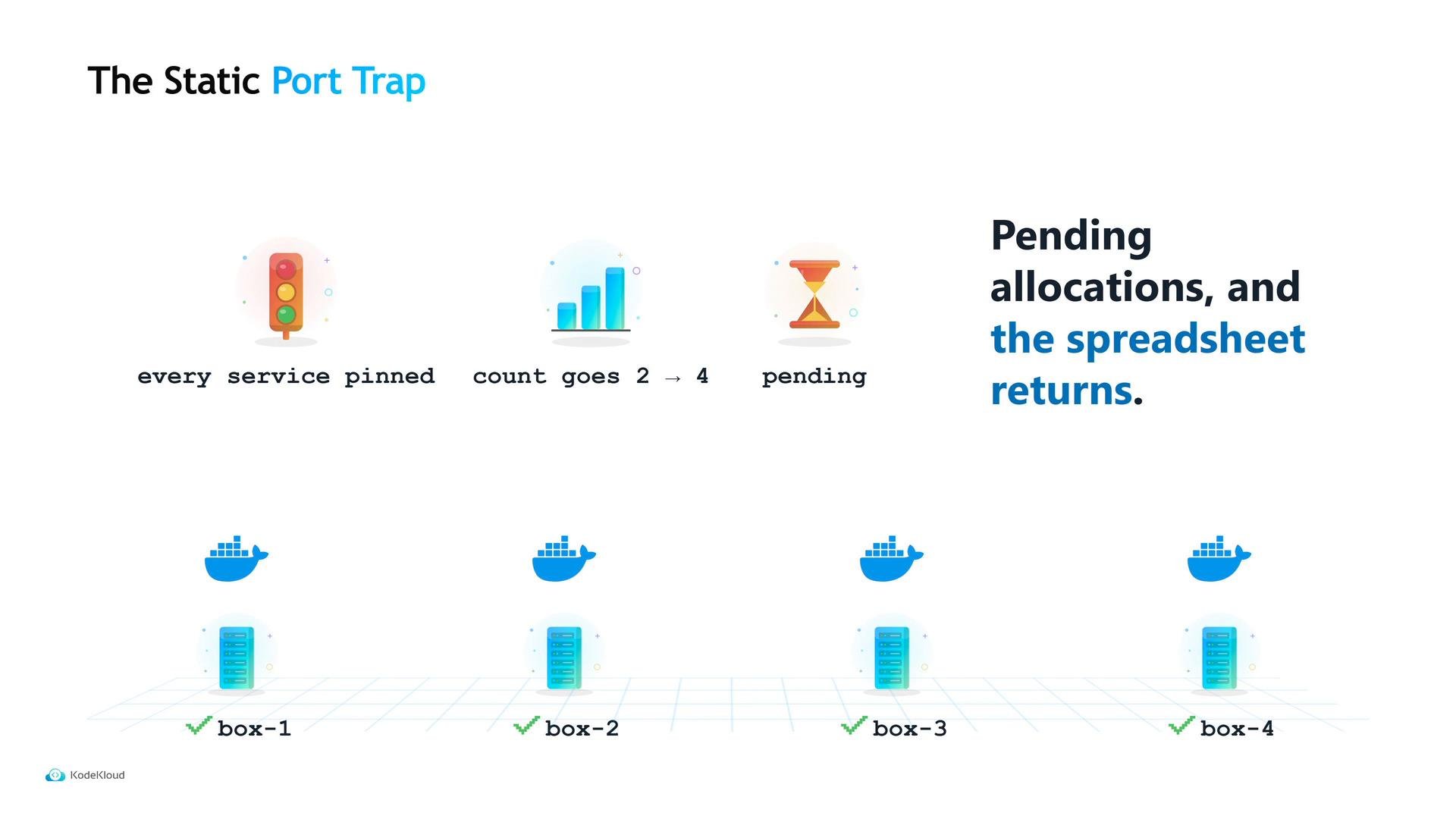
One common pitfall is pinning every service to a fixed host port. Using a static host port can make firewall rules simpler, but it breaks scaling: when you increase from two to four copies, new allocations may be unable to start because the fixed ports are already in use. That returns you to the spreadsheet problem.
Avoid static host ports unless an external constraint requires them (for example, a legacy load balancer or a partner integration that demands fixed ports). In most cases, allow Nomad to assign host ports and read the assigned port from the environment.
- Use
toto declare the container port your application listens on. - Prefer bridge mode for multi-instance services so Nomad can map host ports.
- Read
NOMAD_PORT_<label>(and related env vars) from inside the task to discover the host port. - Only use static host ports when absolutely necessary.