

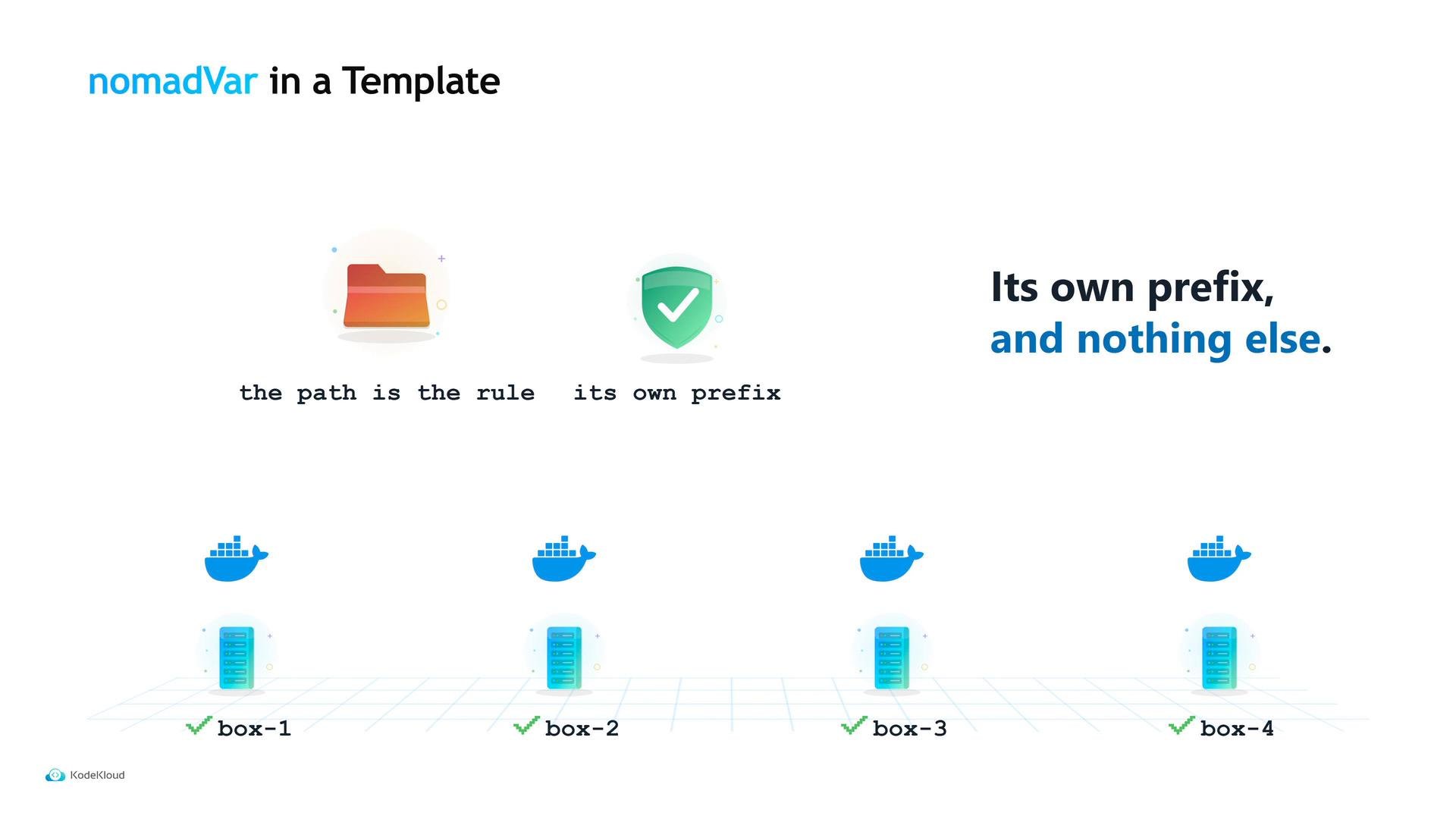
server (task), api (group), tidepool-api (job) — makes the variable’s scope and ownership obvious. Nomad grants a task read and list access to variables under its own path automatically; you don’t need an extra ACL rule for that. The API can read its own configuration, cannot read the CSV worker’s, and cannot read another team’s. The path is the permission boundary.
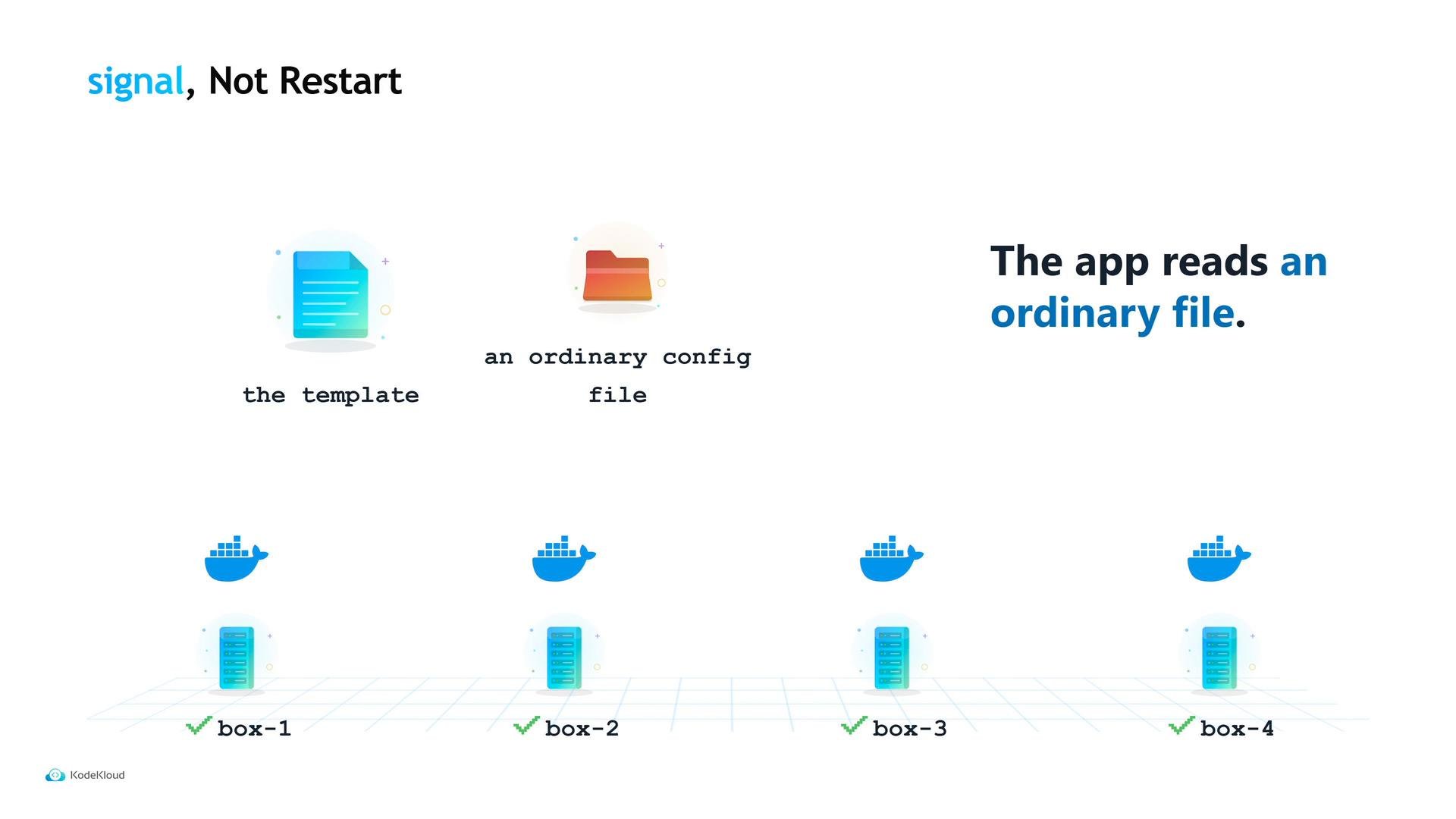
To inject the variable into the running app, use a Nomad template block. The template mechanism is the same one used for secrets and other dynamic values: the nomadVar function fetches the variable by path and key. Nomad renders the file before the task starts and re-renders it when the variable changes, writing a plain file that the application reads.
change_mode is set to "signal", when the variable updates Nomad rewrites the file and sends the configured signal to the running process. For configuration-only changes, signaling avoids unnecessary restarts: there’s no need to restart three API instances just to update a single numeric limit.
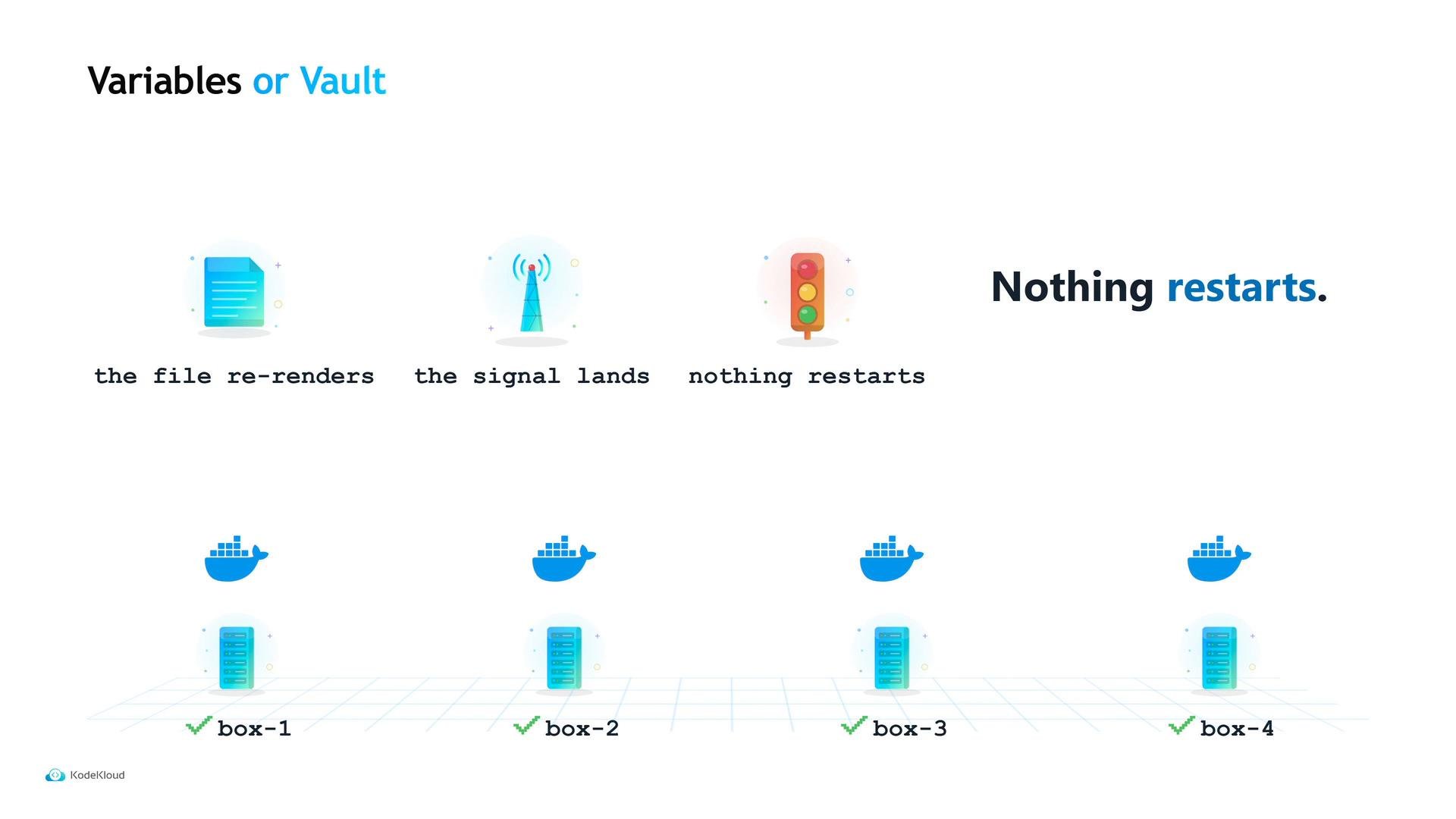
- Maya updates the variable with
nomad var put. - Nomad re-renders the template and writes the updated config file.
- Nomad sends the configured signal (e.g.,
SIGHUP) to the process. - The process reloads the new
upload_limitand the next upload succeeds — no rebuild, no pipeline, no redeploy.
nomad var get.
When to use Nomad Variables vs Vault
- Use Nomad Variables for non-secret configuration you want to change without shipping code: limits, feature flags, timeouts, or endpoints.
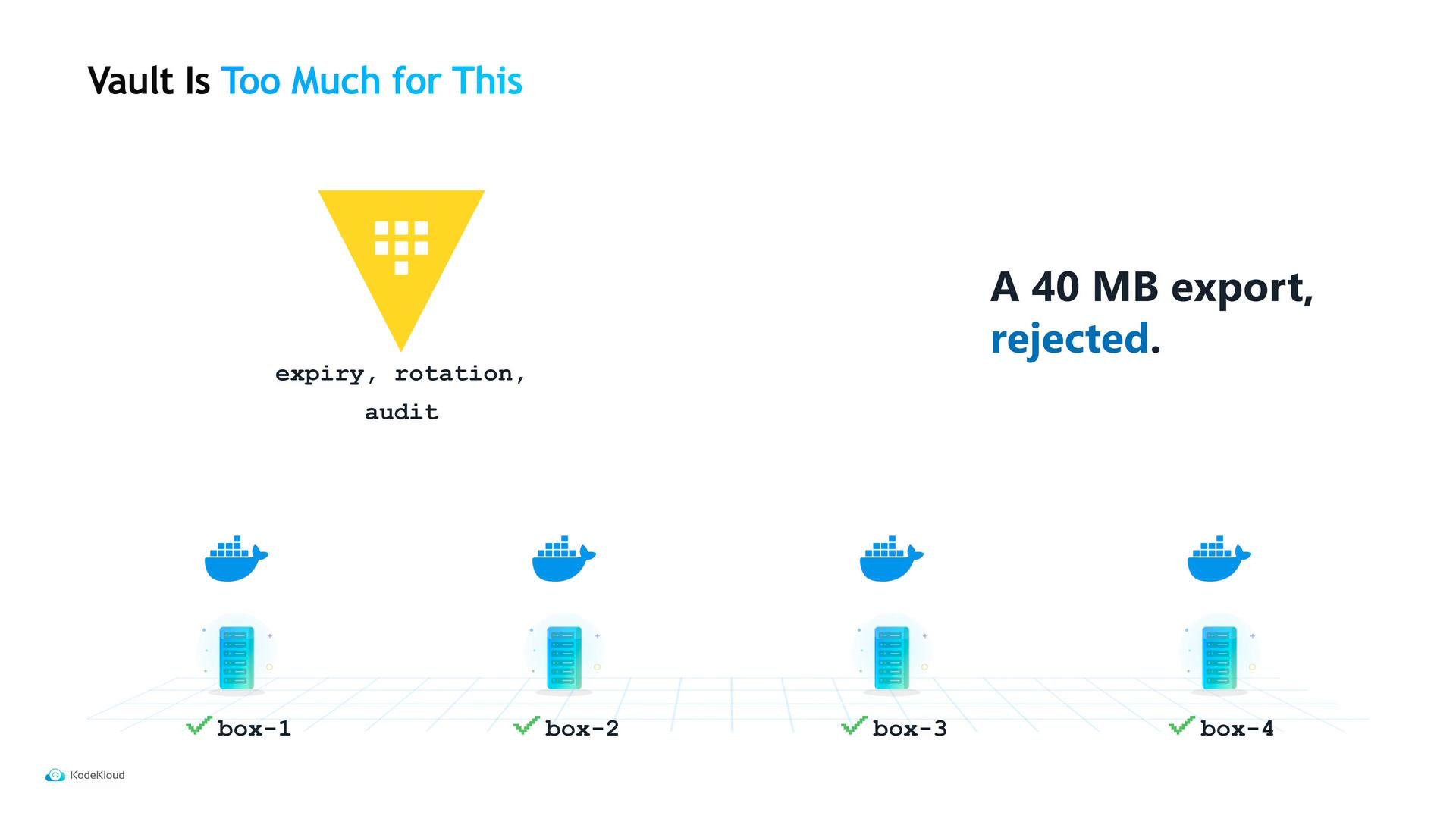
- Use Vault when you require credential lifecycle management: rotation, expiry, leases, and detailed audit trails.
See Nomad’s docs for details:
- Nomad Variables: https://www.nomadproject.io/docs/operators/variables
- Nomad template stanza: https://www.nomadproject.io/docs/job-spec/template
- nomad var CLI: https://www.nomadproject.io/docs/commands/var
Use Nomad Variables for non-secret configuration that you want to update without redeploying. Use Vault when you need rotation, expiry, or detailed audit trails for secrets.