

She stopped naming machines
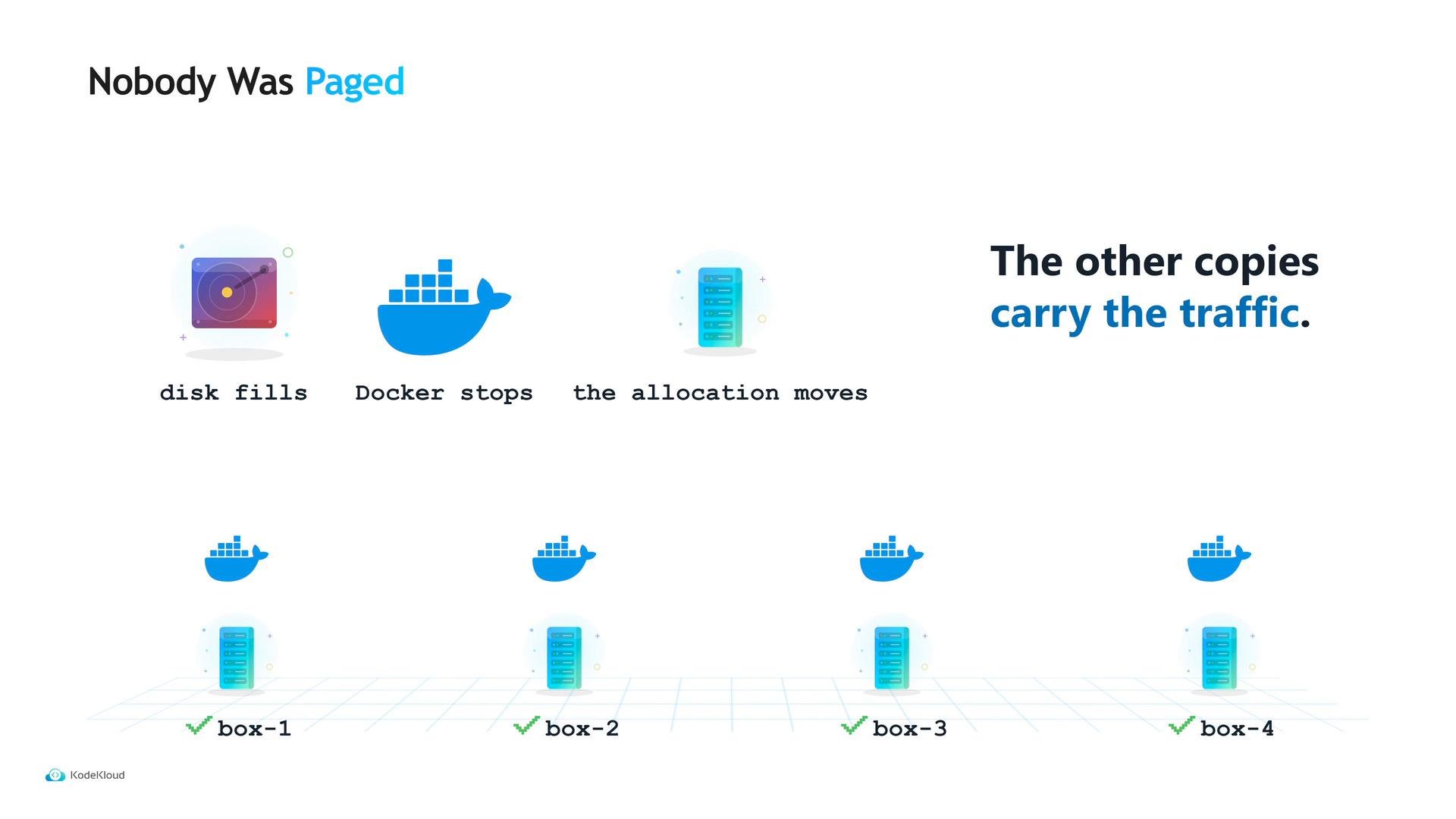
Treating hosts as fungible resources changes how you design and operate services:- Run multiple replicas rather than depending on a single named host.
- Use service discovery so frontends look up services by name instead of by IP.
- Avoid baking secrets into images; tasks should authenticate with a machine/task identity and retrieve credentials from a secrets store such as Vault.
- Accept that a task might start on any node the scheduler chooses, so make tasks stateless where possible and parameterize configuration.
What Nomad does not provide out of the box
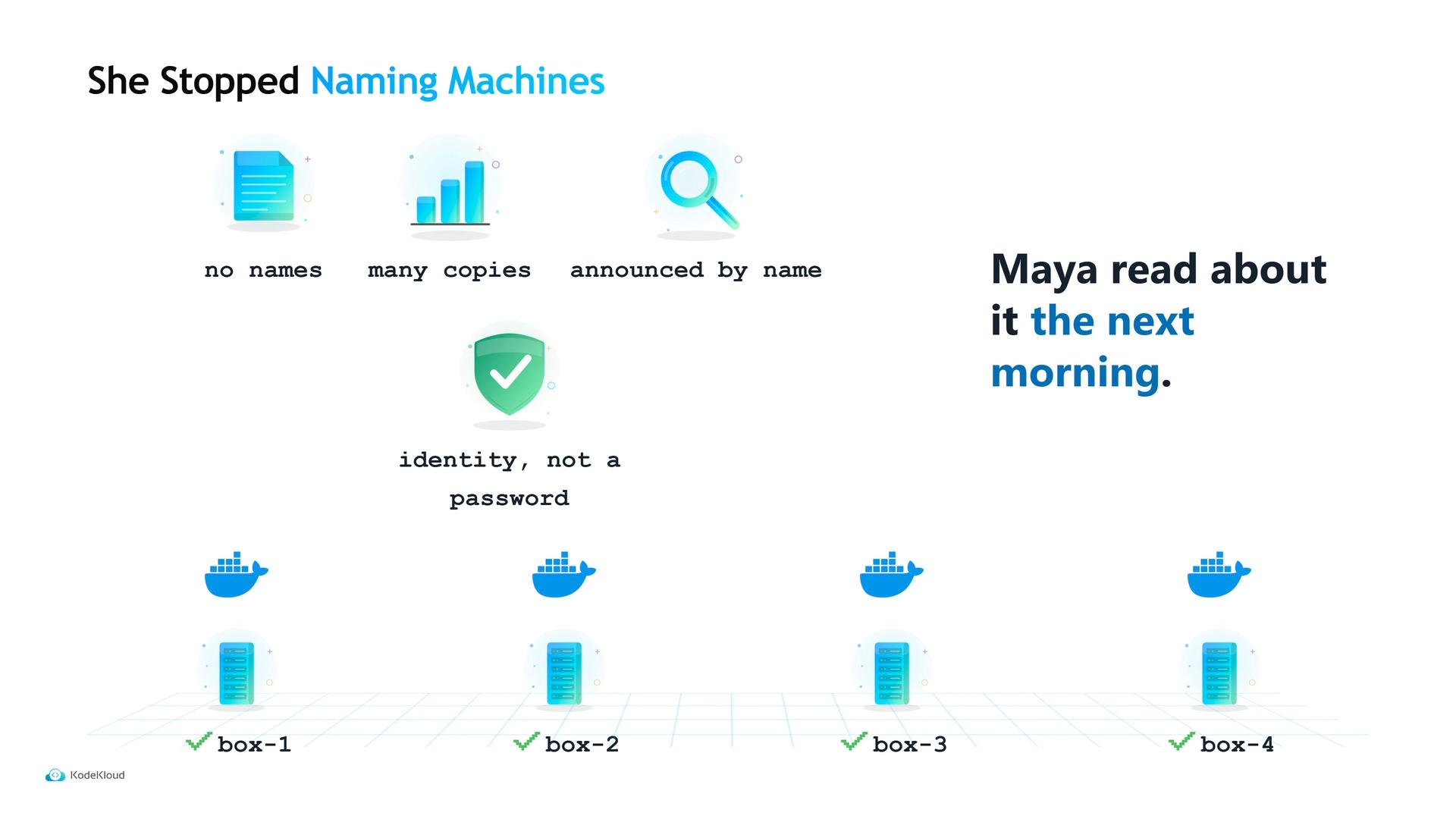
Nomad is a compact, flexible orchestrator, but it intentionally focuses on core scheduling and allocation. There are a few gaps you should plan for:- It does not autoscale workloads automatically by itself; scaling is declared in the job spec. Use the Nomad Autoscaler when you need dynamic scaling.
- Its built-in service discovery reports health but does not perform advanced filtering to remove unhealthy instances from results — running Consul provides richer health checks and service discovery semantics.
- Nomad does not include a service mesh; integrate with Consul or another mesh provider for mTLS, traffic control, and observability.
- The ecosystem and third-party integrations around Nomad are smaller than those for some other orchestrators; you may find fewer ready-made plugins or community answers for niche issues.
Nomad reduces host-level operational work and gives you a simpler control plane for mixed workloads. However, you should account for the extra components (Autoscaler, Consul, Vault) and the people required to operate them when estimating operational effort.
Links and references
- Nomad Autoscaler: https://github.com/hashicorp/nomad-autoscaler
- Vault (secrets management): https://learn.kodekloud.com/user/courses/hashicorp-certified-vault-associate-certification
- Consul (service discovery & mesh): https://learn.kodekloud.com/user/courses/hashicorp-certified-consul-associate-certification