

count change does — but only if the resources block beneath it is accurate.
Recall the two key resource values used in job specifications: CPU (in megahertz) and memory (in megabytes). These numbers represent the size of the “box” the app is asking the scheduler to reserve. The scheduler uses these values to filter nodes and pack allocations tightly.
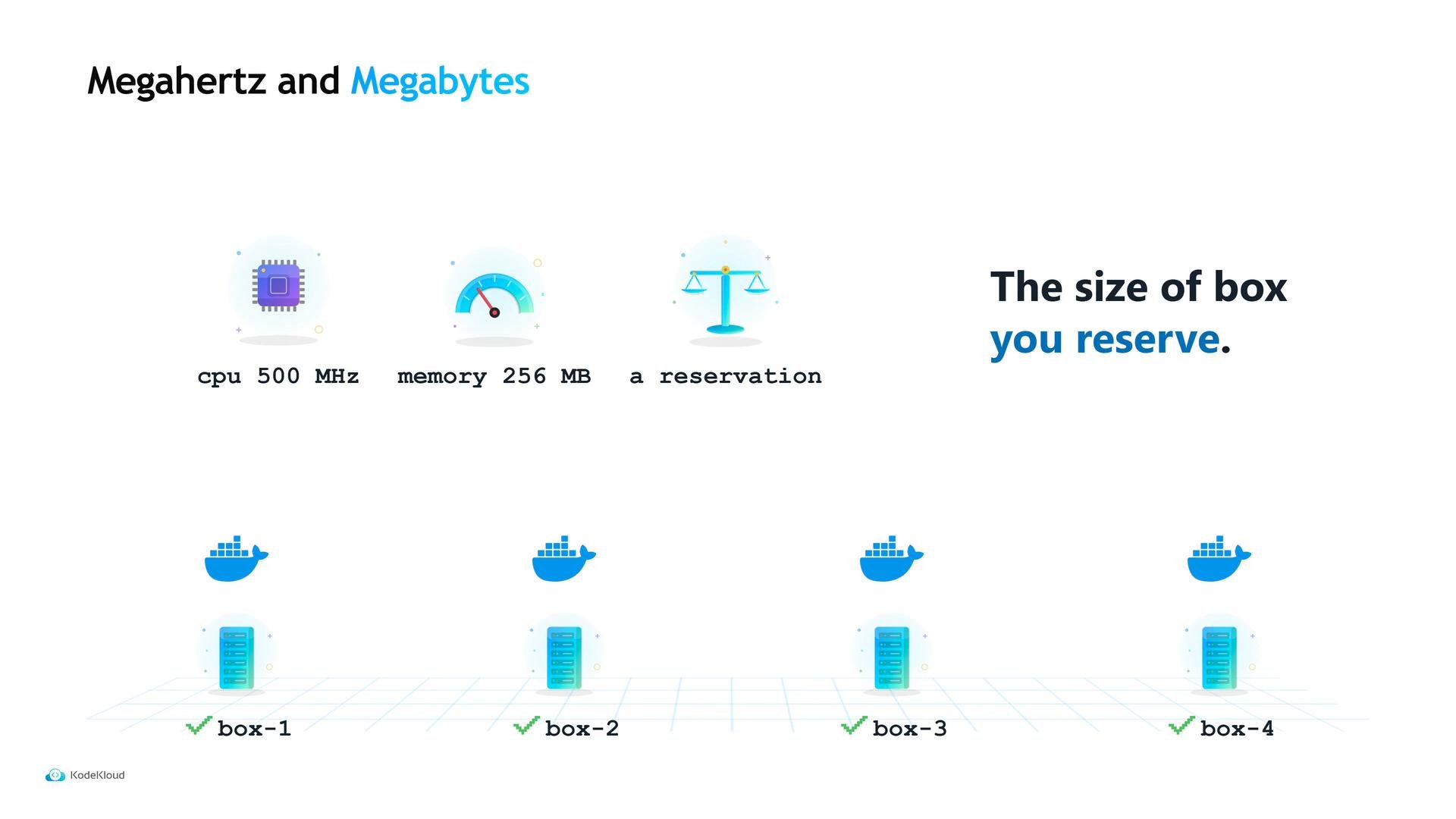
- If Maya declares
512 MBwhen the API actually uses only128 MB, every machine looks fuller than it really is. The cluster fits fewer copies than it could, and she pays for wasted capacity. - If she declares
128 MBwhen the API actually needs512 MB, the allocation is placed but the process may be killed by the kernel for exceeding memory (OOM). Because this is a service job, Nomad restarts it and it can enter a crash loop that looks like an application bug but is actually a bad memory estimate.
- Start with conservative (slightly larger) reservations.
- Run the service under real traffic.
- Inspect the allocation’s actual CPU and memory usage versus the reservation.
- After observing steady-state usage for a day or more, tighten reservations toward the measured values to increase density safely.
Start with conservative resource reservations, measure actual CPU and memory usage from allocations, then reduce reservations to the observed steady-state requirements to improve density safely.
pending until capacity frees up. This is not an error — the job is still considered running, but it has fewer allocations than requested.
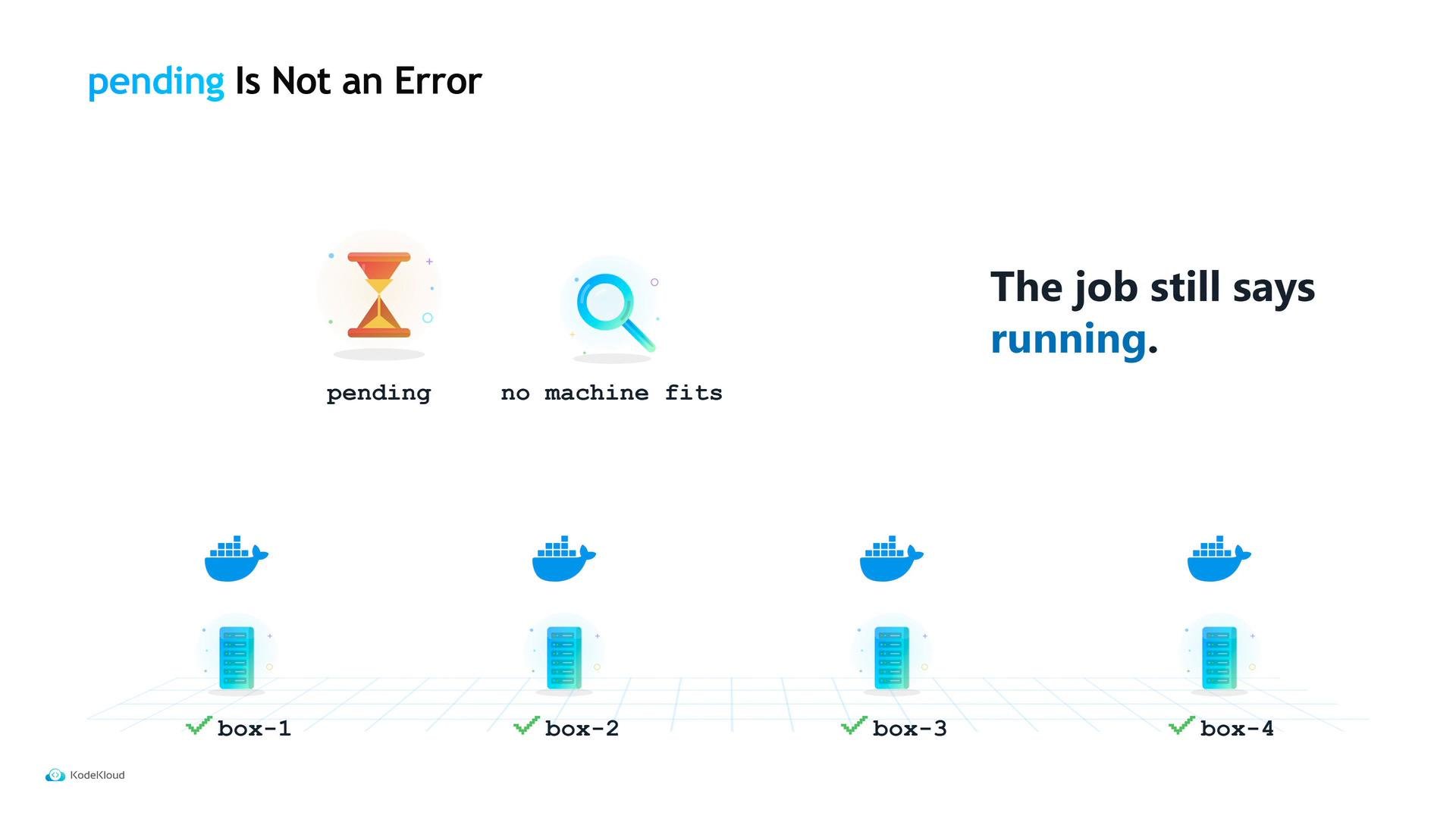
nomad job status <job>(or the UI) shows a placement summary with counts for running and pending allocations.- If you scale up and traffic doesn’t improve, check that placement/summary before assuming something else is wrong.
count than editing the job file: use nomad job scale. It accepts a job name, a group name, and a target count — and applies it immediately.
count = 3, while the cluster now runs 5 copies. If someone later re-submits the job file from git, the cluster will be scaled back to 3 and that change may cause an outage. Best practice:
- Use
nomad job scalefor quick, operational scaling during spikes. - Immediately update the job file in version control to match the desired state so future deploys are consistent.
scaling block (minimum, maximum, and policy). However, Nomad only stores that declaration — it does not automatically act on it. To have policies enforced automatically, run the Nomad Autoscaler (a separate program).
The
scaling block in a job file is a declaration only. Install and run the Nomad Autoscaler to make scaling policies act automatically: https://github.com/hashicorp/nomad-autoscalerQuick reference: common commands and checks
Links and references
- Nomad Autoscaler: https://github.com/hashicorp/nomad-autoscaler
- Consul (service discovery): https://www.consul.io/
- Nomad documentation: https://www.nomadproject.io/docs