

How Nomad exposes services
In Nomad, service discovery is configured inside thegroup block of a job file via a service stanza. Each service includes three core properties:
name— the logical name that clients will query (e.g.,tidepool-api).port— a port label that refers to a port declared in the job’snetworkblock (not a literal number).provider— the registry that manages service entries (Nomad’s built-in registry or Consul).
http) defined in the network block so Nomad can assign ports dynamically at runtime. Do not hard-code numeric ports inside the service block.
Example Nomad job (HCL)
This example shows a minimal job that registers anhttp-labelled service with Nomad’s registry and attaches an HTTP health check.
If you omit
provider, Nomad assumes consul by default. Explicitly set provider = "nomad" to use Nomad’s built-in service registry.Health checks: who is actually healthy?
Registering a service name is only part of the story — clients need to know which instances are healthy. That’s why theservice block supports a nested check stanza. The check must be nested directly under service (not at top-level or inside task).
Common check properties:
Nomad will call the check endpoint repeatedly for every service copy. This gives visibility into instance health so operators can act.
Nomad built-in provider: visibility vs. filtering
One important caveat with Nomad’s built-in provider: it records and shows check failures, but it does not filter out failing instances from the service listing. That means a copy with failing checks can still appear in client query results.
- Visibility: operators can see which instances are failing and investigate.
- Automatic restarts: you can configure a
check_restartblock to restart tasks after N consecutive failures. Note thatcheck_restart.limitdefaults to0(disabled).
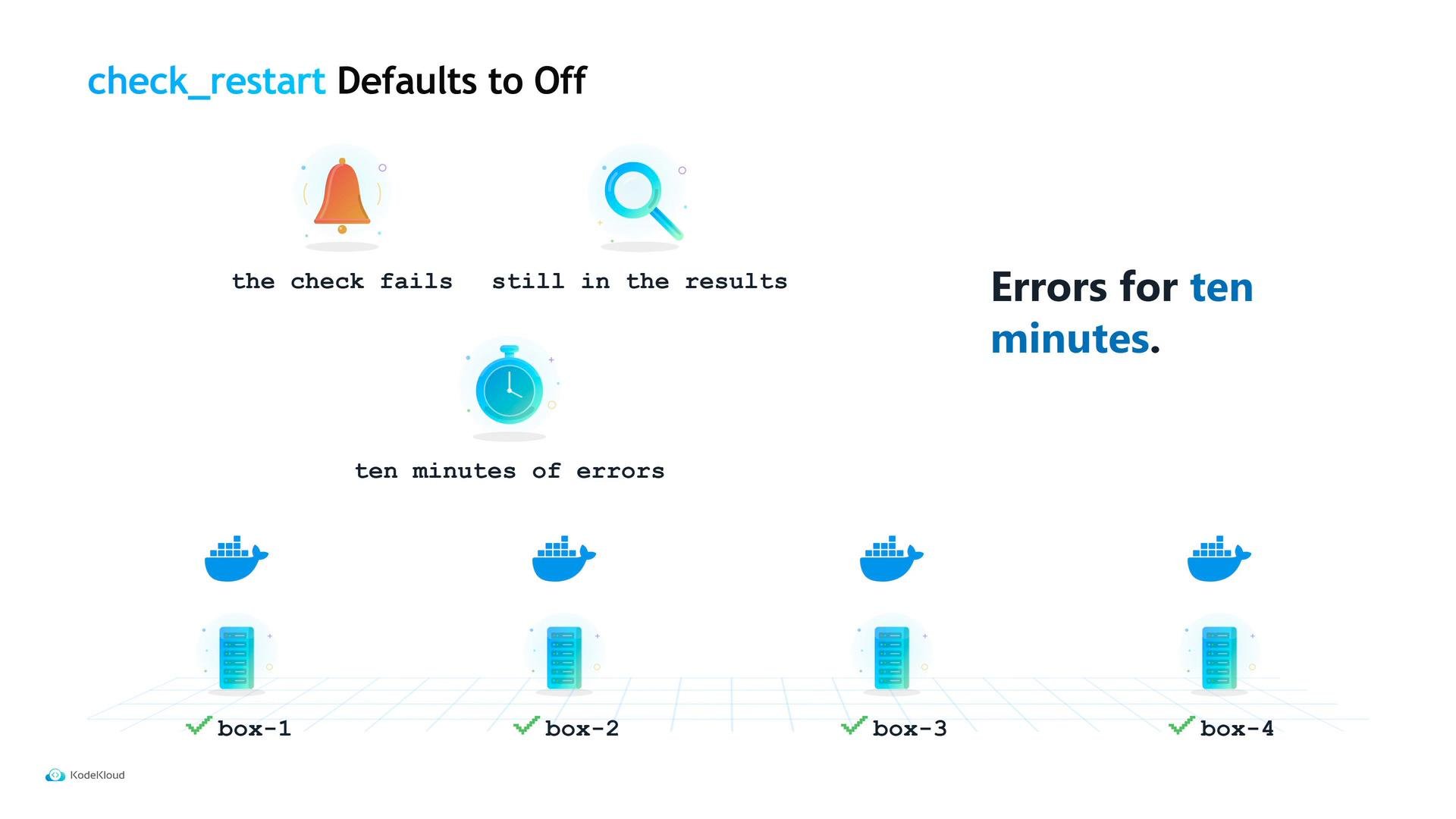
Be careful:
check_restart.limit defaults to 0 (off). If you add a check but do not set a restart limit, a permanently broken instance may remain listed and continue to receive traffic until someone intervenes.Why choose Consul?
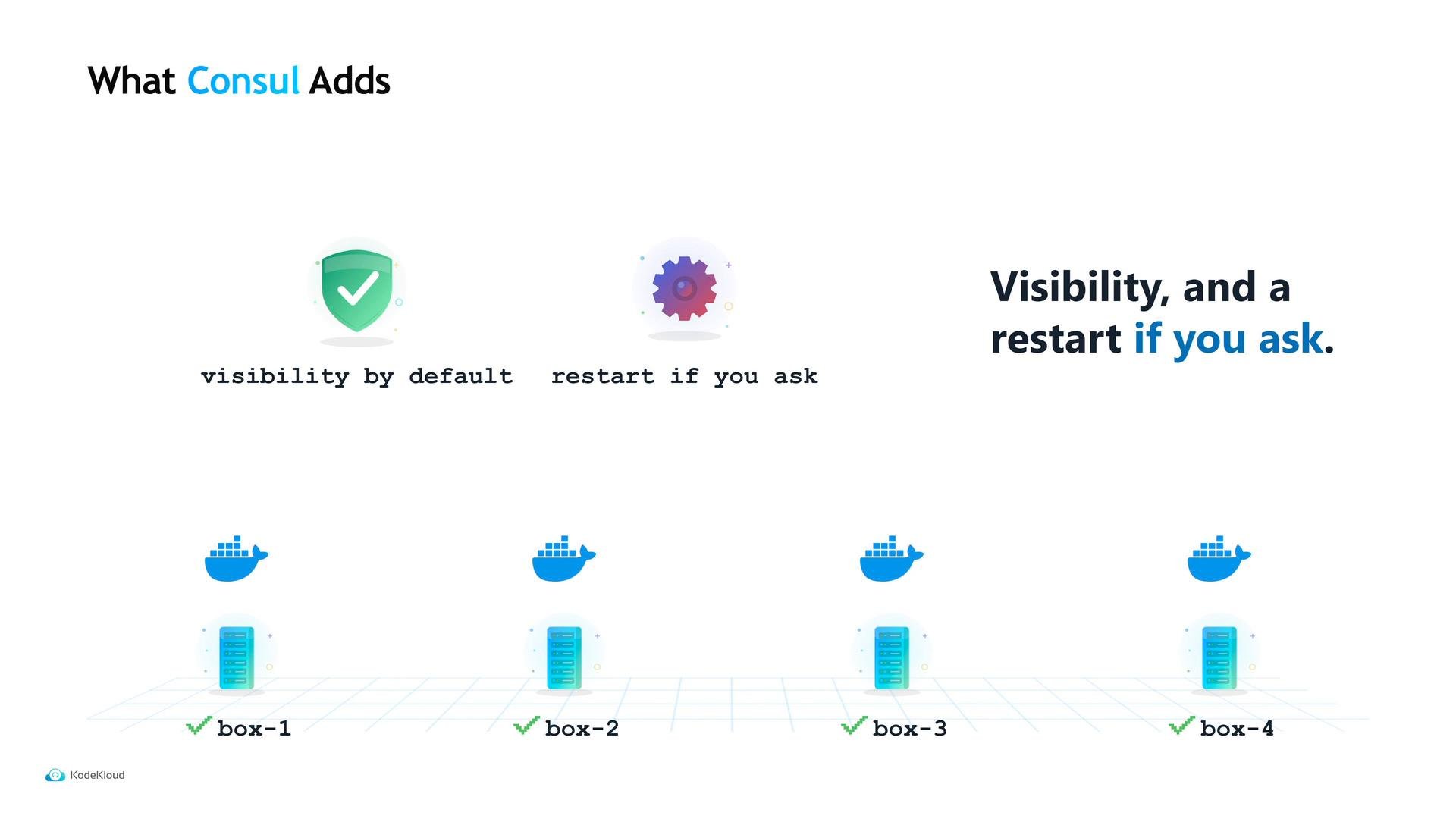
Because the built-in provider does not filter unhealthy instances by default, many teams prefer Consul for service discovery. Consul offers additional capabilities:- Health filtering by default — Consul returns only instances whose checks are passing.
- DNS-based discovery — clients that resolve hostnames can use Consul without Nomad-specific logic.
- Optional service proxying and mTLS — secure, authenticated communication between services.
Which provider should you use?
Remember that Consul is additional infrastructure: you must operate Consul servers, handle upgrades, and plan for its availability.
In Tidepool’s case, Maya continued to use Nomad’s built-in registry because the frontend already implements retries: a bad copy costs a retry, not an outage. Regardless of provider, the static two-year-old address was removed and replaced by a dynamic discovery model that scales and survives instance churn.
There is one more block in that configuration file that we haven’t touched yet.