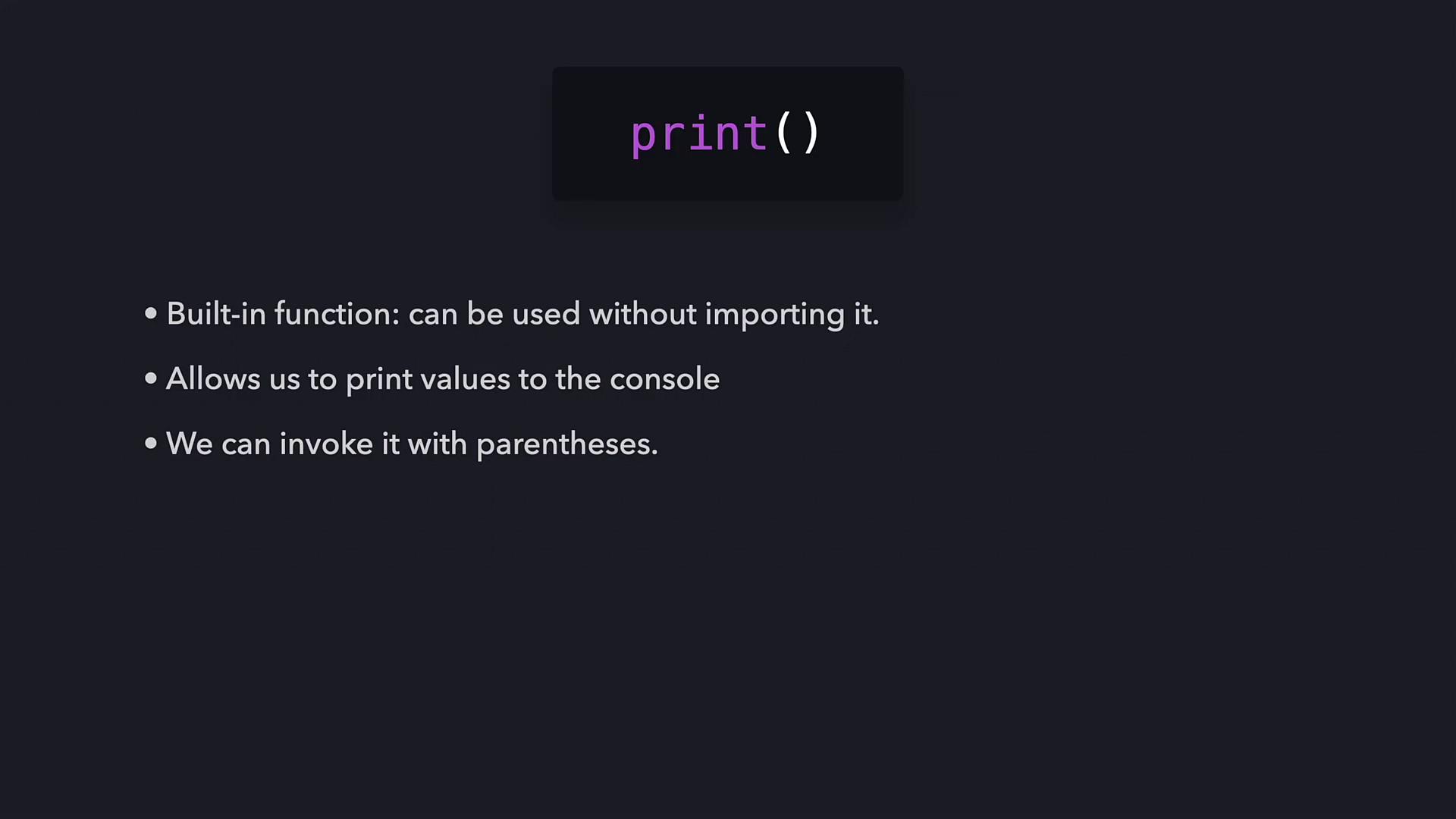
• The function name: print
• An opening parenthesis: (
• A text string delimited by double quotes: “Hello future Python programmer!”
• A closing parenthesis: ) By combining these elements, Python understands that it should display the provided string on the terminal.
The print function is built into Python and requires no additional imports. Beyond printing text, functions in Python can process values, produce side effects, and even return data, allowing you to design your own functions for more complex tasks.
How Python Executes a Function
When Python executes a function, it follows these steps:- It verifies that the function name is valid. If the function is built-in, Python retrieves its internal implementation.
- It checks that the number and format of the arguments match what the function expects.
- After validation, Python transfers control temporarily from your program to the function’s code.
- The function executes its operations (in this case, printing the provided string).
- Finally, Python returns to your code and resumes execution.
Printing Multiple Lines
To print multiple lines, you can either call the print function several times—each on its own line—or include the newline character (\n) within your string. For example:Controlling Output with Keyword Arguments
Python’s print function supports keyword arguments that let you fine-tune its output. Two common keyword arguments are: • end – Specifies what to print at the end of the output. The default is a newline character.• sep – Specifies the separator between multiple arguments. The default is a space. For example, to override the default newline behavior:
So, enjoying Python?😊
Summary
The print function is an essential built-in Python tool for displaying output on the console. By calling this function with parentheses and providing values—commonly strings enclosed in quotes—Python knows to output that content. In this article, we learned: • The basics of the print function and its syntax.• How arguments (such as strings) are passed to the function.
• The role of special characters like the newline (\n).
• How keyword arguments like end and sep allow for versatile output control.