Numeric Operations
Before diving into strings, consider how arithmetic operators function with numbers:String Concatenation
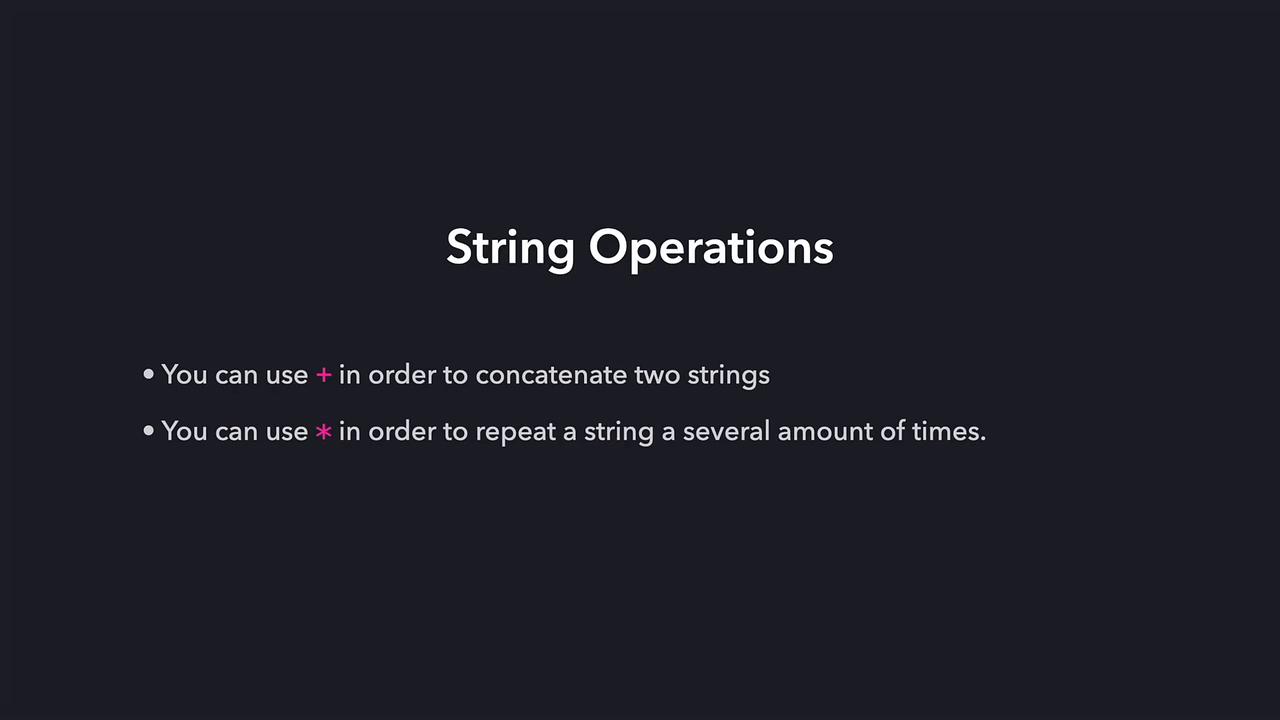
When the plus operator (+) is used with strings, it combines them. For instance:Repeating Strings
The asterisk operator (*) repeats a given string a defined number of times. For example, the following code demonstrates how to produce repeated patterns:Remember that using arithmetic on strings follows specific rules distinct from number operations. Repetition with the asterisk operator is particularly useful when generating patterns or repeated elements.
Type Conversion
Python provides built-in functions to convert between different data types. For example, you can convert a string to a numeric type usingint() or float(). Conversely, to convert a number into a string so that it can be concatenated with other text, use the str() function:
str() function is essential for proper concatenation:
Always convert numeric results to strings before concatenating them with other text to avoid errors.
Summary of String Operations
- The plus operator (
+) concatenates two strings. - The asterisk operator (
*) repeats a string multiple times. - The
str()function converts numeric values into strings.