This article explains how to handle errors and exceptions in Python using try-except blocks for better program stability.
When Python runs your code, it might encounter an issue and raise an exception—a special type of object that signals an error occurred. If the exception isn’t handled, Python stops the program and displays an error message.Consider this example:
name = 'Lydia'print('My name is' + naem)print('All done!')
NameError: name 'naem' is not defined
In this case, Python raises a NameError because the variable “naem” does not exist. Instead of crashing immediately, you can catch and handle exceptions so that the program continues executing.
Use a try-except block to monitor code for errors. The code under the try block executes normally, but if an error occurs, the code in the corresponding except block takes over.
You can handle exceptions using the try and except keywords. In the example below, if an error arises in the try block, the program jumps to the except block:
try: name = 'Lydia' print('My name is' + naem)except: print('Something went wrong')print('All done!')
The output of this code is:
Something went wrongAll done!
Since the exception was caught, Python exits the try-except block and continues with the rest of the program.
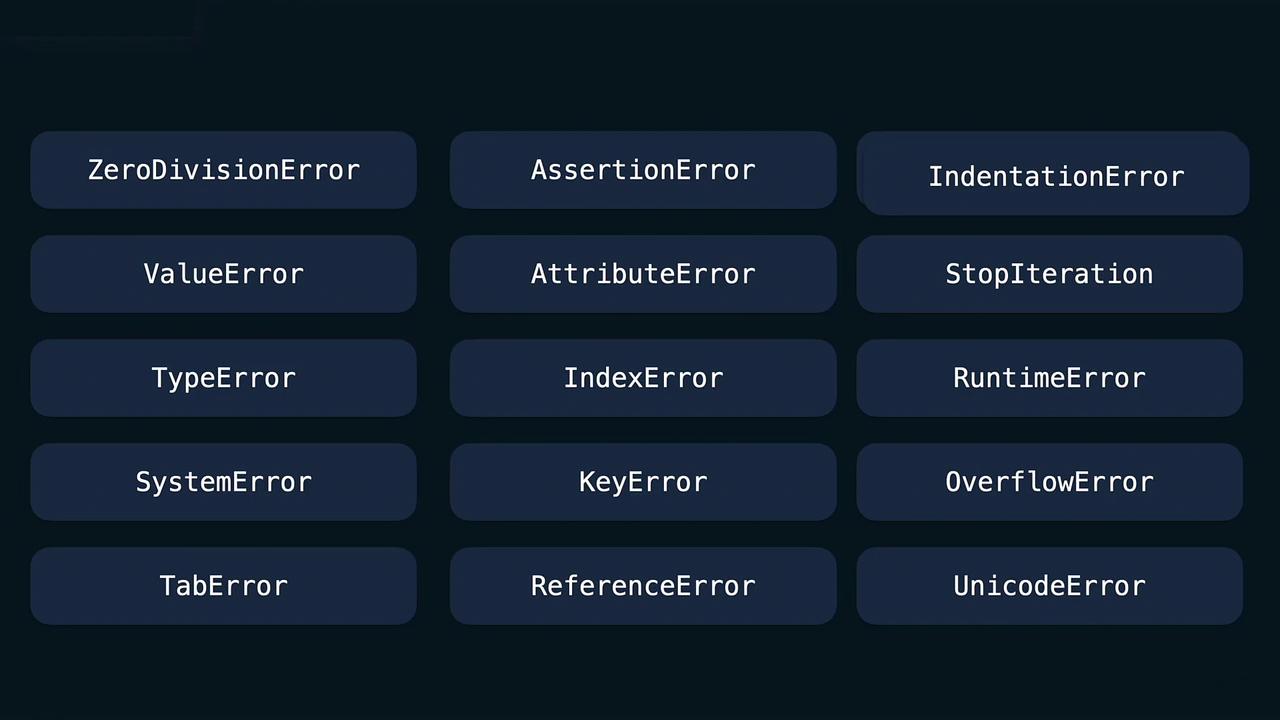
Python allows you to handle specific types of errors individually. Among the common error types are:
ZeroDivisionError
ValueError
TypeError
SystemError
AssertionError
AttributeError
IndexError
KeyError
IndentationError
Suppose you ask a user to input a number and try to compute its reciprocal. Two issues may occur:
Scenario
Expected Exception
User enters a non-numeric string
ValueError
User enters zero
ZeroDivisionError
Here’s how you can manage these specific exceptions using multiple except blocks:
try: x = int(input("Enter a number: ")) y = 1 / x print(y)except ZeroDivisionError: print("You cannot divide by zero.")except ValueError: print("Please enter an integer.")except: print("Something else went wrong")print("All done!")
When a ValueError occurs (for example, if the user inputs a non-integer), the corresponding except block is executed. Likewise, entering zero triggers the ZeroDivisionError block. Note that any generic except block without a specified exception type should always come last to catch any other unforeseen errors.
Always handle specific exceptions before using a generic exception block. This practice improves code readability and error handling precision.
That concludes our article on Python errors and exceptions. Now, it’s time to put this knowledge into practice and enhance your Python programming skills!