Documentation Index

Fetch the complete documentation index at: https://notes.kodekloud.com/llms.txt

Use this file to discover all available pages before exploring further.

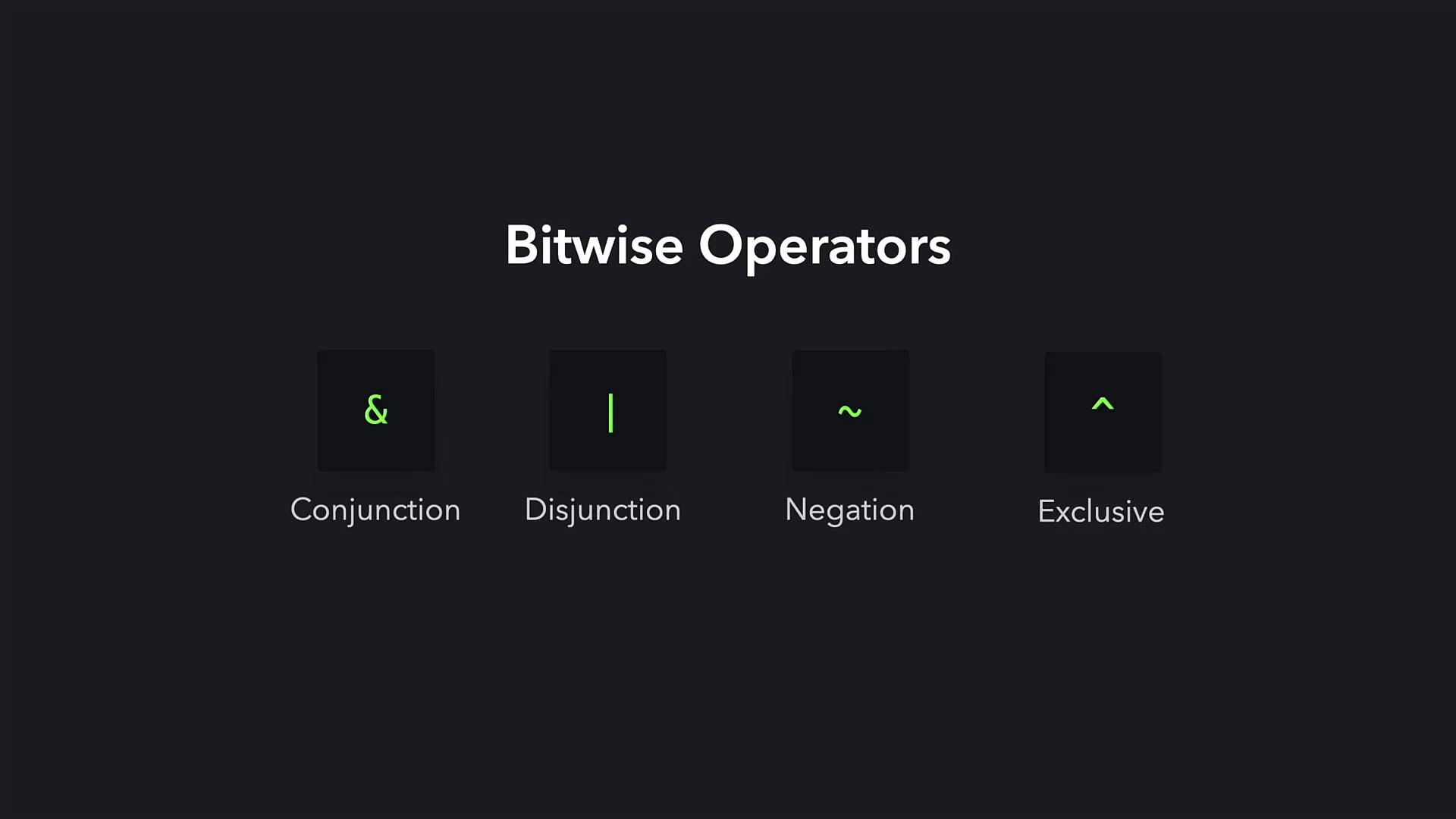
Bitwise operators let you manipulate individual bits of integer values by operating on their binary representations. These operators are commonly used for flags, masks, low-level data manipulation, and performance-sensitive code.
A dark-themed slide titled "Bitwise Operators" showing four black boxes with green symbols (&, |, ~, ^) labeled Conjunction, Disjunction, Negation, and Exclusive. The title is centered above the evenly spaced icons.
How each operator works:
OperatorSymbolDescriptionExample
Bitwise AND&Returns 1 for each bit position where both operands have 115 & 226
Bitwise OR``Returns 1 where at least one operand has 1`152231`
Bitwise XOR^Returns 1 where exactly one operand has 1 (exclusive OR)15 ^ 2225
Bitwise NOT~Flips every bit. In Python this produces the two’s‑complement negative: ~n == -n - 1~22-23
Left shift<<Moves bits left (multiplying non-negative integers by powers of two)22 << 144
Right shift>>Moves bits right (dividing non-negative integers by powers of two using floor division)22 >> 111
Note: Bitwise operators operate on integers only; they are not defined for floating-point numbers in Python. For official behavior and details, see the Python documentation on numeric types and bitwise operations. Bitwise AND example (15 & 22) 15 in binary: 00001111
22 in binary: 00010110
Bitwise AND compares each corresponding bit and returns 1 only where both bits are 1:
print(15 & 22)  # 6
The result 6 corresponds to binary 00000110. Bitwise OR example (15 | 22) Bitwise OR returns 1 for a bit position if either (or both) input bits are 1:
print(15 | 22)  # 31
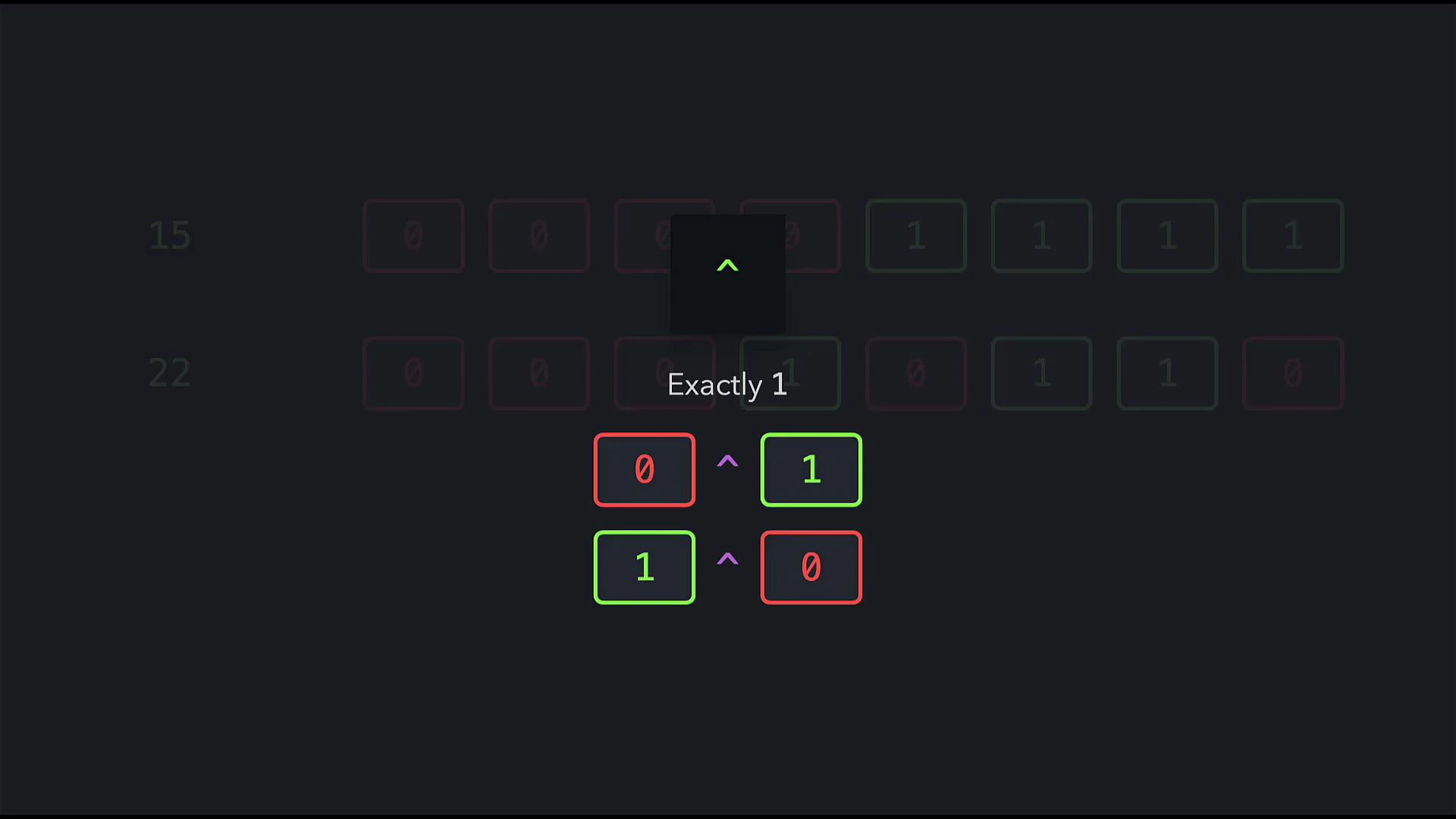
The result 31 corresponds to binary 00011111. Bitwise XOR example (15 ^ 22) Bitwise XOR returns 1 only when exactly one of the bits is 1.
A dark interface screen showing a puzzle titled "Exactly 1" with four colored boxes containing 0s and 1s connected by caret (^) symbols, suggesting exclusive choices. The boxes are outlined in red and green and centered beneath a small upward arrow.
print(15 ^ 22)  # 25
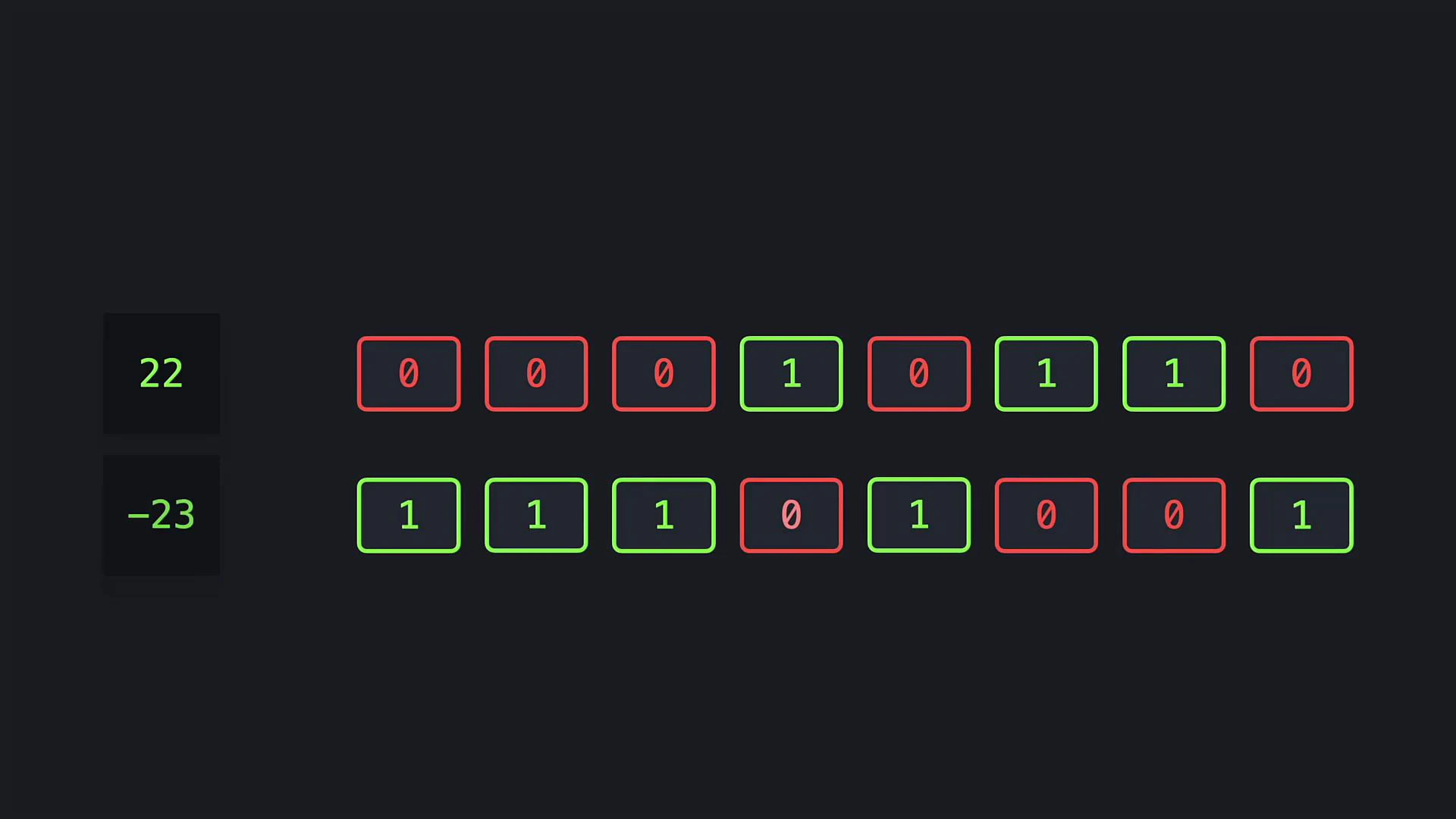
The result 25 corresponds to binary 00011001. Bitwise NOT example (~22) Bitwise NOT flips every bit. In Python this yields the two’s‑complement negative value; the identity ~n == -n - 1 holds for integers:
A dark UI-style image showing two stacked black tiles on the left with green numbers "22" and "-23", and two horizontal rows of small rounded tiles to the right containing 0s and 1s, where the 1s are highlighted green and the 0s red.
print(~22)  # -23
Compound assignment forms You can combine bitwise operations with assignment to update a variable in place. The long and abbreviated forms are equivalent:
# Long form
bit1 = bit1 & 22
bit1 = bit1 | 22
bit1 = bit1 ^ 22

# Abbreviated form
bit1 &= 22
bit1 |= 22
bit1 ^= 22
Bit shifting Bit shifting moves bits left or right by a specified number of positions and is equivalent to multiplication or integer division by powers of two for non-negative integers.
  • Right shift (>>): shifts bits to the right. Each shift right by 1 divides the integer by 2 using floor division for non-negative values.
  • Left shift (<<): shifts bits to the left. Each shift left by 1 multiplies the integer by 2.
Examples with 22 (binary 10110):
print(22 >> 1)  # 11   (10110 >> 1 -> 1011)
print(22 >> 2)  # 5    (10110 >> 2 -> 101)
print(22 << 1)  # 44   (10110 << 1 -> 101100)
Equivalent arithmetic:
print(22 // 2)  # 11
print(22 >> 1)  # 11
print(22 // 4)  # 5
print(22 >> 2)  # 5
print(22 * 2)   # 44
print(22 << 1)  # 44
print(22 * 4)   # 88
print(22 << 2)  # 88
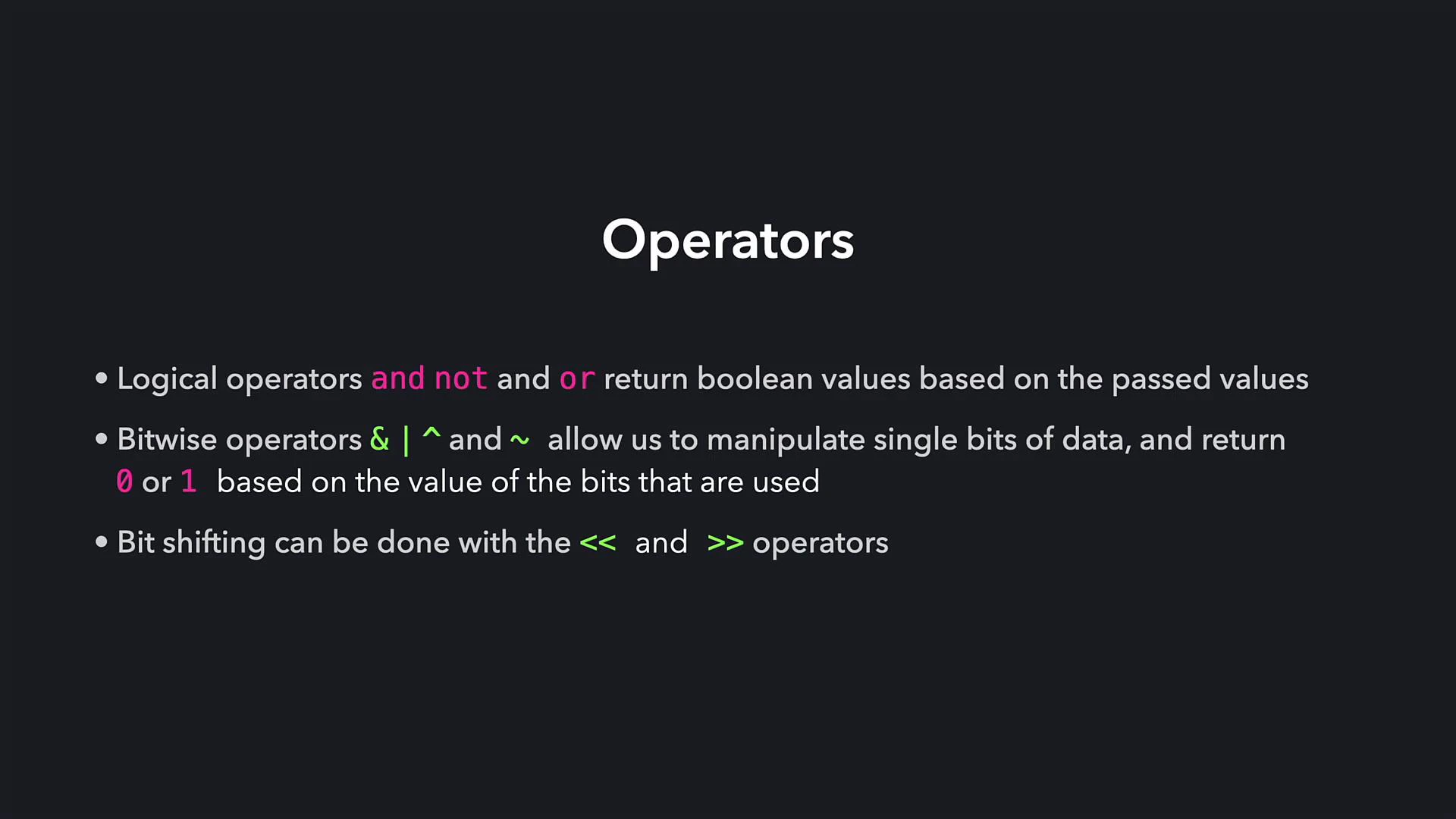
A dark presentation slide titled "Operators" with three bullet points explaining logical operators (and, not, or), bitwise operators (&, |, ^, ~) that return 0 or 1, and bit shifting using << and >>. The operator names are highlighted in different colors.
Bitwise operators are useful for flags, masks, and efficient low-level manipulations. Remember that Python integers are unbounded and bitwise operations follow two’s‑complement logic, so ~n equals -n - 1.
Recap
  • Logical operators (and, or, not) operate on boolean expressions and return boolean results — useful for control flow and conditions.
  • Bitwise operators (&, |, ^, ~) operate at the bit level on integers and return integer results reflecting bitwise changes.
  • Bit shifts (<<, >>) move bits left or right and correspond to multiplication or integer division by powers of two for non-negative integers.
Links and references

Watch Video