

create-and-launch-rocket script multiple times, you can consolidate these tasks into a new script (e.g., launch_rockets.sh) and use a for loop to handle each mission. For example, you could have written the commands manually as follows:
create-and-launch-rocket command for every mission in a given list. A basic for loop in a shell script is structured like this:
do and done define the block of commands executed during each loop iteration. The list of missions can be provided as space-separated names. However, keep in mind that using a hardcoded mission name inside the loop (e.g., always using lunar-mission) will result in launching the same mission each time:
mission:
mission holds the value of the current mission in the list, and the script launches the corresponding rocket.
When you have a large number of missions, listing all mission names directly in the script becomes impractical. Instead, store the mission names in an external file (e.g., mission-names.txt) and read them into your loop:
cat mission-names.txt) is executed first to retrieve the mission names, which are then iterated over by the loop. A best practice is to design your script so that inputs are either passed as command-line arguments or read from an external file, ensuring that the script requires no modifications for routine use.
Avoid using backticks for command substitution; instead, use the more readable
$() syntax, especially when embedding multiple commands.- Reading values from a file.
- Specifying the items directly.
-
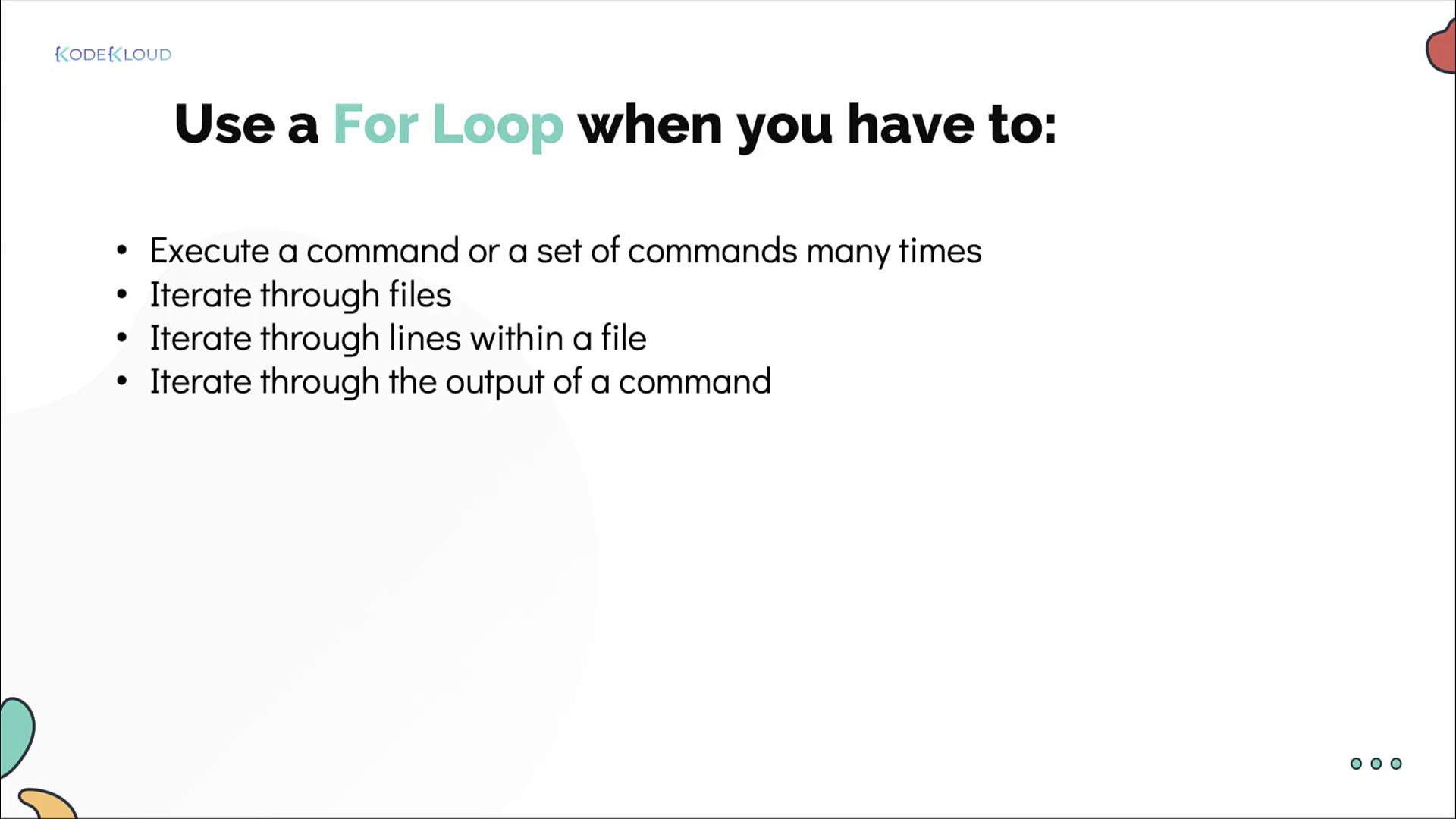
Counting lines in files: Iterate through a list of files from the output of the
lscommand and print the line count for each file. -
Installing packages: Read a list of packages from a file and install them one by one.
-
Checking server uptimes: SSH into a list of servers (provided in a file) to check their uptimes. (Note: This approach requires passwordless SSH for a seamless experience.)