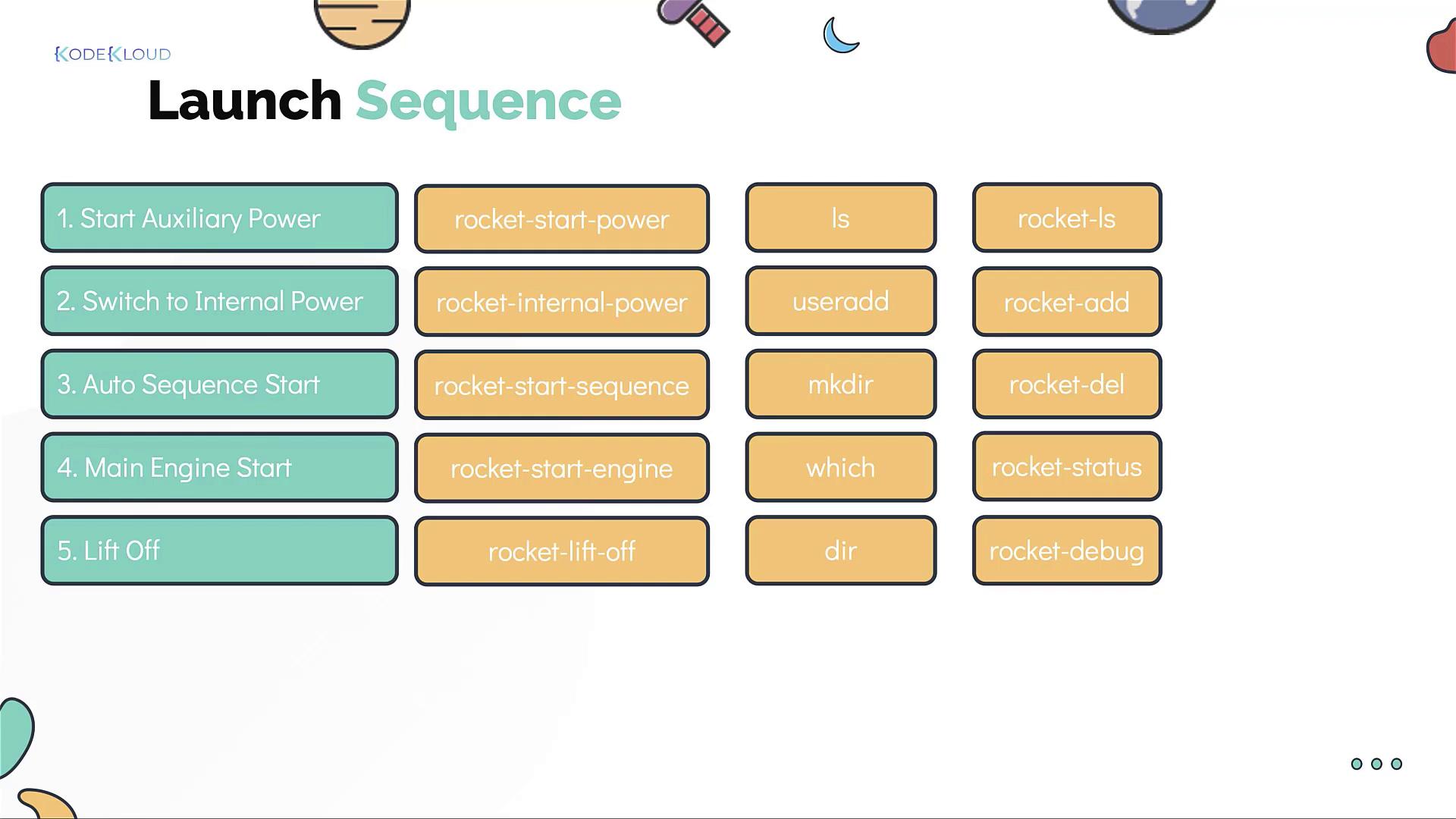
This simulation breaks down the rocket launch into a series of manageable Linux-like commands. No advanced rocket science background is required—just careful attention to the sequence of operations.
Rocket Launch Sequence
The rocket launch sequence consists of the following steps:- Start the auxiliary power.
- Switch to internal power.
- Initiate the auto sequence.
- Start the main engine.
- Lift off.
-
To start the auxiliary power:
-
To switch to internal power:
-
To initiate the auto sequence:
-
To start the main engine:
-
To lift off:
Additional Rocket Management Commands
Since you will be launching multiple rockets, a set of additional commands is available to manage them effectively:-
List all rockets:
-
Create a new rocket:
-
Destroy a rocket:
-
Check the status of a launched rocket:
-
Debug a failed launch:
Don’t worry about memorizing these commands right away—they will be thoroughly explained through practical exercises in this course. You will also gain hands-on experience with basic Linux commands and real-world scenarios.