This guide explores the shebangs role in shell scripts and differences between various shells affecting script execution.
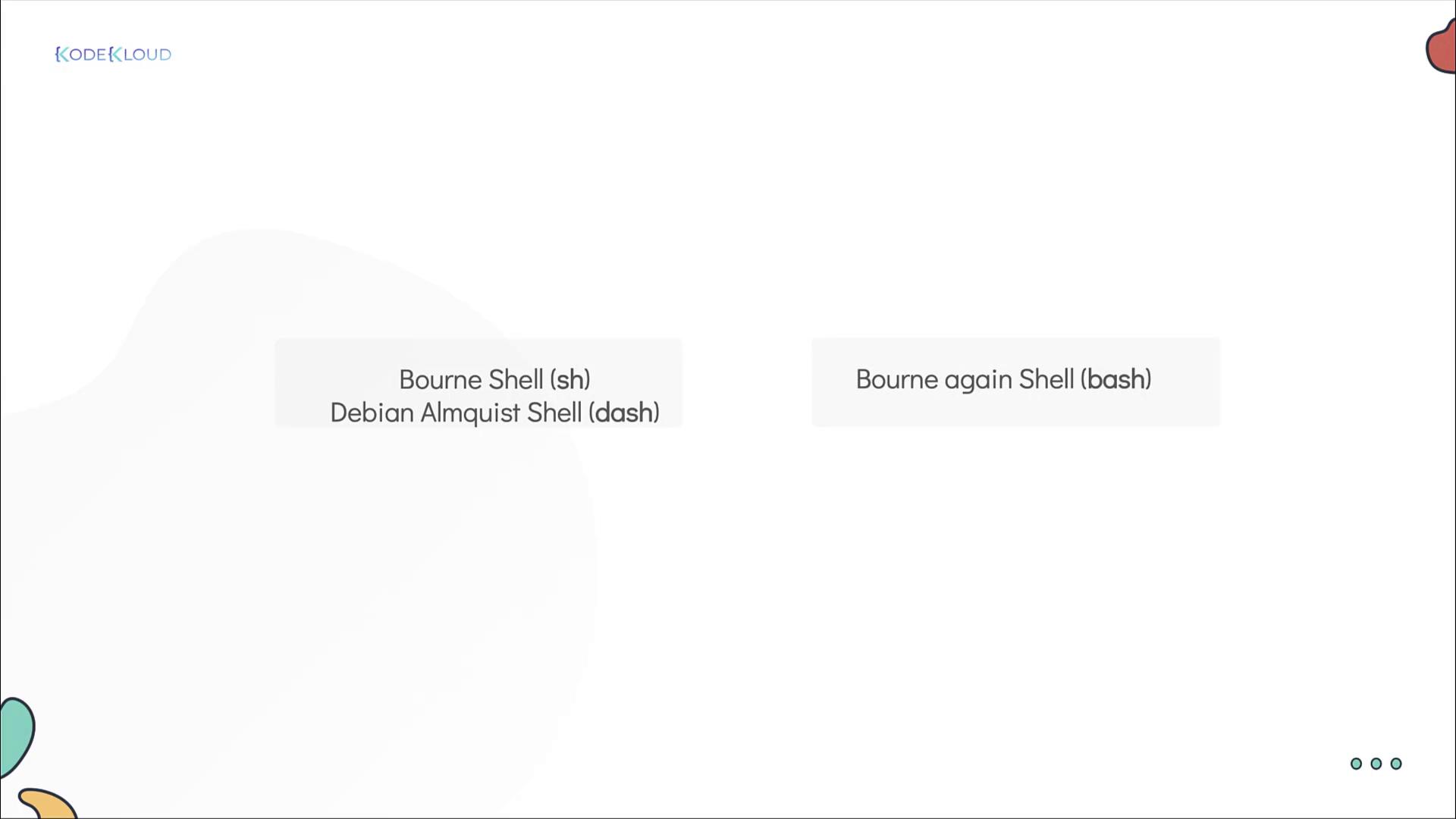
In this guide, we explore the critical role of the shebang in shell scripts. We’ll also review Linux shell basics and highlight the differences between various shells like the Bourne shell, the Bourne Again shell (bash), Debian Almquist shell (dash), Korn shell, Z shell, and C shell. Although these shells share similarities, there are key differences that can affect your script’s execution.For instance, consider the difference between the Bourne shell (ash, dash, or the Debian shell) and the Bourne Again shell (bash). The image below outlines a few common shell types:
Previously, we discussed a for loop in a shell script that generates a sequence from 0 to 10 using a bash-specific expression. The following script works as expected in bash:
for mission in {0..10}do create-and-launch-rocket $missiondone
However, if you run this script using the Bourne shell (sh) or dash, the sequence expression {0..10} is not expanded, resulting in output like:
sh$ launch-rockets.shLaunching mission {0..10}
Even though many modern systems link the Bourne shell to bash, explicitly testing in shells like dash reveals these differences.
To ensure reliable behavior, always run scripts that depend on bash-specific features with the bash interpreter.
The solution is to include a shebang at the beginning of your script. The shebang is a special line that instructs the system which interpreter to use, as demonstrated here:
#!/bin/bashfor mission in {0..10}do create-and-launch-rocket $missiondone
With the shebang (#!/bin/bash) at the top, executing the script directly guarantees that bash is used regardless of the default shell environment. Consider the following examples:
The shebang assures that your shell script always runs under the intended interpreter, preventing issues associated with incompatible shell syntax.
If your script relies on bash-specific features, always start with the appropriate shebang (#!/bin/bash) to avoid unexpected behavior when run in different shell environments.
That concludes our deep dive into the shebang in shell scripts. Happy scripting, and see you in the next article!