This article provides tips and tricks for efficient shell scripting, including development techniques, analysis with ShellCheck, and using IDEs for improved scripting practices.
In this article, we explore practical tips and tricks for creating efficient shell scripts. Whether you are a seasoned Linux command-line user or prefer working with graphical user interfaces (GUI), this guide provides best practice techniques and examples to enhance your shell scripting skills.
For terminal enthusiasts, powerful text editors like Vi or Vim offer features such as syntax highlighting which help catch errors early. Below is an example of a simple menu-driven shell script that demonstrates common system actions:
#!/bin/bashwhile truedo echo "1. Shutdown" echo "2. Restart" echo "3. Exit Menu" read -r -p "Enter your choice: " choice if [ "$choice" -eq 1 ] then echo "shutdown now" elif [ "$choice" -eq 2 ] then echo "shutdown -r now" elif [ "$choice" -eq 3 ] then break fidone
Using Vim’s syntax highlighting can significantly reduce the time spent debugging scripts by visually flagging potential errors as you type.
After developing your script, it’s important to analyze it for bugs and performance improvements. ShellCheck is a widely used static analysis tool that reviews your shell scripts and offers recommendations. Installation may vary depending on your operating system:
For additional installation instructions and platform-specific details, please refer to the ShellCheck GitHub repository.Once installed, run ShellCheck on your script with:
$ shellcheck menu.sh
This command inspects your script and provides warnings along with helpful suggestions. For instance, you might see output like:
In menu.sh line 9:read -r -p "Enter your choice: " choice ^--^ SC2162: read without -r will mangle backslashes.In menu.sh line 11:if [ "$choice" -eq 1 ] ^-----^ SC2086: Double quote to prevent globbing and word splitting.Did you mean:if [ "$choice" -eq 1 ]In menu.sh line 14:elif [ "$choice" -eq 2 ] ^-----^ SC2086: Double quote to prevent globbing and word splitting.Did you mean:elif [ "$choice" -eq 2 ]
With ShellCheck, you ensure that your script adheres to industry best practices and minimizes potential errors.
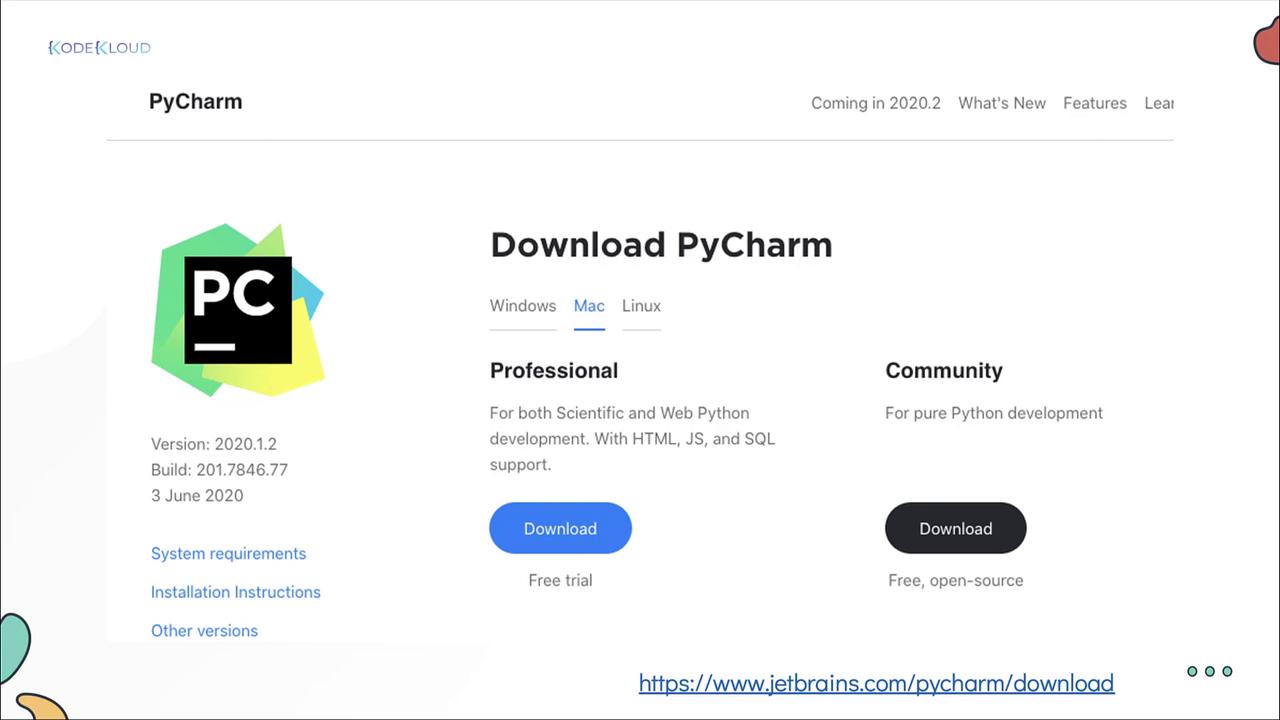
For users who prefer a visual interface, many free and open-source IDEs support shell scripting. One notable option is the JetBrains PyCharm Community Edition IDE, which, via plugins, offers syntax highlighting and real-time recommendations that help improve your scripts.
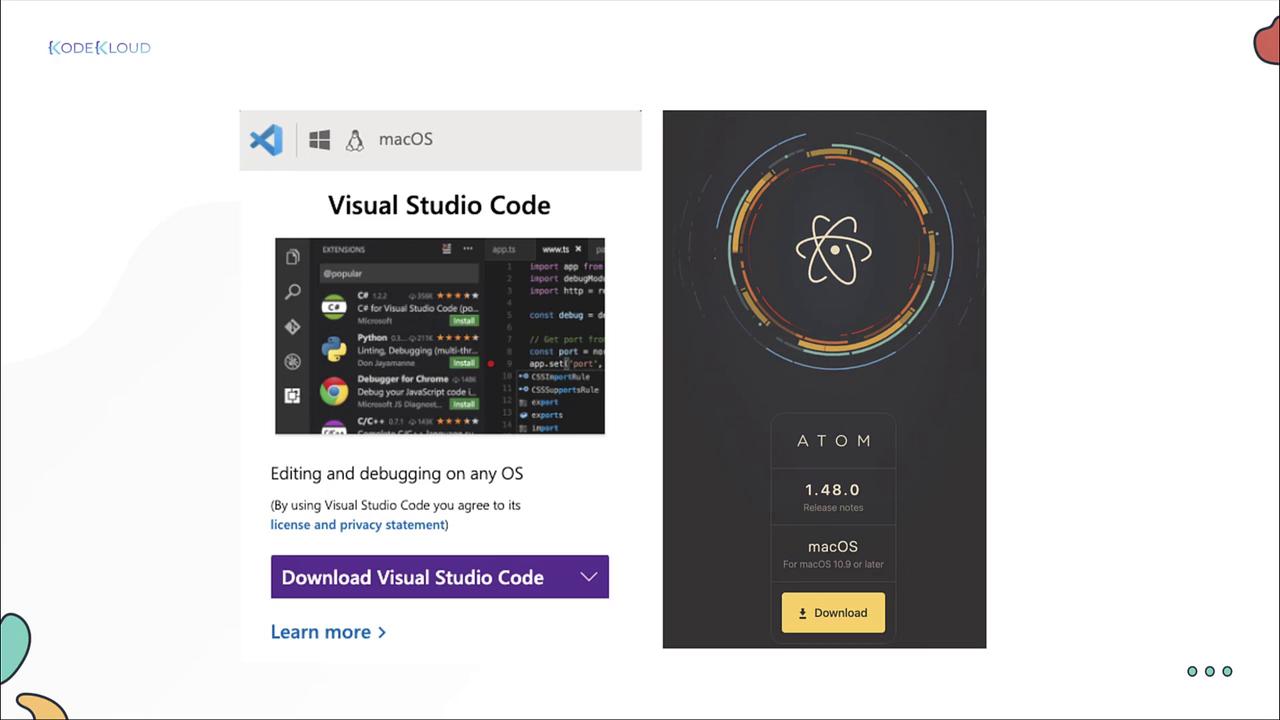
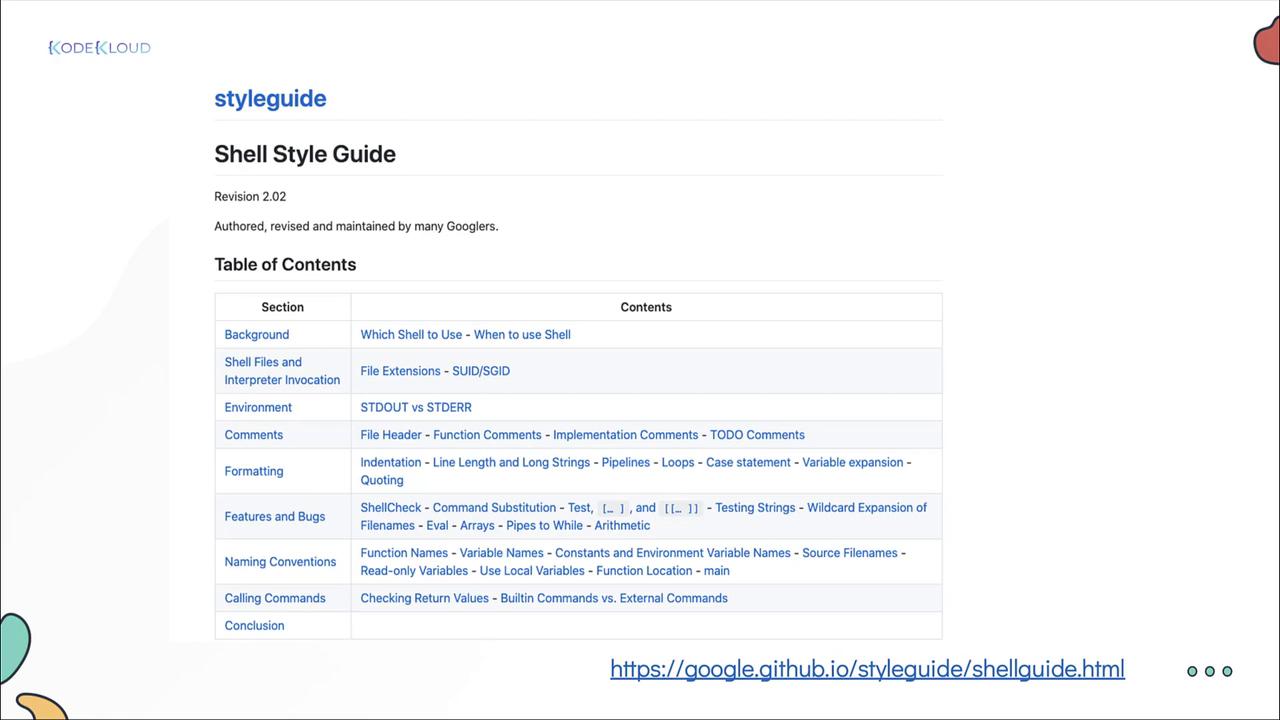
Other popular IDEs include Microsoft Visual Studio and Atom, both of which provide environments tailored to writing and debugging shell scripts. For a comprehensive look at industry best practices, consider reviewing Google’s shell scripting style guide.
Integrating IDE plugins for shell scripting can help catch potential issues before runtime, streamlining your development process.
By incorporating these tools and methodologies into your workflow, you can significantly enhance the quality and reliability of your shell scripts. Happy scripting and enjoy exploring these practical techniques!