Using functions in your shell scripts promotes code reusability and makes maintenance easier. Instead of repeating code, you encapsulate the functionality and simply call the function with a parameter.
Example without Functions
A non-modular script with duplicated code might look like this:Modular Approach with Functions
A best practice is to encapsulate repeated code into a function. In shell scripting, a function is simply a block of code designed to perform a specific task and can be reused throughout your script. In the example below, the mission name is passed as an argument to the function and referenced within the function as$1.
Below is an improved and modular version of the rocket launch script using a function named launch-rocket:
launch-rocket bundles the entire rocket launch process. This way, you only need to call the function with the desired mission name whenever required. For example, the main part of your script might look like this:
Remember that functions must be defined before they are called in your script. Calling a function prior to its definition will result in an error because the shell interprets it as an undefined command.
exit 1 and return 1 in the function. In the initial version, exit 1 would terminate the entire script if any individual mission failed. By using return 1 instead, only the function call terminates with an error, which allows the main script to continue executing and manage subsequent missions. The exit status from each function can be captured with the special variable $? if needed.
When to Use Functions
For large automation tasks—such as installing packages, adding users, configuring firewalls, or carrying out mathematical calculations—breaking down your script into functions is highly beneficial. Each specific task can be implemented as an independent function, which you call in the correct sequence. This strategy not only makes your code modular and easier to maintain but also minimizes duplication.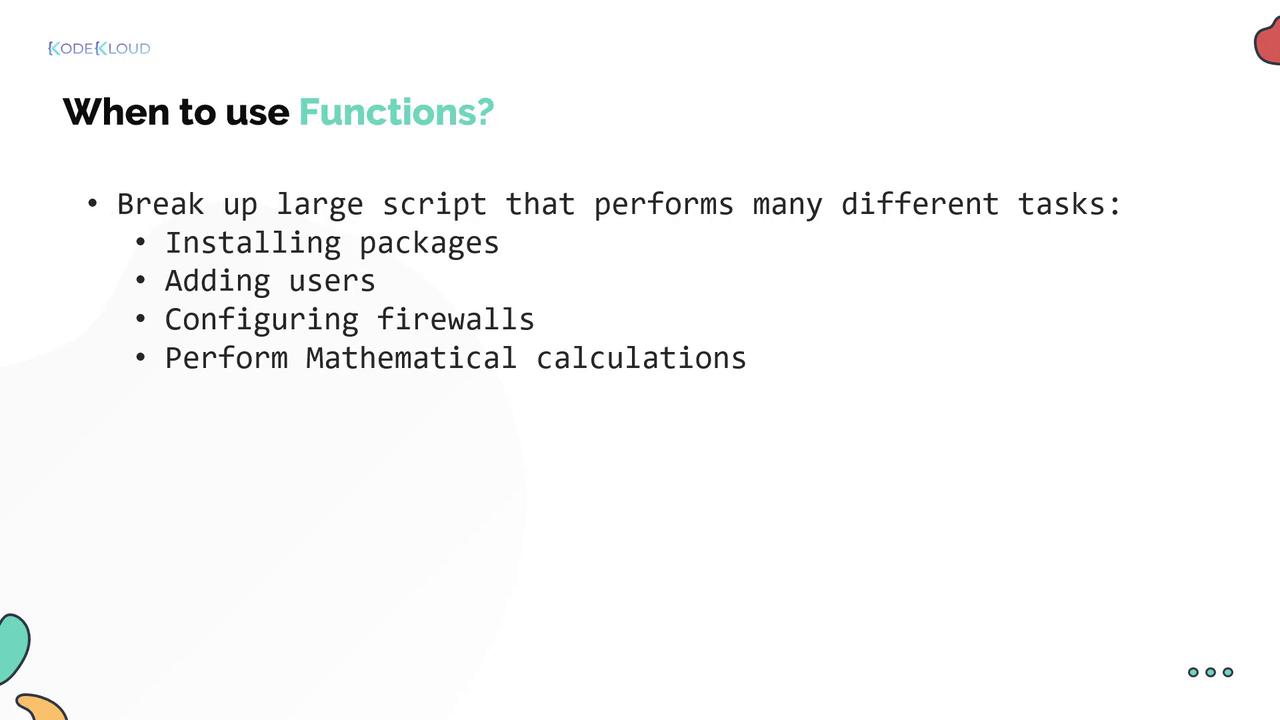
Simple Function Example: Adding Two Numbers
Here is another straightforward example that demonstrates how to add two numbers using a shell function. In this case, the parameters$1 and $2 are passed to the function, which calculates and prints the sum. You can capture the function’s output using command substitution:
echo becomes its output. While you can also use the return code to indicate success or failure, the return statement in shell functions only supports numeric exit statuses. Therefore, echoing the computed value and capturing it is the conventional method for returning results.