Terraform Workflow Overview
Imagine you have a project directory named “terraform-local-file” containing the following two files:main.tf as shown below:
variables.tf:
Initializing and Running Terraform Plan
Before provisioning any resources, initialize Terraform by executing theterraform init command. This command downloads the necessary plugins. Next, generate an execution plan with the terraform plan command. Notice that Terraform refreshes the state in memory (even if no state exists yet) and computes an execution plan that indicates which resources will be created.
The output of the plan command is similar to the following:
Applying the Terraform Configuration
To apply the configuration, run theterraform apply command. This command will reinitialize the in-memory state, confirm that no state file exists yet, and then proceed to create the local file resource:
/root/pets.txt with the content “I love pets!” If you run terraform apply again, Terraform refreshes the state, detects that the resource already exists, and confirms that no further actions are needed:
Terraform State File
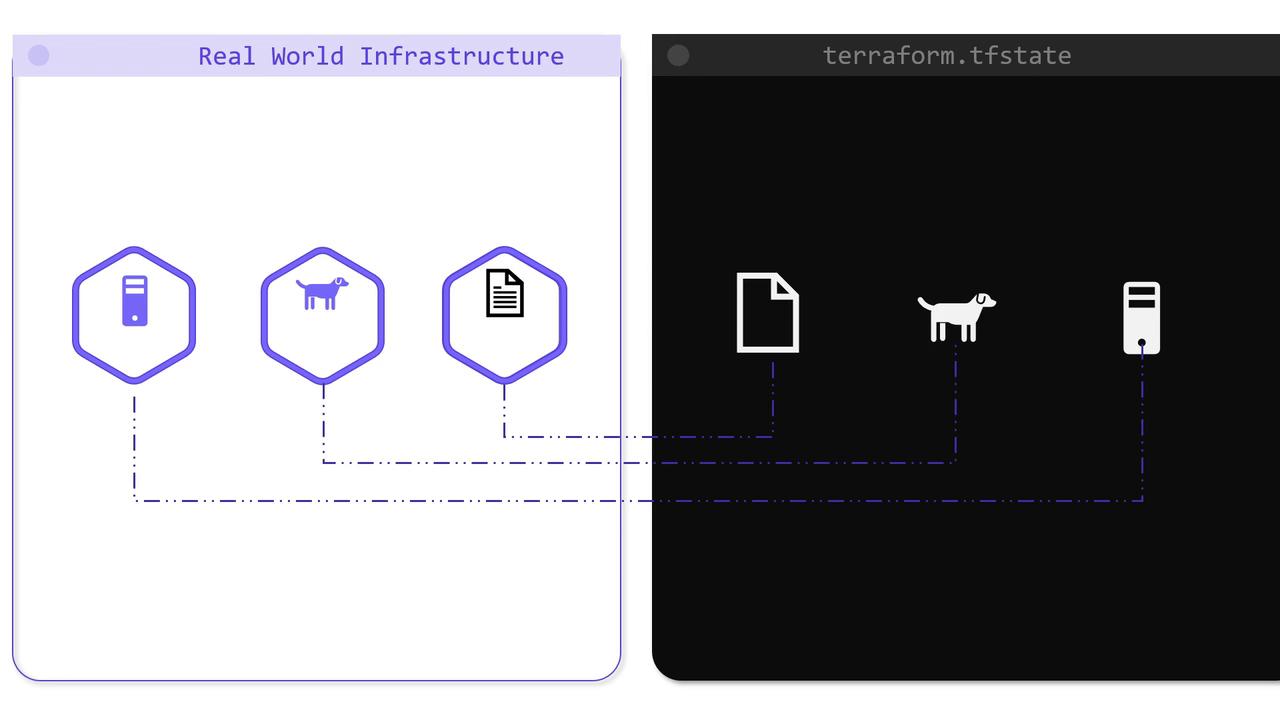
After the initial successfulterraform apply, an additional file named terraform.tfstate is created in the project directory. This file is a JSON data structure mapping your real-world infrastructure to the resource definitions from your configuration files. The directory now appears as follows:
terraform.tfstate reveals a detailed record of the infrastructure, including resource IDs, provider information, and resource attributes:
terraform plan and terraform apply to determine if any changes to the infrastructure are required.
Updating the Configuration
Consider updating the configuration invariables.tf to modify the content of the file, as shown below:
terraform apply causes Terraform to refresh the state and detect a difference between the new configuration and the existing state. Consequently, Terraform decides the resource must be replaced:
terraform.tfstate now reflects the new state:
terraform apply will report that no changes are necessary.
Conclusion
In this lesson, we explored how Terraform leverages a state file—initially created during the first successful apply—to track and manage real-world infrastructure. This state file serves as the authoritative record for your resources and is essential for Terraform to efficiently plan and apply configuration changes.Managing your Terraform state is crucial for ensuring consistent and predictable infrastructure behavior. For more information, consider reading the Terraform State documentation.