Managing Resource Dependencies
Terraform supports two types of dependencies: implicit and explicit. Consider the following example configuration that provisions three resources:local_file.pet resource depends on the random_pet.my-pet resource through its content definition, while the local_file.cat resource is independent. When applying this configuration, Terraform creates the resources in the following order:
random_pet.my-petandlocal_file.catare created in parallel.- Once the above resources are successfully provisioned, Terraform creates the dependent
local_file.petresource.
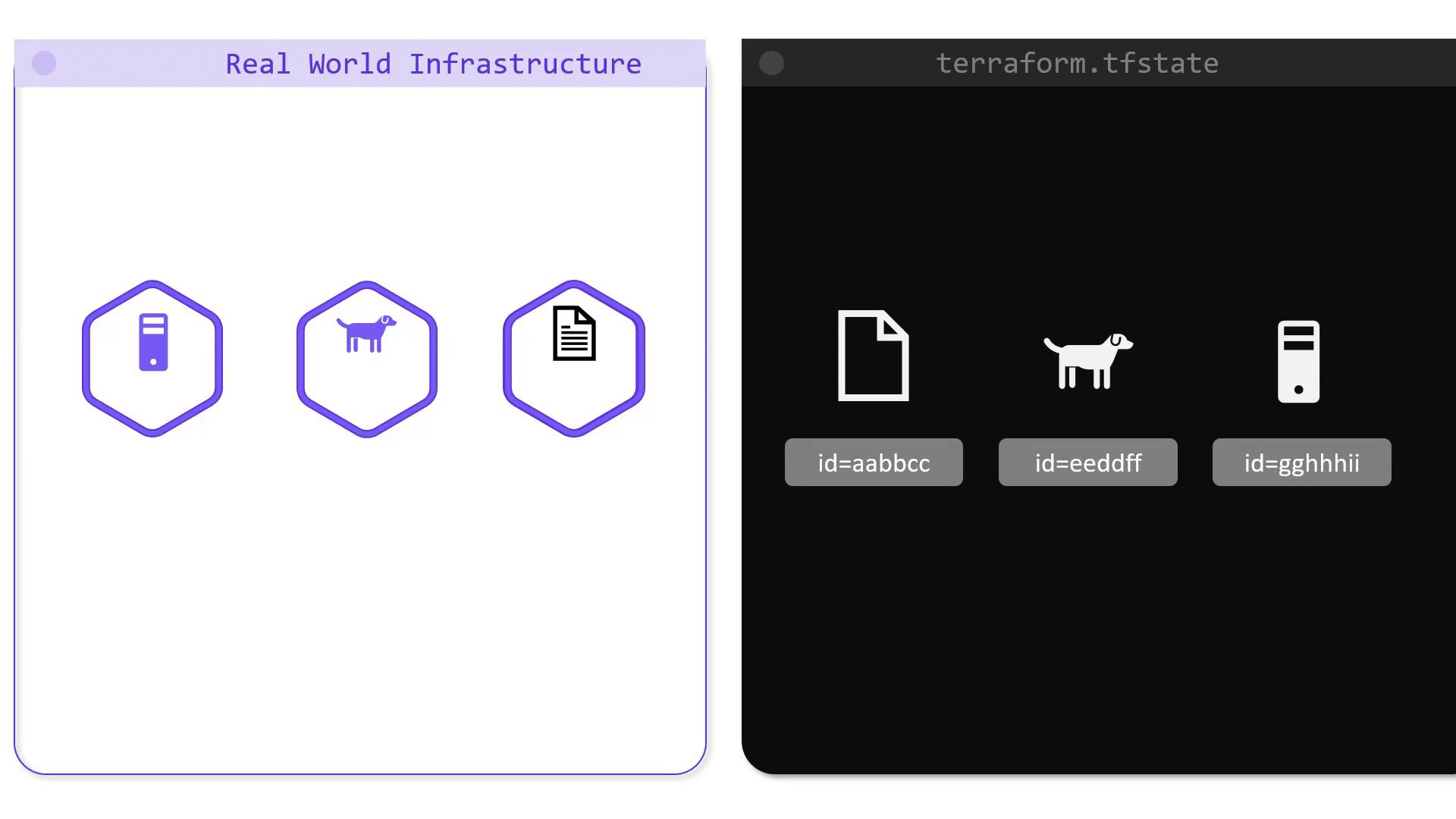
local_file.pet depends on random_pet.my-pet, the state file ensures that Terraform deletes local_file.pet first, followed by random_pet.my-pet.
Below is an excerpt from a state file that shows the metadata for the local_file.pet resource:
Performance Gains with State Caching
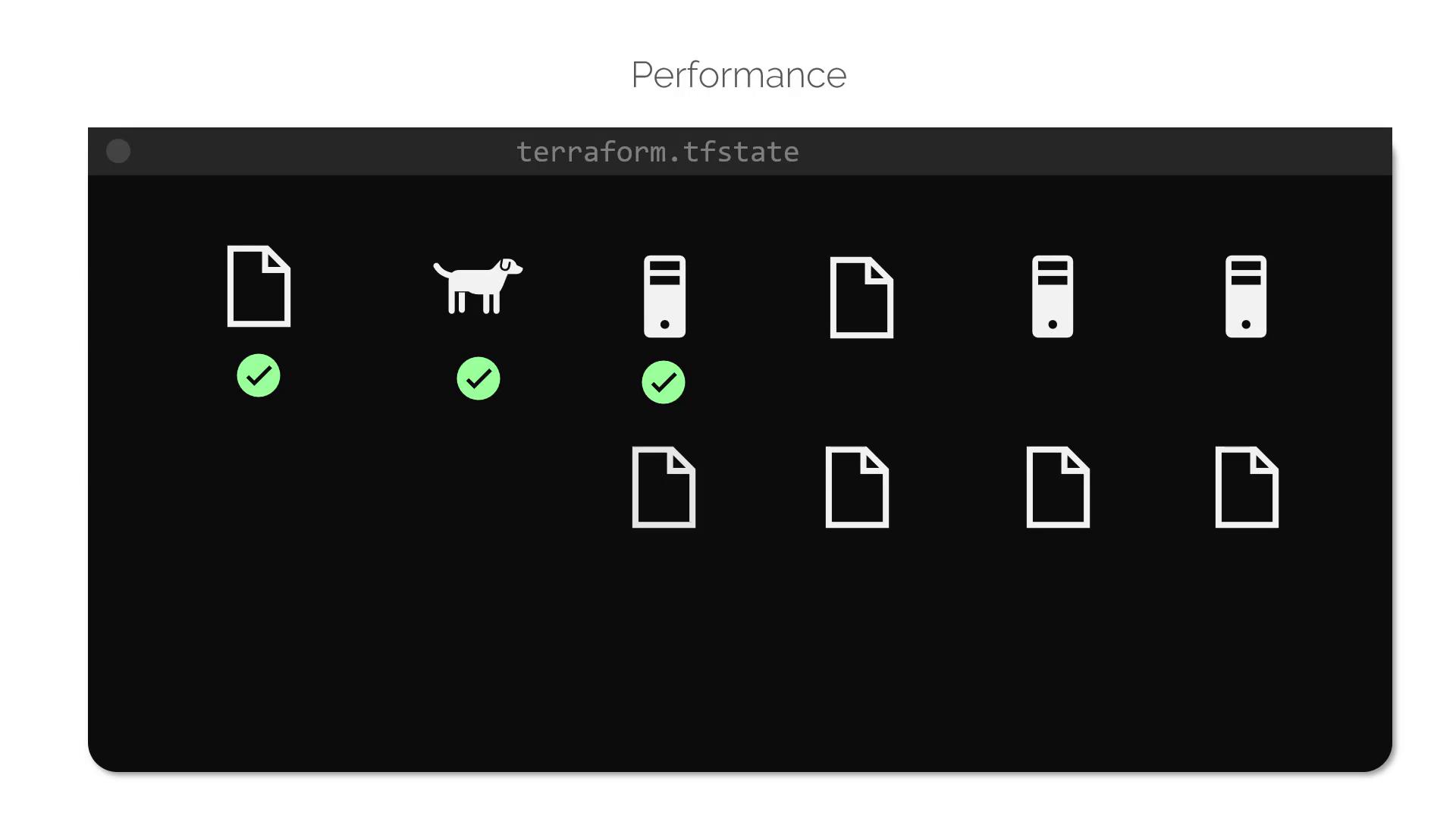
For small infrastructures, Terraform actively reconciles state with the real infrastructure on every command, such asplan or apply. However, in production environments where you might manage hundreds or thousands of resources, constantly fetching the state from providers would lead to delays.
Terraform overcomes this challenge by caching resource attribute values in the state file. By running Terraform with the --refresh=false flag, you instruct it to rely on the cached state, thereby speeding up operations.
Consider the following JSON snippet representing a sample state:
Using
--refresh=false can accelerate Terraform operations by using cached state data, but ensure that the cached state is still valid and accurate.Enhancing Team Collaboration with Remote State Storage
For individual projects, storing theterraform.tfstate file locally works well. However, in team environments, having an up-to-date and consistent state file is critical to avoid unpredictable errors. A remote backend—such as AWS S3, Terraform Cloud, or HashiCorp’s Console—ensures that every team member accesses the latest state.
A typical project directory might resemble the following: