

AWS CodePipeline Free Tier
AWS offers a Free Tier for CodePipeline, allowing you to try the service at no cost:- 1 active pipeline per month is free
- An active pipeline has existed for > 30 days and processed at least one change
- After 30 days, charges apply only if the pipeline remains active and processes changes
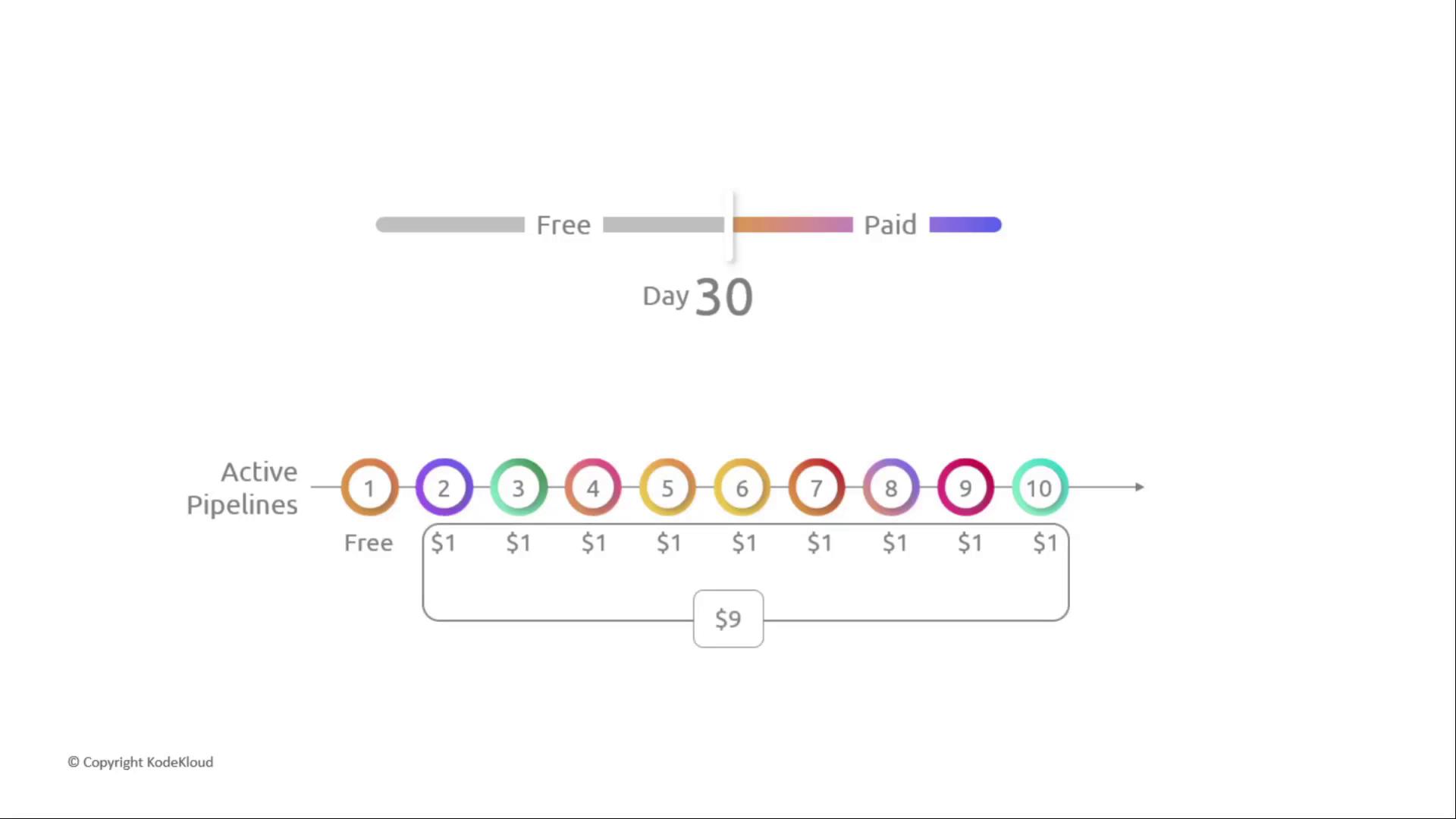
- Only the first active pipeline is free; additional pipelines cost $1/month each
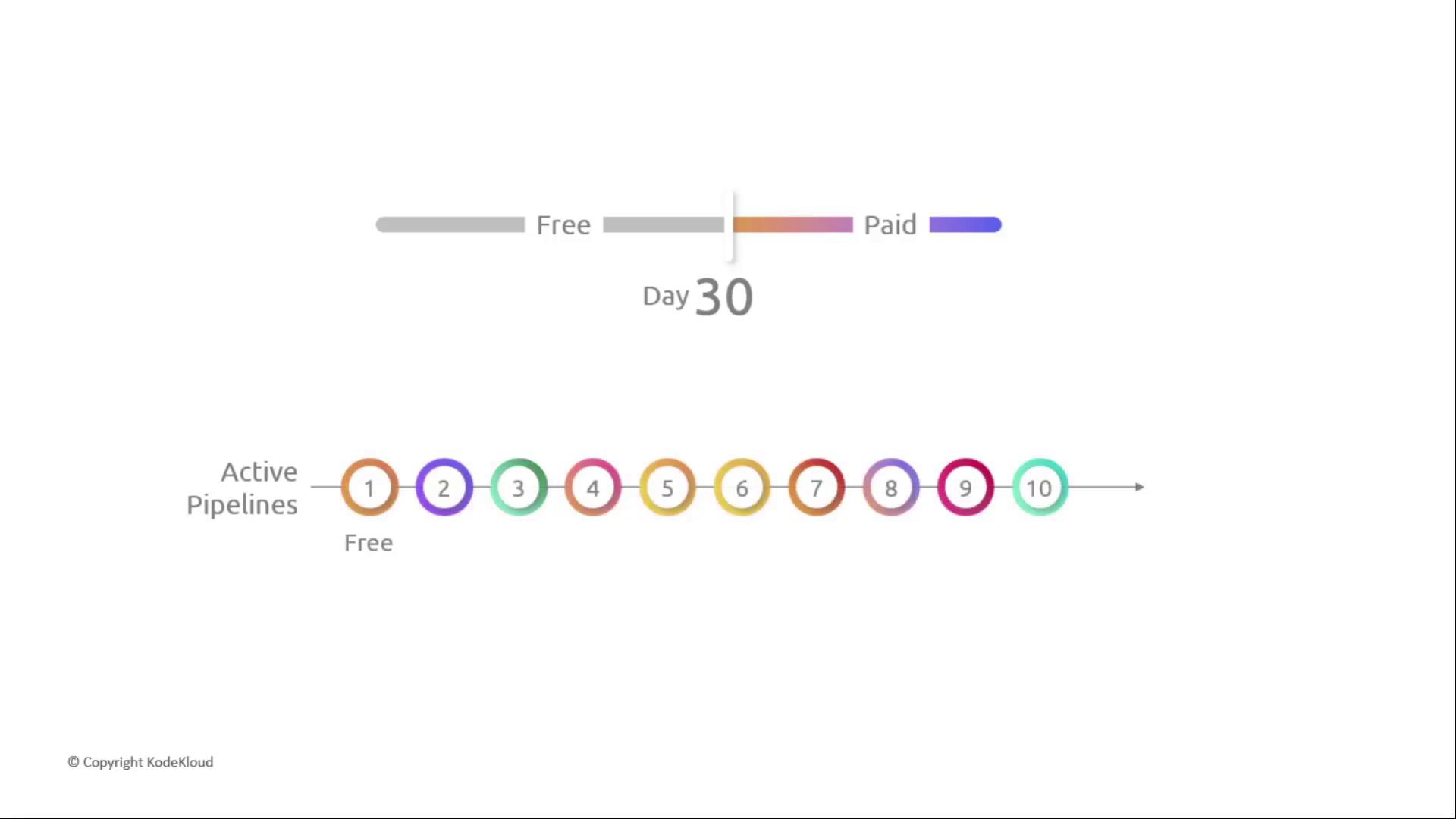
You can create multiple pipelines, but only one remains free each month. Monitor your active pipelines to stay within the Free Tier.
Pricing After the Free Tier
For example, if you run 10 active pipelines, you pay
$9/month for pipelines #2 through #10.
Additional Service Costs in a CI/CD Workflow
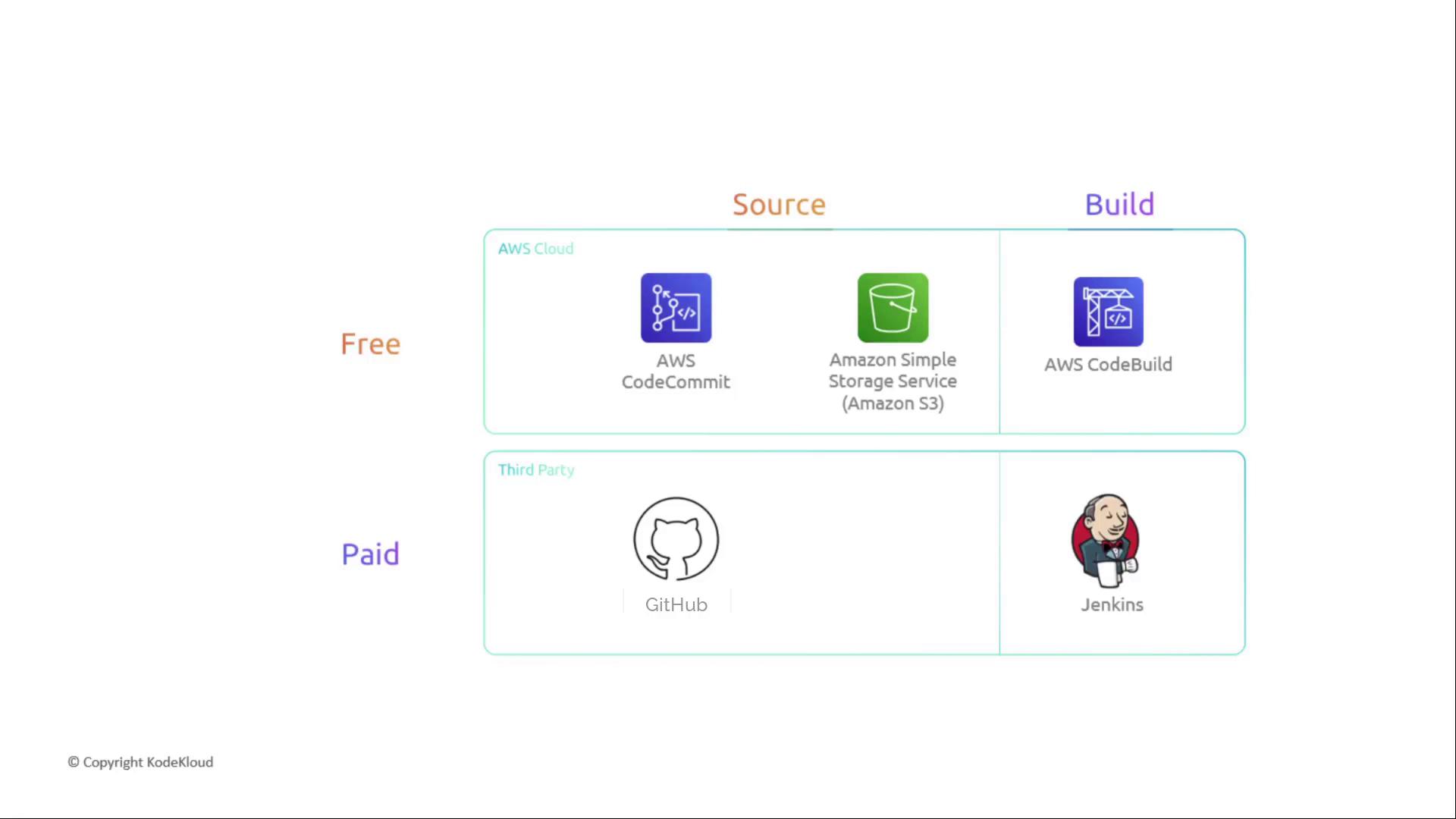
A production-grade CI/CD pipeline often integrates multiple services, each with its own pricing:- Source repositories: AWS CodeCommit, GitHub, etc.
- Build services: AWS CodeBuild, Jenkins
- Artifact storage: Amazon S3
- Deployment: AWS CodeDeploy, third-party tools
AWS CodeCommit
AWS CodeCommit is a fully managed Git repository service.An active user is any unique identity (root, IAM user/role, or federated user) that accesses CodeCommit in a month.
AWS CodeBuild
AWS CodeBuild charges based on build duration and compute type.- Build duration: billed per minute (rounded up)
- Compute types: general1.small, arm1.small, and higher tiers
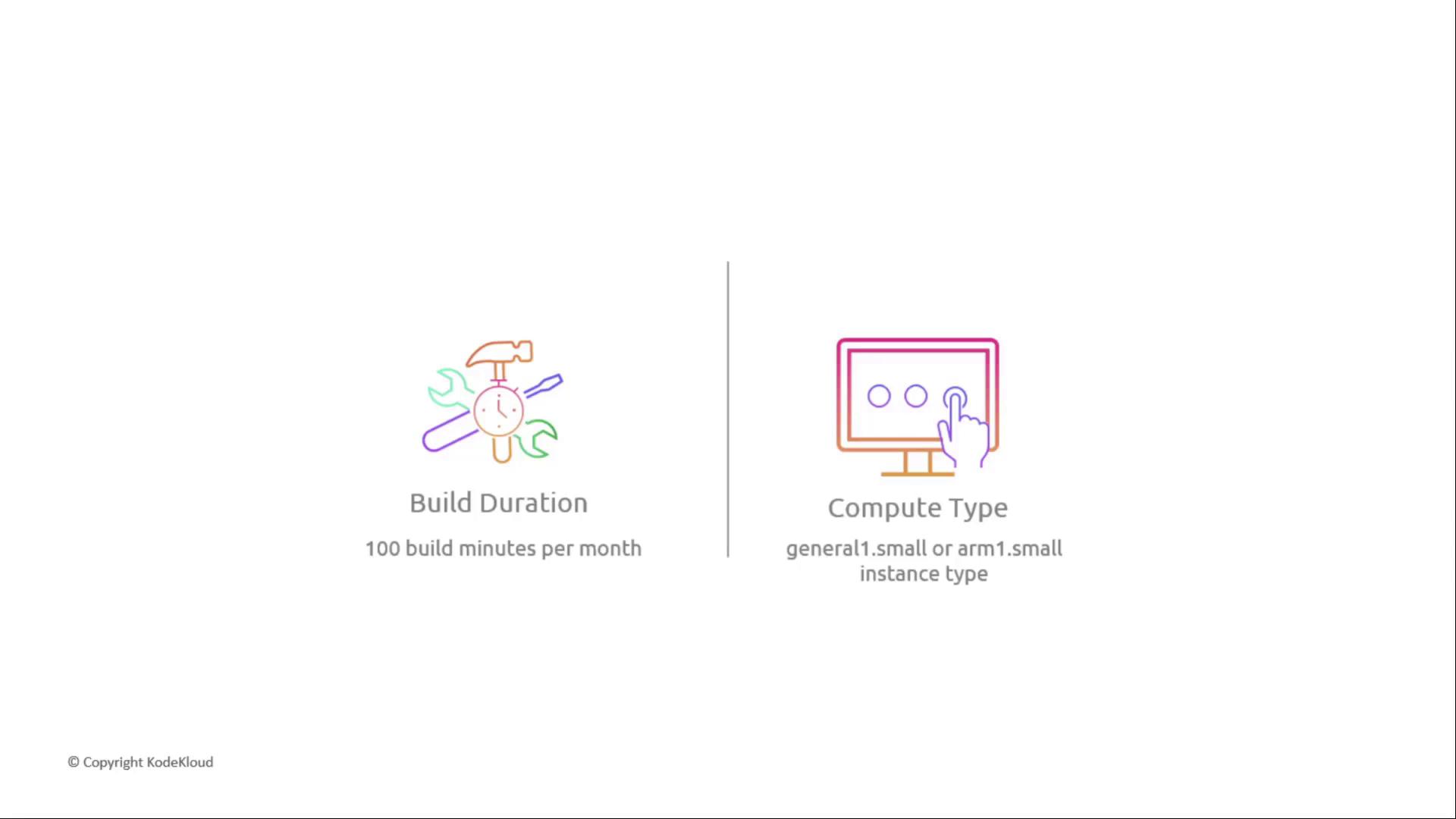
Choose the smallest compute tier that meets your performance needs to optimize costs.
AWS CodeDeploy
CodeDeploy automates application deployments to EC2 instances or on-premises servers.- EC2 deployments: no additional CodeDeploy fee
- On-premises: $0.02 per instance update
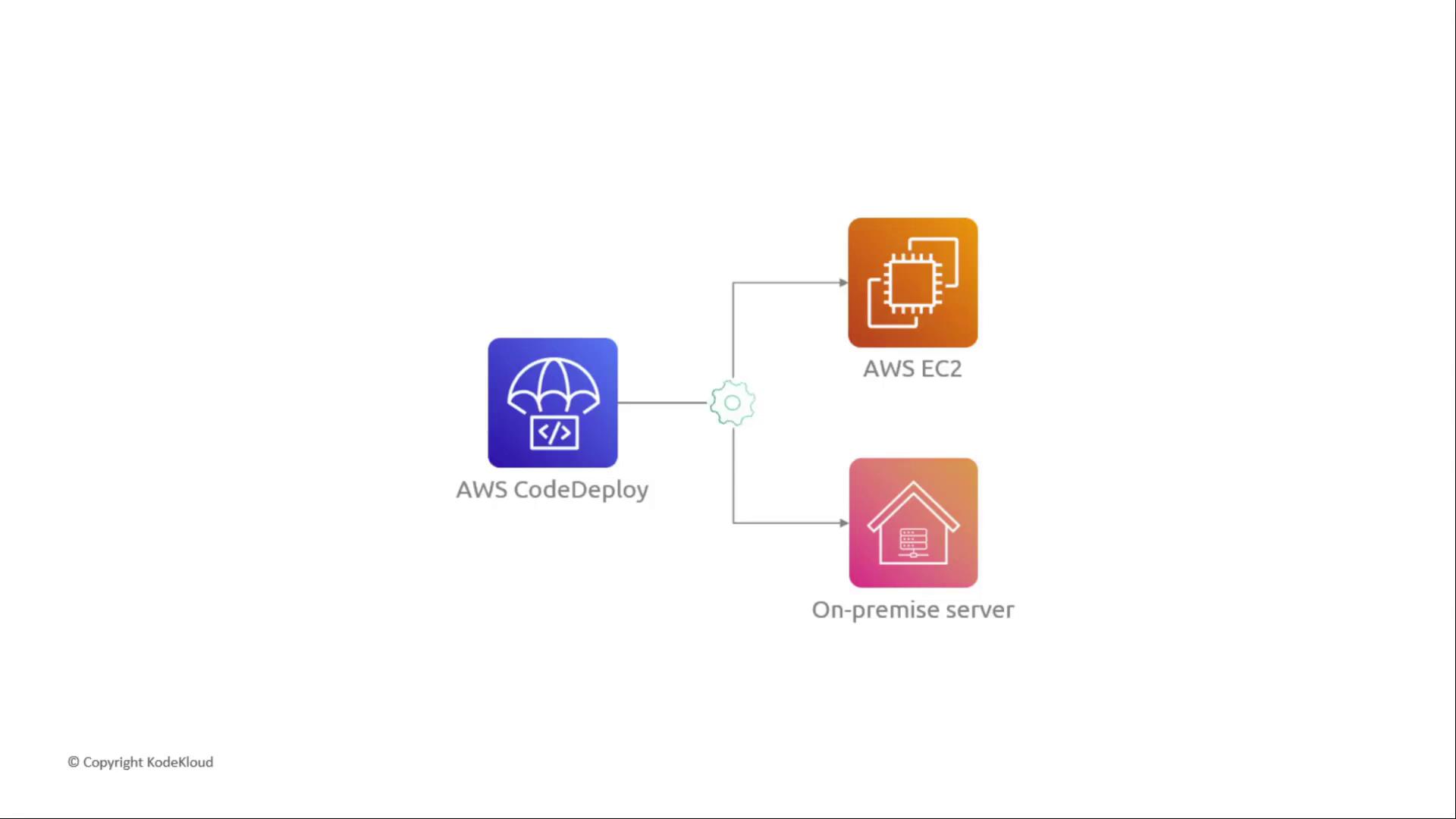
EC2 instances incur separate compute charges detailed in the next section.
AWS EC2 Instances
When deploying to Amazon EC2, you pay per instance based on: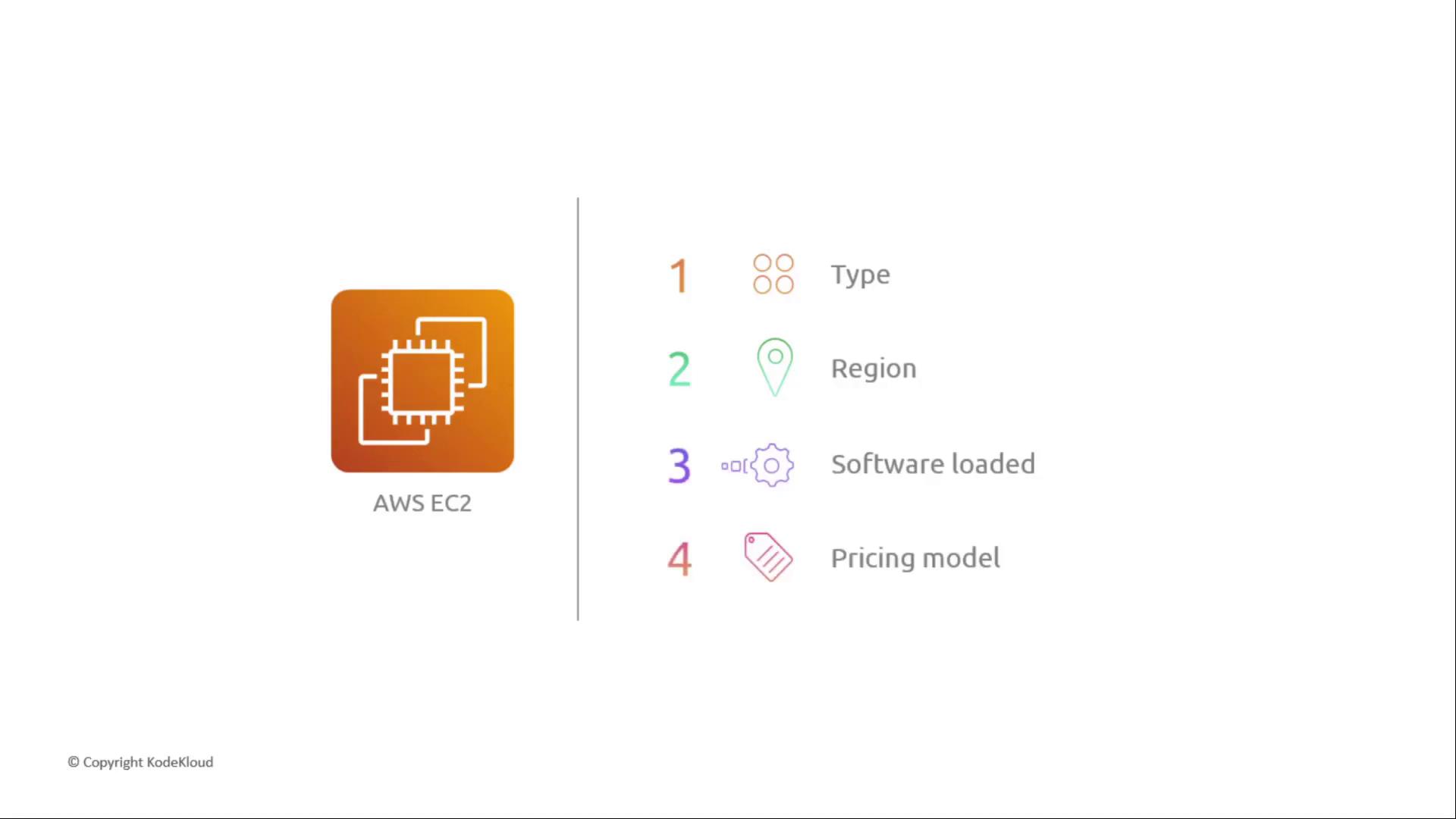
-
Instance type & size
- CPU, memory, storage, and networking profile
- Sizes: micro through xlarge and beyond
-
Region
- Regional pricing differences; always verify rates in the console
-
Software loaded
- Stock AMIs are free; Marketplace AMIs may include licensing fees
-
Pricing model
Summary of Monthly CI/CD Costs
Links and References
- AWS CodePipeline Pricing
- AWS CodeCommit Pricing
- AWS CodeBuild Pricing
- AWS CodeDeploy Pricing
- Amazon EC2 Pricing