

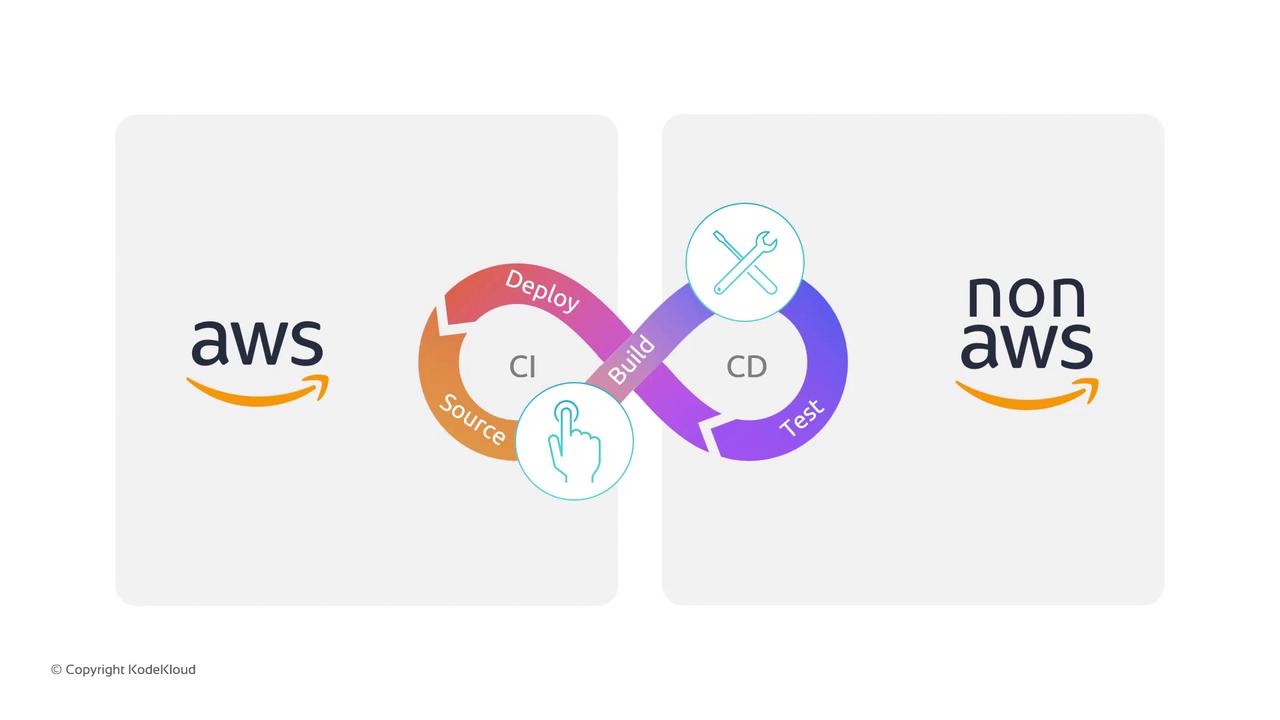
1. All-AWS Pipeline
When you want an end-to-end AWS-only solution, CodePipeline orchestrates native AWS services at each stage: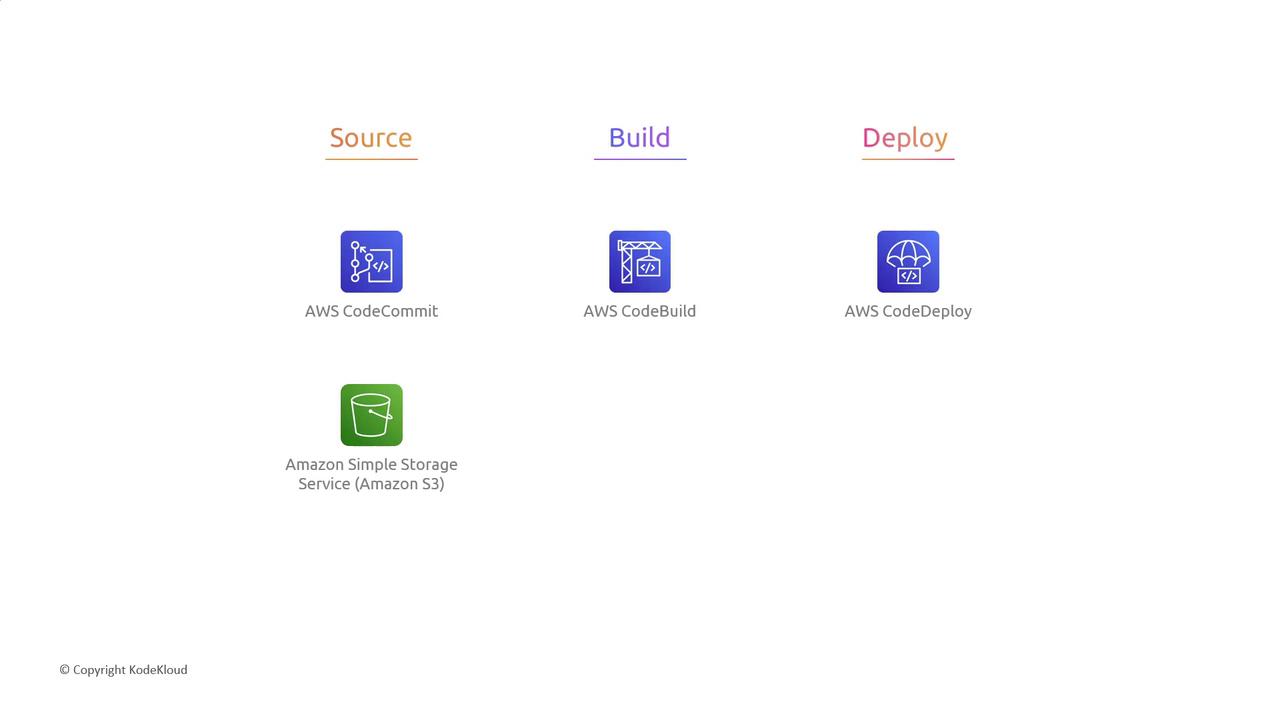
Amazon S3 can serve as both a source and an artifact store. You can version objects or set lifecycle rules to manage storage costs.
2. Hybrid Pipeline with Third-Party Tools
Already invested in tools like GitHub or Jenkins? No problem—CodePipeline integrates them seamlessly:When connecting Jenkins agents, ensure your IAM roles and security groups allow CodePipeline to trigger Jenkins builds.
3. Flexible Deployment Targets
Choose the runtime that matches your workload. CodePipeline deploys across containers, servers, PaaS, and serverless: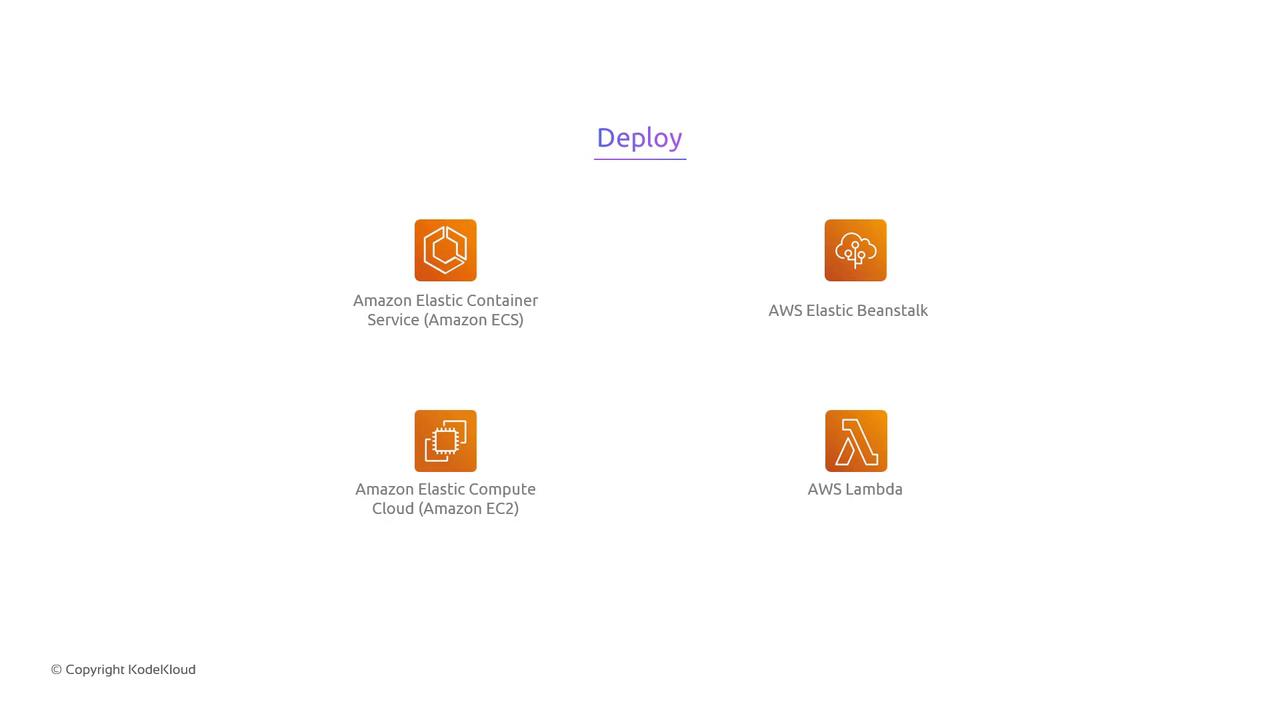
Lambda deployments can use Serverless Application Model (SAM) or custom CloudFormation actions in CodePipeline.
Summary
AWS CodePipeline enables you to:- Build a fully AWS-managed CI/CD pipeline
- Integrate your favorite third-party DevOps tools
- Deploy to multiple runtime environments
Links and References
- AWS CodePipeline Documentation
- AWS CodeBuild User Guide
- AWS CodeDeploy Developer Guide
- AWS CodeArtifact User Guide
- AWS Developer Tools Blog