In a CI/CD pipeline, AWS CodePipeline orchestrates the workflow from source to build and test. The final step—deployment—is implemented by AWS CodeDeploy. This fully managed service automates code delivery and updates across multiple compute platforms.Documentation Index
Fetch the complete documentation index at: https://notes.kodekloud.com/llms.txt
Use this file to discover all available pages before exploring further.
What Is AWS CodeDeploy?
AWS CodeDeploy deploys application revisions (code, scripts, web assets, multimedia) to these targets:- Amazon EC2 instances
- On-premises servers
- AWS Lambda functions
- Amazon ECS services
- AWS Fargate tasks
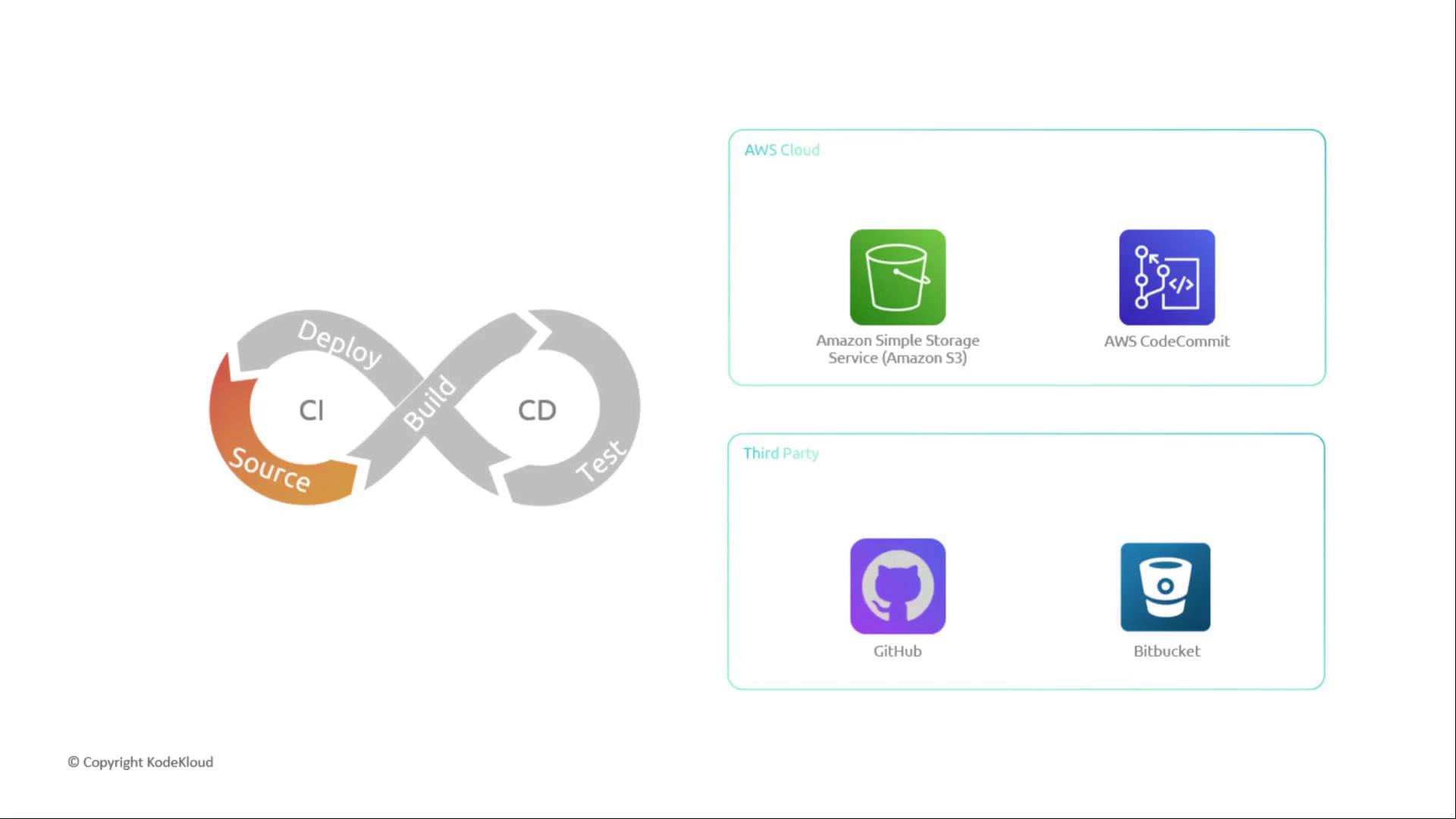
- Amazon S3
- AWS CodeCommit
- GitHub
- Bitbucket
- Automatic scaling from a single instance to tens of thousands
- Built-in deployment strategies to minimize downtime
- Monitoring and rollback capabilities via AWS Console, CLI, or SDKs
Deployment Strategies
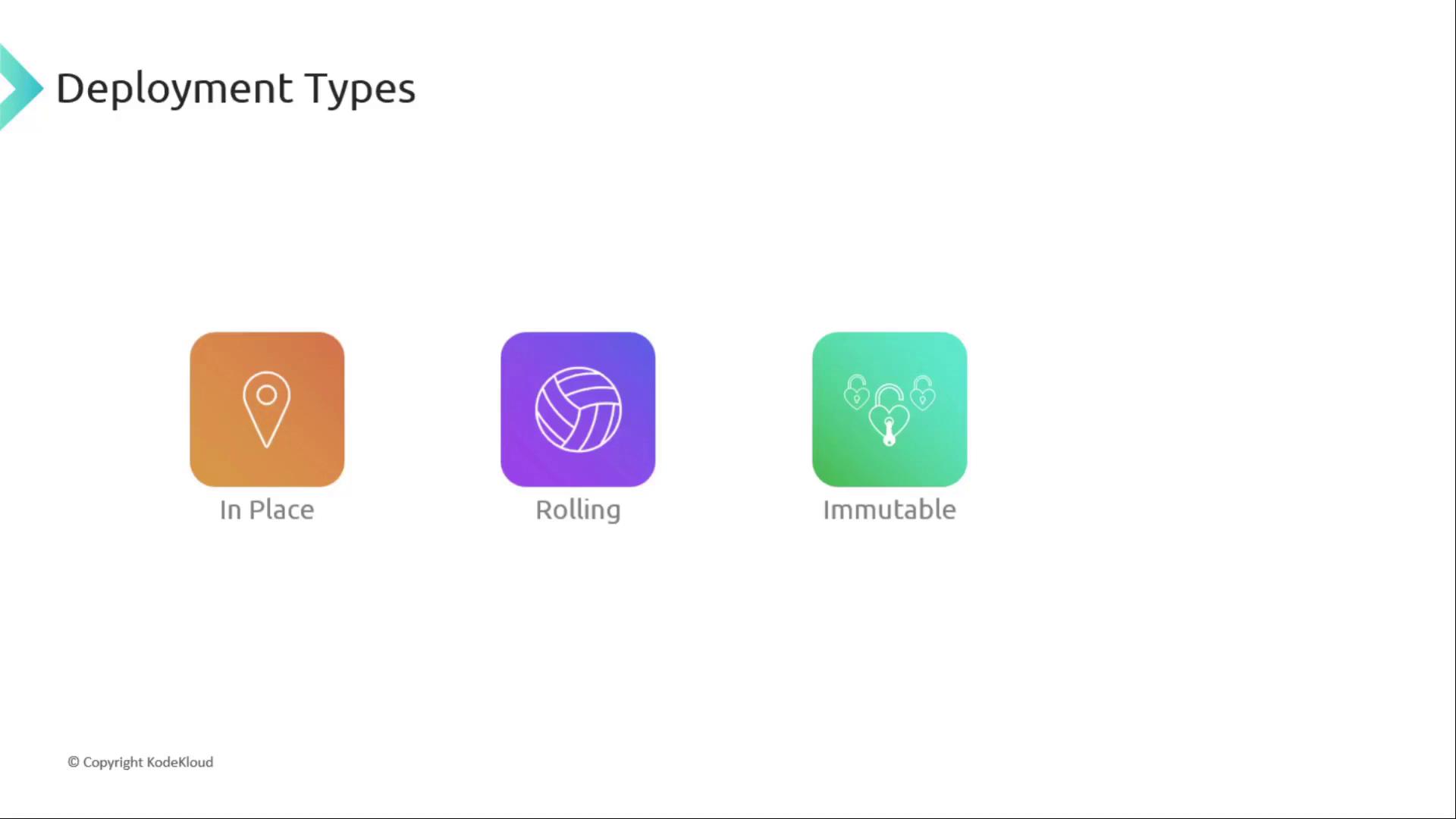
AWS CodeDeploy offers four primary strategies:| Strategy | Description | Best For |
|---|---|---|
| In-Place | Update the application on existing instances directly. | Simple updates; minimal infrastructure changes. |
| Rolling | Deploy to a subset of instances in batches, allowing validation per batch. | When gradual rollout and testing are required. |
| Immutable | Launch new instances with the updated application, then swap over traffic. | Zero-downtime requirements; high reliability. |
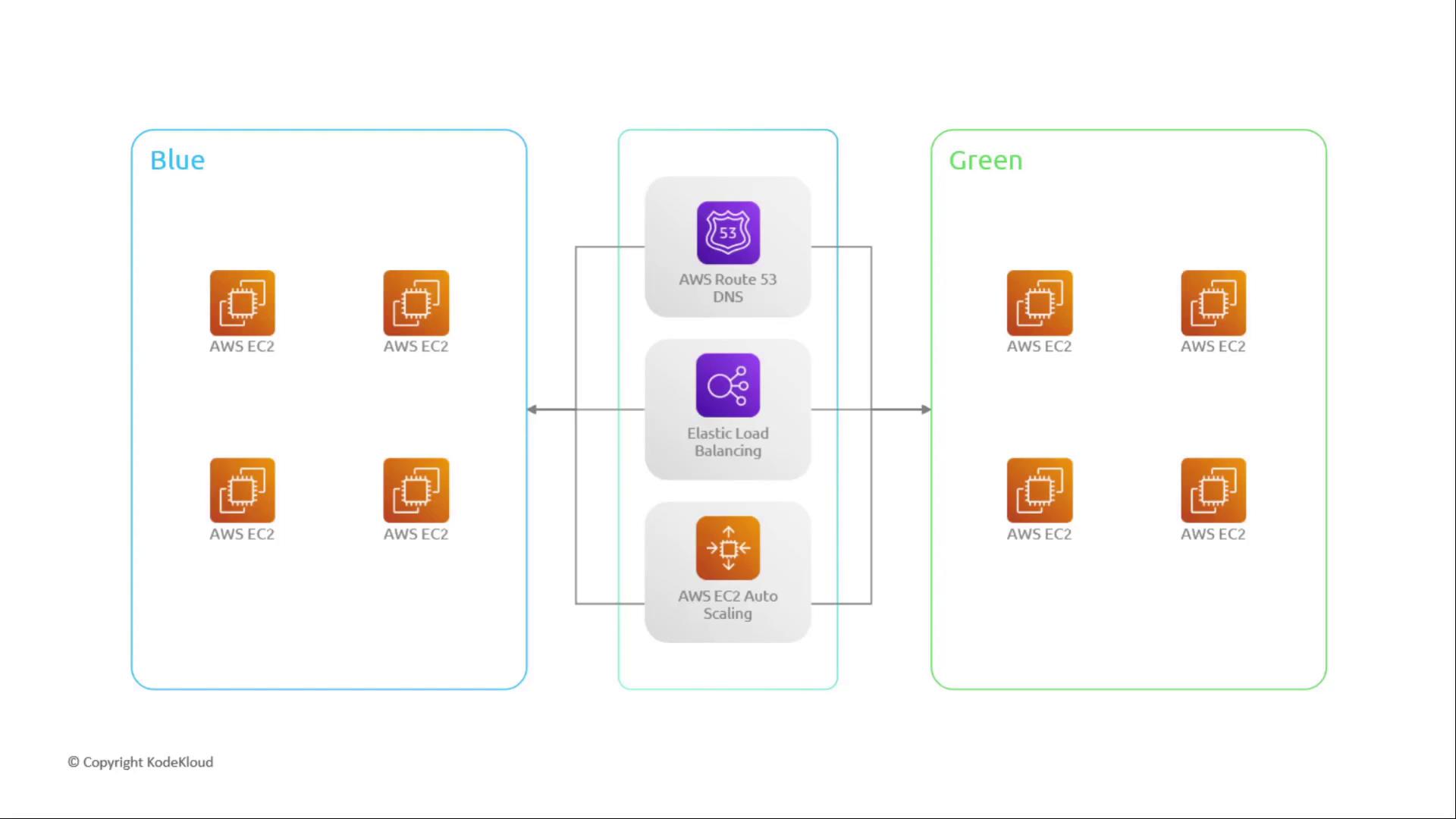
| Blue/Green | Maintain two environments (“blue” and “green”) and switch traffic between them. | Instant rollback and seamless cutover. |
Blue/Green Deployments
In a blue/green deployment, you maintain:- Blue: The active production environment.
- Green: A staging environment with the new release.
Traffic Shifting Configurations
| Configuration | Behavior |
|---|---|
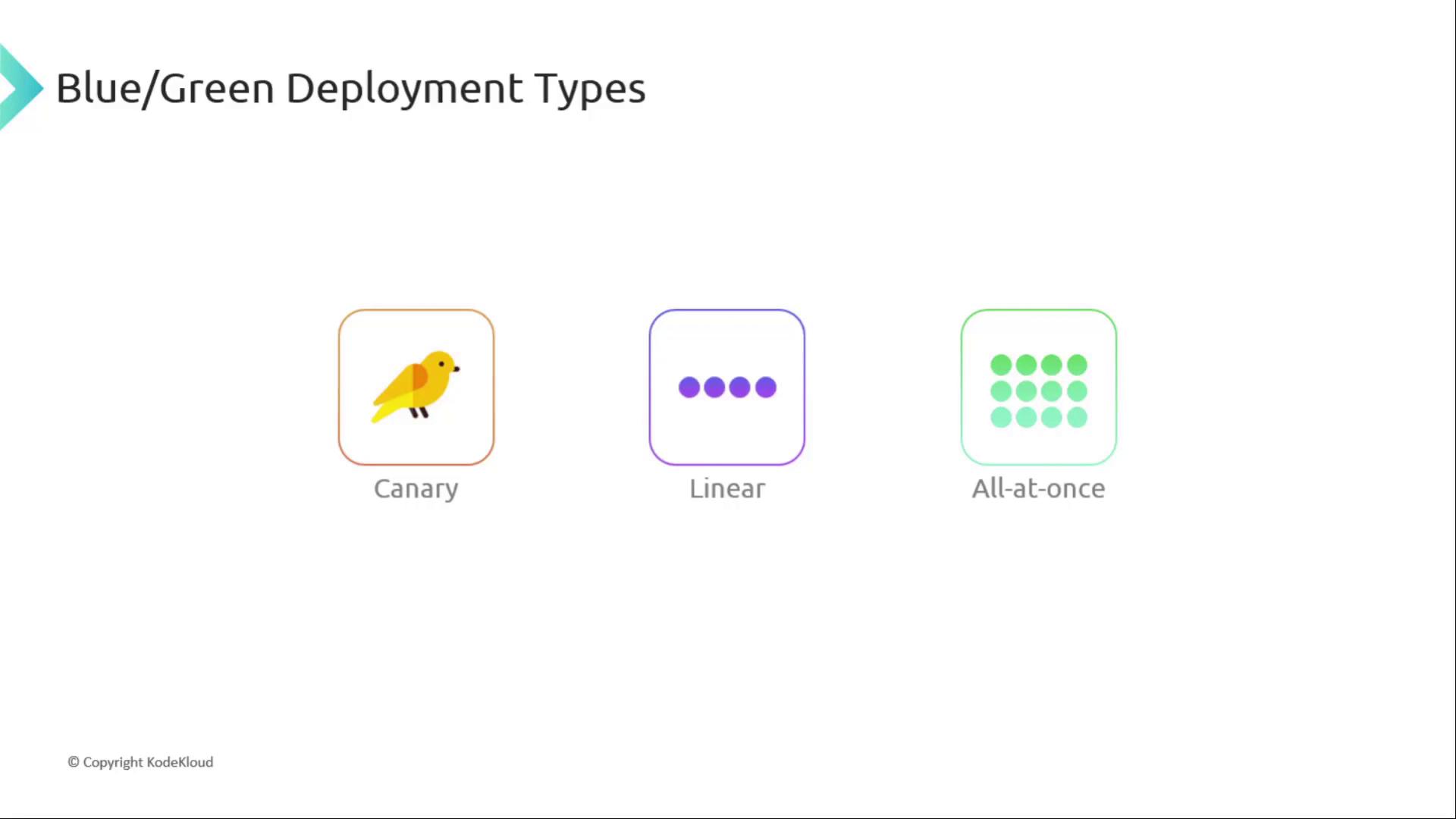
| Canary | Shift a small percentage of traffic to green, validate, then shift rest. |
| Linear | Shift equal percentages at regular intervals until complete. |
| All-at-once | Move 100% of traffic to green in a single step. |
You can integrate health checks or manual approval actions before, during, or after traffic shifts to ensure deployment safety.
Managing Deployments with AppSpec
To coordinate deployments, CodeDeploy uses:- CodeDeploy Agent
Installed on each target to execute deployment tasks.
Ensure the CodeDeploy Agent runs with sufficient IAM permissions and is kept up to date.
- AppSpec File (
appspec.yml)
A YAML manifest that maps source files to destination paths and defines lifecycle event hooks.