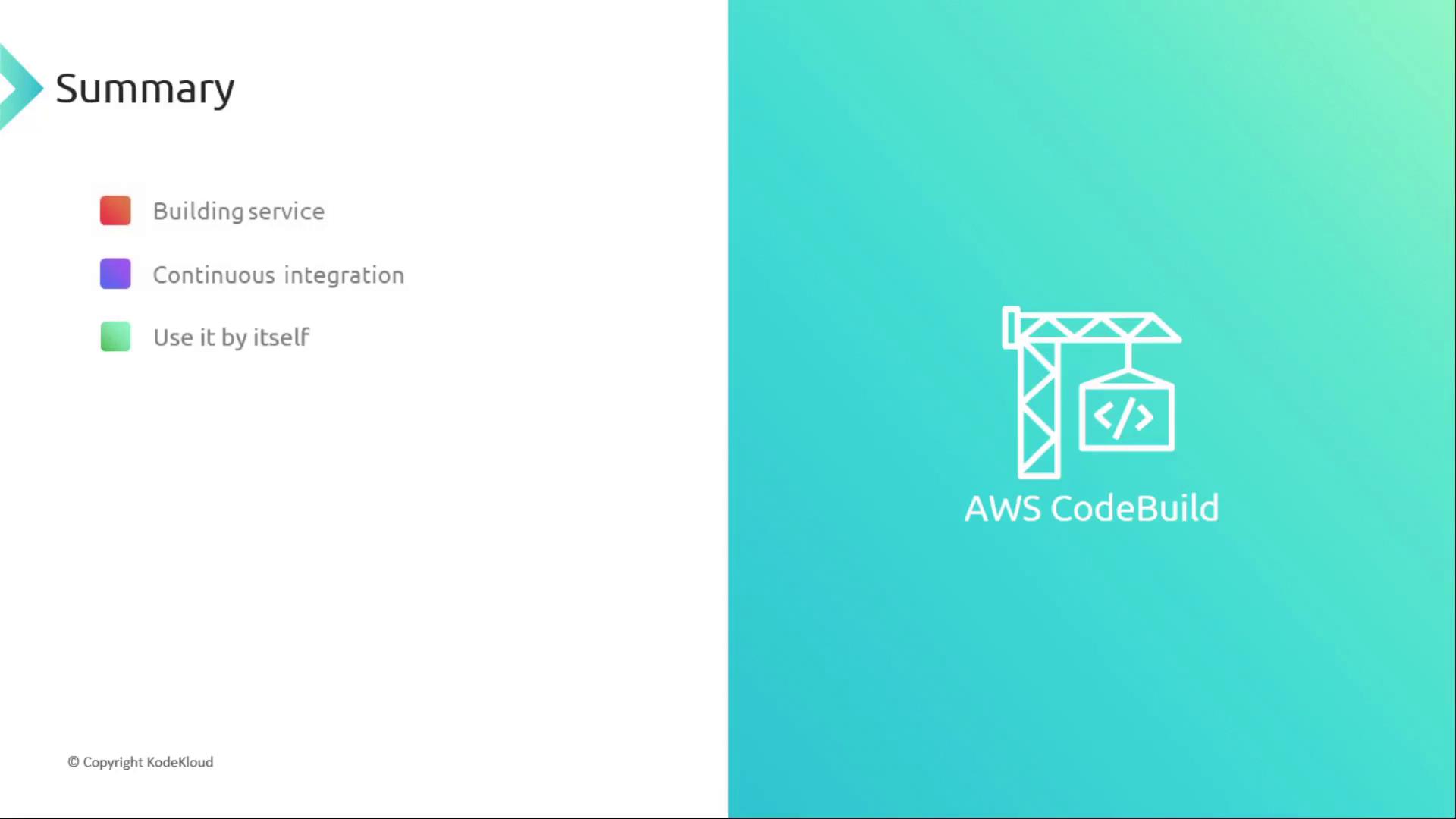
Preconfigured Build Environments
AWS CodeBuild offers a rich set of managed images out of-the-box:You can also supply a custom Docker image stored in Amazon ECR or a public registry to match your exact build requirements.
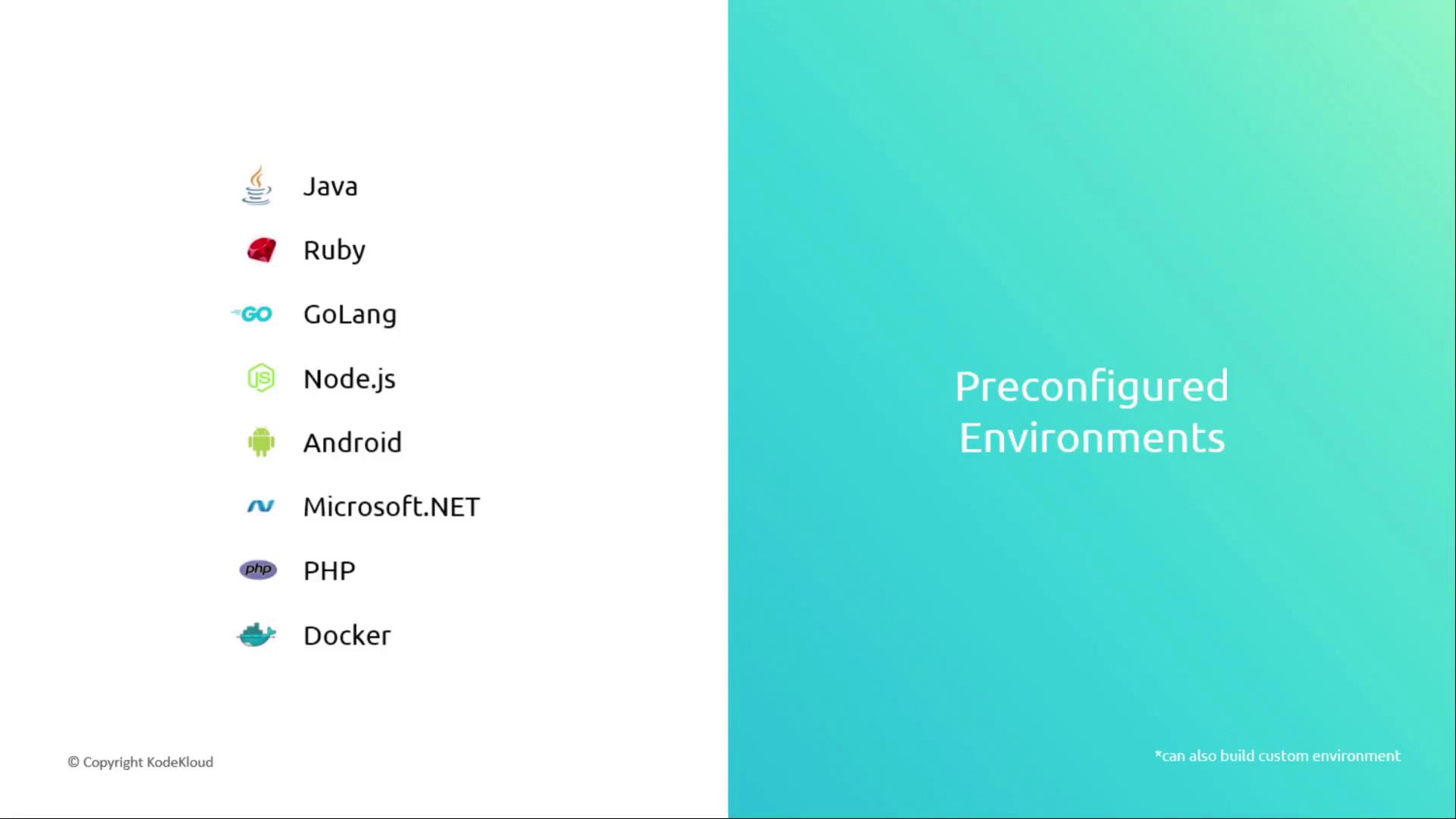
CodeBuild Workflow
When you trigger a build, CodeBuild orchestrates the following steps:- Provision a temporary compute container based on your project settings.
- Initialize the specified runtime environment.
- Download your source code from the configured repository.
- Execute lifecycle commands defined in
buildspec.yml. - Upload build artifacts to Amazon S3 or your chosen destination.
- Tear down the temporary container.
buildspec.yml:
Avoid printing sensitive values (API keys, secrets) directly in build logs. Use AWS Secrets Manager or Parameter Store and inject them as environment variables.
Monitoring and Notifications
CodeBuild integrates natively with Amazon CloudWatch and SNS: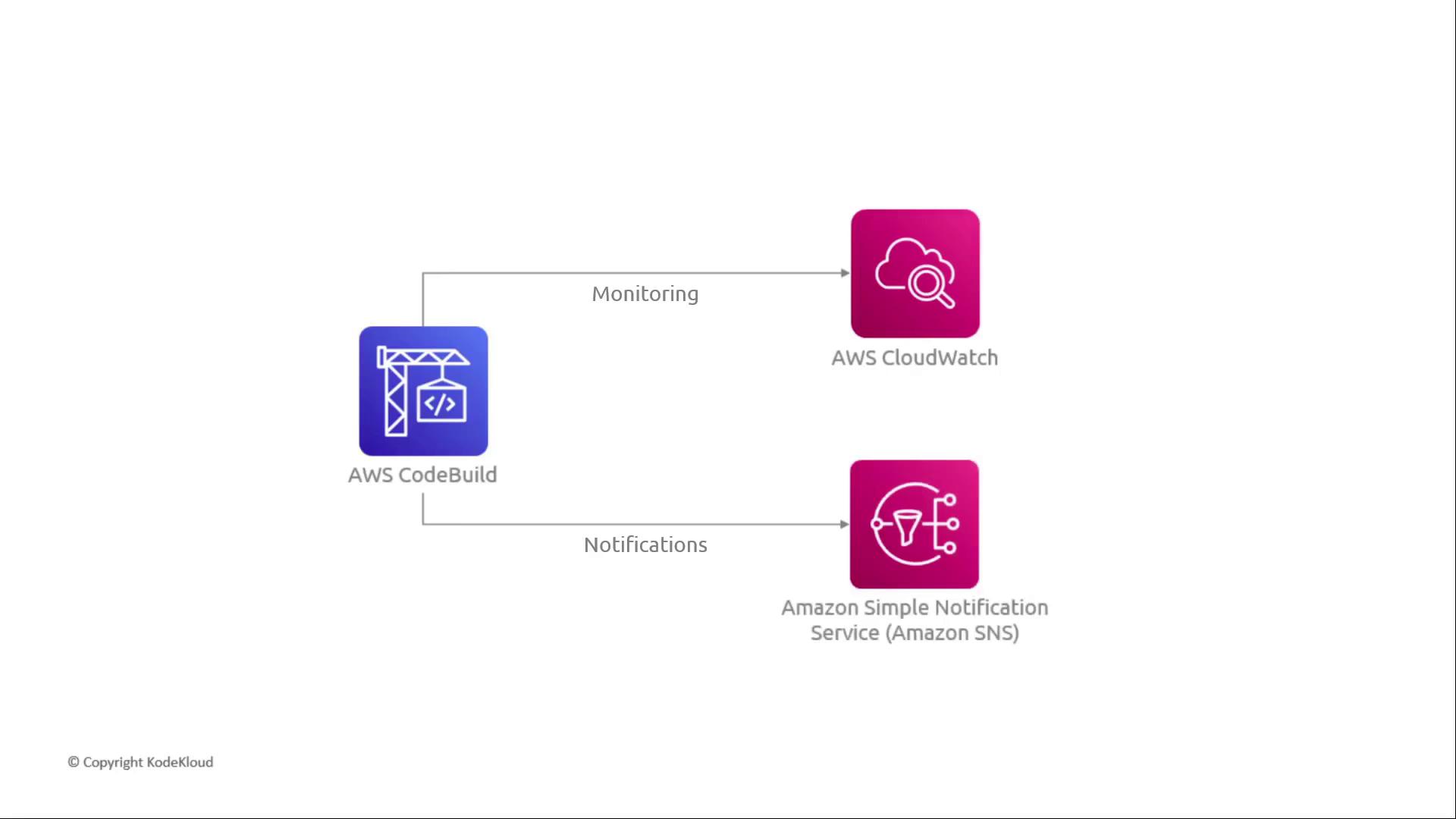
Automatic Scaling
AWS CodeBuild automatically adjusts the number of build containers to match your concurrent jobs. There’s no provisioning or server management—just pay for the time your builds run.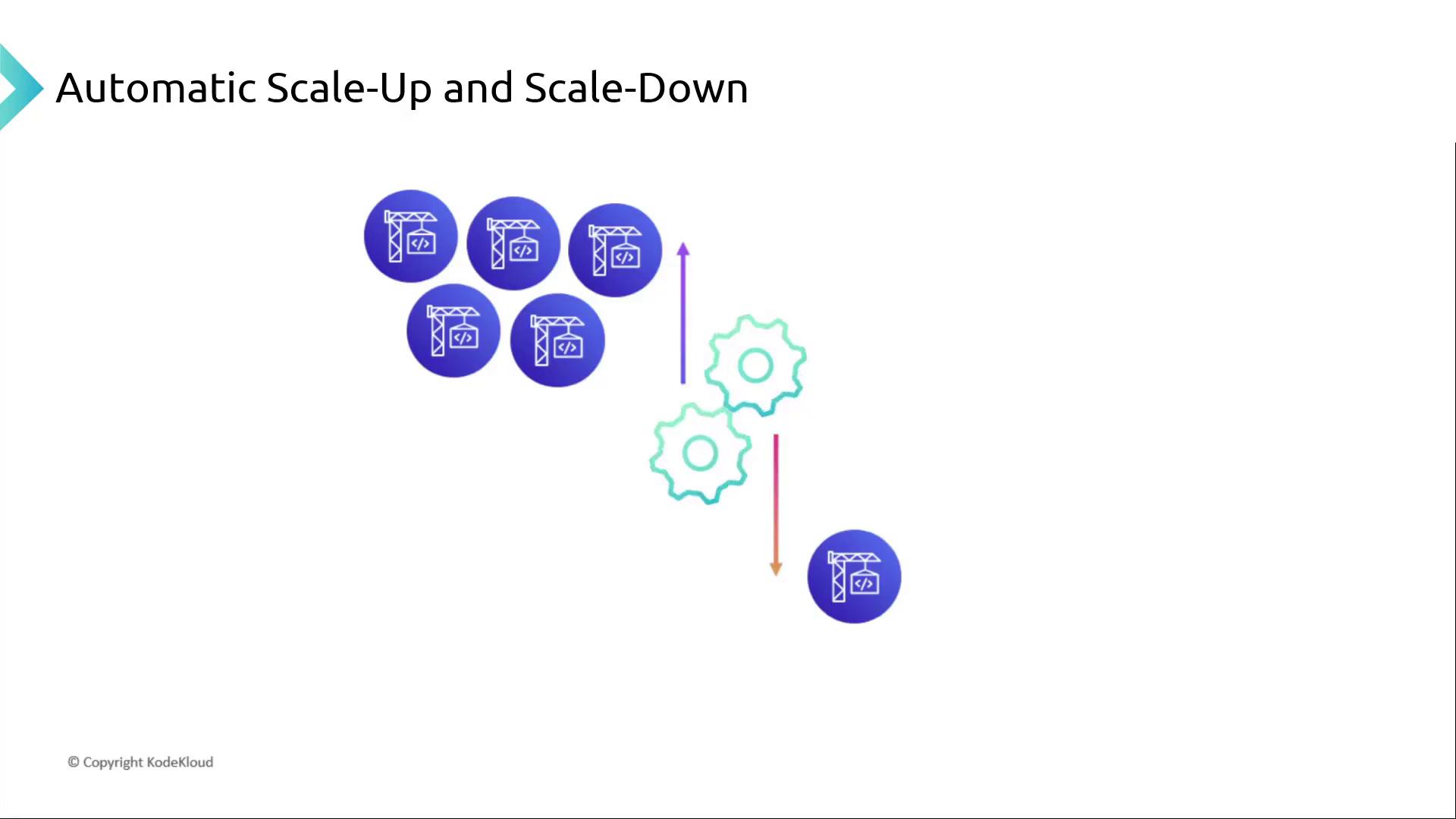
Summary
AWS CodeBuild provides a robust, scalable build service within your CI/CD pipeline. Key takeaways:- Fully managed continuous integration service
- Preconfigured runtimes or custom Docker images
- Deep integration: CodePipeline, CloudWatch, SNS, IAM, and more
- Automatic scaling with pay-as-you-go pricing
- Supports source from S3, CodeCommit, GitHub, Bitbucket, and others
- Ideal for replacing or complementing self-hosted solutions like Jenkins