

Environment Setup
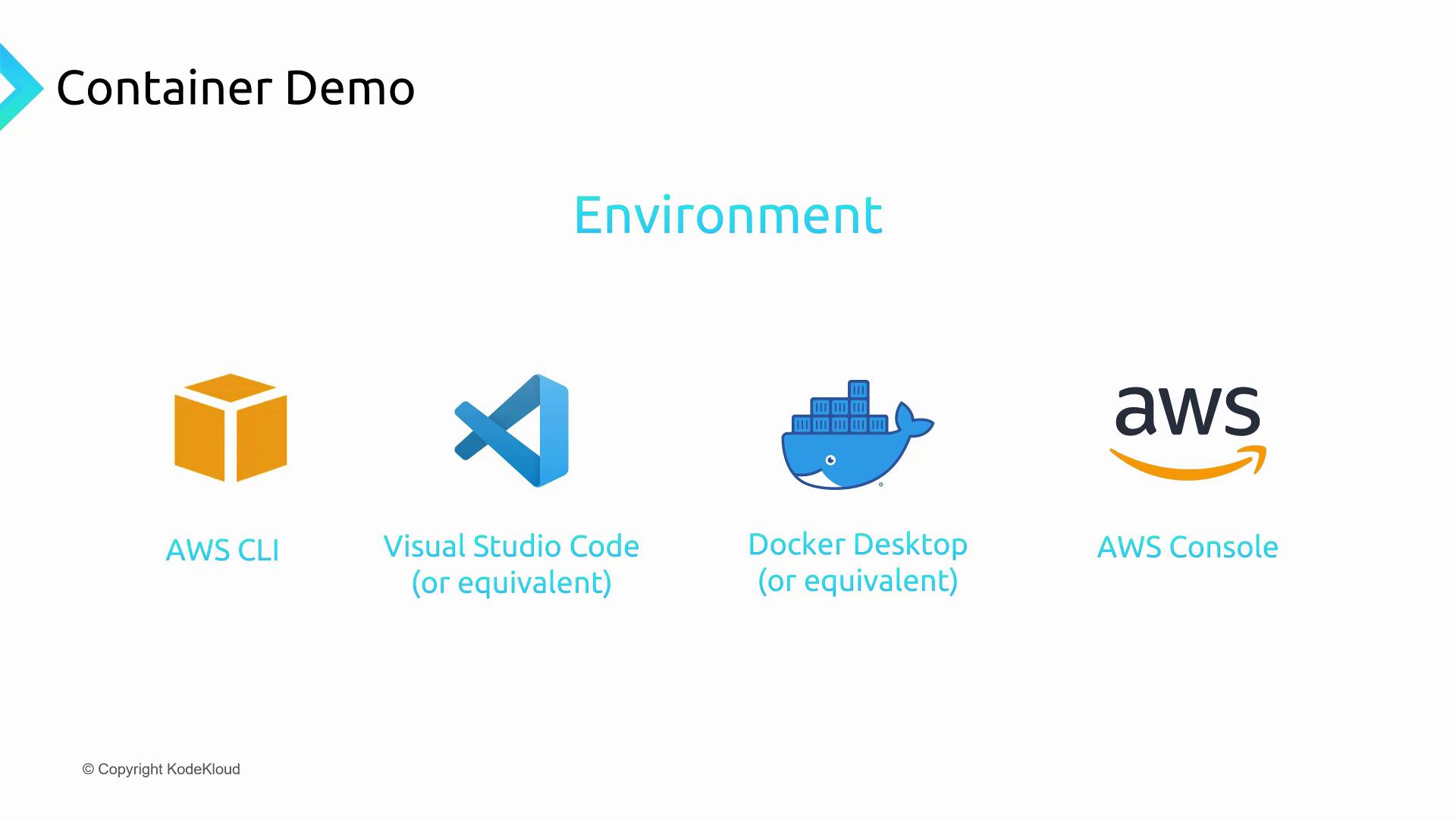
Before you begin, ensure you have the following:- A local development workstation (Windows, macOS, or Linux)
- An IDE such as Visual Studio Code
- Docker Desktop installed and running
- The AWS CLI configured with proper credentials
- An active AWS account logged into the AWS Management Console
Project Structure
Create a new directory for your demo and add the following files:
app.py
requirements.txt
Leave this file empty for no external dependencies, or list any libraries your function needs.If you require additional packages, add them to
requirements.txt before building the image.Dockerfile
Create an ECR Repository
The AWS Elastic Container Registry (ECR) hosts your container images. In the AWS Management Console, navigate to Elastic Container Registry.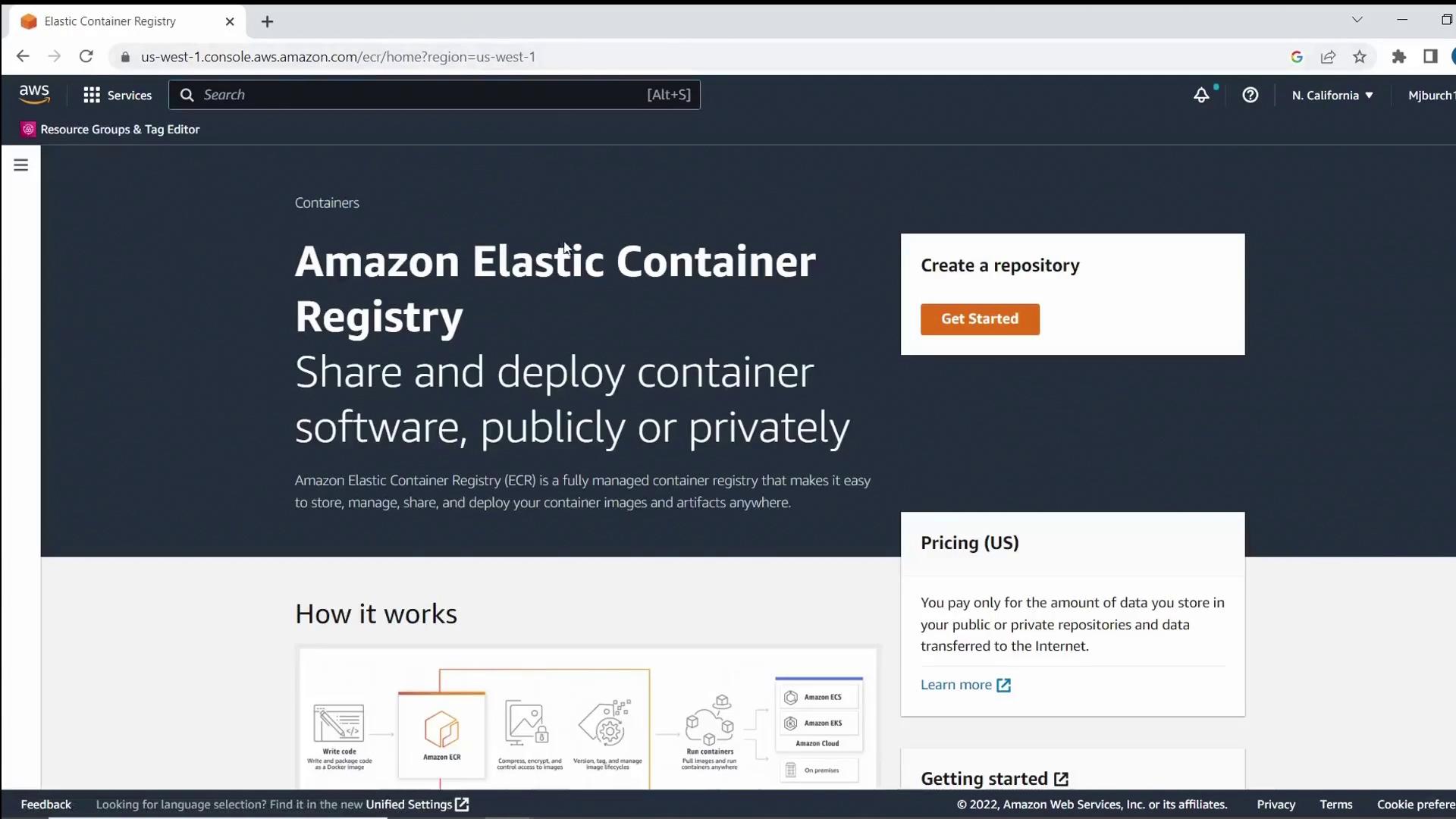
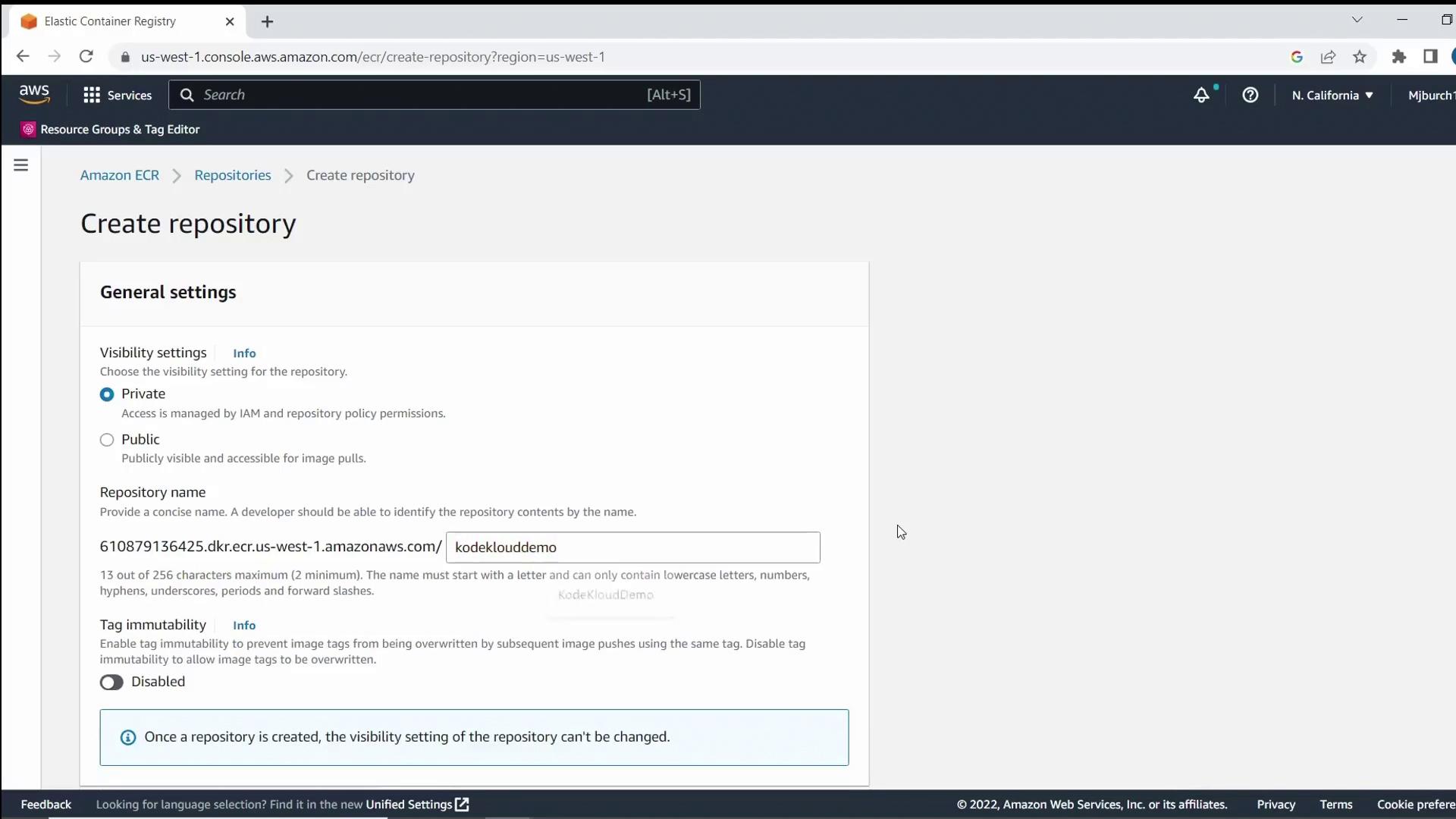
KodeKloudDemo. Optionally enable image scanning on push, then click Create repository.
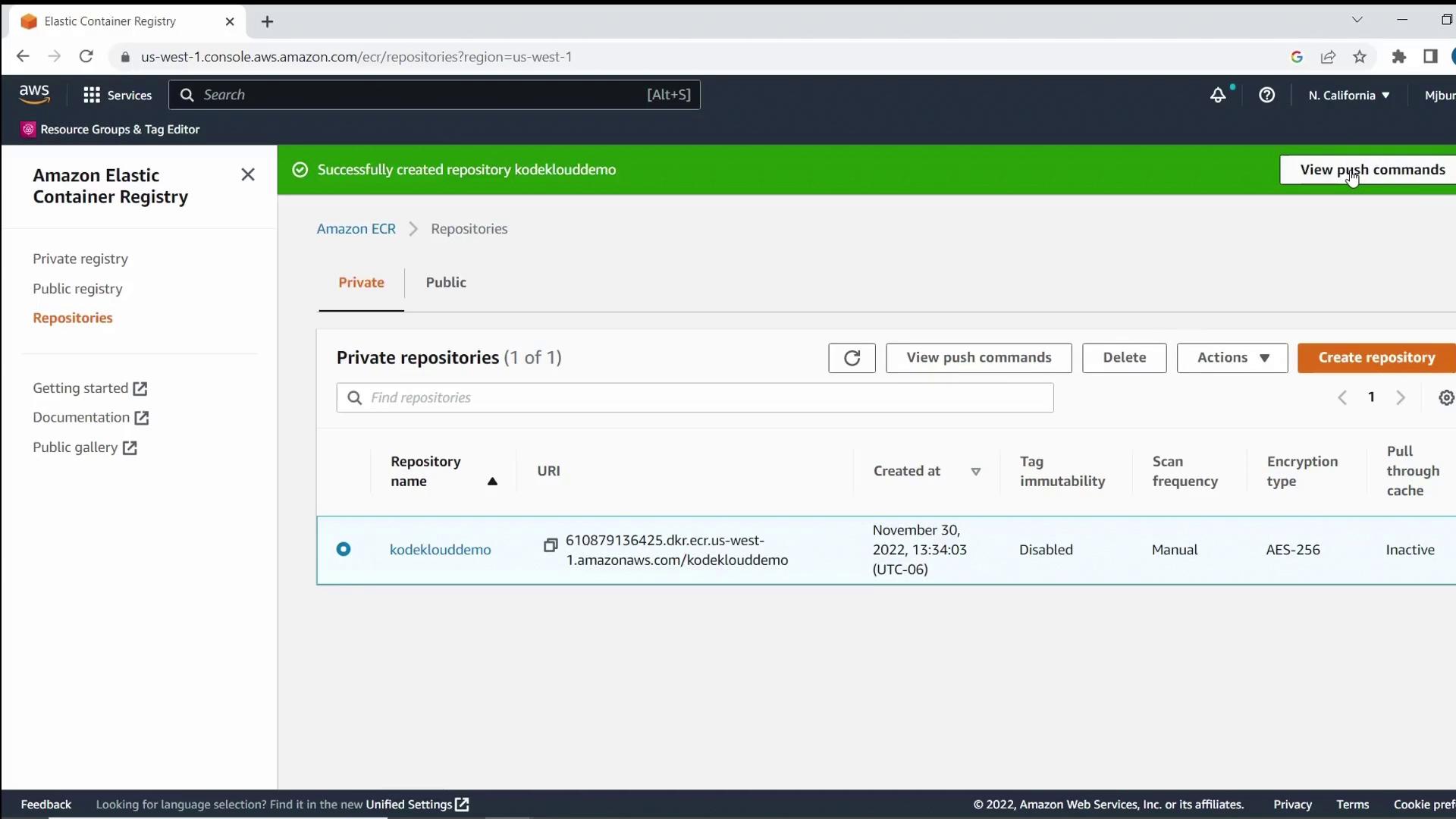
Build and Push the Container Image
Open your terminal and follow these steps, replacing<region> and <account-id> with your AWS Region and account number.
Keep your AWS credentials secure. Do not hard-code them in scripts.
-
Authenticate Docker to ECR:
-
Build your image locally:
-
Tag the image for your repository:
-
Push the image to ECR:
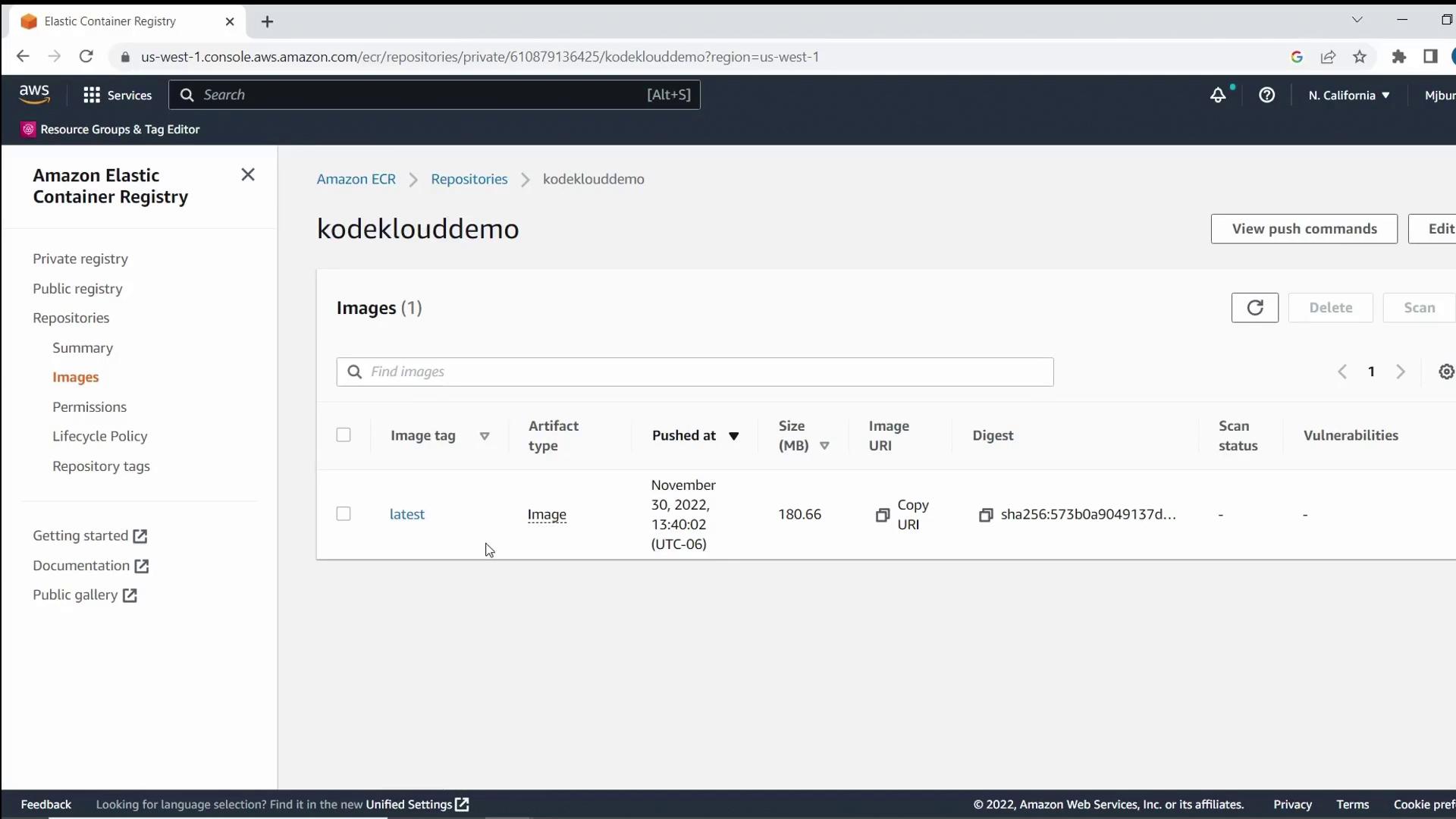
Deploy the Lambda Function
- Go to AWS Lambda in the AWS Management Console.
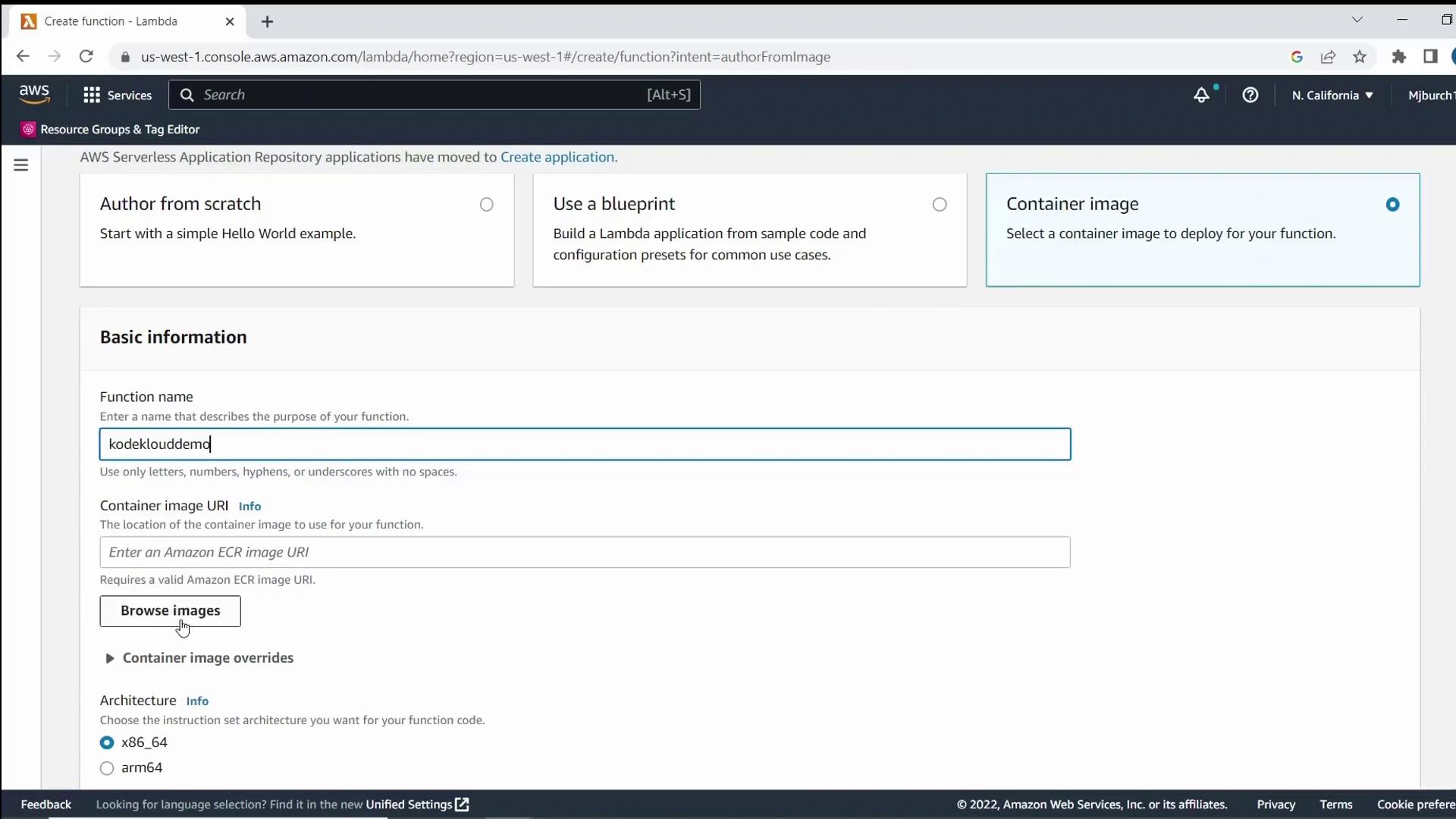
- Click Create function, choose Container image, and enter
KodeKloudDemoas the function name. - Under Container image, click Browse images, select your
kodeklouddemo:latestimage, and click Select image. - Keep the remaining settings at their defaults and click Create function.
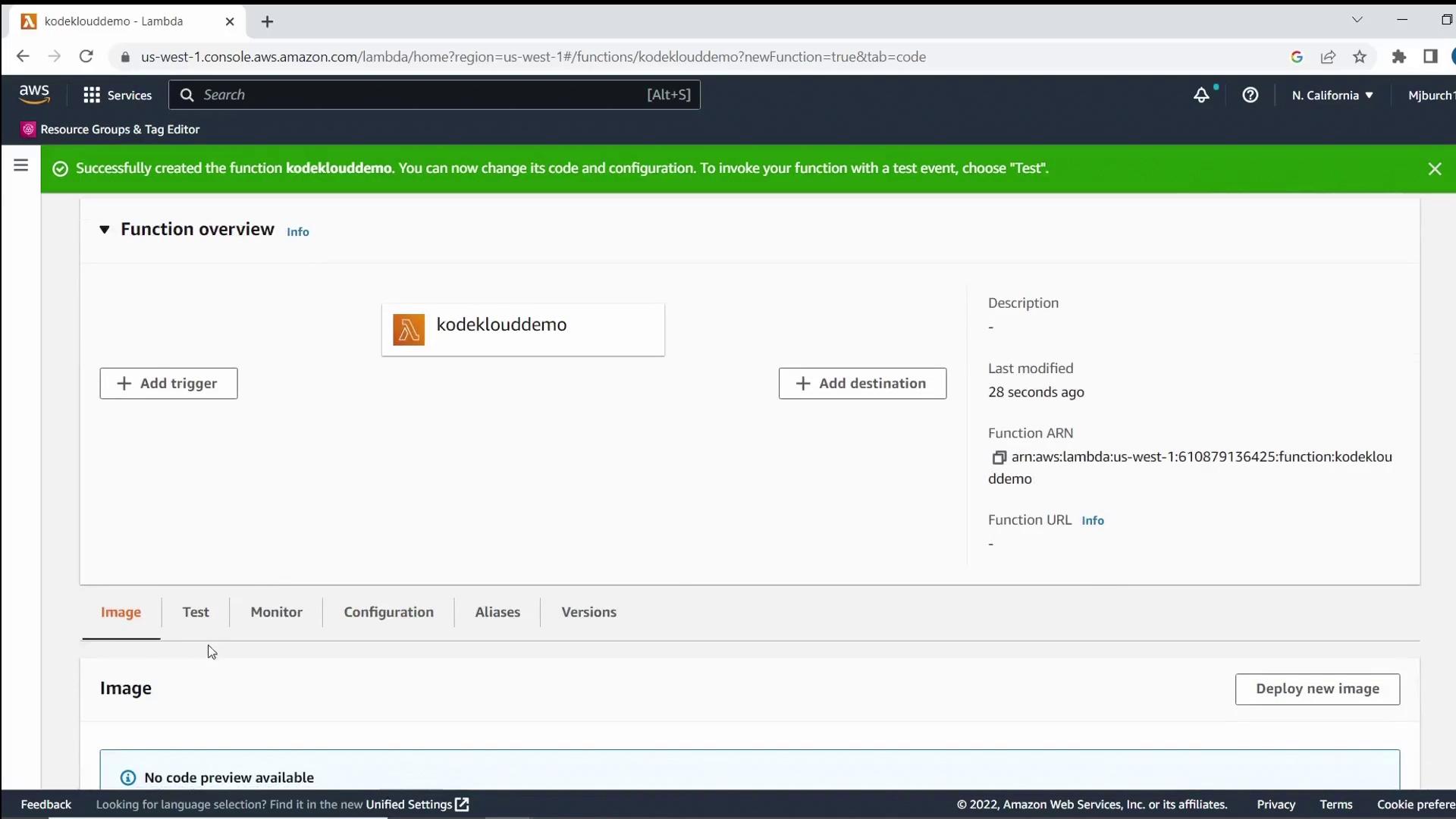
Test the Lambda Function
- In your Lambda function console, click Test.
- Choose Create new test event (the default template is fine) and save.
- Click Test again to invoke the function.
- Confirm the Execution results show your greeting message and Python version.
Summary
In this demo, you learned how to:- Structure a simple Python Lambda project
- Create a Dockerfile compatible with AWS Lambda
- Build and push a container image to Amazon ECR
- Deploy a Lambda function from your container image
- Invoke and test the Lambda function via the AWS Console
Links and References
- AWS Lambda Documentation
- Amazon ECR Documentation
- AWS CLI Reference
- Docker Desktop
- Visual Studio Code