

Selecting a Region
- Sign in to the AWS Management Console.
- In the top-right corner, choose the region where you want to deploy your VPC. VPCs are region-specific.
In this example, we select US East (N. Virginia).
Navigating to the VPC Dashboard
- Enter VPC in the AWS Console search bar and select the VPC service.
- In the left-hand navigation pane, click Your VPCs.
- You will see a Default VPC (AWS creates one per region). We’ll create a custom VPC instead.
A default VPC already exists in each region. It’s ready to deploy resources but lacks custom CIDR and tagging.
Creating a New VPC
Click Create VPC and choose VPC only:
Configure the following parameters:

Reviewing VPC Details
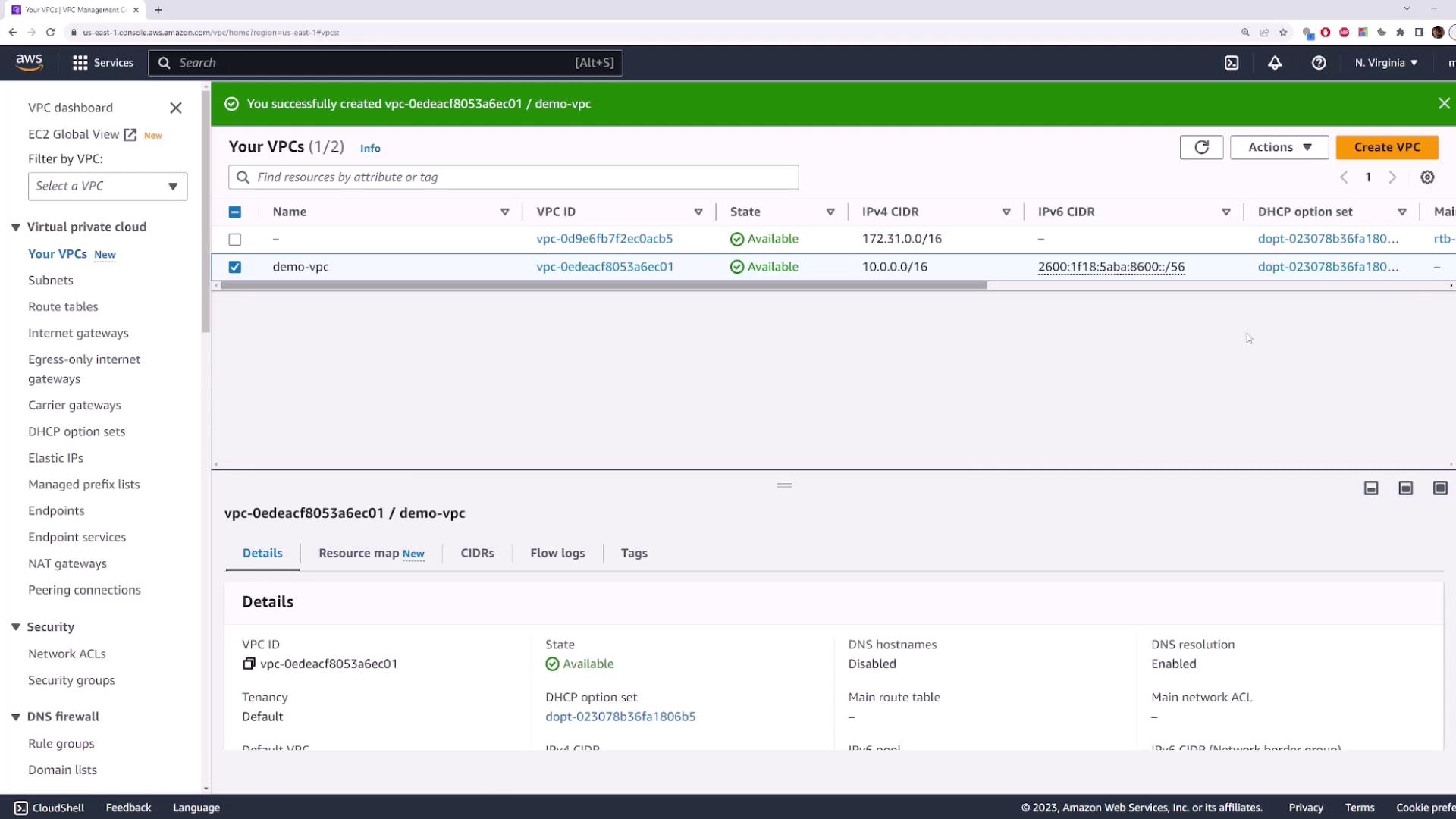
When the VPC creation succeeds, a green status bar appears. Select your new VPC to view its properties: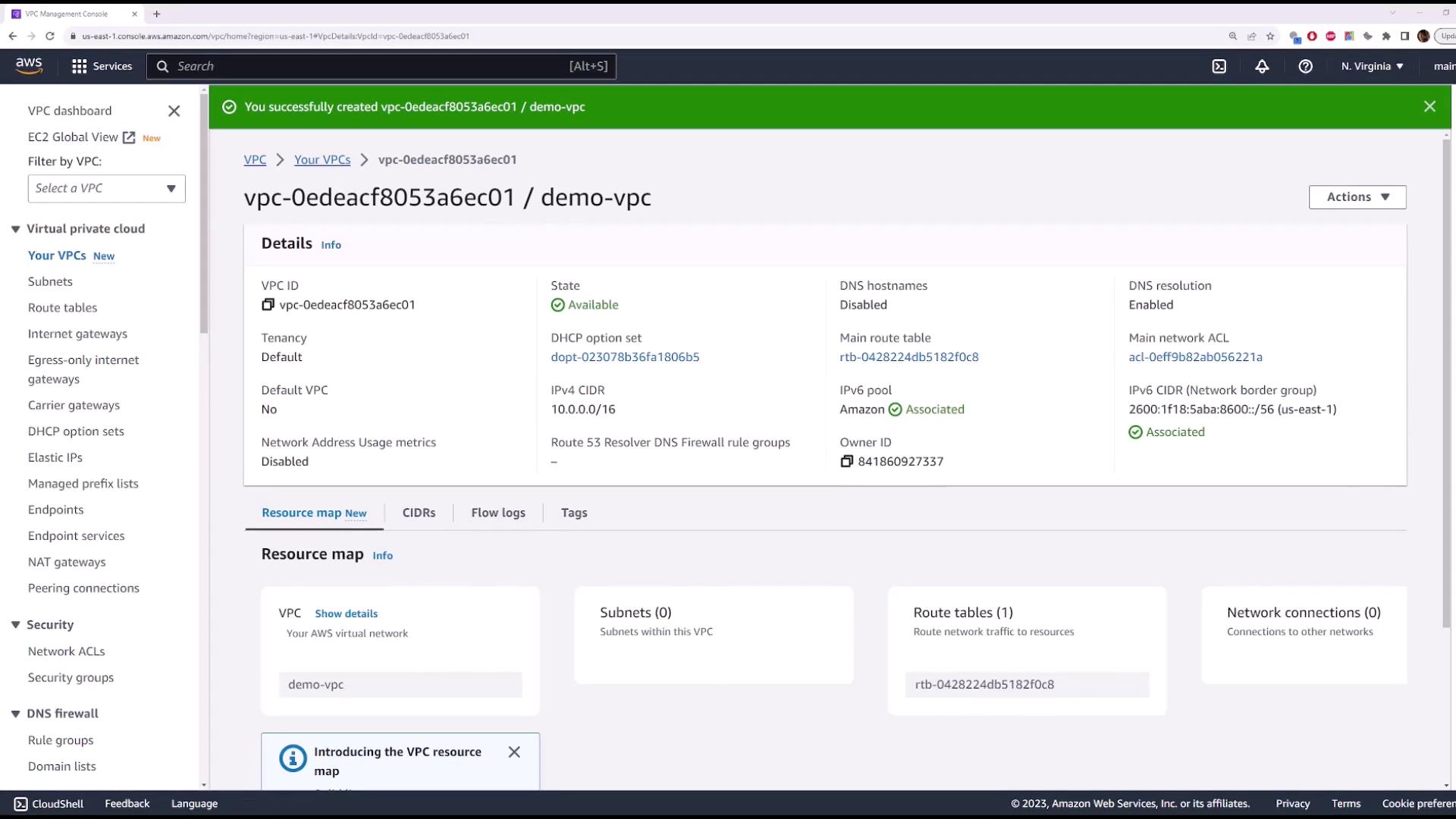
At this point, your VPC exists but contains no subnets yet.
Deleting the VPC
To remove thedemo-vpc:
Deleting a VPC is irreversible. Ensure no critical resources are attached before you proceed.
- In the left navigation pane, click Your VPCs.
- Select demo-vpc.
- Choose Actions → Delete VPC.
- Type delete in the confirmation box and confirm.