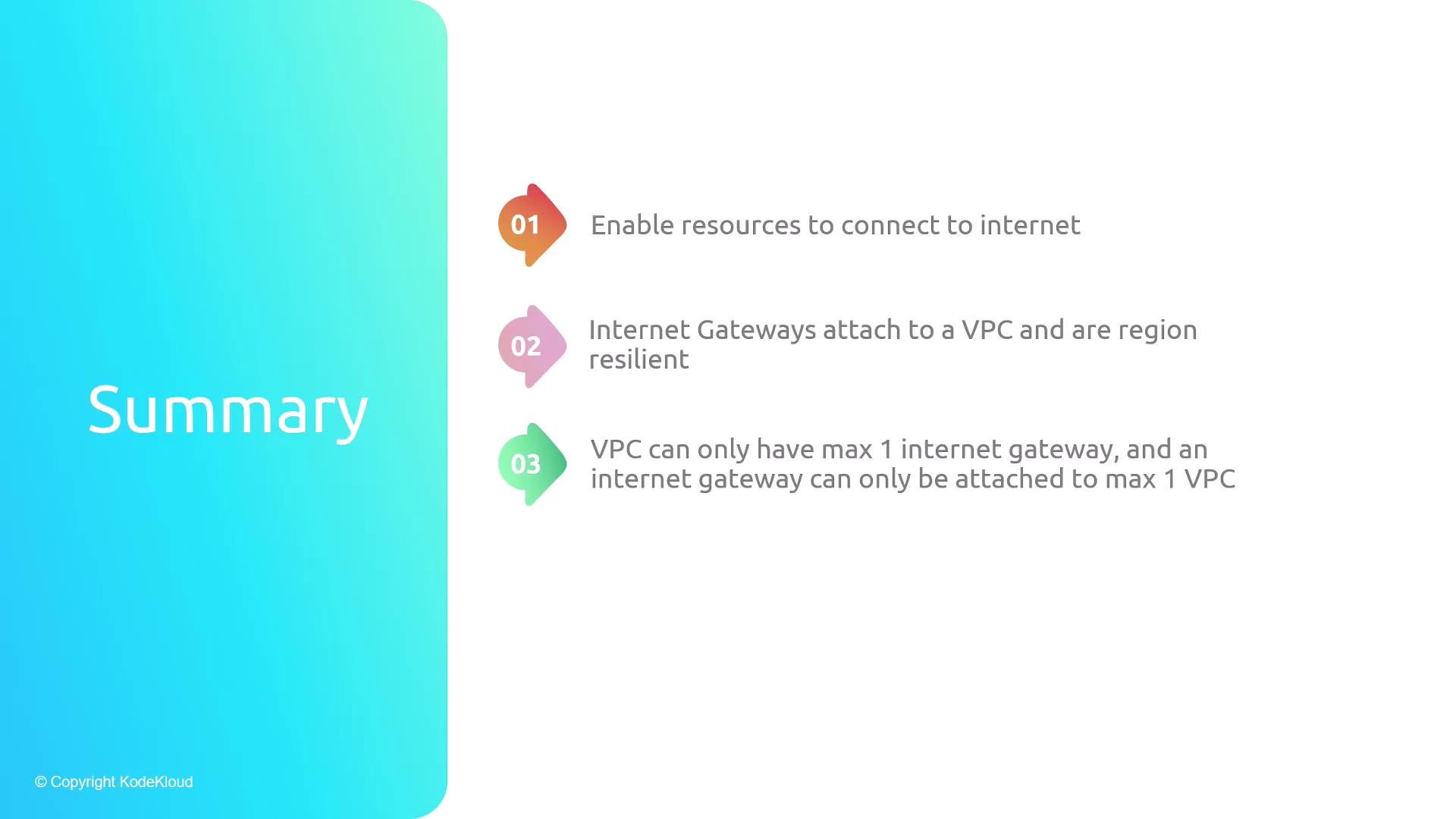
Key Characteristics of Internet Gateways
Internet Gateways are highly available within an AWS region and handle both ingress and egress traffic for your VPC.
Steps to Make a Subnet Public
- Create an Internet Gateway
- Attach the Internet Gateway to Your VPC
- Create a Custom Route Table
- Add a Default Route (
0.0.0.0/0)
Point to the Internet Gateway: - Associate the Public Subnet with the Custom Route Table
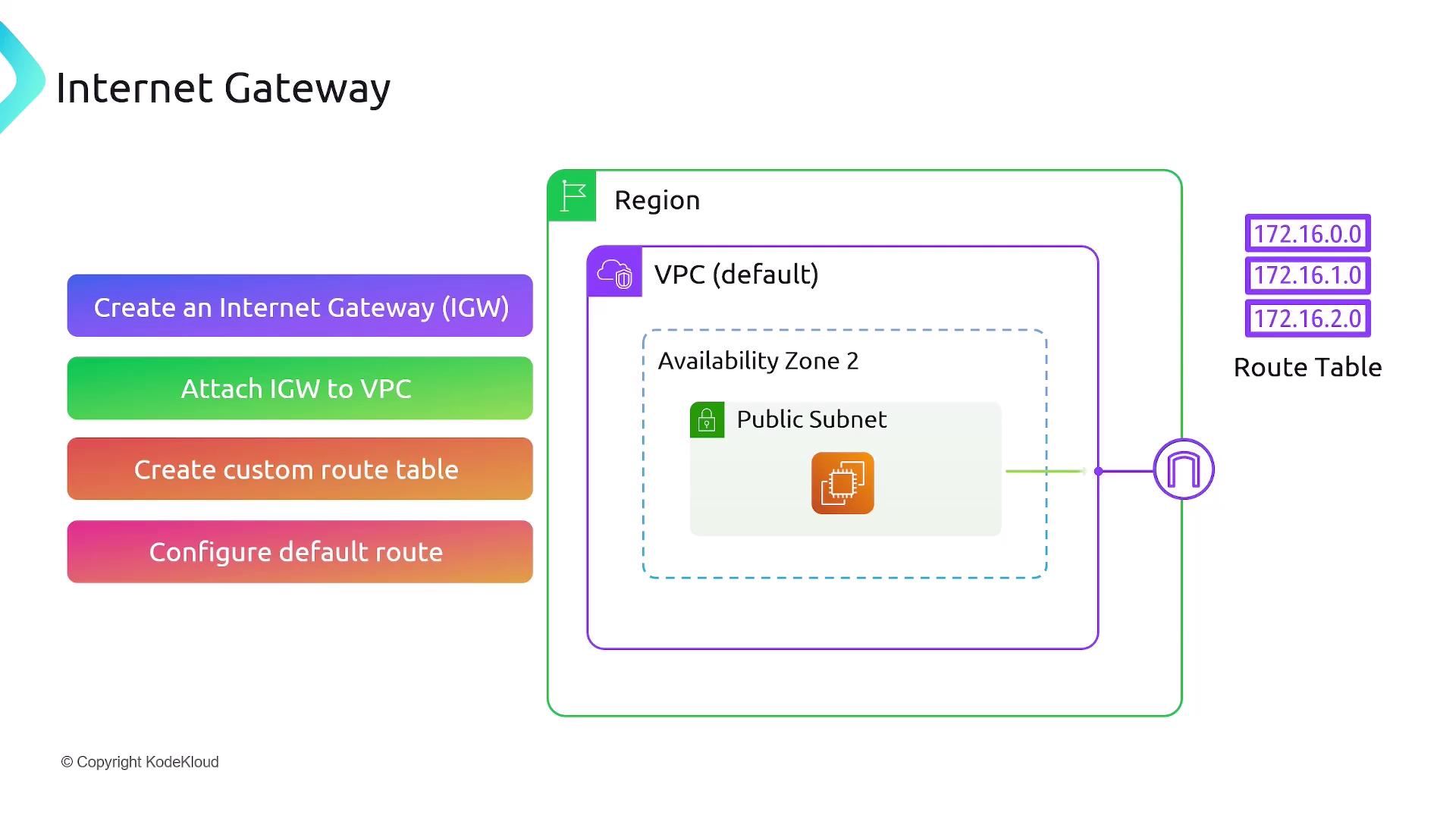
0.0.0.0/0 → igw-xxxxxxxx) ensures that any traffic not matching more specific routes is forwarded to the Internet Gateway. Associating your subnet with this route table makes it a public subnet, enabling instances to send and receive internet traffic.
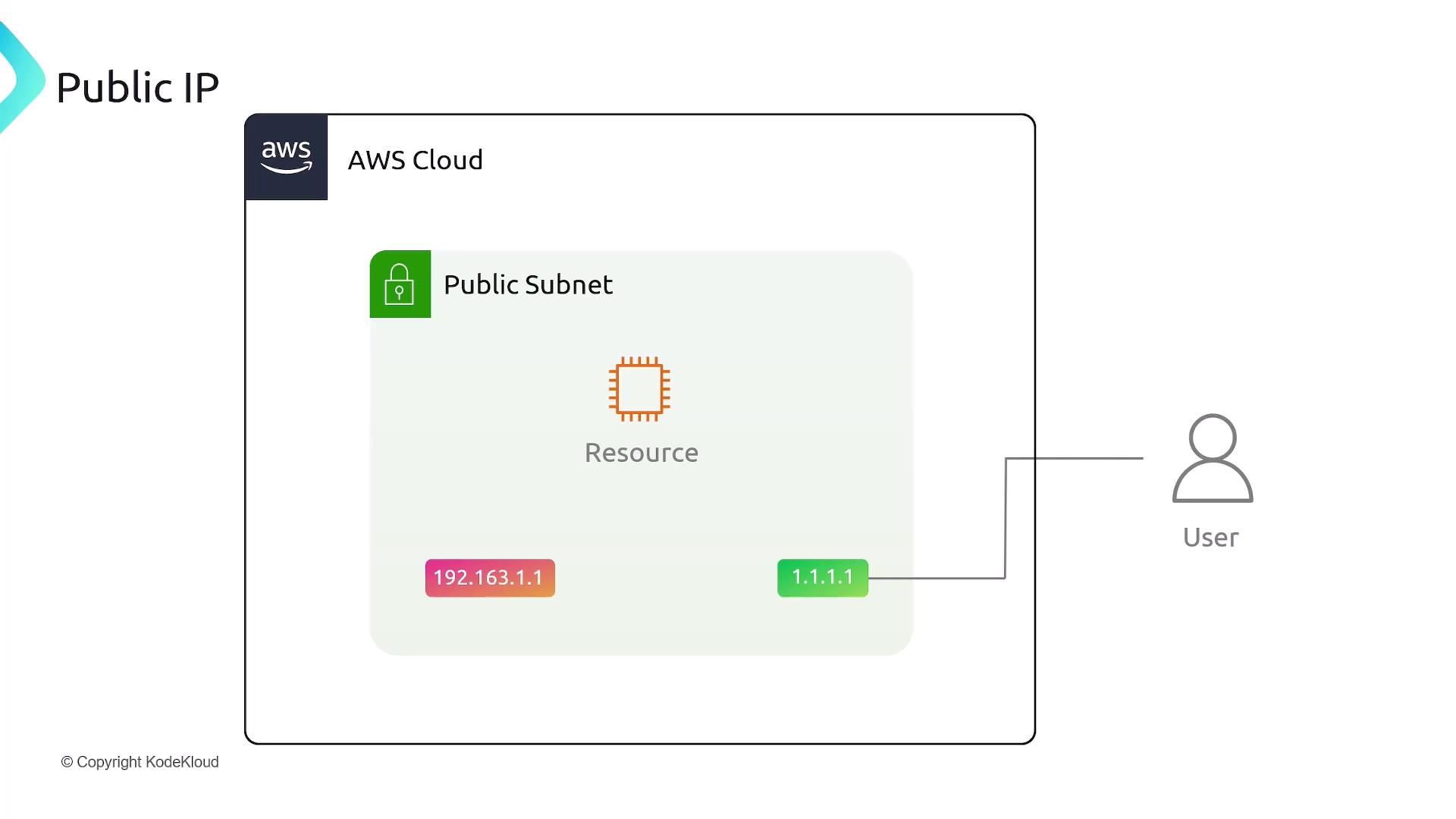
Public IP Assignment
Instances in a public subnet only receive a private IP address (e.g.,192.168.1.1) by default. To allow access from the internet, enable Auto-assign Public IPv4 address on the subnet or assign a public IP when launching the instance. This allocates a public IP (e.g., 1.1.1.1) and automatically maps it to the private IP.
From the instance’s perspective:
- Incoming requests target the public IP.
- AWS Network Address Translation (NAT) translates the public IP to the instance’s private IP.
- The instance processes traffic using its private IP, unaware of the public endpoint.
Summary