

project.toml descriptor to the root of your project so pack (Cloud Native Buildpacks’ CLI) automatically uses your preferred defaults — for example the builder image — without requiring --builder on every pack build invocation.
Previously you might have run pack like this:
project.toml keeps those defaults versioned with your source and makes builds reproducible across environments.
Place
project.toml at the project root — the same directory you pass to pack build --path. Pack reads this descriptor during the build process.Minimal project.toml (set the builder)
Createproject.toml in your project root with a minimal descriptor that configures the builder:
--builder flag:
Exclude files from the build context
By default buildpacks copy your project files into the build workspace. Use theexclude array under [io.buildpacks] to prevent files or directories from being copied into the image (for example node_modules, .env, test folders, or temporary files).
Create a dummy file to demonstrate:
project.toml to exclude specific files:
- Strings must be quoted properly; arrays must follow TOML syntax.
- Avoid trailing commas in arrays — TOML parsers can error on them.
If
pack build reports a TOML parse error, check project.toml for unclosed quotes, misplaced commas, or accidental newlines inside string values. Fix the syntax and rebuild.Include instead of exclude (explicit include list)
Instead of excluding specific files, you can choose to exclude everything by default and explicitly include only the files you want usinginclude:
Additional options: build environment, groups, and metadata
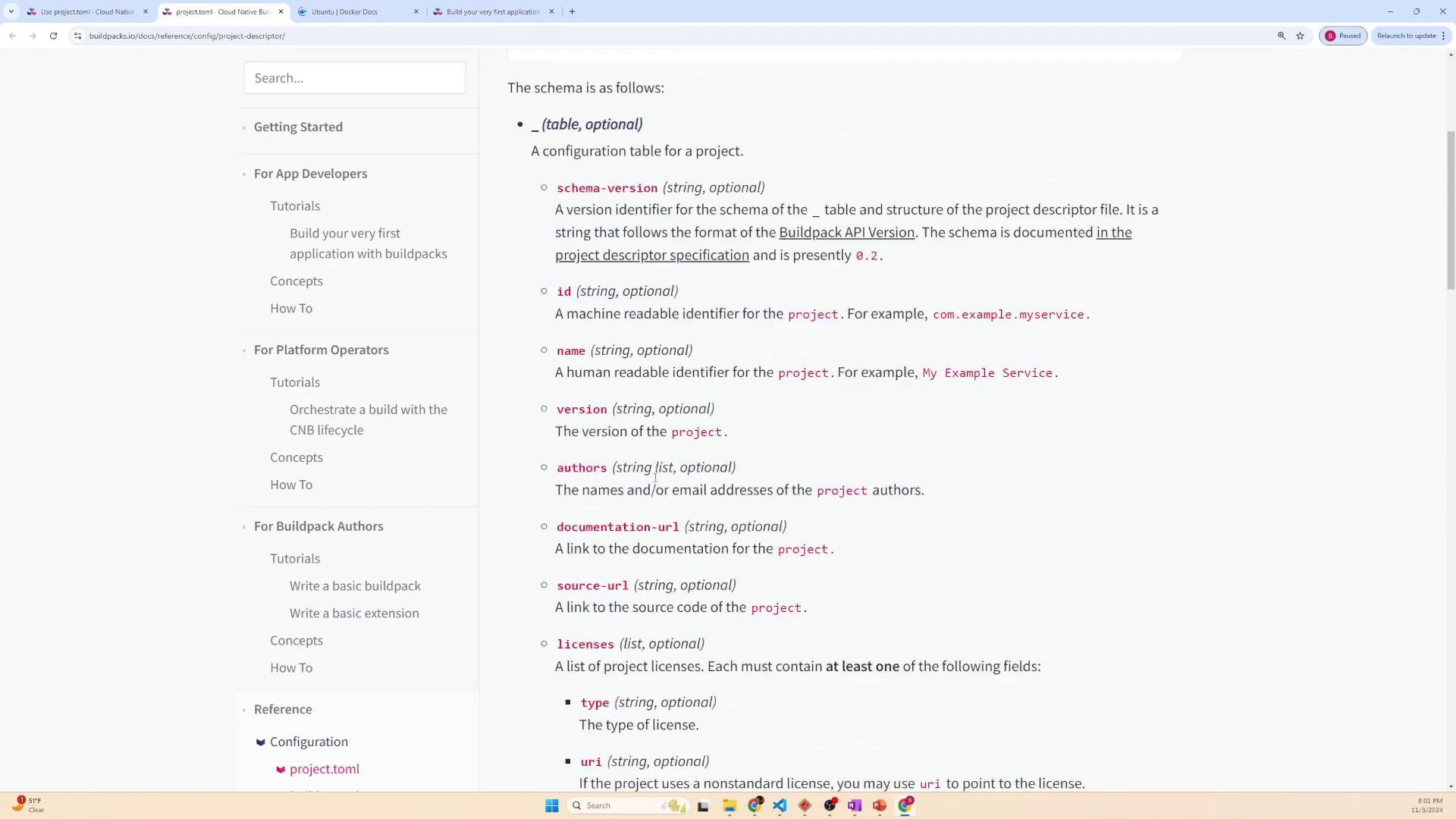
The project descriptor supports many advanced options: build-time environment variables, grouping buildpacks, project metadata, and more. Example:project.toml fields:
For the full schema and all available fields, review the Cloud Native Buildpacks project descriptor documentation.
Summary
Usingproject.toml:
- Centralizes builder and build configuration with your source.
- Makes builds reproducible and shareable across teams.
- Lets you control what goes into the build context with
include/exclude. - Supports additional build-time configuration like env vars and buildpack groups.
- Cloud Native Buildpacks project descriptor docs: https://buildpacks.io/docs/reference/project-descriptor/
- pack CLI documentation: https://buildpacks.io/docs/tools/pack/