

Session, state, history — how they fit
- Session: the top-level container that tracks the conversation, user identity, and event history.
- State: a curated key/value store used to remember values the agent needs to continue a flow (progress markers, flags, decisions, preferences).
- History: the full transcript of messages and tool calls.
session.state to track a VPN troubleshooting flow:
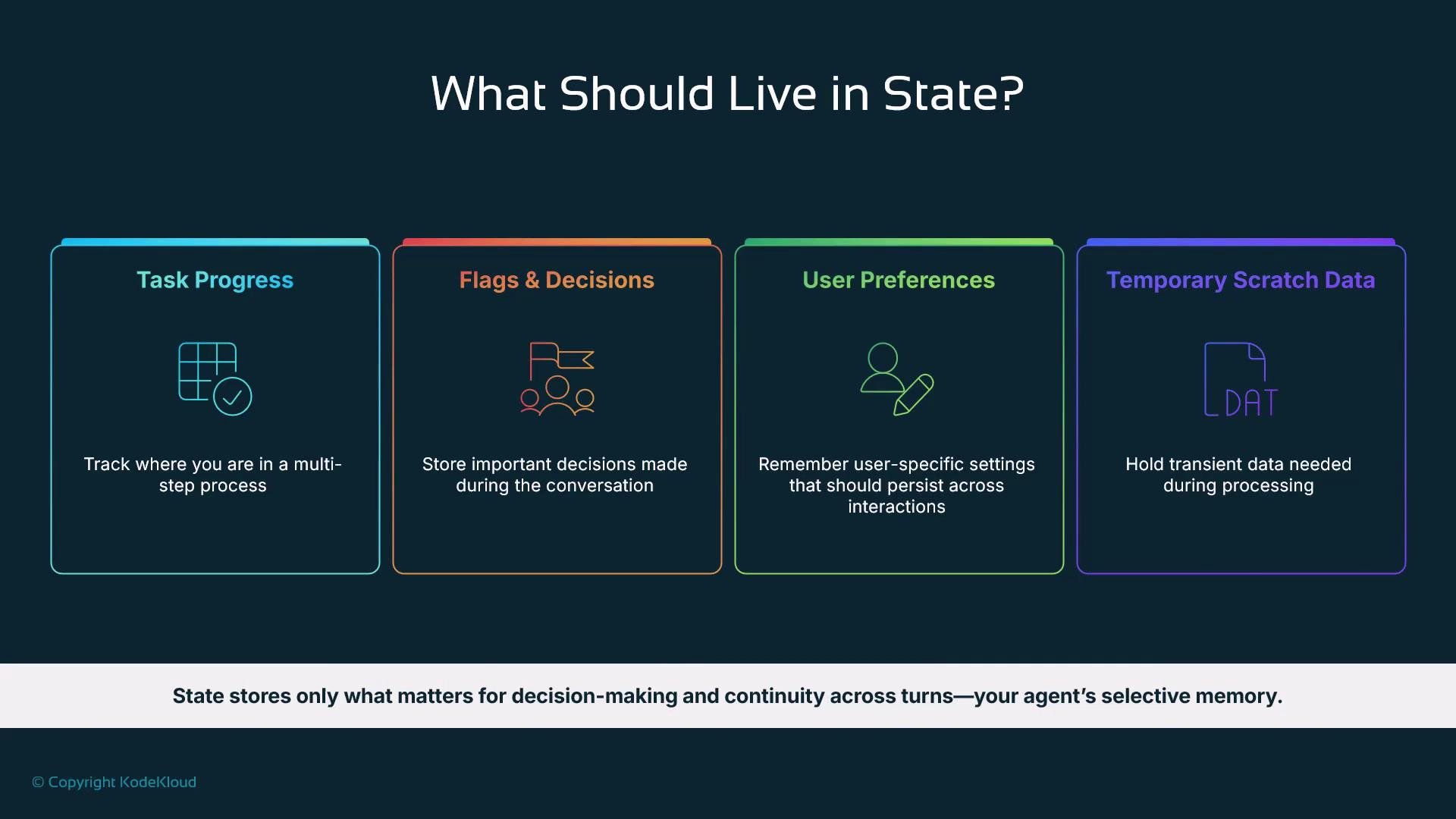
What belongs in state
Store only the small set of values that help the agent make decisions and continue a flow — not a verbatim copy of the transcript.
Use state for decision-making and continuity; keep it minimal and purposeful.
State key prefixes: scoping your data
ADK supports key prefixes to control the lifecycle and scope of state values. Prefixes make it easy to reason about how long values should live and who they apply to.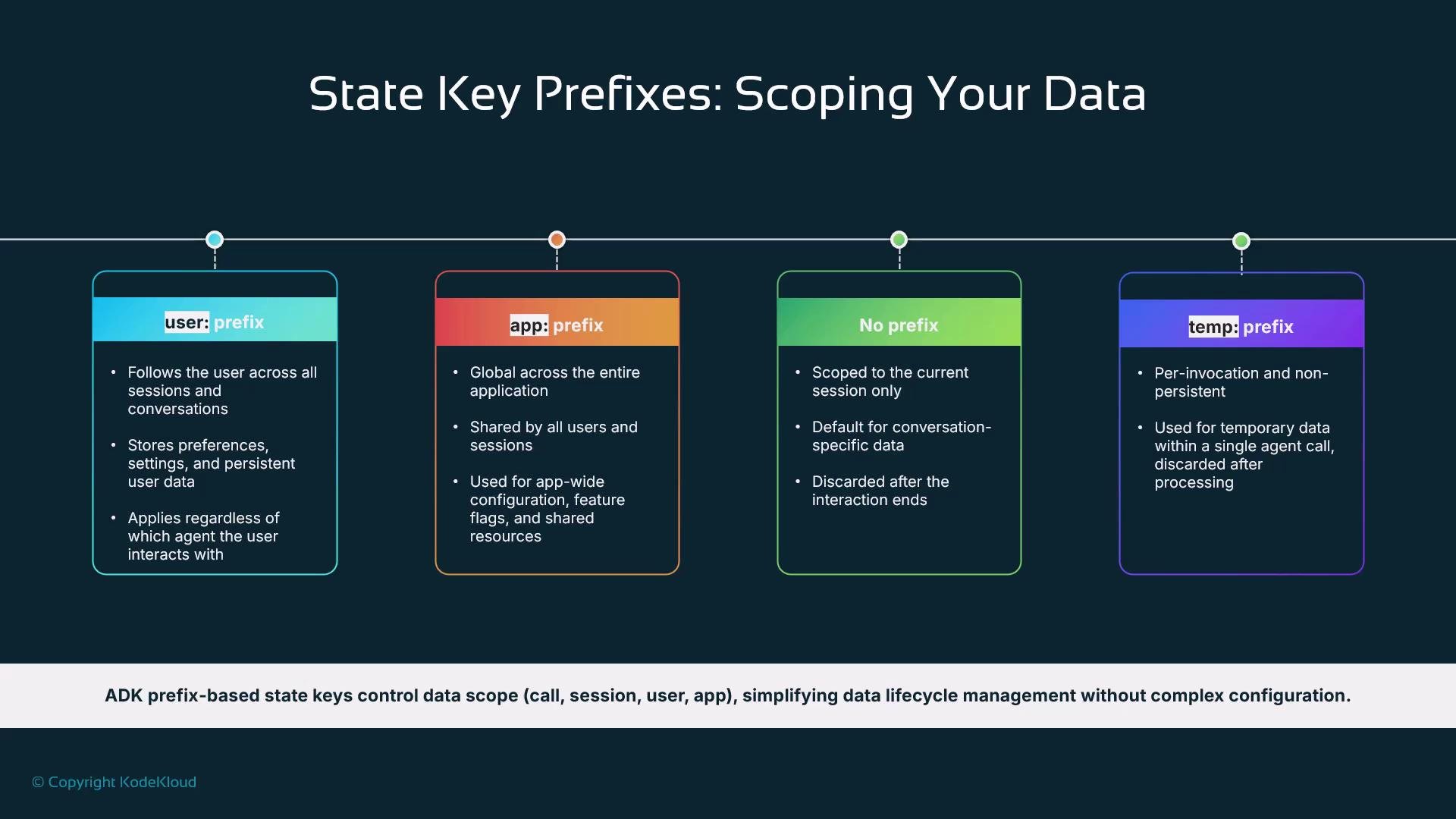
Prefixing keys keeps state predictable: use
temp: for per-invocation scratch, session keys for conversation continuity, user: for persistent preferences, and app: for global settings.
Keep state minimal and purposeful. Start with the smallest set of values that let the agent complete the flow, then expand only when necessary.
State strategy for our help desk assistant
For a help desk assistant, keep state intentionally small. Track only what you need to run the troubleshooting flow: the current issue type, troubleshooting progress, and any contextual user information that influences decisions. Avoid over-engineering state early; you can expand the schema as needs arise.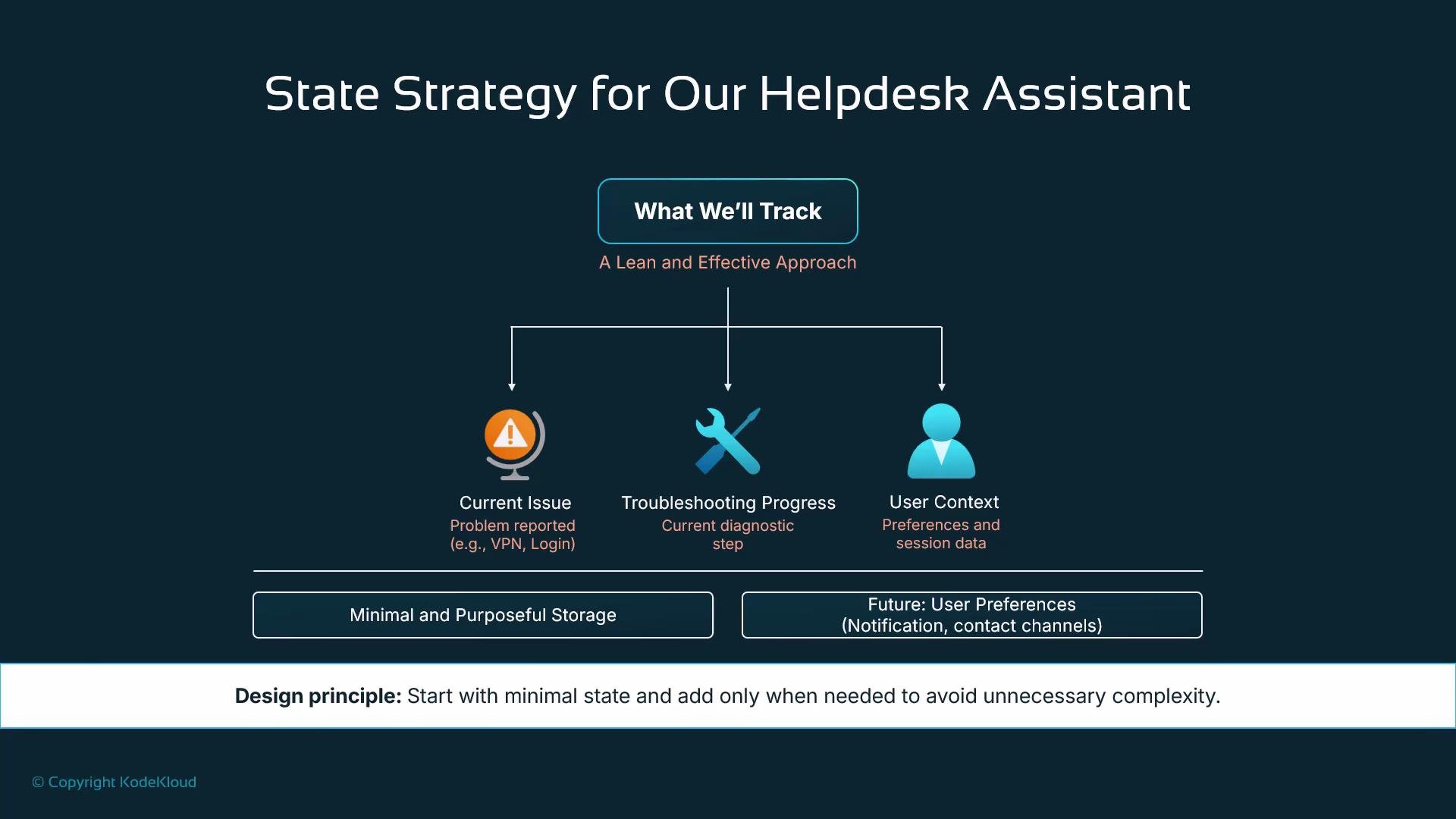
Injecting state into agent instructions (dynamic prompts)
A powerful ADK feature is automatic injection of state values into agent instruction templates. Write instruction templates with placeholders (for example,{topic} or {issue_type}), set session.state values, and ADK will replace those placeholders before sending the prompt to the LLM. This keeps templates simple and behavior context-aware without manual prompt assembly.
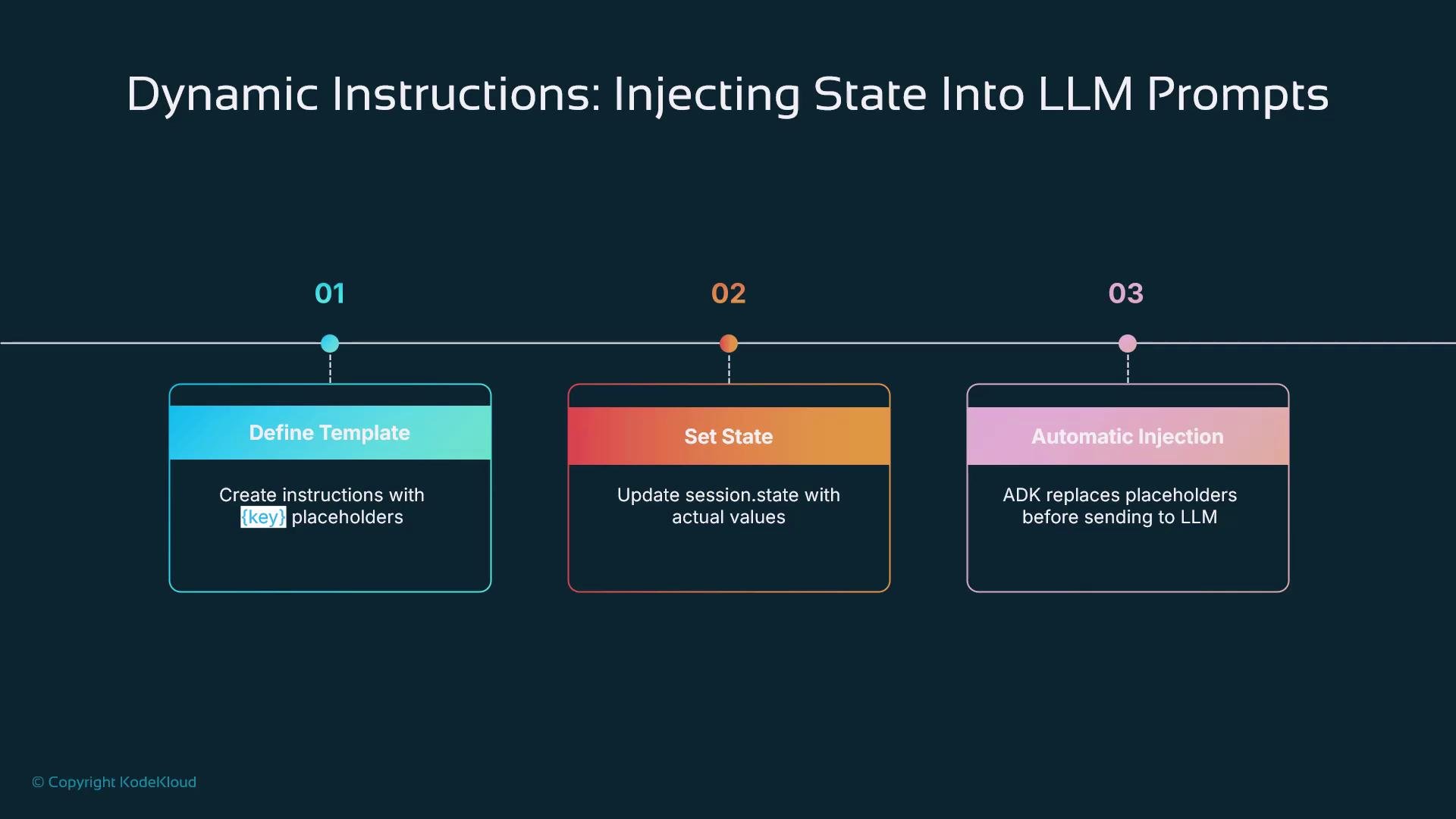
session.state["topic"] = "friendship", ADK will automatically replace {topic} with "friendship" before calling the model.
Automatic state updates: output_key and state deltas
ADK provides two primary ways to update state from agent runs:- output_key — a simple option where the agent’s final response is saved into
session.stateunder the provided key. - state delta / events — an advanced mechanism that emits precise state-change events for fine-grained control over updates (recommended for production workflows that require deterministic state changes).
Example: using
output_key to capture the last greeting
session.state["last_greeting"]. For production systems where you need exact control over what changes and when, use state-delta events instead.
Putting it together: a multi-step troubleshooting flow
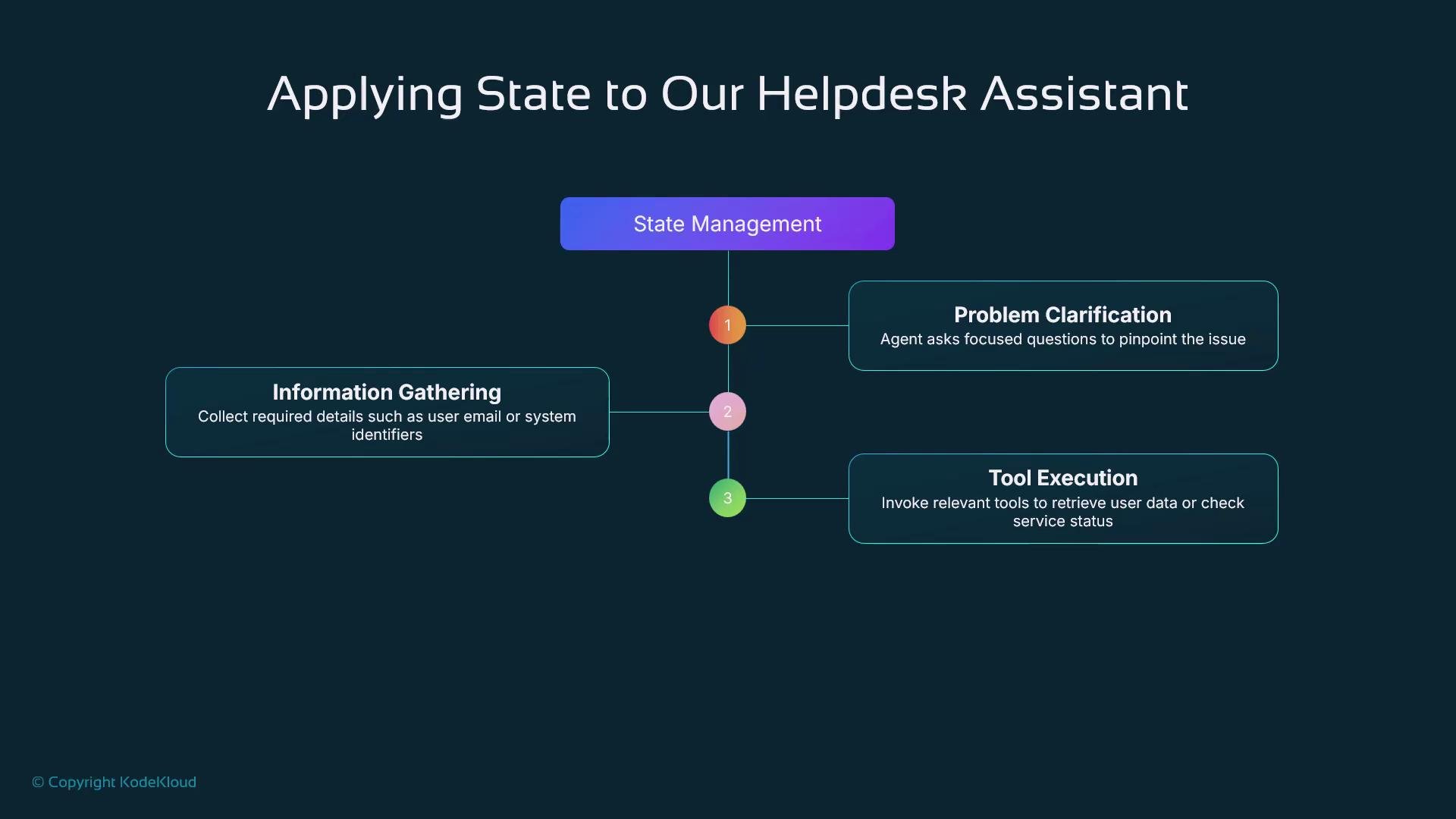
A typical smart IT help desk assistant models a structured flow:- Problem clarification — ask focused questions to identify the exact issue.
- Information gathering — collect required details (email, system ID).
- Tool execution — call tools to look up user data or check service status.
- Solution and next steps — present resolution or escalate.
session.state to track progress across these steps so the agent can pick up where it left off and follow deterministic workflows.
What’s next
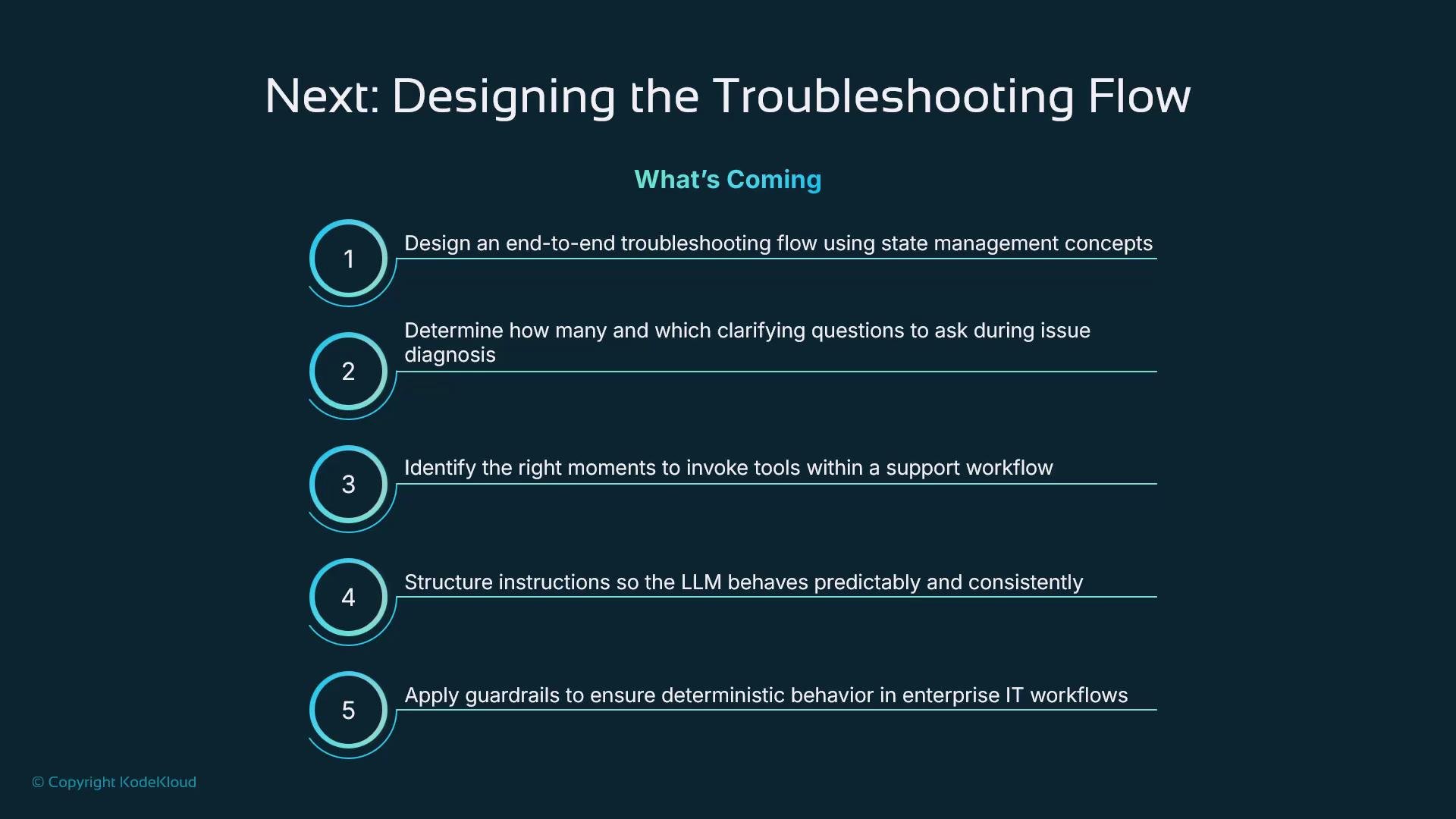
Next, we’ll design a complete troubleshooting flow and address key design choices:- How many clarifying questions to ask and when to stop
- When and how to invoke tools
- How to author instructions for predictable LLM behavior
- Guardrails and validation to ensure reliable enterprise workflows
Avoid storing sensitive personal data in long-lived state fields. Favor
session- or temp-scoped keys for transient data and ensure you comply with your organization’s privacy and retention policies.Links and references
- Google ADK documentation — ADK reference and guides
- Designing stateful conversational agents — patterns and best practices
- Kubernetes Basics — (general reference for deploying back-end tools)