

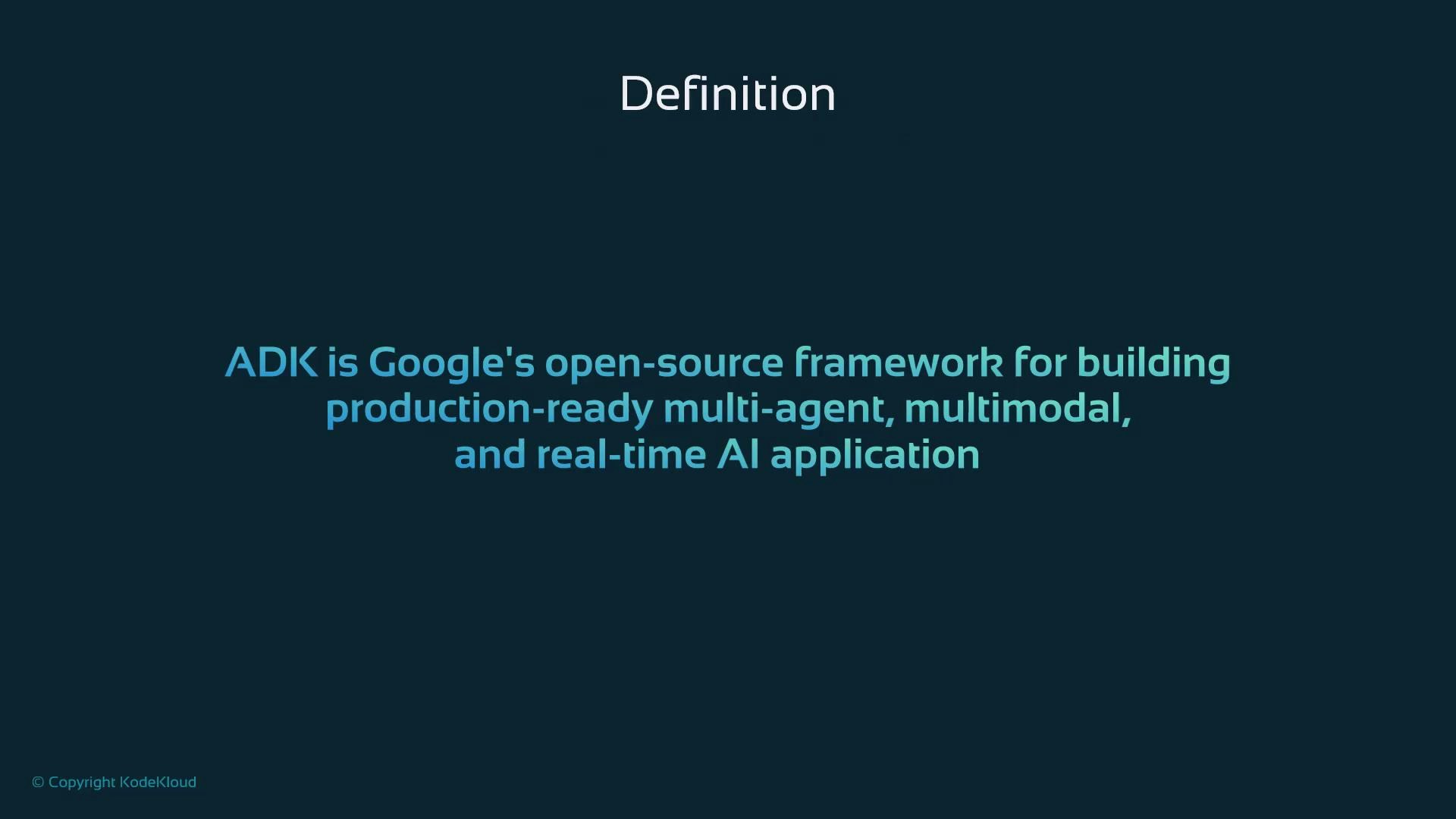
What is ADK?
ADK is Google’s open-source framework for building modern AI agents. An “agent” in ADK is a program that uses AI models to:- Parse and understand input (text, audio, image, video),
- Make decisions and orchestrate logic,
- Call external tools and APIs,
- Collaborate with other agents.
How ADK differs from simple chat UIs
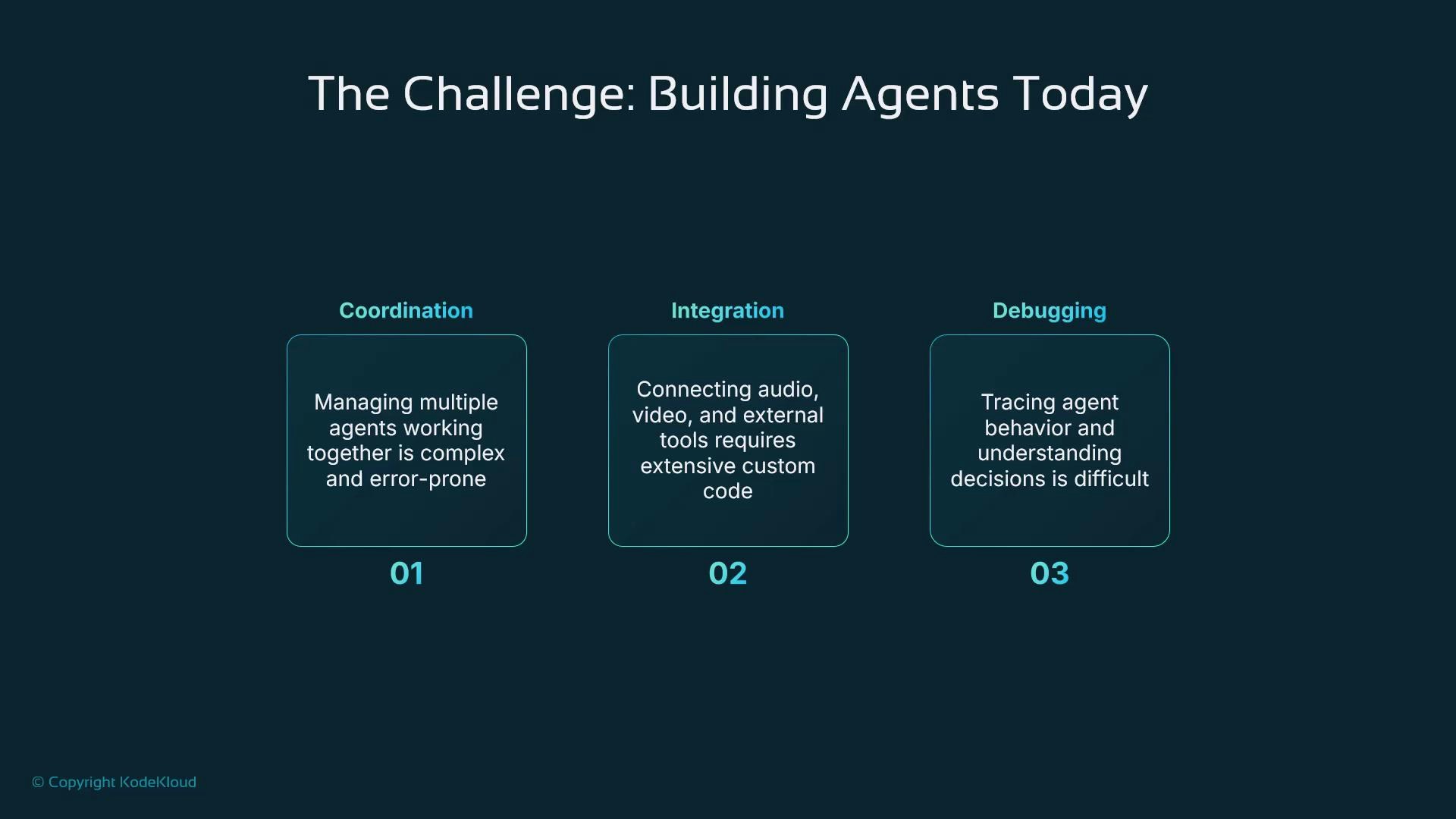
ADK goes beyond single-model chat interfaces or hosted chat APIs by focusing on structured multi-agent workflows, observability, and production concerns (routing, retries, tools integration, and streaming). It’s intended for developers building complex agent systems that need explicit roles, traceability, and robust integrations. Before reviewing ADK’s features, consider common challenges when building agent systems today:- Coordination: orchestrating multiple agents and sharing state reliably.
- Integration: connecting audio, video, external APIs, tools, and databases without brittle adapters.
- Debugging: tracing decisions and understanding why an agent chose a given action.
Core design principles
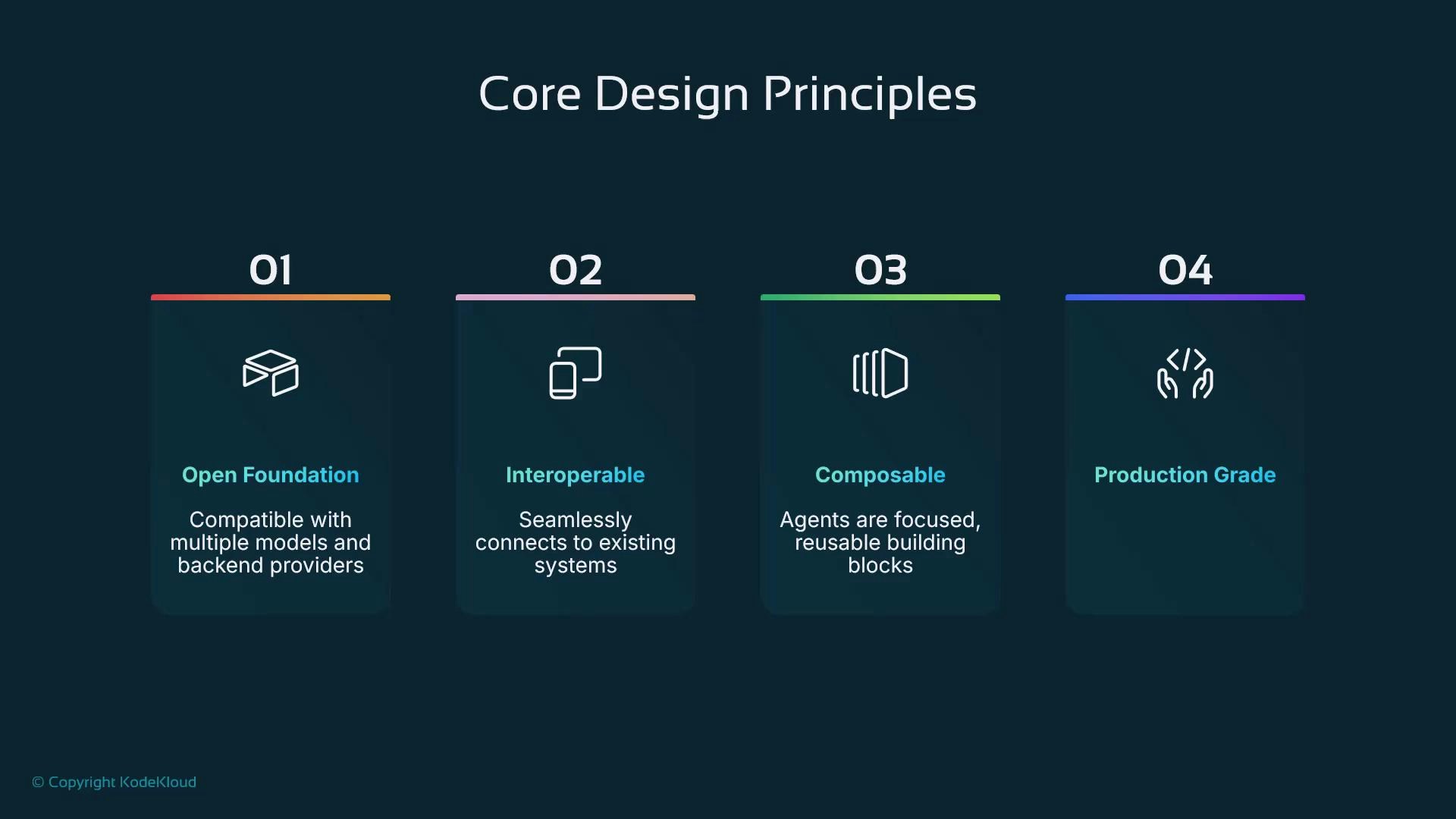
ADK is built around four principles:- Openness — freedom to choose models and deploy anywhere.
- Interoperability — easy integration with REST APIs, databases, and third-party services.
- Composability — agents are single-purpose components that combine like Lego pieces.
- Production-grade — designed for reliability and scalable production use.
Agent structure and collaboration
At its simplest, an ADK agent is a Python class. The class defines which model(s) to use, a short role description and instructions, and a process function that handles inputs, calls tools/APIs, and coordinates with other agents. Conceptually, an agent packages:- A model or model adapter,
- A behavior spec (prompting / instructions),
- Custom logic and tool integrations.
- A user request arrives at a parent (coordinator) agent.
- The parent analyzes the request and delegates subtasks to specialized sub-agents — for example, a planner, a generator, or a validator.
- Sub-agents perform their roles and return outputs.
- The parent aggregates results, resolves conflicts, and returns a consolidated response.
Multimodal & real-time capabilities
ADK supports text, audio, images, and video. It also supports streaming to enable low-latency, real-time responses — ideal for voice assistants, vision pipelines, and live chat applications.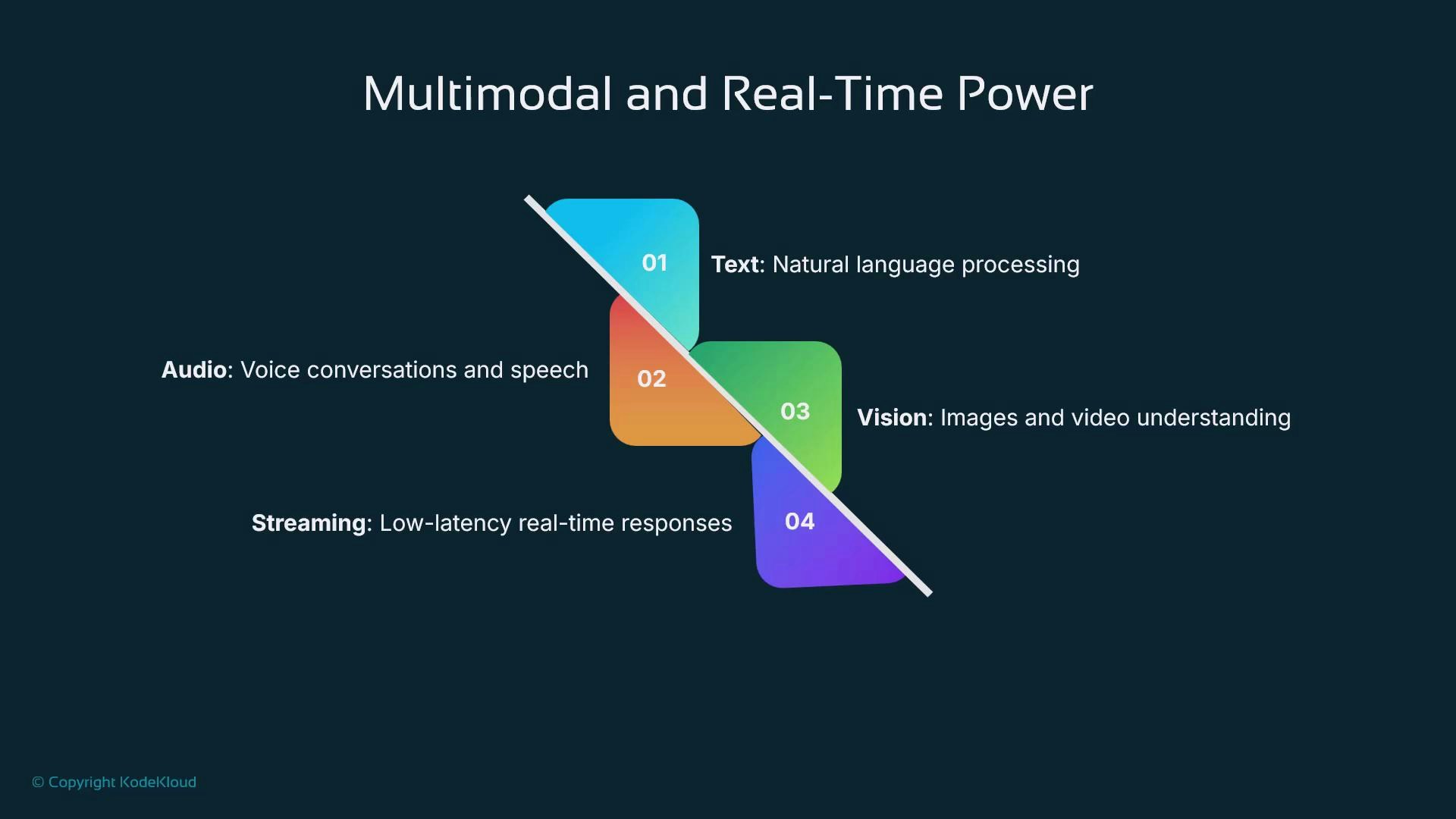
Developer convenience: ADK Web
ADK Web gives you a local web UI to interact with agents using text, images, and audio — no frontend coding required. It includes an event view that shows requests, responses, and traces in real time to simplify debugging. Run the web UI locally with:Tip: Use ADK Web for interactive development and to inspect event traces. Real‑time event logging in ADK Web speeds up debugging and helps you understand agent decisions.
Example workflow: Trip planner
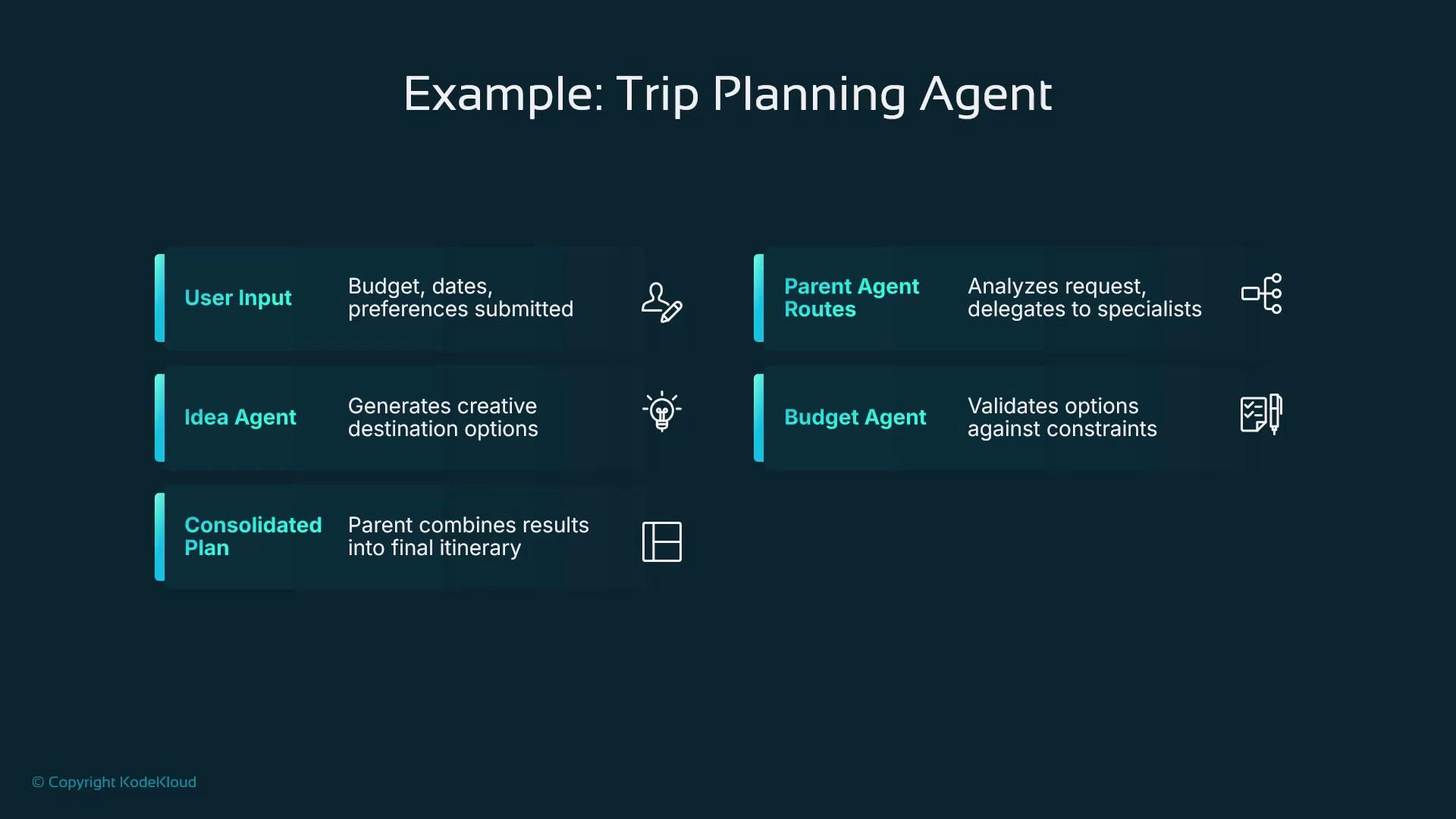
A concrete example illustrates how parent and sub-agents collaborate. For a trip planner:- The user provides budget, dates, and preferences.
- The parent agent routes subtasks to domain sub-agents:
- Ideas Agent: suggests destinations and experiences.
- Budget Agent: checks costs and fits options into the budget.
- Booking Agent: validates availability or prepares booking steps.
- The parent agent consolidates sub-agent outputs into a final itinerary.
Common agent types and examples
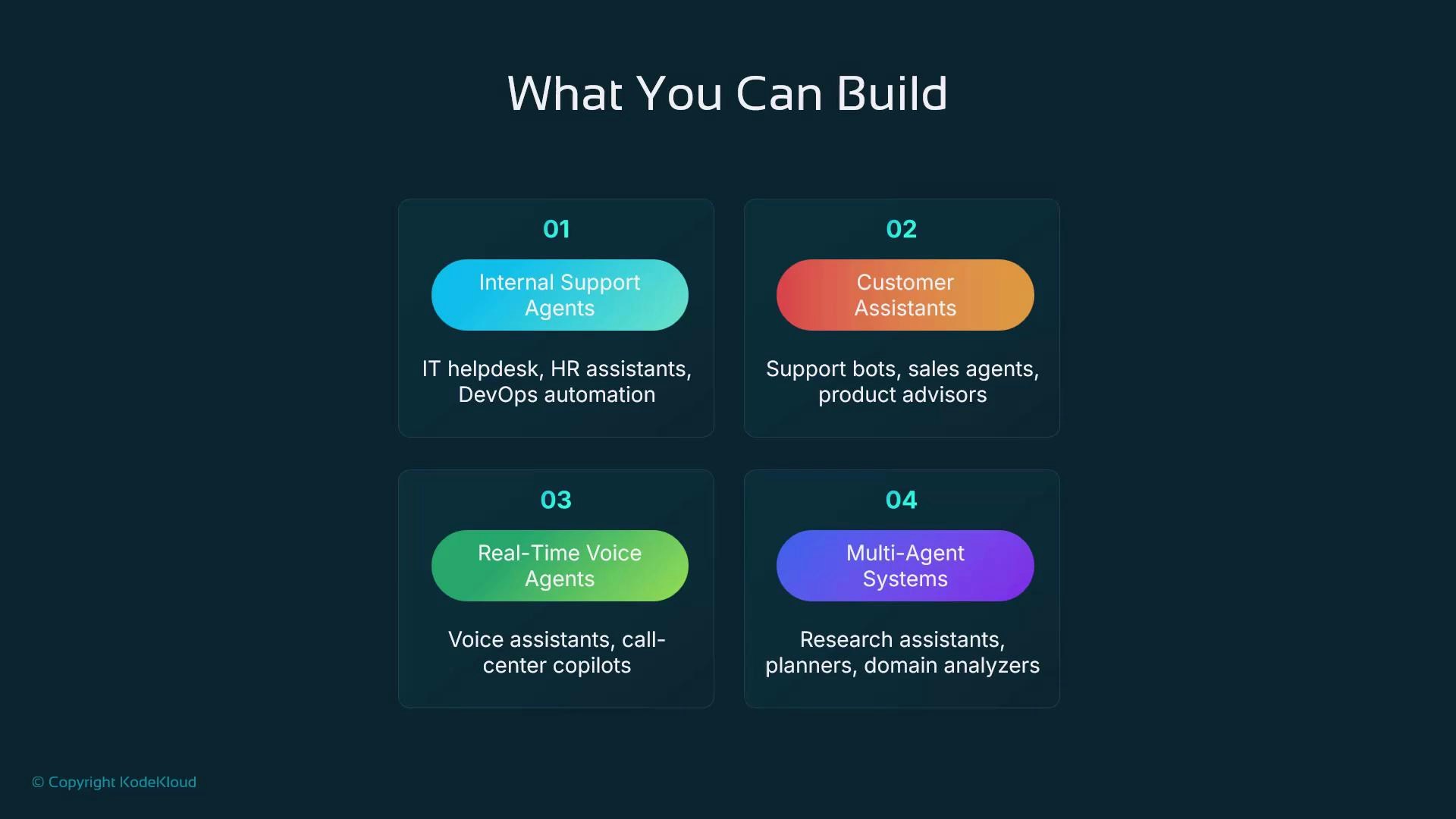
If you can describe a workflow, ADK can help model that workflow as a network of agents.
Getting started — recommended steps
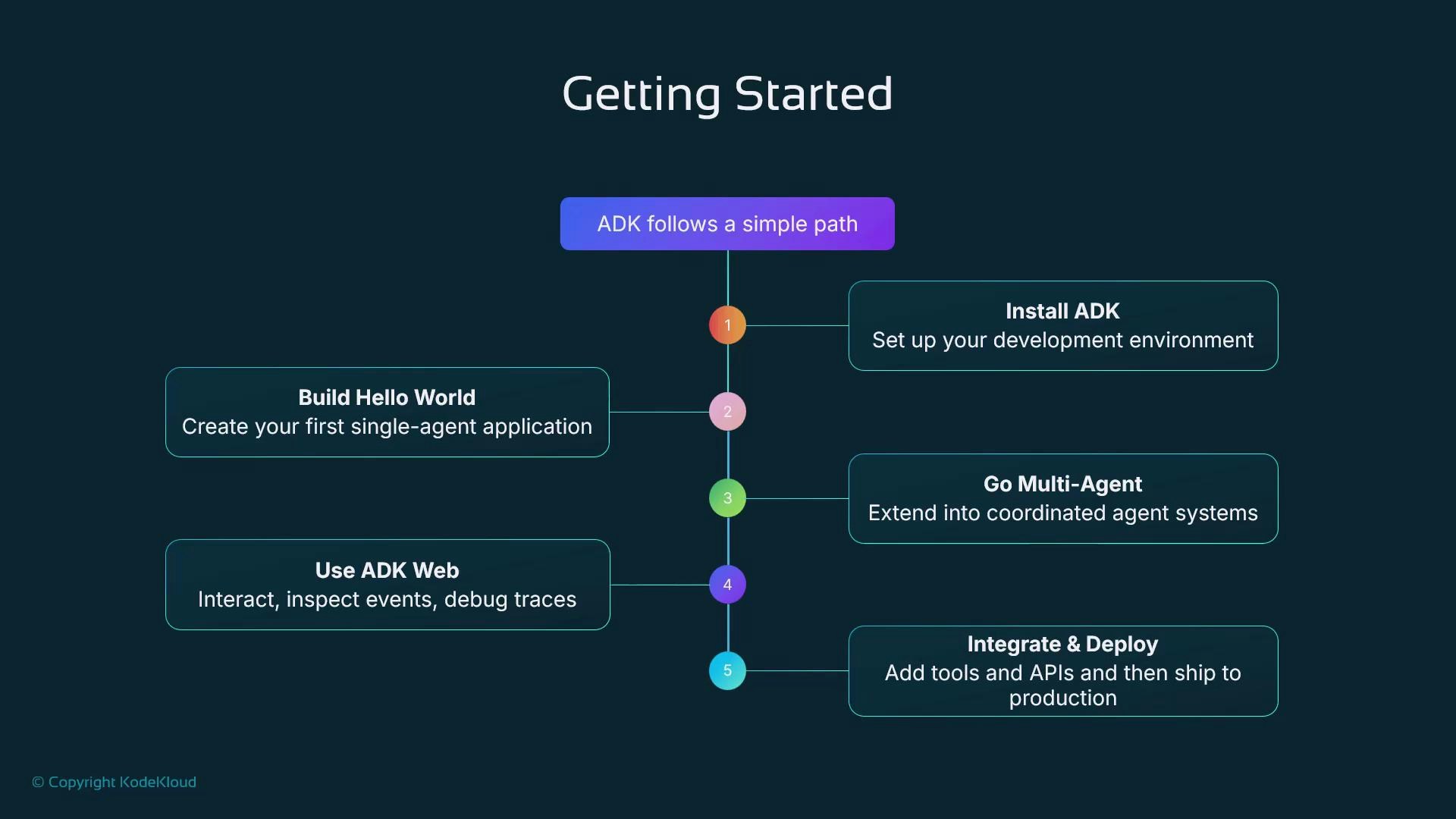
- Install ADK and configure your development environment.
- Build a simple “hello world” single-agent app to learn the basics.
- Extend to multi-agent workflows and add explicit routing.
- Use ADK Web to interact with agents and inspect event traces.
- Integrate external services (APIs, databases) and deploy to your chosen infrastructure.
Production checklist: pay attention to data privacy, model cost management, rate limiting, latency budgets, and observability before you deploy. Use ADK’s tracing and logging to validate behavior under load.
Why ADK for production
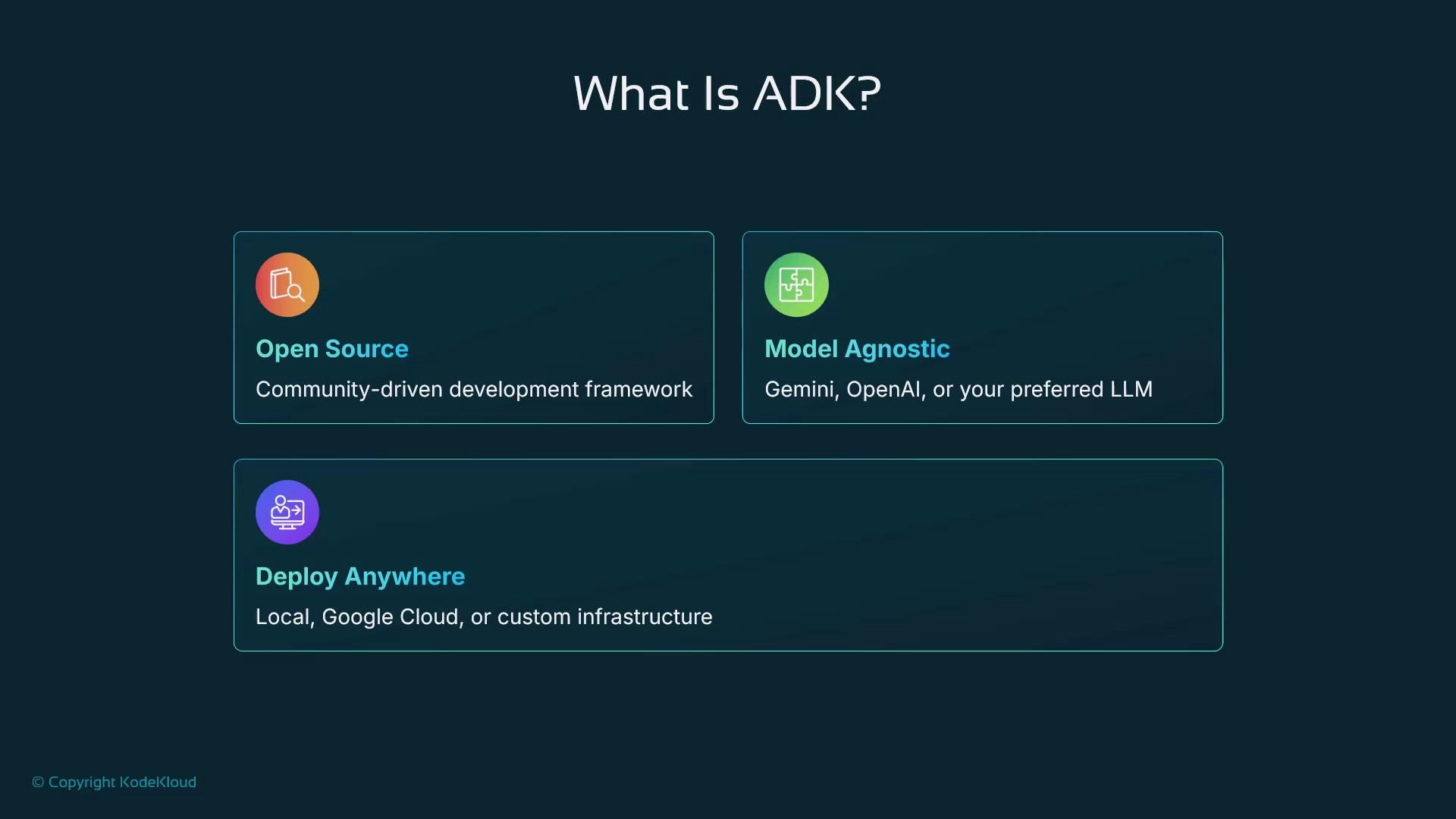
ADK is open source and model-agnostic, enabling fast prototyping and straightforward migration to production without vendor lock-in. Reuse proven patterns for coordination, integration, and observability to accelerate delivery of reliable agent systems.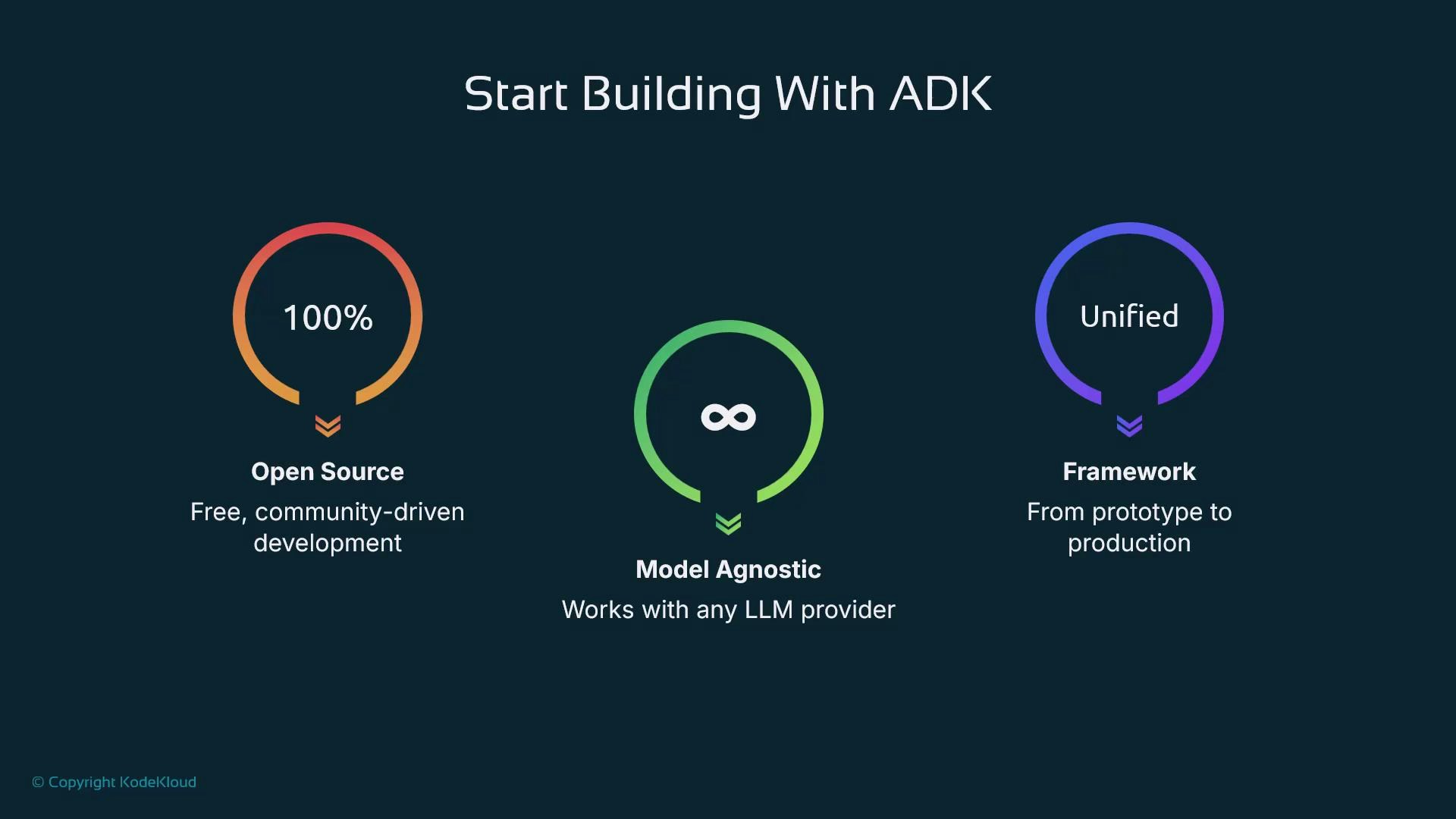
Course roadmap
This course will cover:- Installation and environment setup
- Building a hello-world agent
- Multi-agent coordination patterns and best practices
- Using ADK Web to debug events and traces
- Integrating external services and deploying agents to production
- Google Generative AI Developer Site (Gemini)
- OpenAI
- ADK repository and documentation (check the official project pages for the latest install and API docs)