Welcome to the Google ADK course. I’m Jeremy Morgan, and I’m excited to guide you through the Agent Development Kit (ADK) — Google Cloud’s toolset for building intelligent cloud automation agents. This course focuses on practical, production-oriented agent design so you can move quickly from prototype to real-world automation.
A futuristic graphic of a robotic hand touching hexagonal tiles labeled "AUTOMATION" with blue icons for robotics, cloud, and connectivity. A small circular inset photo of a man appears in the lower-right corner.
This course is hands-on. Each module includes labs where you’ll implement, test, and iterate on ADK agents using realistic environments and data.
This course emphasizes practical labs that let you build, test, and iterate on ADK agents in realistic scenarios.
Course overview Below is a concise module breakdown so you can scan learning outcomes and the practical skills you’ll acquire.
ModuleFocusWhat you’ll learn / deliverable
IntroductionADK fundamentals & project structureWhat ADK is, how it fits into Google Cloud, and a walkthrough of a typical ADK project.
Building ADK agentsAgent design, tools, workflowsScaffold projects, create agents from scratch, define custom tools and workflows, and connect to APIs/data.
Deploy & OperateProduction hardening & observabilityDeploy agents to production, secure them, implement structured outputs, and build evaluation pipelines.
Labs & EvaluationIteration and metricsHands-on labs that reinforce design patterns, error handling, and measuring agent quality and safety.
Key learning outcomes
  • Understand the role of ADK for cloud automation and how it integrates with Google Cloud services.
  • Build LLM-backed agents that can reason, call tools, and produce structured outputs.
  • Design workflows and tools so agents can operate safely and reliably in production.
  • Implement observability and evaluation to continuously measure and improve agent performance.
Example — instantiating a simple ADK agent Here’s a typical instantiation of an LLM-backed Agent in ADK. This example shows the common fields you’ll specify: a model, descriptive metadata, initial instruction text, and where tools are attached (tools list is empty for now, and you’ll expand it in later modules).
from google.adk.agents.llm_agent import Agent

root_agent = Agent(
    model="gemini-2.5-flash",
    name="helpdesk_root_agent",
    description="Smart IT Helpdesk assistant that helps troubleshoot basic IT issues.",
    instruction=(
        "You are a friendly but efficient IT helpdesk assistant for an internal company.\n"
        "\n"
        "Goals:\n"
        "1. Quickly understand the user's problem.\n"
        "2. Ask one or two clarifying questions if needed.\n"
        "3. Give clear, step-by-step instructions they can follow.\n"
        "4. Keep answers concise and practical.\n"
        "\n"
        "Constraints for now:\n"
        "- You do NOT have access to tools yet.\n"
        "- Don't claim to check real systems.\n"
        "- Use phrases like 'Based on common IT practice...' instead of pretending.\n"
    ),
    tools=[],
)
What this gives you
  • A working ADK agent shell that can be executed in simulated or interactive sessions.
  • A foundation to attach tools (APIs, database queries, monitoring hooks) and define structured outputs for downstream automation.
Deploying and operating ADK agents This course covers how to move agents from development into production with safety and observability in mind:
  • Secure and harden agents (authentication, least privilege, and data handling).
  • Use structured outputs and agent-level schemas to make responses machine-interpretable.
  • Implement resilience patterns, retries, and robust error handling.
  • Build evaluation and monitoring pipelines to measure agent correctness, latency, and safety.
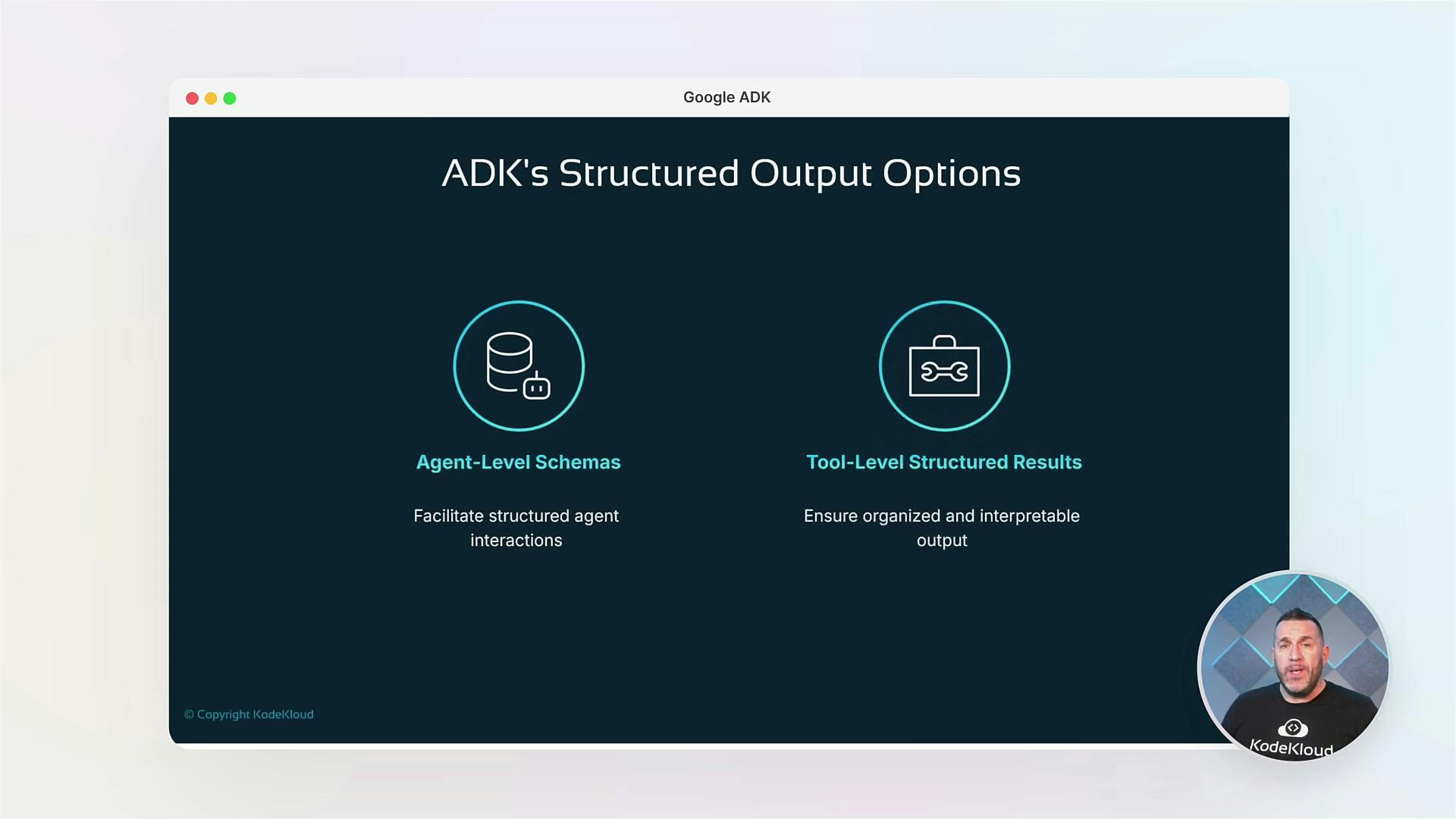
A presentation slide titled "ADK's Structured Output Options" showing two sections: "Agent-Level Schemas" (facilitate structured agent interactions) and "Tool-Level Structured Results" (ensure organized and interpretable output) with matching icons. There's also a small circular presenter video thumbnail in the bottom-right.
When moving to production, prioritize secure credentials, strict access controls, and thorough testing of tool integrations. Agents with access to live systems should have monitored fallbacks and clear audit trails.
Community and next steps We believe a strong community accelerates learning. Connect, ask questions, and share your agent projects with peers and mentors. Recommended resources Skills you’ll walk away with
  • Designing LLM-powered automation agents for cloud operations.
  • Implementing tools, workflows, and structured outputs for reliable automation.
  • Deploying and operating agents with observability and safety controls.
Are you ready to harness Google ADK and transform your cloud automation skills? Let’s get started.